Set monitor configuration/rotation for login screen
I have a specific configuration set up in Bazzite for my monitors: my main monitor needs setting as primary, and my secondary monitor needs rotating 90 degrees clockwise. This is all fine past the point of logging in, but on the login screen itself this configuration is not respected. Focus begins on the secondary monitor, and it is also not rotated correctly.
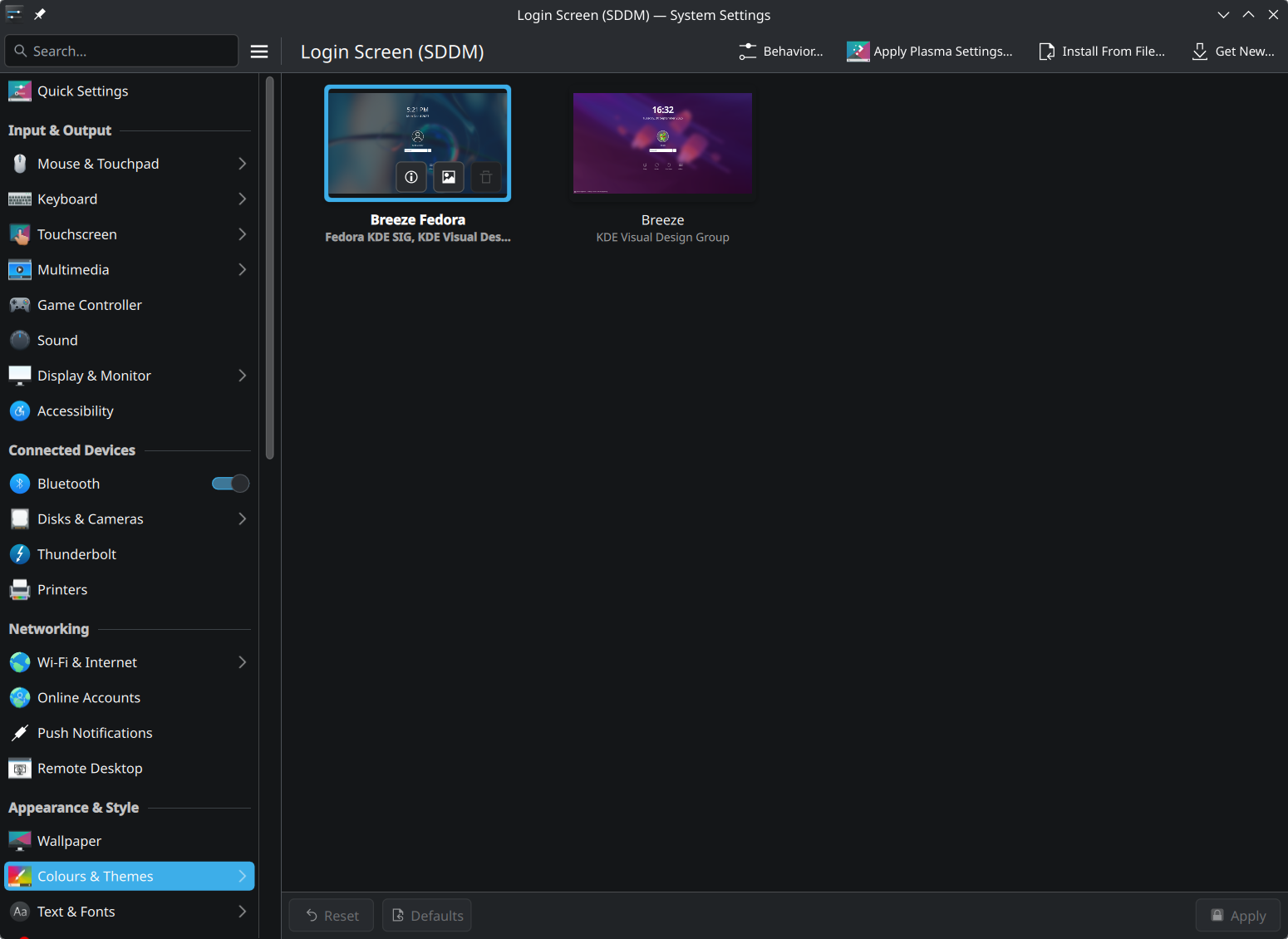
Is there a way in Bazzite to apply a monitor configuration to the login screen? I feel like I've seen "Set current configuration as login screen configuration" somewhere regarding Wayland, but I can't seem to find it in the Bazzite display settings. I've seen some articles online about setting this up for X, but I suspect this wouldn't work for Wayland.
Is there a way in Bazzite to apply a monitor configuration to the login screen? I feel like I've seen "Set current configuration as login screen configuration" somewhere regarding Wayland, but I can't seem to find it in the Bazzite display settings. I've seen some articles online about setting this up for X, but I suspect this wouldn't work for Wayland.