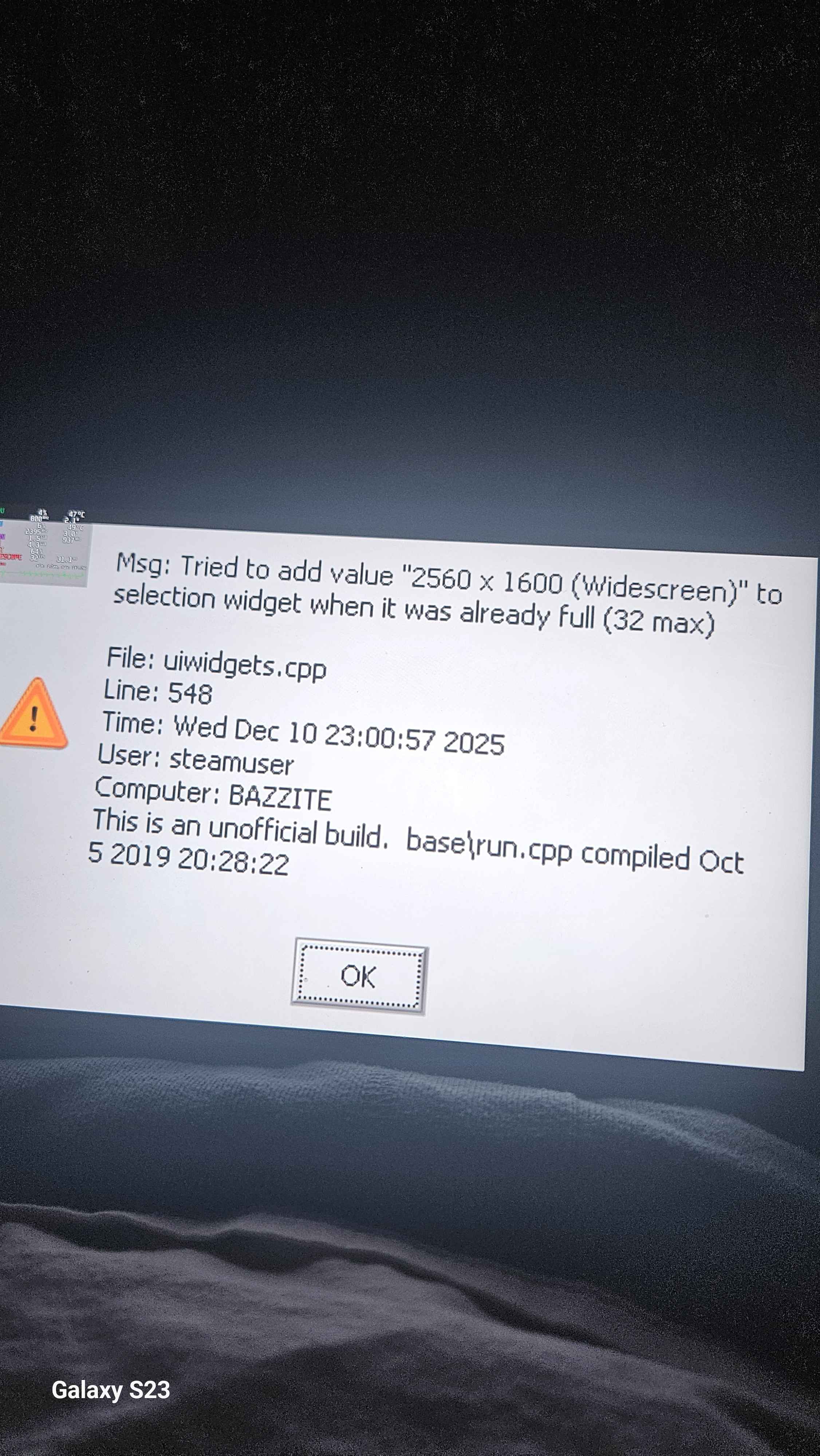
How to delete virtual resolutions?
questionbug
I was playing Ghostbusters remastered and changed the steam game setting resolution and now when I go into the ingame settings it gives an error and crashes. I googled this error, apparently it's caused by too many virtual resolutions being detected by the game and the solution is going into Nvidia control panel and deleting them. However, this is a legion go with bazzite, and I can't find a way to delete all the virtual resolutions I've made. You now see my issue...