HGL
HGLcold-orange
How to Install Steam for Windows in Heroic (macOS)
🍎macOS✅solved
Hi,
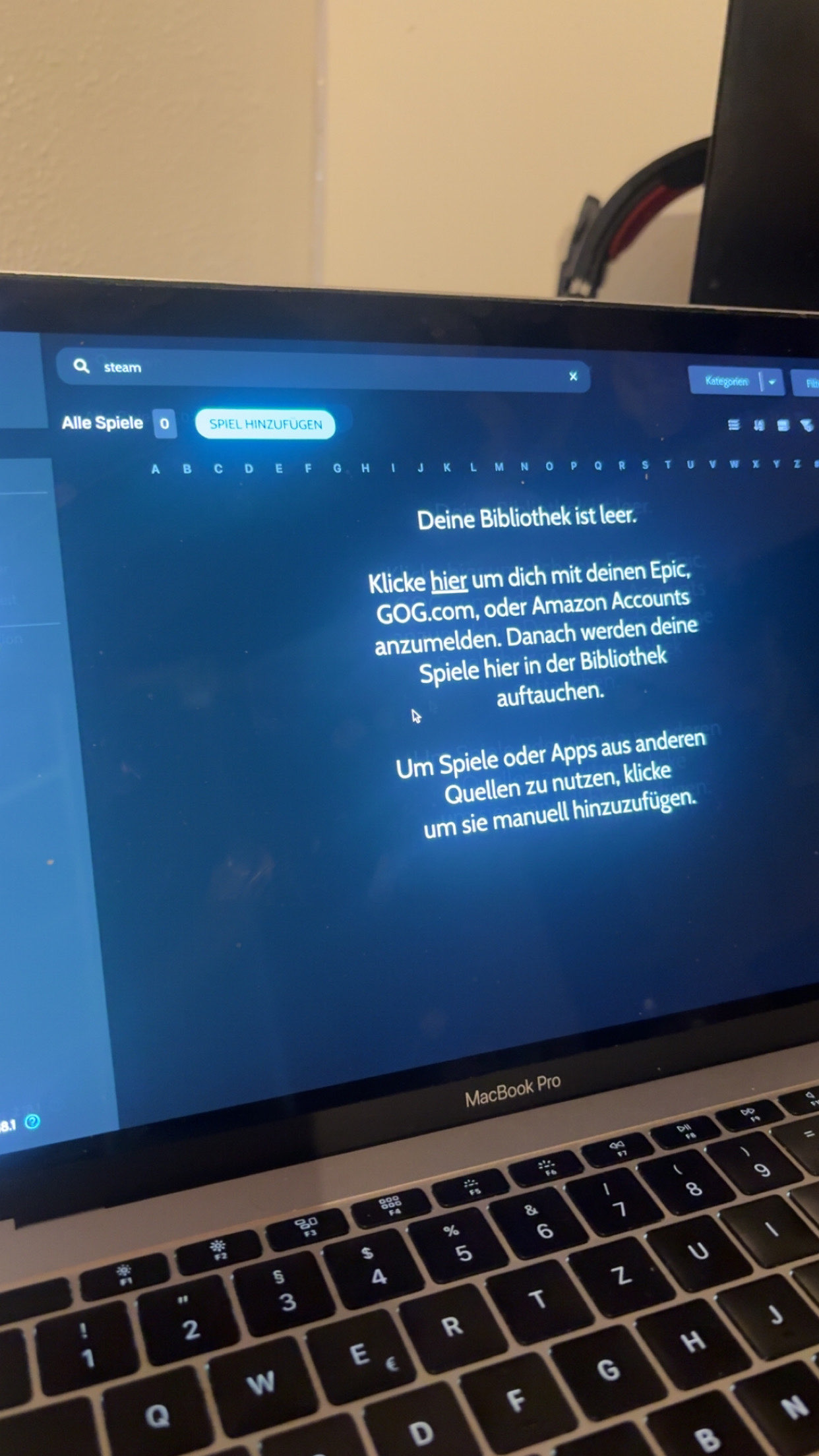
I’m using Heroic Games Launcher (version 2.18.1) on macOS and I want to install Steam for Windows to play Windows-only Steam games.
My library is completely empty. I do not see any “Install Steam” button. The only option available is “Add Game”, where I have to manually enter a game title, choose a platform (Windows/Mac), and select an executable file.
My question is:
How can I properly install the Windows version of Steam through Heroic when the “Install Steam” button is not shown?
Thanks for your help!
I’m using Heroic Games Launcher (version 2.18.1) on macOS and I want to install Steam for Windows to play Windows-only Steam games.
My library is completely empty. I do not see any “Install Steam” button. The only option available is “Add Game”, where I have to manually enter a game title, choose a platform (Windows/Mac), and select an executable file.
My question is:
How can I properly install the Windows version of Steam through Heroic when the “Install Steam” button is not shown?
Thanks for your help!