
NTFS Warning
question
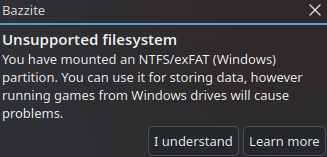
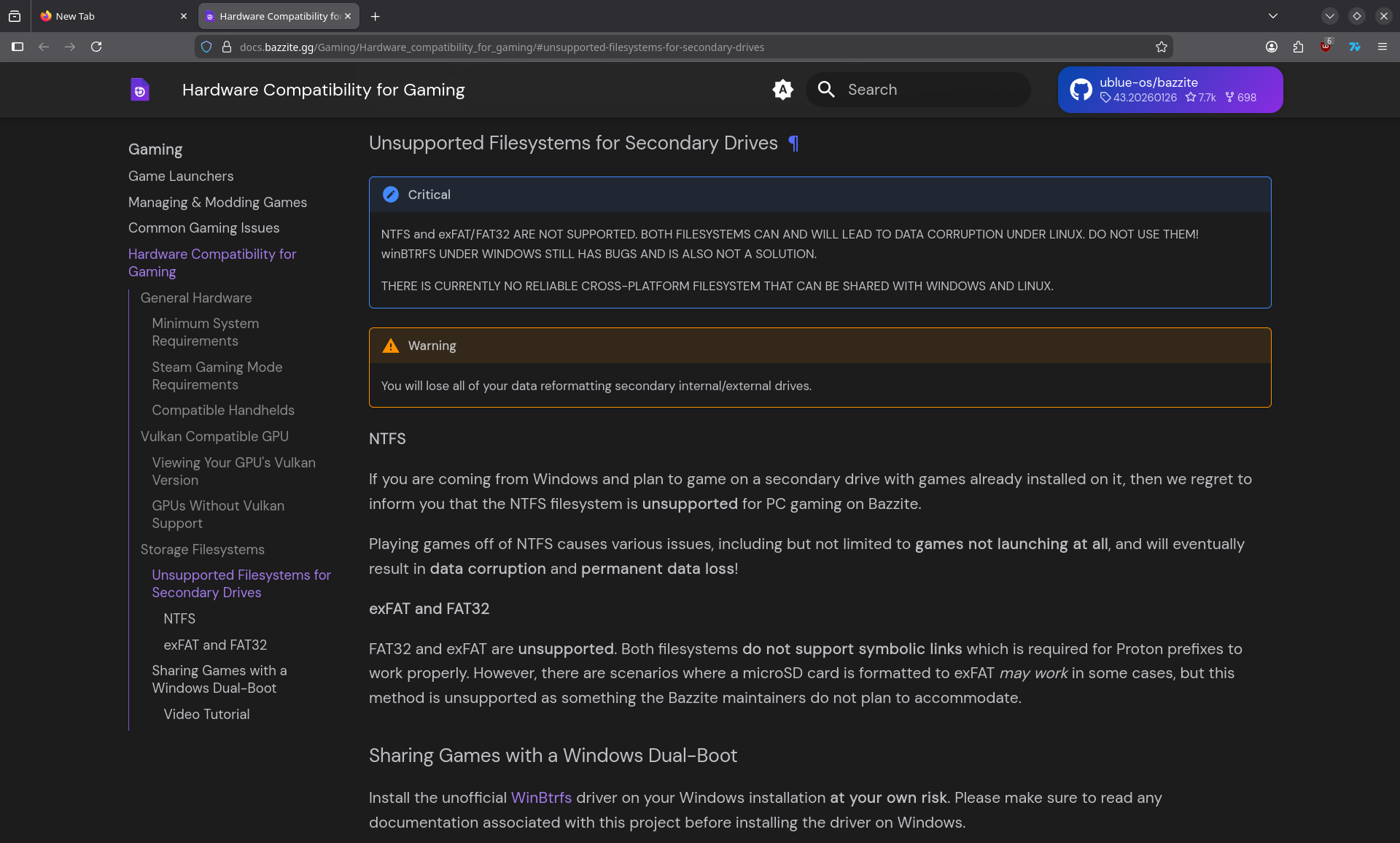
I get this warning when mounting a NTFS partition I have some windows games stored on. I read the linked page, but I don't quite get it.
What makes running games on NTFS a problem in bazzite (if there's a top level explanation for it).
My actual concern is more specific:
By data corruption, do we mean exclusive to the NTFS drive? Like it won't mess up my main drive?
By permanent data loss, we just mean the game files gettin corrupted right? like that can be fixed by just repairing the install? because if so that's an issue I'm ok dealing with, I'm just concerned if launching games on the NTFS drive will actually mess up my drive permanently, like damaging it.
Sorry if i'm asking a dumb question. The documentation didn't fully answer these questions for me.
Lastly, what filesystem should I ideally be using for storing windows games to run through proton/wine? Ext4 or BTRFS? Does the difference matter for this purpose?
What makes running games on NTFS a problem in bazzite (if there's a top level explanation for it).
My actual concern is more specific:
By data corruption, do we mean exclusive to the NTFS drive? Like it won't mess up my main drive?
By permanent data loss, we just mean the game files gettin corrupted right? like that can be fixed by just repairing the install? because if so that's an issue I'm ok dealing with, I'm just concerned if launching games on the NTFS drive will actually mess up my drive permanently, like damaging it.
Sorry if i'm asking a dumb question. The documentation didn't fully answer these questions for me.
Lastly, what filesystem should I ideally be using for storing windows games to run through proton/wine? Ext4 or BTRFS? Does the difference matter for this purpose?
Solution
to be clear, we do not support running games from NTFS drives at all and for good reason. Games frequently fail to launch and long term usage causes permanent corruption of the drive

