What. The. Hell
So it seems like my whole pterodactyl panel is done for ? I just did a types.d.ts file to make vscode shut up about the missing elements for Typescript but now even with the file removed i get this MASSIVE wall of errors when doing a yarn build, do i need to go nuclear on this or there's a fix to avoid loosing anything ?
Solution:
So even after updating i still have a borked panel, will need to reinstall unfortunately
Nebula Sidebar
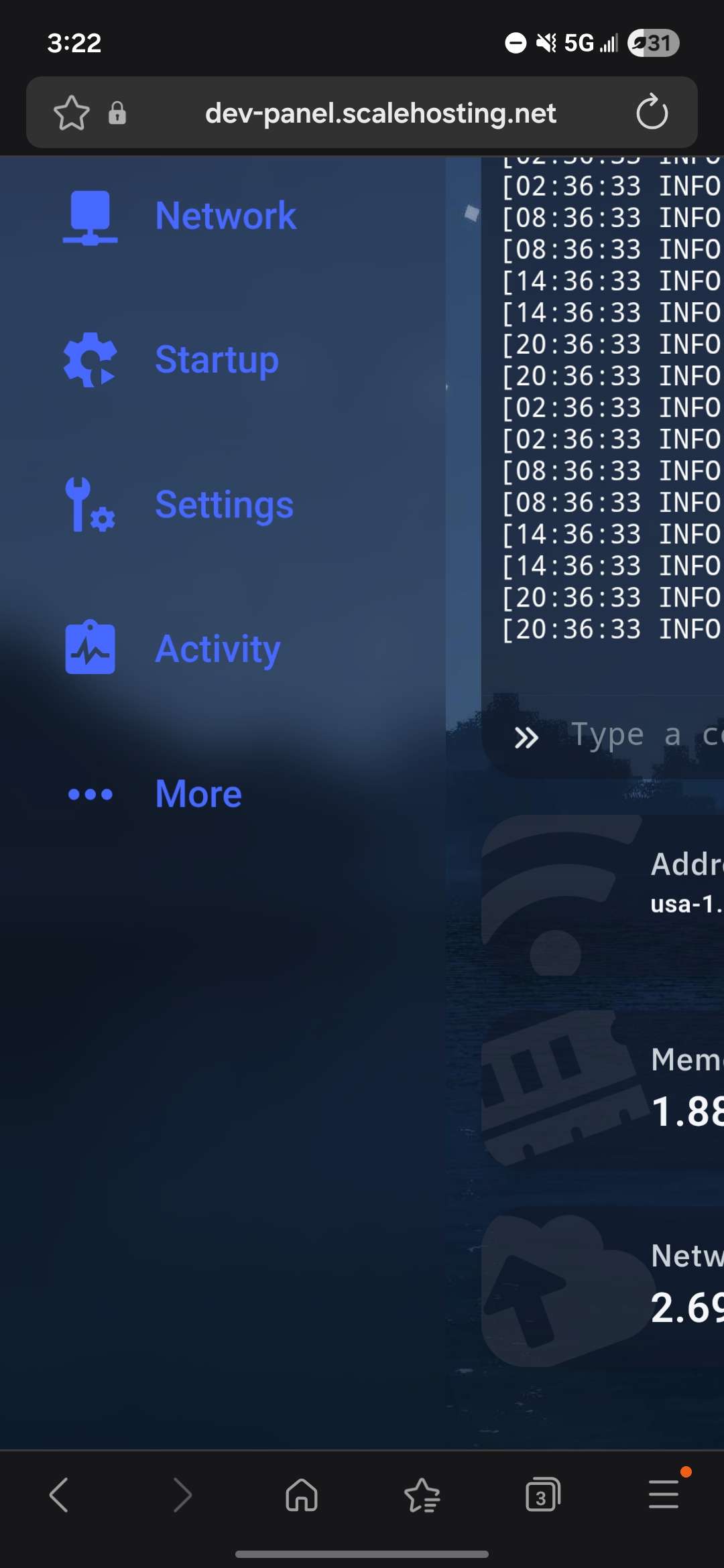
So im using nebula as a theme for my pterodactyl panel and I was wondering if there is any way to disable the overflow menu (not sure if that's thr correct term) as i would rather have them show in the sidebar then under the more section.
Have blueprint installed but not working
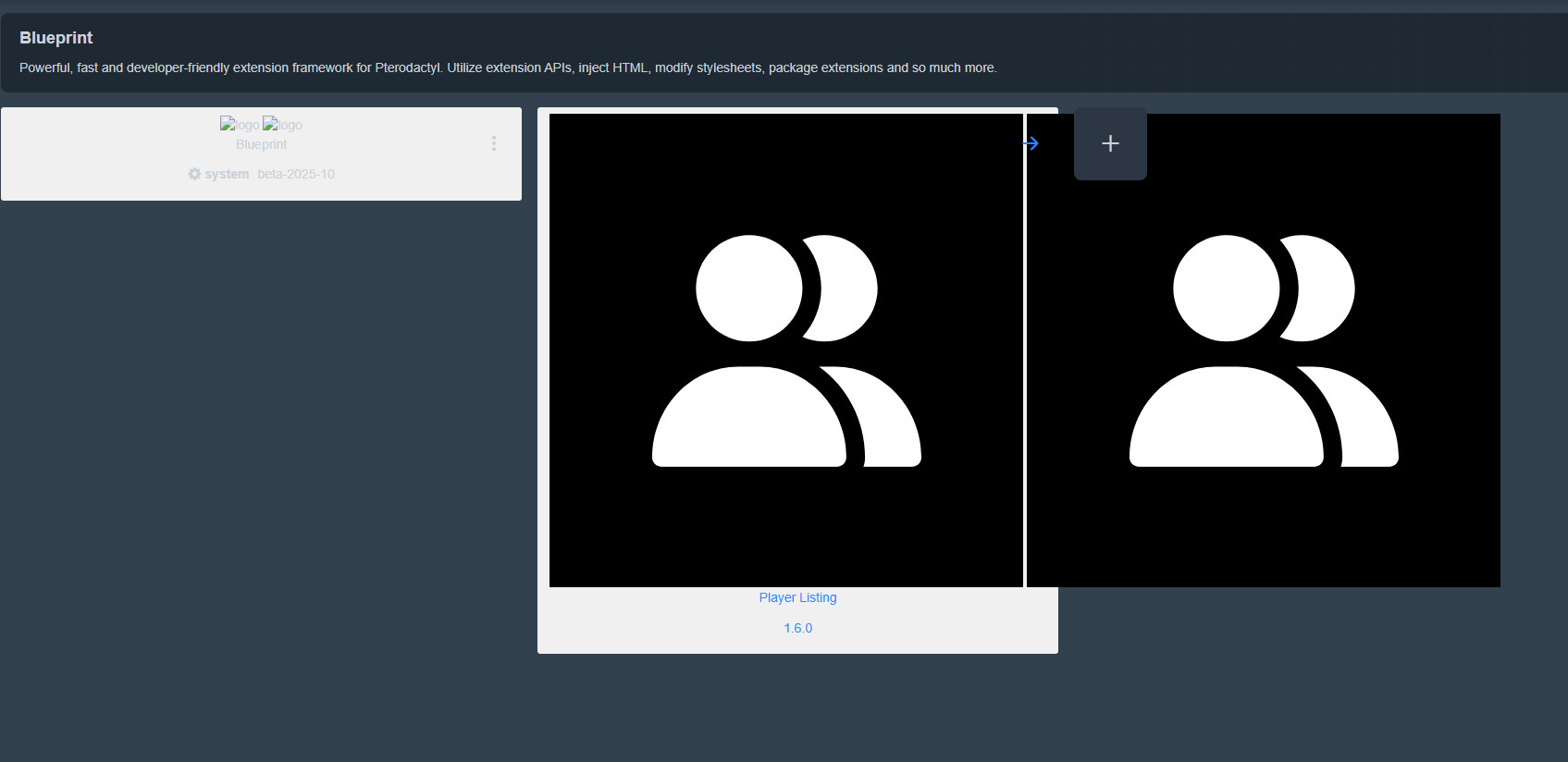
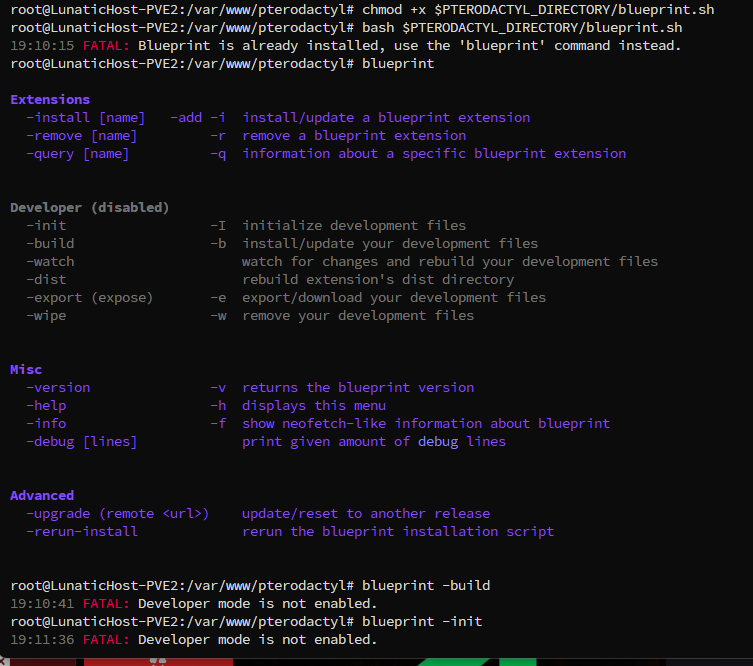
Hello i installed blueprint in my vps (Reinstall as i try to install arix theme then uninstall it and reinstall blueprint, before all was working, then when i reinstall stop working) The blueprint button in admin is not showing, and when i try to install it, blueprint tell me that i have it installed and can not reinstall. Any way of fixing it pls?
Solution:
try blueprint -upgrade
Page Unresponsive After Installing Certain Extensions
I have a problem where I install some extensions recently it has been serverorganizer blueprint extension, and once I install it I cannot access my server list page. I can access the settings / backend fine but when I go to the server list it doesn't show. Had this with a few extensions so far but some work like darkenate and minecraft modpack installer
Solution:
I found a fix by reinstalling my update via pterodaq and reinstalling blueprint
I‘ve this compose-setup for ptero. How can I install blueprint on it?
```
version: "3.8"
x-common:
database: &db-environment...
Solution:
Here's an example.
https://discord.com/channels/1063548024825057451/1094949482535321690/1244743256575578164
Change /srv/pterodactyl to /opt/pterodactyl if you want....
Panel design messed up
I dont know why or how :p
Solution:
NODE_OPTIONS=--openssl-legacy-provider yarn build:production should do it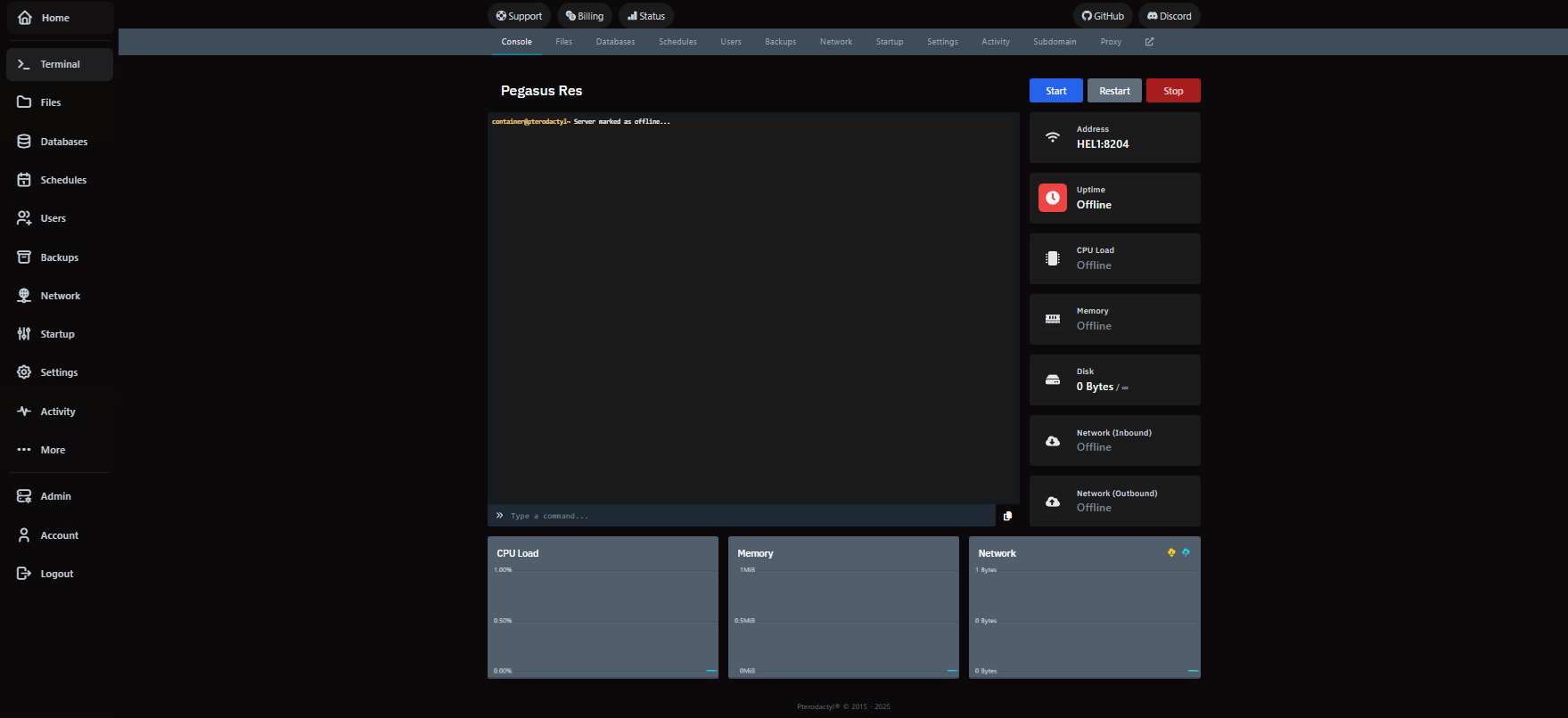
Install Blueprint on Docker Pterodactyl
My pterodactyl is running on docker, instead of installed locally, Blueprint always instaled fine, until i tried with the docker version.
I can not seem to find the method to install blueprint...
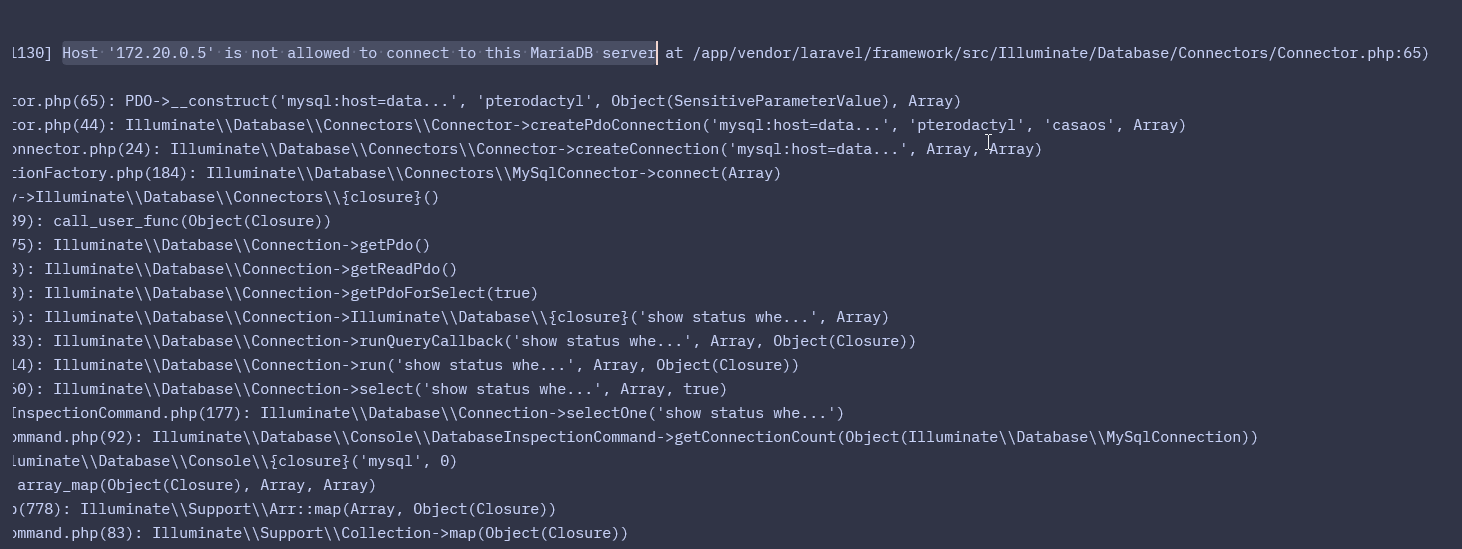

blueprint installed but not showing up on site
to replicate: install blueprint, restart nginx service and go to website
issue: blueprint not showing up on website...
Blueprint compatable with existing themes and plugins?
Hi, is Blueprint compatable with existing themes and plugins that I have installed or will it break them?
Errors when installing blueprint
It installs correctly but on some pages it throws "An error was encountered by the application while rendering this view. Try refreshing the page." and now i cant even login in my oauth.
Solution:
just replaced the panel files, the guide from the pterodactyl guide doesnt replace already existing files, so i did a
cp -rf with the panel files and got it working againModule not found when it clearly is there
Im trying to install a Blueprint addon and it says its not there but it is there. I tried with other addons that were already there and they also dont install. Help
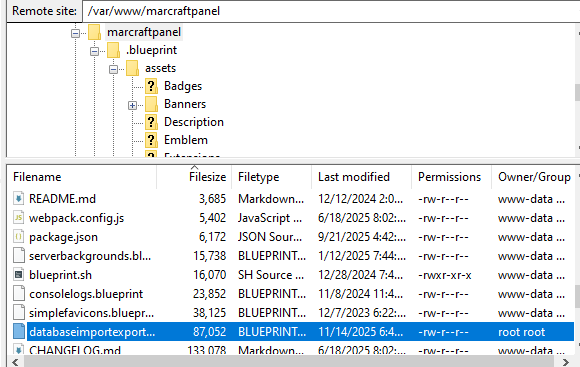
three dots not showing information
not sure why the three dots aren't loading, impossible atm to unzip files any suggestions on a fix would be appreciated
```Uncaught (in promise) TypeError: can't access property "remove", document.getElementById(...) is null
removeStyle https://***.com/extensions/nebula/libraries/fetchStyle.js?1762976338:1
removeStyle https://***.com/extensions/nebula/libraries/fetchStyle.js?1762976338:1...
Solution:
error during yarn install
Sorry if this is a simple/silly question, but I have absolutely zero nodejs knowledge and I don't feel comfortable trying to fix this myself.
I'm just trying to install blueprint using the official instructions on the website. What am I supposed to do when this happens?...
Solution:
everything just works now??? all I had to do is just sudo su at the beginning instead of hoping to remember to run stuff with sudo

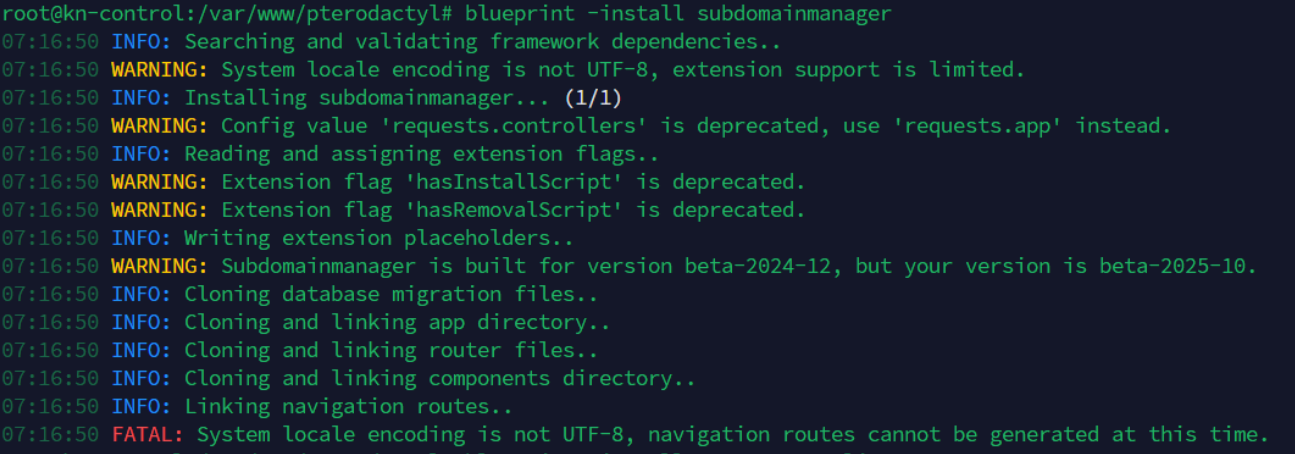
Encoding
Extensions work fine on the last version but I updated blueprint and now I can't reinstall because of an encoding error. How can I fix that?
Extension not showing in blueprint after step 8 fails due to GitHub API limit
Hey, i tried to install an blueprint extension and steps 1–7 completed successfully, but step 8 failed due to GitHub API rate limits. Composer couldn't fetch the required tags and defaulted to version 1.0.0. As a result, the extension doesn't appear in my blueprint or panel. I tried to remove the extension but blueprint doesn't see it as installed. Is there a way i can finish only step 8 and make the extension appear in the blueprint ui or uninstallstep 1-7?