Search
Setup for Free
CD
Cloudflare Developers
•
4y ago
•
5 replies
Max (@rozenmd)
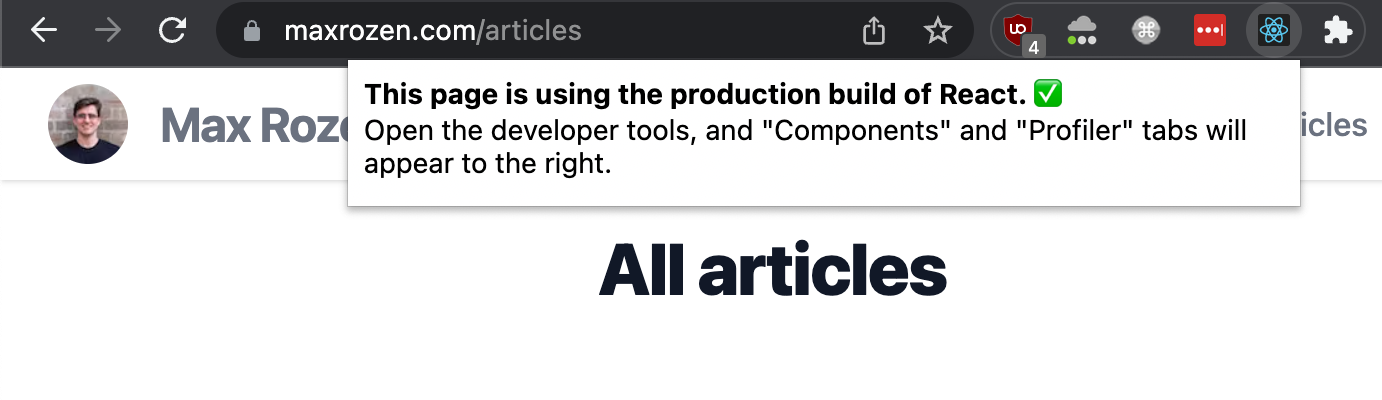
The extension in your browser next to
The extension in your browser
, next to the address bar
:
Cloudflare Developers
Join
Welcome to the official Cloudflare Developers server. Here you can ask for help and stay updated with the latest news
83,498
Members
View on Discord
Resources
ModelContextProtocol
MCP Server
Similar Threads
Was this page helpful?
Yes
No
© 2026 Hedgehog Software, LLC
Twitter
GitHub
Discord
System
Light
Dark
More
Communities
Docs
About
Terms
Privacy
_
__oneman__
•
9/15/22, 10:06 AM
Got it
I see it says it
's using the production build of React
.
_
__oneman__
•
9/15/22, 10:07 AM
@rozenmd
- this is my first React app
. Is it correct for me to be seeing those JS files in my production build
?
M
Max (@rozenmd)
OP
•
9/15/22, 10:10 AM
what you
're seeing is called a source map
- you can turn them off if you want via create
-react
-app
's env vars
:
https://create-react-app.dev/docs/advanced-configuration/
Advanced Configuration | Create React App
You can adjust various development and production settings by setting environment variables in your shell or with
.env
.
M
Max (@rozenmd)
OP
•
9/15/22, 10:11 AM
but by default
, create
-react
-app leaves them on so it
's easier to find bugs in your code
_
__oneman__
•
9/15/22, 10:40 AM
Thanks
,
@rozenmd
- I appreciate the help
.
M
Max (@rozenmd)
OP
•
9/15/22, 10:45 AM
No worries
Similar Threads
Checking your browser
CD
Cloudflare Developers / general-help
2y ago
If your client is in the browser this
CD
Cloudflare Developers / durable-objects
11mo ago
where to set the devtools browser in vscode for cloudflare workers?
CD
Cloudflare Developers / workers-and-pages-help
3y ago