https://github.com/pal1000/mesa-dist-win/releases/download/22.3.4/mesa3d-22.3.4-release-msvc.7z down
https://github.com/pal1000/mesa-dist-win/releases/download/22.3.4/mesa3d-22.3.4-release-msvc.7z
download this, and run the
this should install the Mesa drivers into the folder
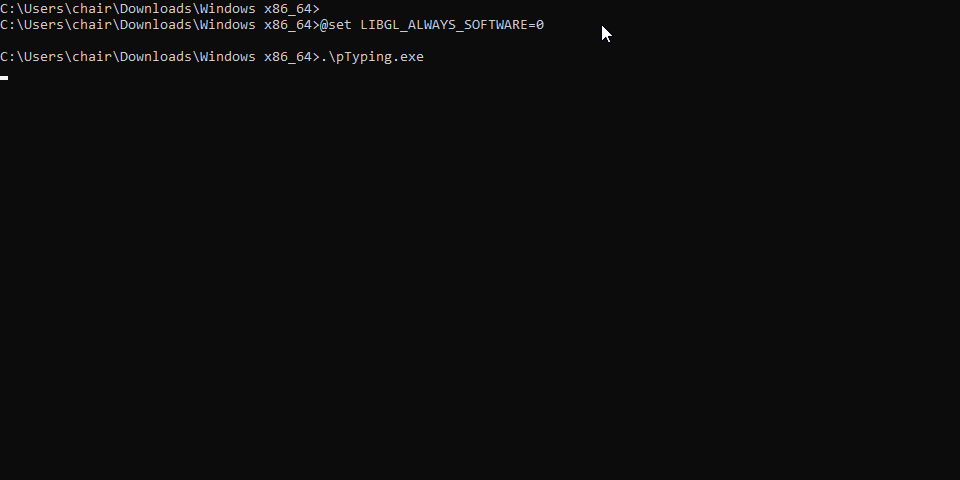
then set the env vars
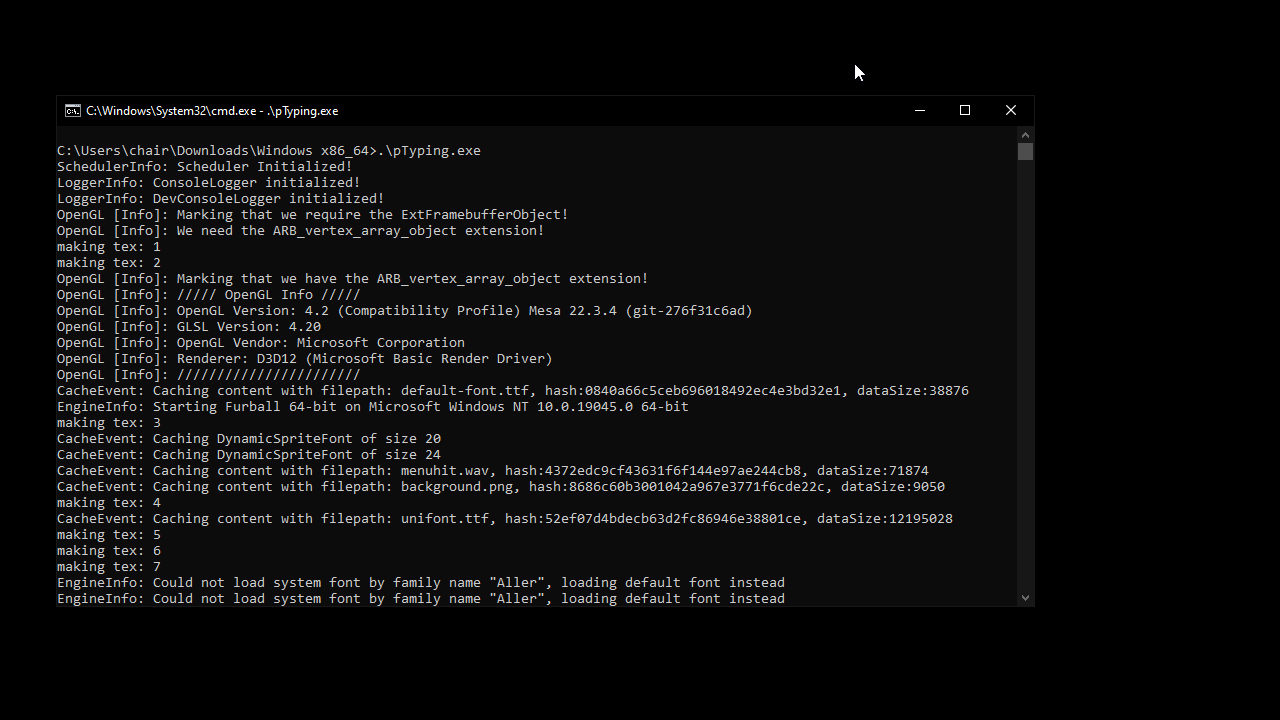
and it should use GLonD3D12
download this, and run the
perappdeploy.cmdthis should install the Mesa drivers into the folder
then set the env vars
and it should use GLonD3D12