

 F
Fsorry couldnt find time yet i will reply you back
 乂
乂okay no worries, thanks a lot
F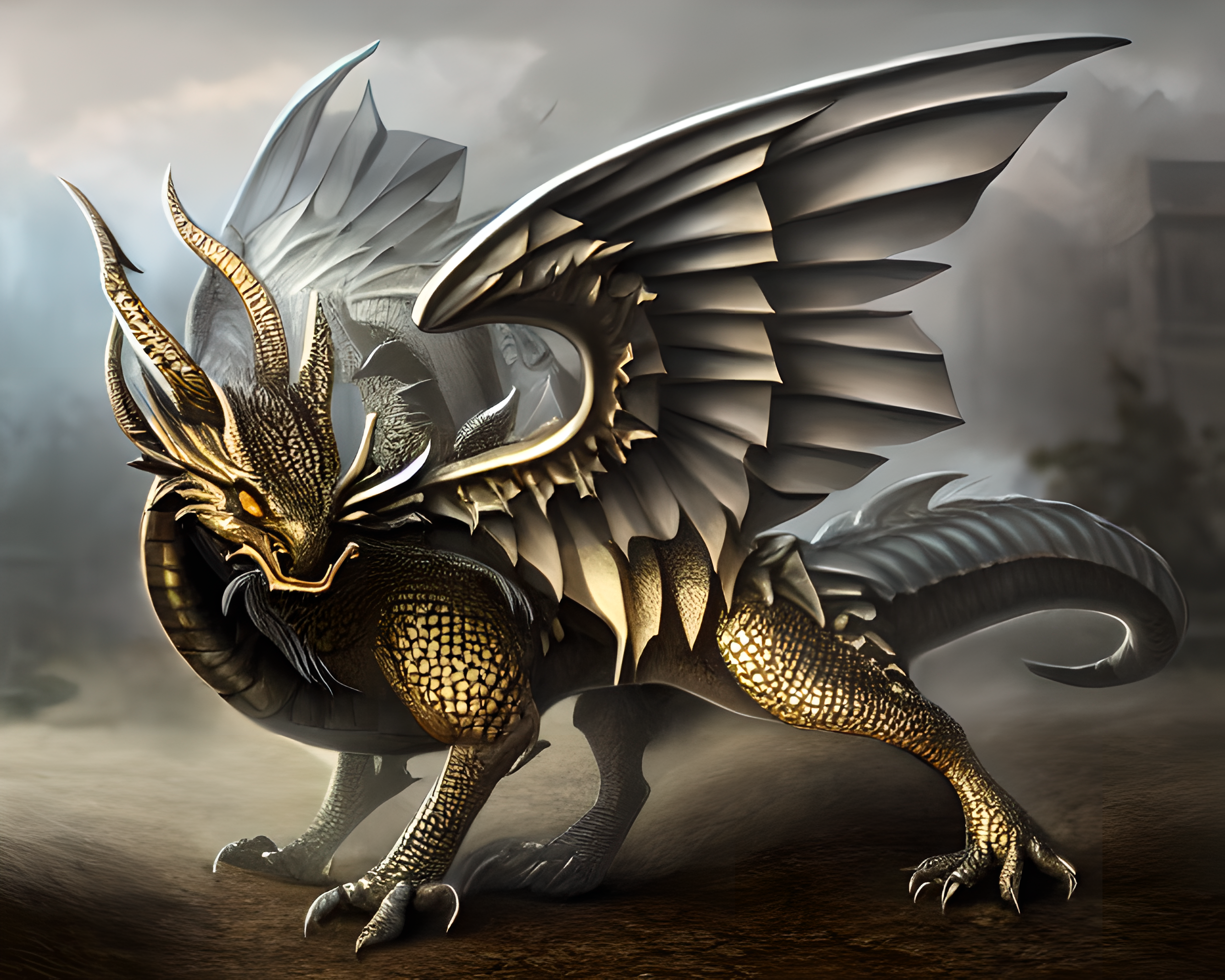 F
Fi need help
F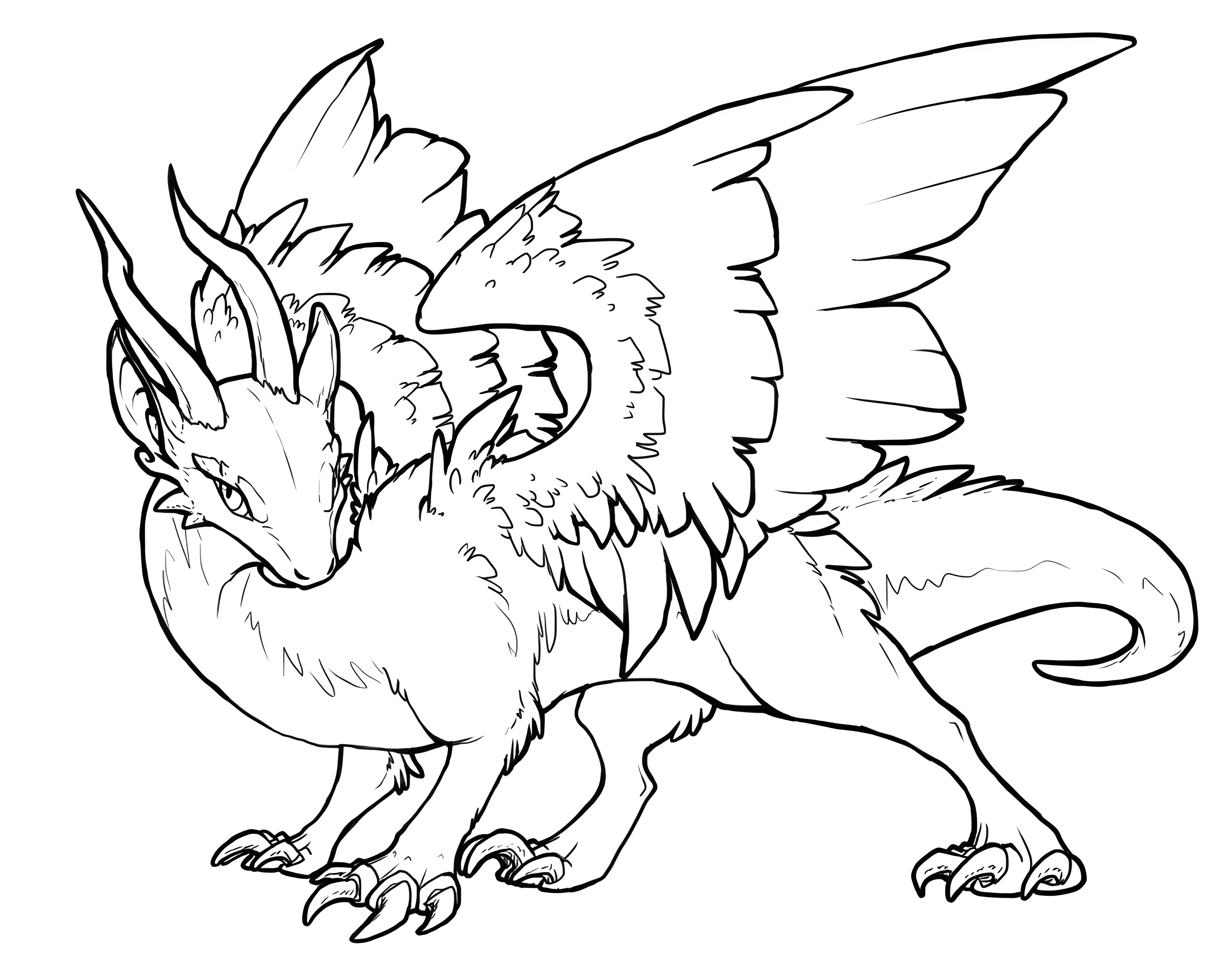 F
Fcan anyone make a 2560x1440 pixel thumbnail
Fwrite a text
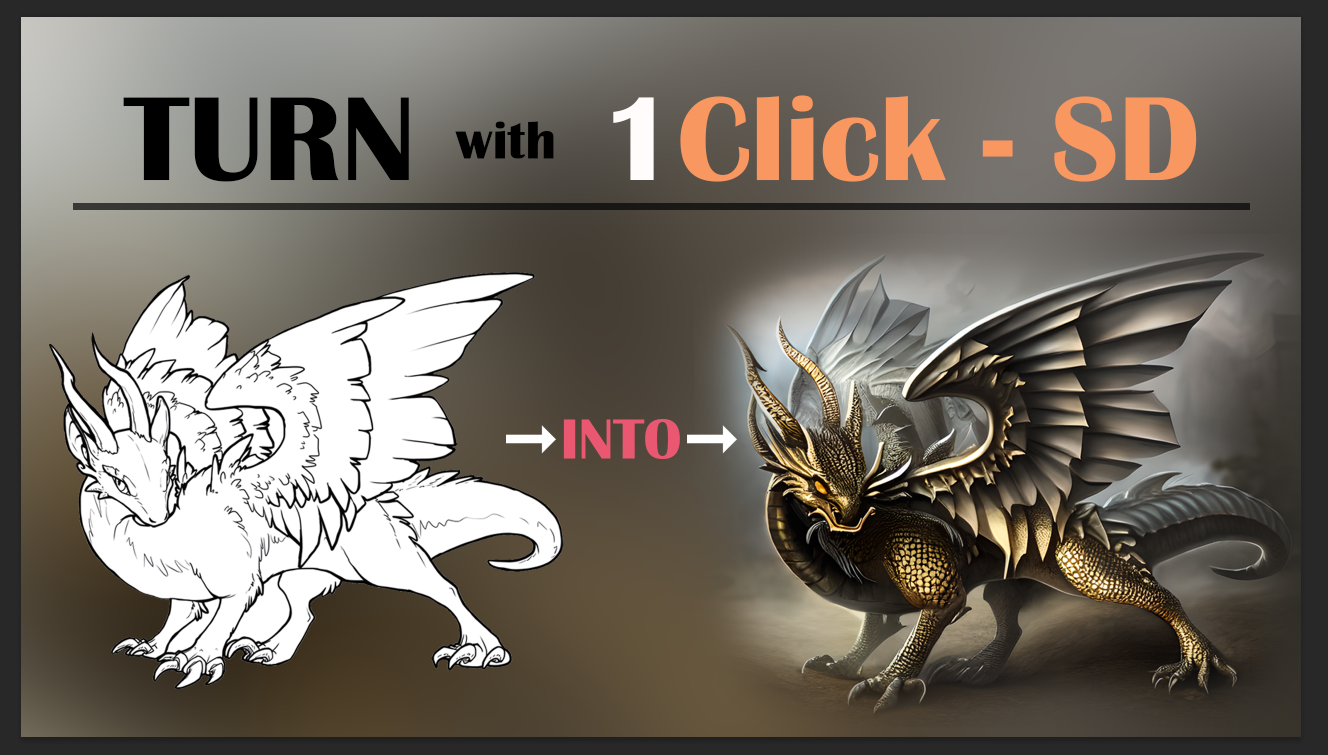
FTurn This Into This
1 Click - Stable Diffusion
1 Click - Stable Diffusion
Fi am fixing subtitles
 乂
乂in photoshop?
Fanything fine
乂send me, I can
Fi just send you above @乂AHM3D乂
Fyou can download them
乂yes I downloaded
Fvideo ready
Fonly thumbnail left
F@乂AHM3D乂 you had chance to do?
乂please ignore my poor editing skills
乂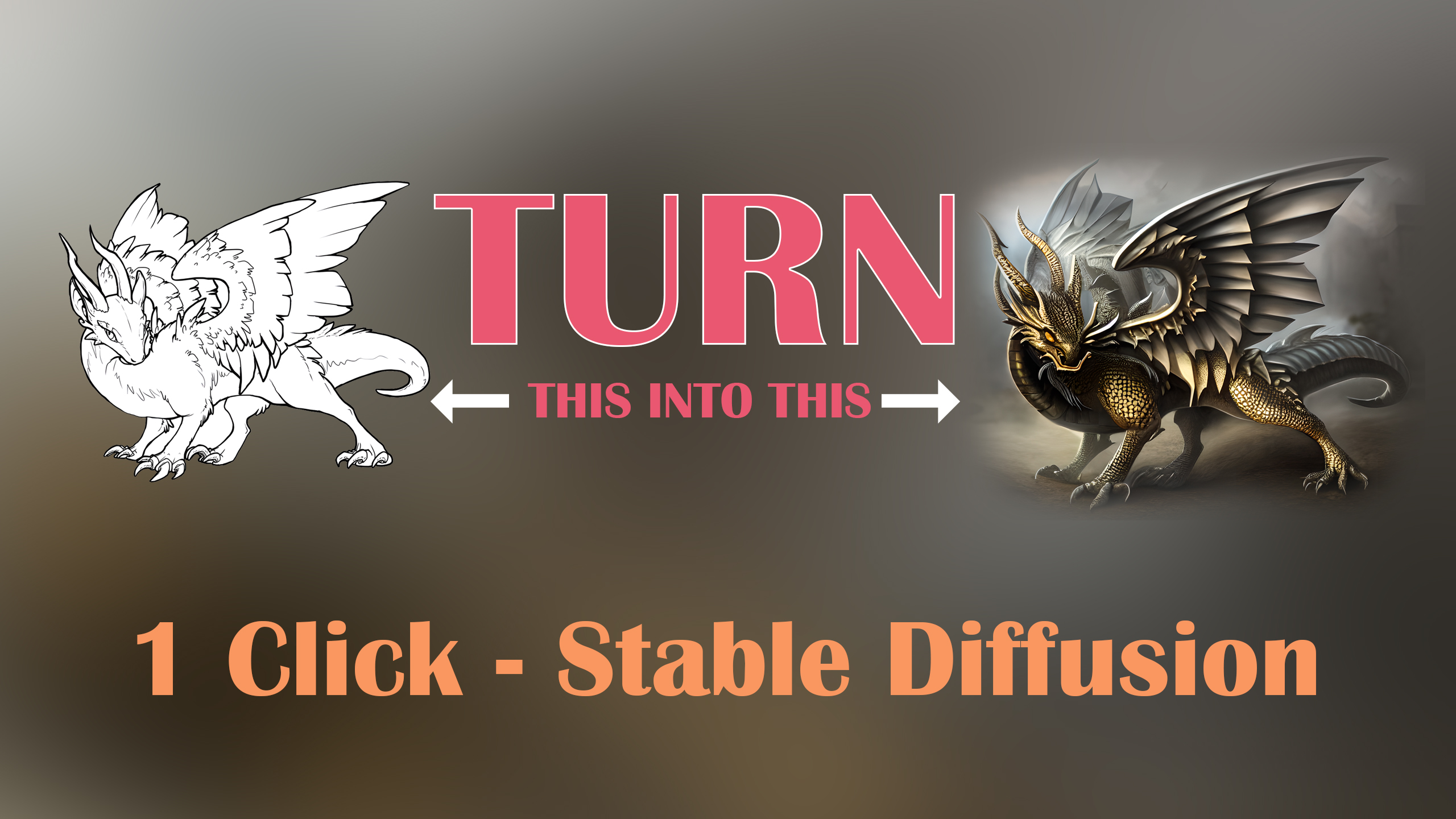 F
Fimages are just too small but very good. perhaps you can make something like this?
F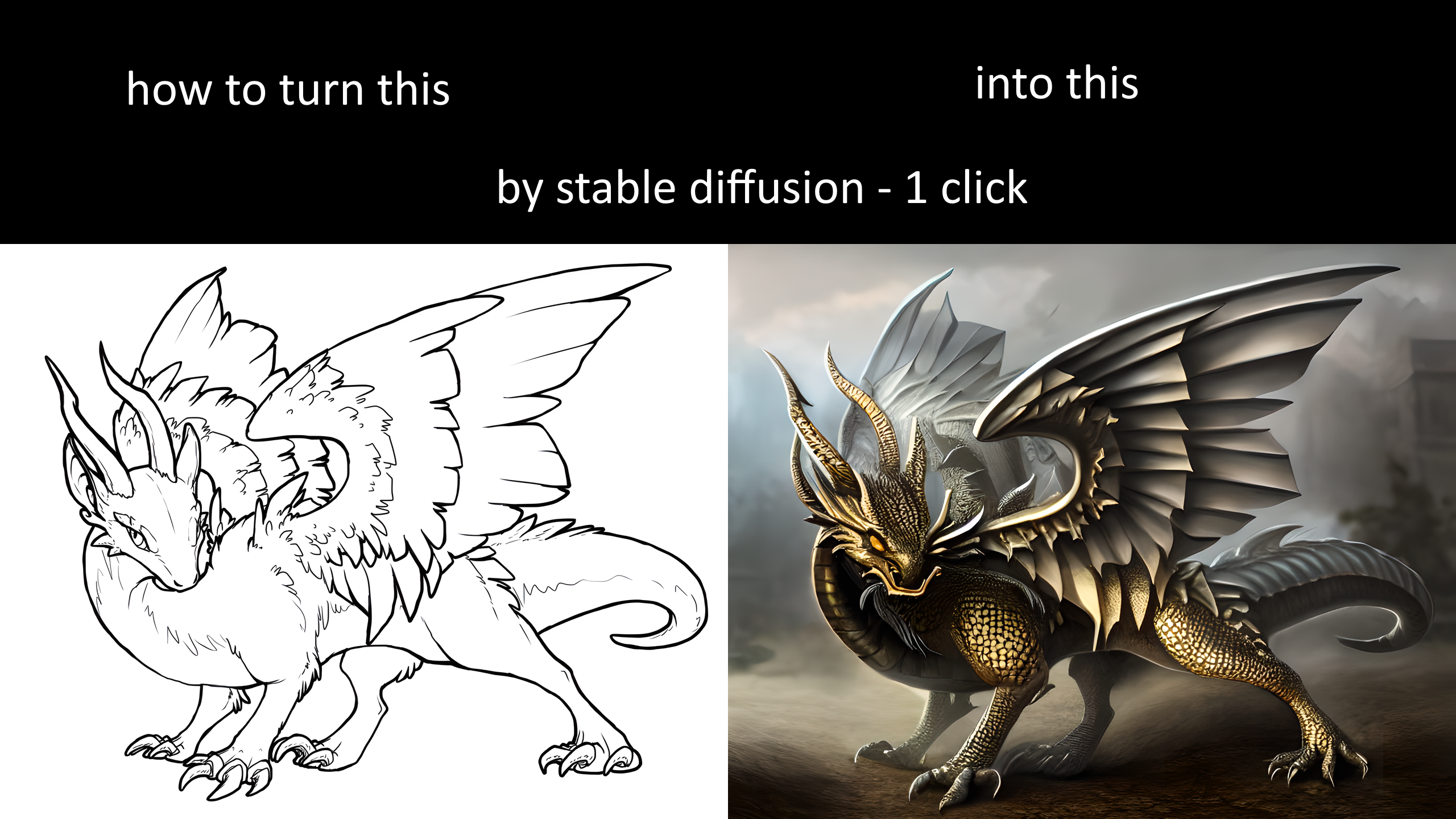 F
F@乂AHM3D乂
Fonly above part i suck
乂that's pretty easy
Fye please write good text and gradient above :d
乂okay sure
Fawesome ty
Fthumbnail really important
乂how about now?
 F
Fvery good but not 2560x1440 :/
乂that's a screenshot
乂I am sending original
Fawesome
乂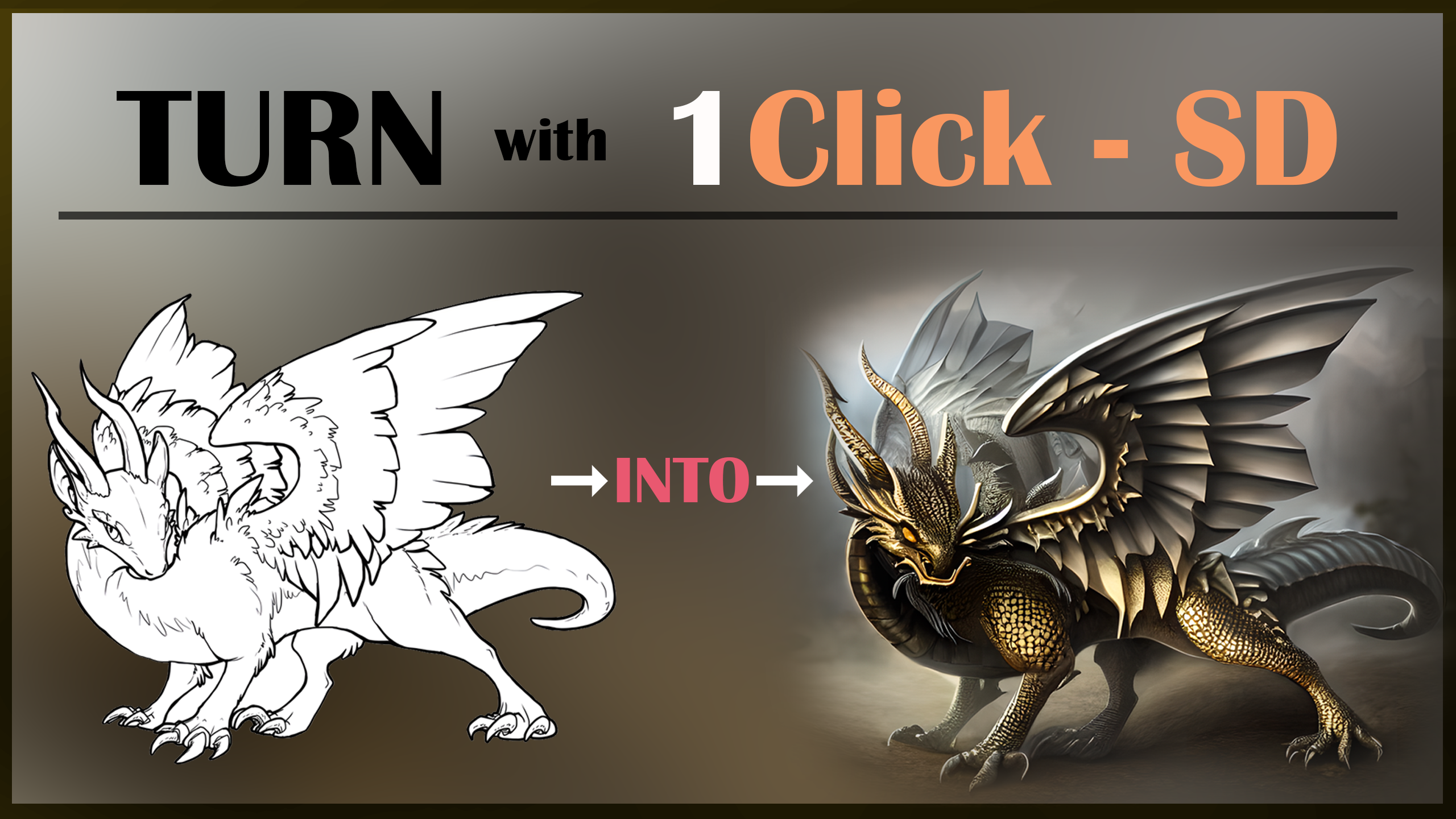 F
Flets please upvote this and leave a comment thank you : https://www.reddit.com/r/StableDiffusion/comments/110hitc/transform_your_sketches_into_masterpieces_with/
reddit
0 votes and 0 comments so far on Reddit
 D
DAwesome Video!
@Dr. Furkan Gözükara I'm still trying to create a comic (Asterix & Obelix) sequence with Stable Diffusion but I somehow can't make any progress. What I did so far was training it with images of Obelix and linked that to a prompt (ohwx man). The results are super bad though
@Dr. Furkan Gözükara I'm still trying to create a comic (Asterix & Obelix) sequence with Stable Diffusion but I somehow can't make any progress. What I did so far was training it with images of Obelix and linked that to a prompt (ohwx man). The results are super bad though
DOr do you think its possible to generate entire sequences and new characters on it's own?
 C
CAmazing video, super professional like always, just a question is there any POD with this tool on Runpod?
 H
HI think I will move to runpod after Dr Gs explanation. Colab is cool but getting way more expensive for me
CI wish that Rundiffusion will implement these new tools asap, also LORA
 C
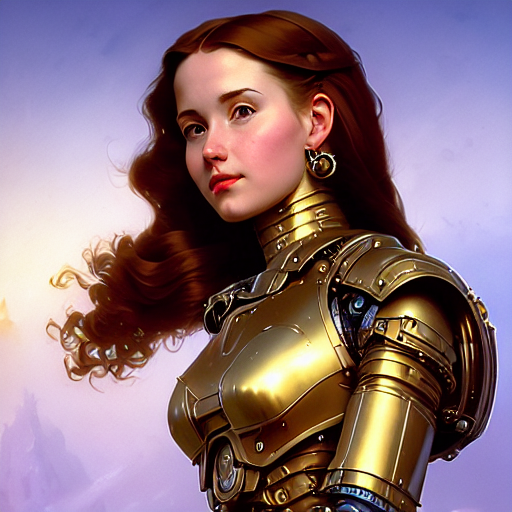
C@Dr. Furkan Gözükara which video did you do depth map? I want to do for this image
 H
HYeah, I like rundiffusion. Hoping they can improve.. I wasnt able to get training done consistently
Cwhat are you training?
HMostly Lora these days, Or some dreambooth with Shivams colab
 L
LHi everyone, I downloaded the A1111 Web UI Autoinstaller app and installed it on my PC but when I run it (after installing all the modules) it gives me the following error :
LRunning on local URL: http://127.0.0.1:7860
To create a public link, set
Traceback (most recent call last):
File "C:\Users\magri\Documents\A1111 Web UI Autoinstaller\stable-diffusion-webui\launch.py", line 361, in <module>
start()
File "C:\Users\magri\Documents\A1111 Web UI Autoinstaller\stable-diffusion-webui\launch.py", line 356, in start
webui.webui()
File "C:\Users\magri\Documents\A1111 Web UI Autoinstaller\stable-diffusion-webui\webui.py", line 232, in webui
app.add_middleware(GZipMiddleware, minimum_size=1000)
File "C:\Users\magri\Documents\A1111 Web UI Autoinstaller\stable-diffusion-webui\venv\lib\site-packages\starlette\applications.py", line 135, in add_middleware
raise RuntimeError("Cannot add middleware after an application has started")
RuntimeError: Cannot add middleware after an application has started
To create a public link, set
share=True in launch().Traceback (most recent call last):
File "C:\Users\magri\Documents\A1111 Web UI Autoinstaller\stable-diffusion-webui\launch.py", line 361, in <module>
start()
File "C:\Users\magri\Documents\A1111 Web UI Autoinstaller\stable-diffusion-webui\launch.py", line 356, in start
webui.webui()
File "C:\Users\magri\Documents\A1111 Web UI Autoinstaller\stable-diffusion-webui\webui.py", line 232, in webui
app.add_middleware(GZipMiddleware, minimum_size=1000)
File "C:\Users\magri\Documents\A1111 Web UI Autoinstaller\stable-diffusion-webui\venv\lib\site-packages\starlette\applications.py", line 135, in add_middleware
raise RuntimeError("Cannot add middleware after an application has started")
RuntimeError: Cannot add middleware after an application has started
 U
UHello!! I have a question, why when I try to use the v2 model the samples appear brown?

 J
JAnyone using Invoke Ai, for S.D ? Was it easy to install?
Fso i am just back and available now