Hello everyone. I am Dr. Furkan Gözükara. PhD Computer Engineer. SECourses is a dedicated YouTube channel for the following topics : Tech, AI, News, Science, Robotics, Singularity, ComfyUI, SwarmUI, ML, Artificial Intelligence, Humanoid Robots, Wan 2.2, FLUX, Krea, Qwen Image, VLMs, Stable Diffusion
Greetings everyone. In this video I am going to Show how to use Automatic1111 Web UI for stable diffusion tasks on runpod io like you are using it on your computer. I will cover many topics such as how to upload and download files quickly, how to delete directories, how to install and run extensions, how to quickly download and run custom models, how to do dreambooth training on sd 1.5 and sd 2.1 versions, how to do fine tuning via dreambooth, how to do textual inversion training. I will also explain how their pricing system works, how you can use bidding, how you can transfer your files from 1 pod to another pod. I will also demonstrate how you can use new famous controlnet on runpod io.
Figured this out! I was setting the guidance scale to 1. https://diffusionmagic.web.app/ is working great now! If anybody wants to take ControlNet + Scribbling for a spin, give it a shot!
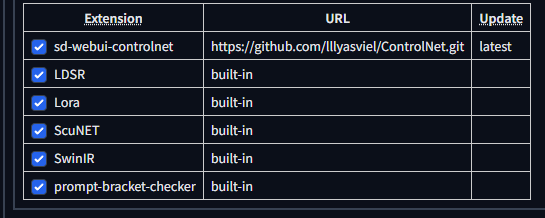
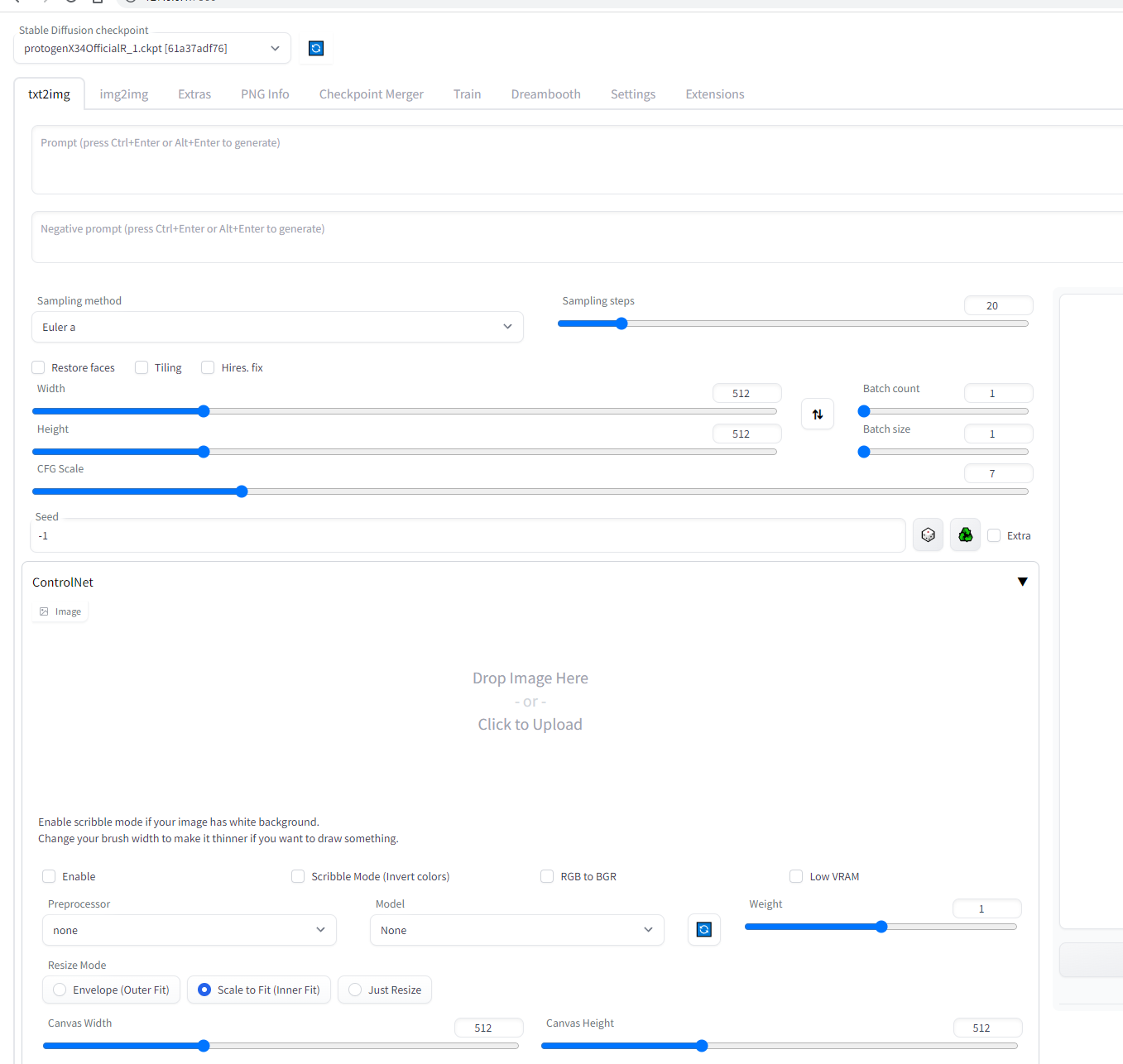
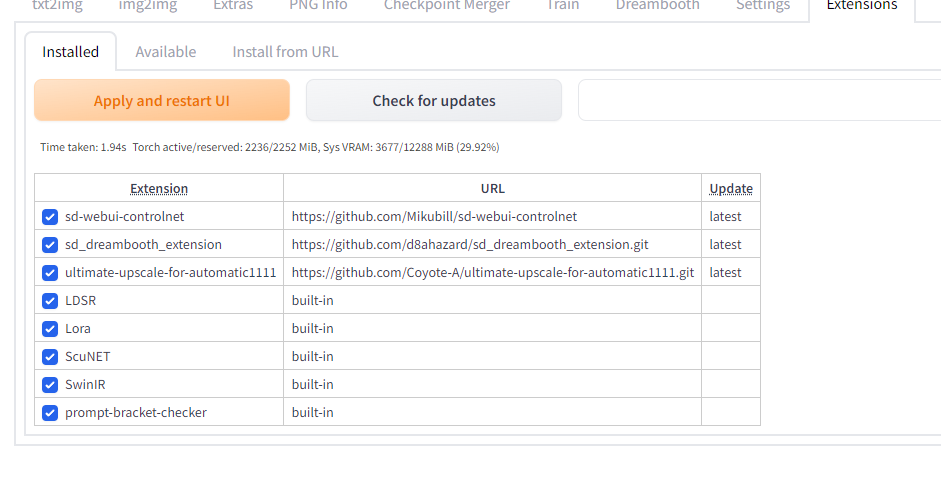
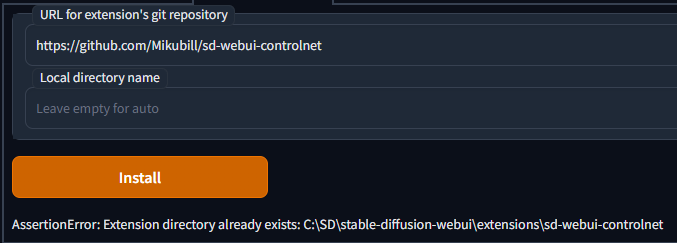
Thankyou !!! I was able to do every step in your video, except I only downloaded only one model "control_sd15_mlsd.pth", but still don't have ControlNet tab on my web ui
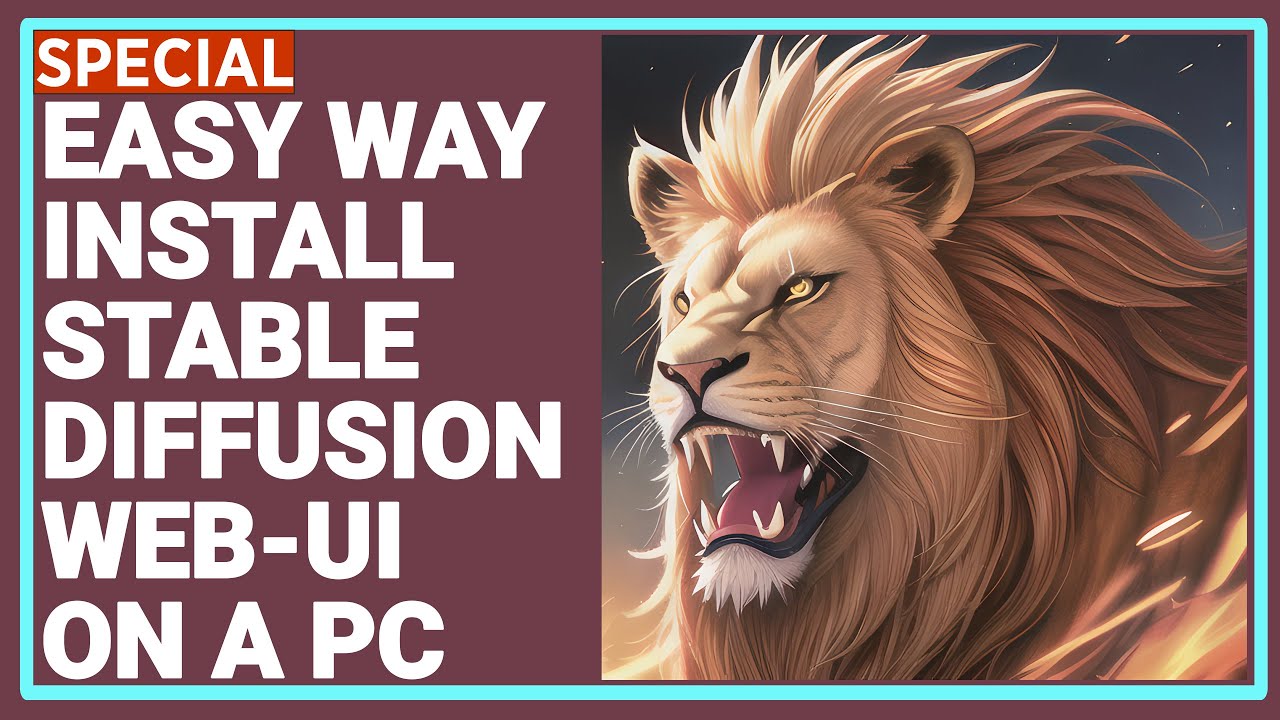
Our Discord : https://discord.gg/HbqgGaZVmr. How to download and install Stable Diffusion Automatic1111 Web UI interface. If I have been of assistance to you and you would like to show your support for my work, please consider becoming a patron on https://www.patreon.com/SECourses
Playlist of Stable Diffusion Tutorials, Automatic1111 and Goog...
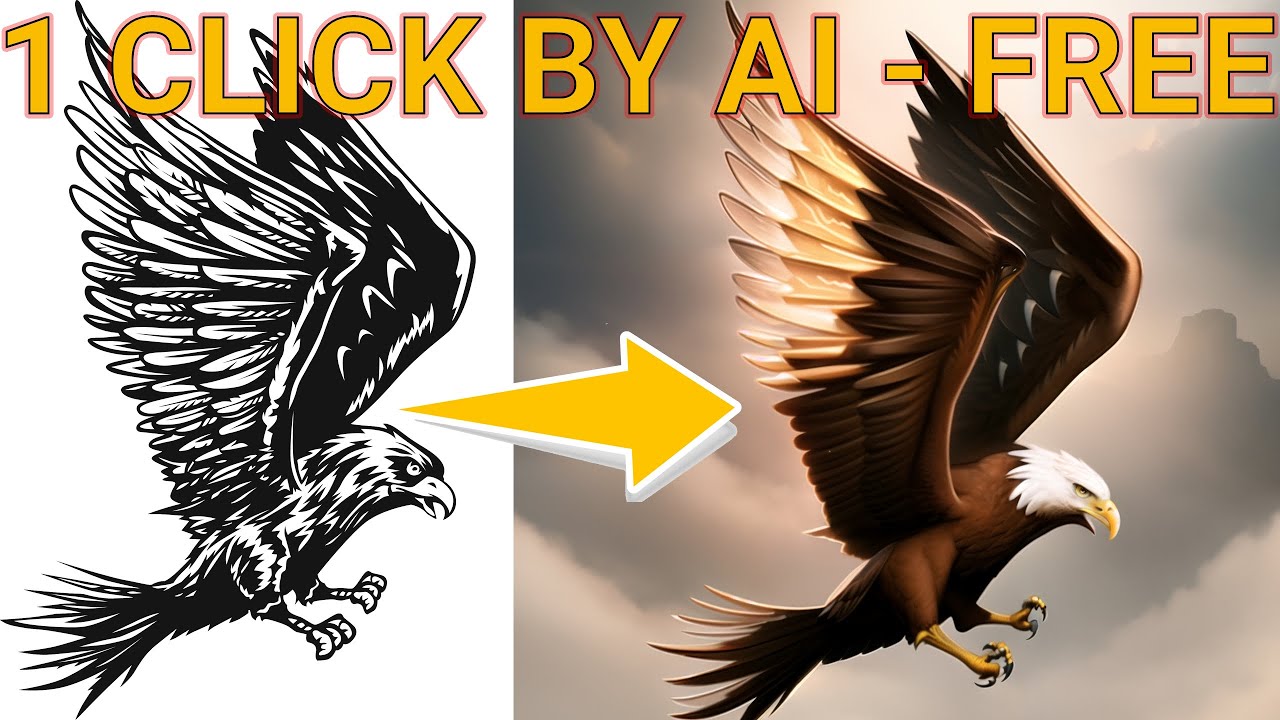
Our Discord : https://discord.gg/HbqgGaZVmr. In this video, You will learn how to use new amazing Stable Diffusion technology #ControlNet in Automatic1111 Web UI. If I have been of assistance to you and you would like to show your support for my work, please consider becoming a patron on https://www.patreon.com/SECourses