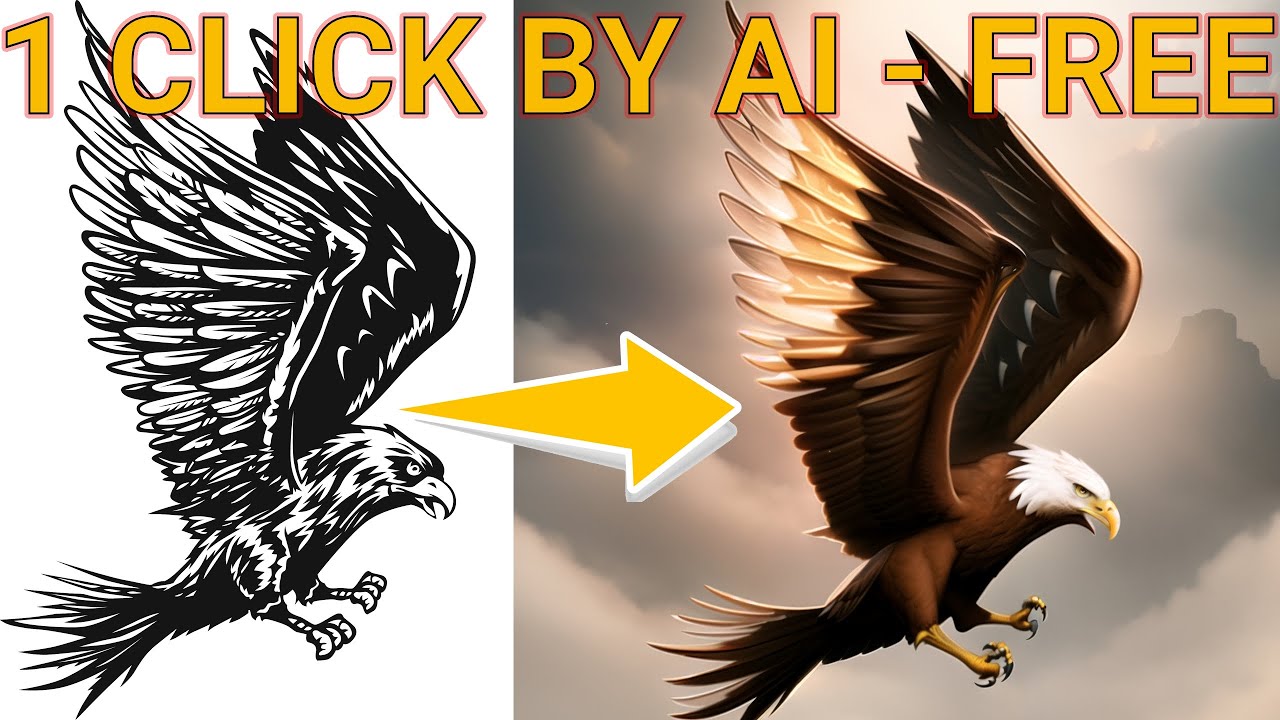
Hello everyone. I am Dr. Furkan Gözükara. PhD Computer Engineer. SECourses is a dedicated YouTube channel for the following topics : Tech, AI, News, Science, Robotics, Singularity, ComfyUI, SwarmUI, ML, Artificial Intelligence, Humanoid Robots, Wan 2.2, FLUX, Krea, Qwen Image, VLMs, Stable Diffusion
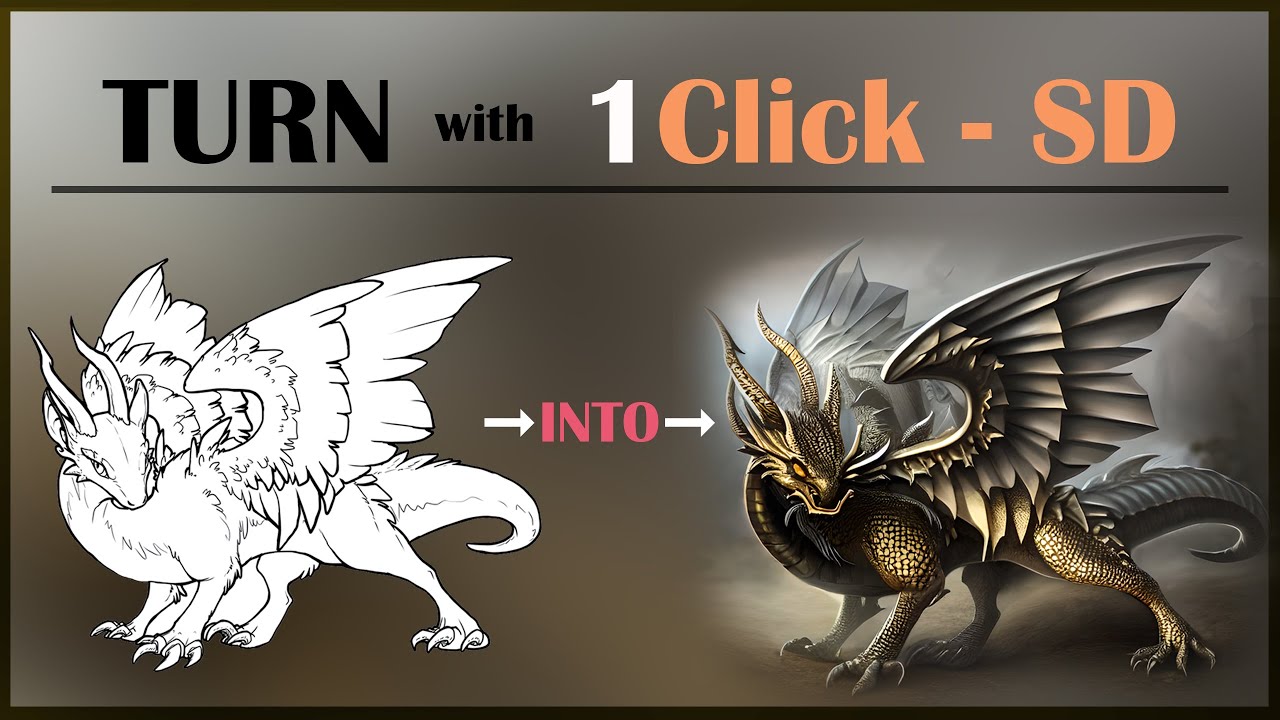
Our Discord : https://discord.gg/HbqgGaZVmr. In this video, You will see the new amazing Stable Diffusion technology - #ControlNet. If I have been of assistance to you and you would like to show your support for my work, please consider becoming a patron on https://www.patreon.com/SECourses
Playlist of #StableDiffusion Tutorials, Automatic111...
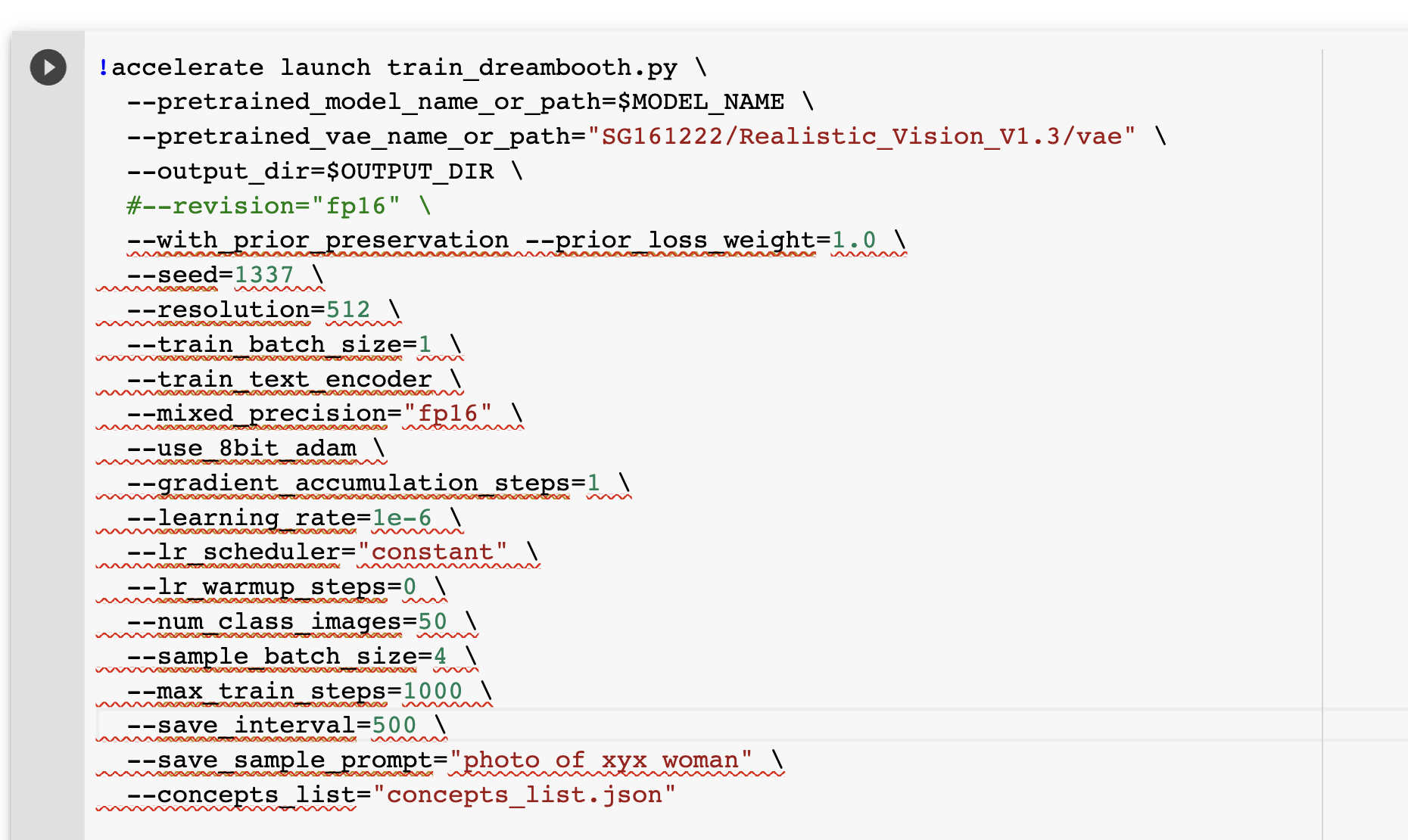
Hi I'm trying to use Shivam colab with a custom mode ( Realisticvision 1.3) from hugging face. It has all the diffusers data. In the colab, I can run the inference without problem and generate images, but when I try to train it exits with errors. I commented out the "fp16 revison" flag and changed the VAE parameter to " --pretrained_vae_name_or_path="SG161222/Realistic_Vision_V1.3/vae" "
I got "subprocess.CalledProcessError: Command '['/usr/bin/python3', 'train_dreambooth.py', '--pretrained_model_name_or_path=SG161222/Realistic_Vision_V1.3', '--pretrained_vae_name_or_path=SG161222/Realistic_Vision_V1.3/vae', '--output_dir=/content/Rv2_weights/zwx']' returned non-zero exit status 1. " Do you know what the issue is? Please see the screenshots for more details. Thanks!
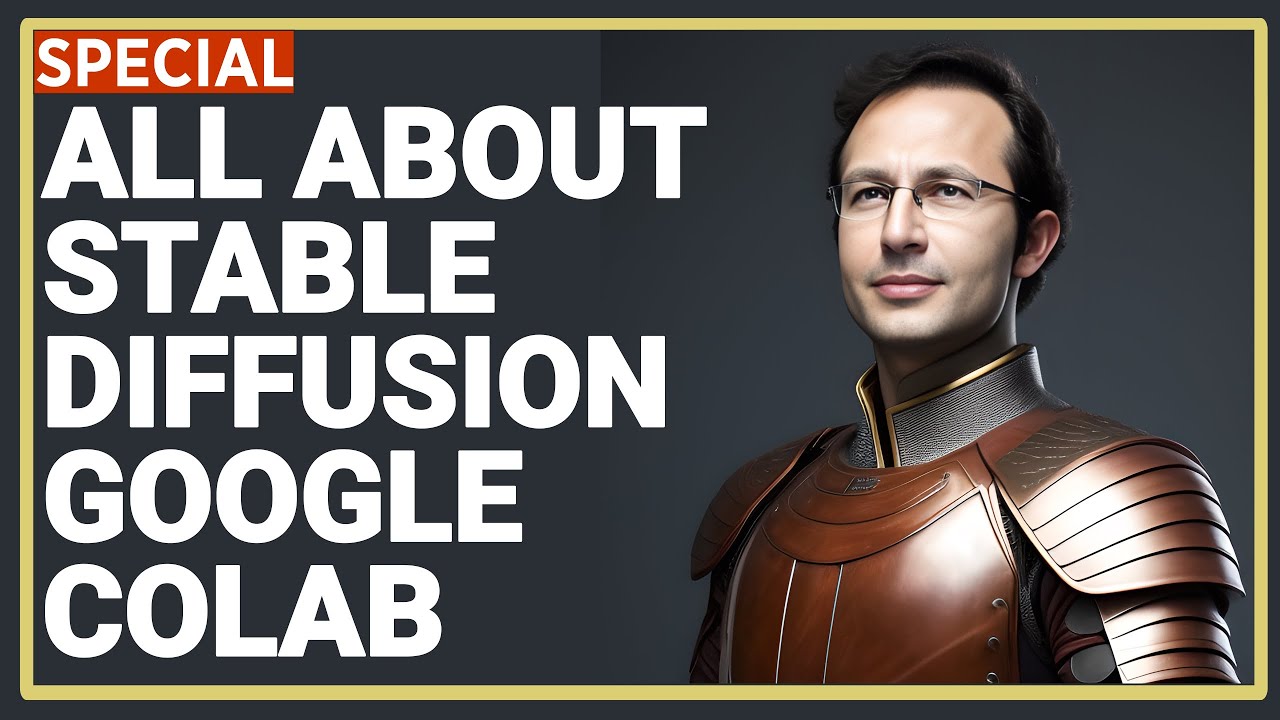
Our Discord : https://discord.gg/HbqgGaZVmr. This is the video where you will learn how to use Google Colab for Stable Diffusion. If I have been of assistance to you and you would like to show your support for my work, please consider becoming a patron on https://www.patreon.com/SECourses
Playlist of Stable Diffusion Tutorials, #Automatic1111...
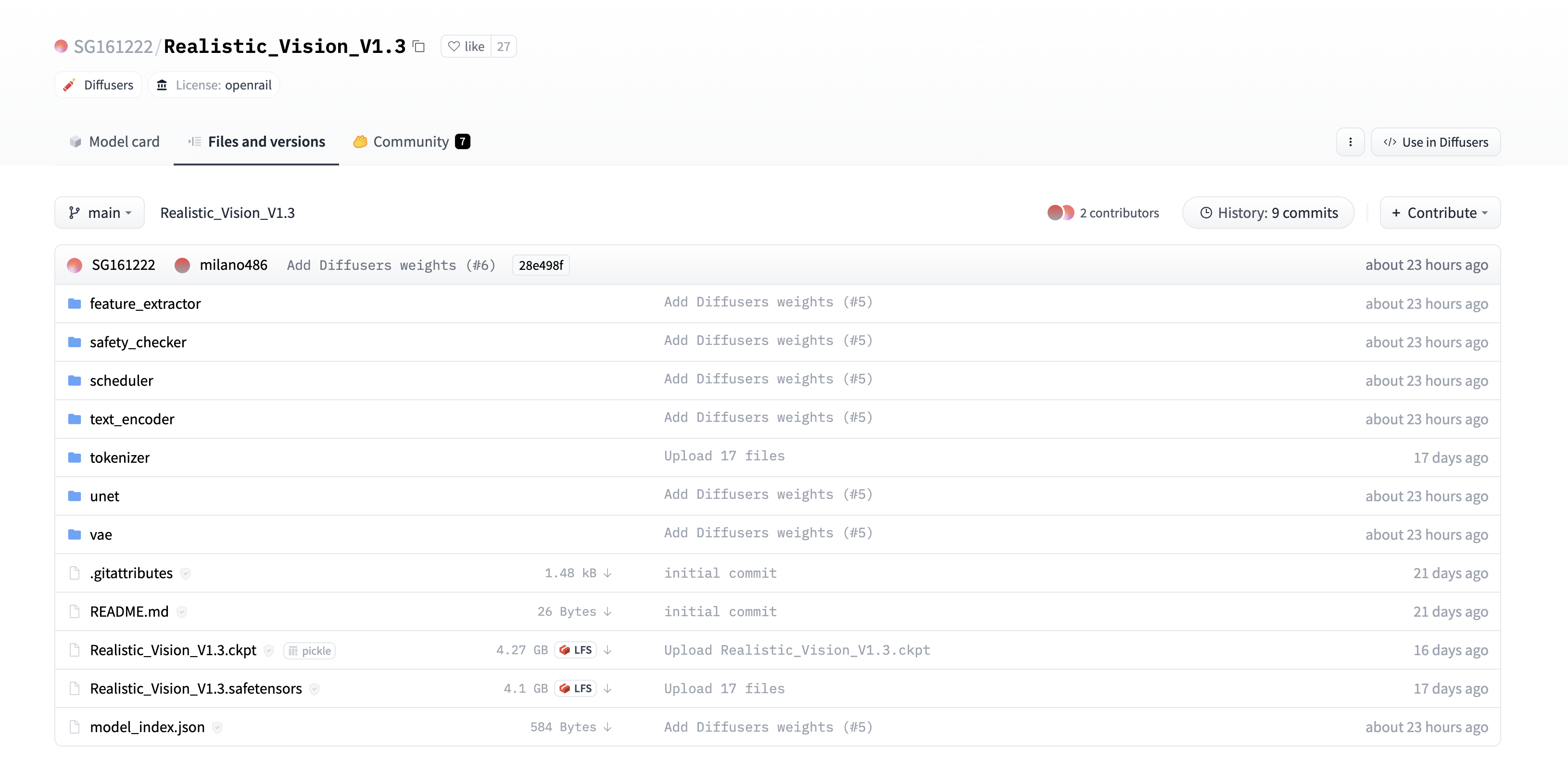
One more question about the VAE path. I put the screenshot of the main branch which is at "SG161222/Realistic_Vision_V1.3" at hugging face. The main branch has a folder called "vae" with the vae files.
When I add the paramater --pretrained_vae_name_or_path="SG161222/Realistic_Vision_V1.3/vae" I get an error in the colab when the cell runs, about vae not found at path. Do I need to change the path to something else? Thanks again!!
Hi, I created a new model in HuggingF and added the VAE files to the main folder. I kept the original model path and just changed the VAE path to my model. It seems to work now!
It seems HuggingF paths have to be in the format username/model_name and you can't add anything else to the HF path in colab!
Our Discord : https://discord.gg/HbqgGaZVmr. This video I am showing how to downgrade CUDA and xformers version for proper training and I am showing how to do LoRA training with 8GB GPU. If I have been of assistance to you and you would like to show your support for my work, please consider becoming a patron on https://www.patreon.com/SECourse...
I only have 6gb vram while I am trying to run Dreembooth and it won't work ofc. Is there a method to use outside service like Google for vram work or smth?
Hi All, about Stable Diffusion installed with A1111 AutoInstaller, appear i do not have CLIP Skip Option (Stop at last layers of clip model) and ETA. Did you know how to enable it ?
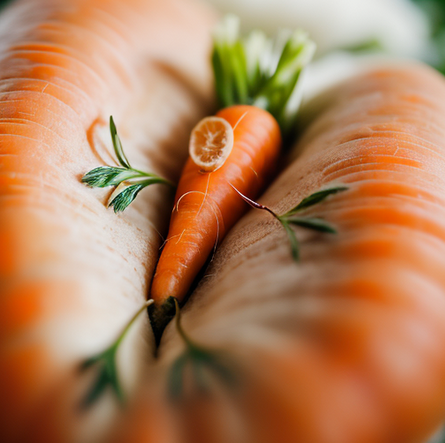
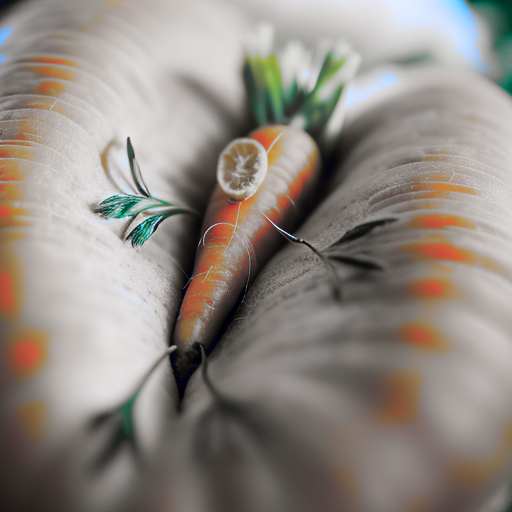
Any idea why my ControlNet images look great in previews when generating, but once it finishes, it ruins the color and stuff? Left is the last preview image before finishing, right is the finished image
Does anyone know how to increase the number of iterations per second? When teaching Lora. I have a 4080, but when training, it's a miserable ~2.5 it/sec. I think it can run faster.
So far, it gives the best learning results. In about 1 hour, with "350" in the folder name (I don't know what this parameter is called), the object begins to be very recognizable.
Our Discord : https://discord.gg/HbqgGaZVmr. How to do free Stable Diffusion DreamBooth training on Google Colab for free. If I have been of assistance to you and you would like to show your support for my work, please consider becoming a patron on https://www.patreon.com/SECourses
Playlist of Stable Diffusion Tutorials, Automatic1111 and Goo...
Our Discord : https://discord.gg/HbqgGaZVmr. This is the video where you will learn how to use Google Colab for Stable Diffusion. If I have been of assistance to you and you would like to show your support for my work, please consider becoming a patron on https://www.patreon.com/SECourses
Playlist of Stable Diffusion Tutorials, #Automatic1111...
Our Discord : https://discord.gg/HbqgGaZVmr. In this video, You will learn how to use new amazing Stable Diffusion technology #ControlNet in Automatic1111 Web UI. If I have been of assistance to you and you would like to show your support for my work, please consider becoming a patron on https://www.patreon.com/SECourses