Hello everyone. I am Dr. Furkan Gözükara. PhD Computer Engineer. SECourses is a dedicated YouTube channel for the following topics : Tech, AI, News, Science, Robotics, Singularity, ComfyUI, SwarmUI, ML, Artificial Intelligence, Humanoid Robots, Wan 2.2, FLUX, Krea, Qwen Image, VLMs, Stable Diffusion
One thing iv noticed with learning rate .000001 is when you generate ur image, we will see preview and it looks like a perfect face from your data set. However, when generating is done they don't actually look like what u see during generating stage. What could be an indication or hope to make this improve. Training in dreambooth still not getting better precise look from ur subject at least 5 images from hundreds of generation clicks Anyone share your experience?
i was trying to port over the kohya trainer from colab to jupyter and get hung up on the dependency installation , its trying to download google stuff and throws errors, and im a noob but trying to learn
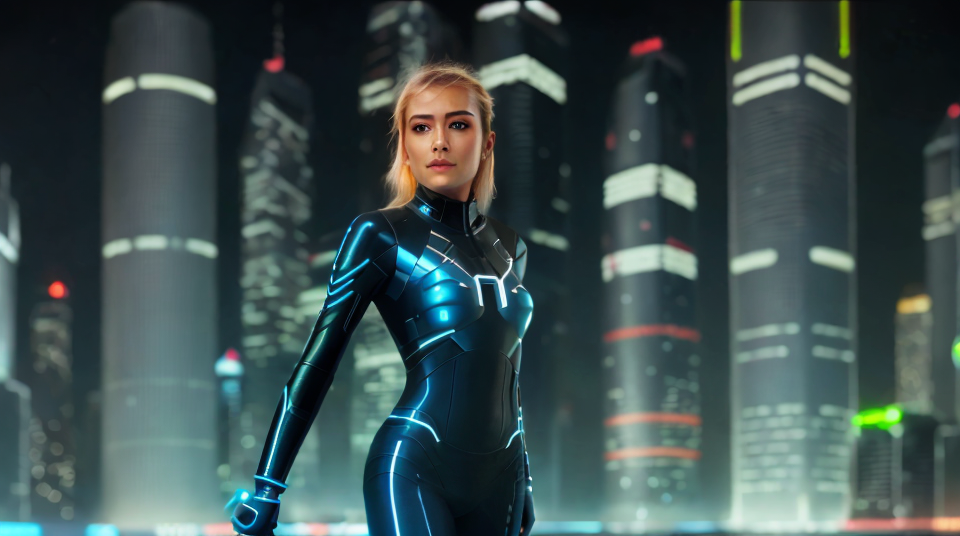
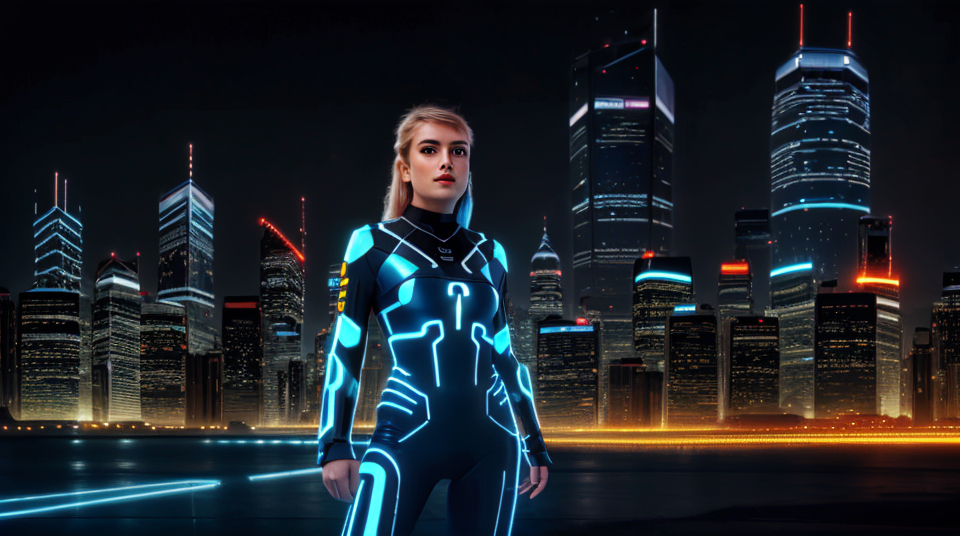
I tried inpainting the face but the results aren't very good. Is this a result of my dataset being too limited in the number of wide shots that I fed it and therefore SD doesn't know how to draw her face from afar? or is there some settings and techniques I'm missing?
Just wanted to stop & restart it because I wanted to upload classification files from PC to the runpod.
So, as a complete newcomer, I may be missing something completely simple but I have been following this tutorial : https://www.youtube.com/watch?v=Bdl-jWR3Ukc and I am at around the 36th minute where we begin training the model. I pretty much completed everything up until this point but I keep getting this error the moment I hit train, the error reads : Please configure some concepts.
And it is weird because I did set everything up in the concepts tab of Dreambooth. Anyone that can help or has some knowledge of what that means.
Our Discord : https://discord.gg/HbqgGaZVmr. The most advanced tutorial of Stable Diffusion Dreambooth Training. If I have been of assistance to you and you would like to show your support for my work, please consider becoming a patron on https://www.patreon.com/SECourses
Playlist of Stable Diffusion Tutorials, Automatic1111 and Google Colab ...
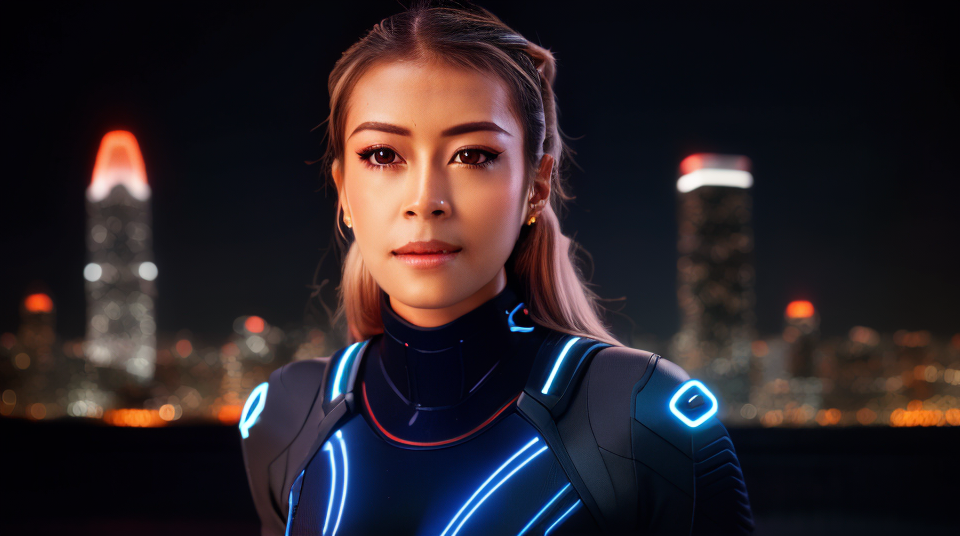
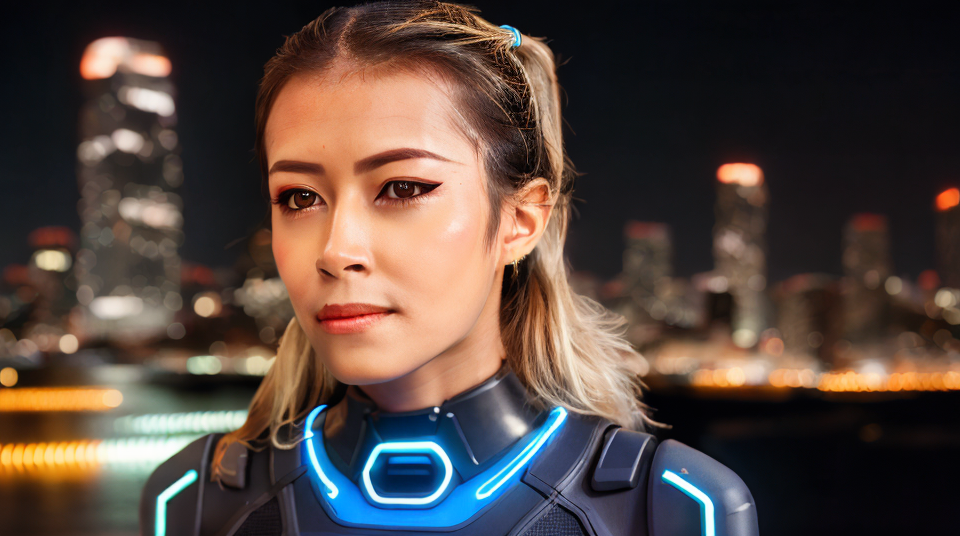
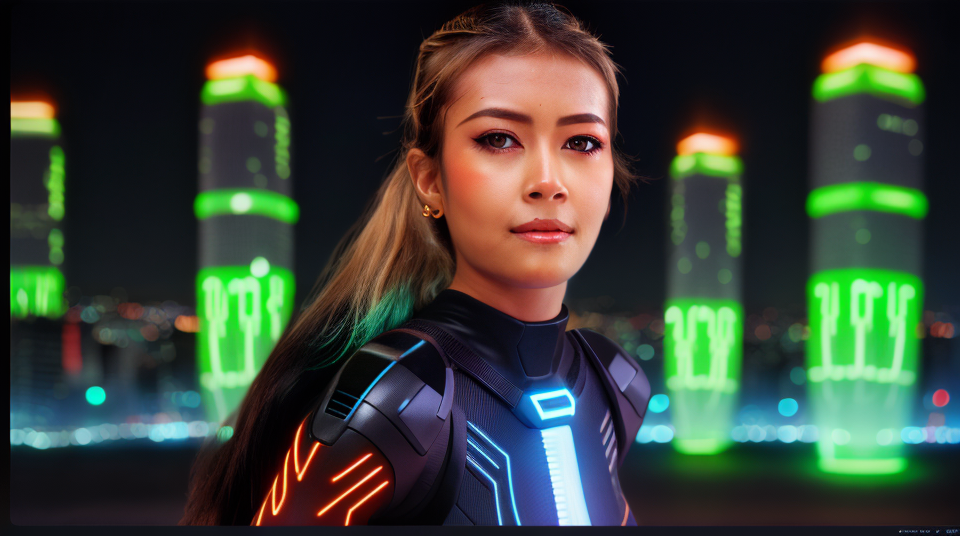
I used inpainting to improve my face from best model trained from my face. I used same instance prompts and negative from a specific image inside PNG tab include the settings bellow. It should same 512 or whatever ur size to much the image then inpaint only area

 E
E F
F https://www.patreon.com/SECourses
 D
D T
T Anyone share your experience?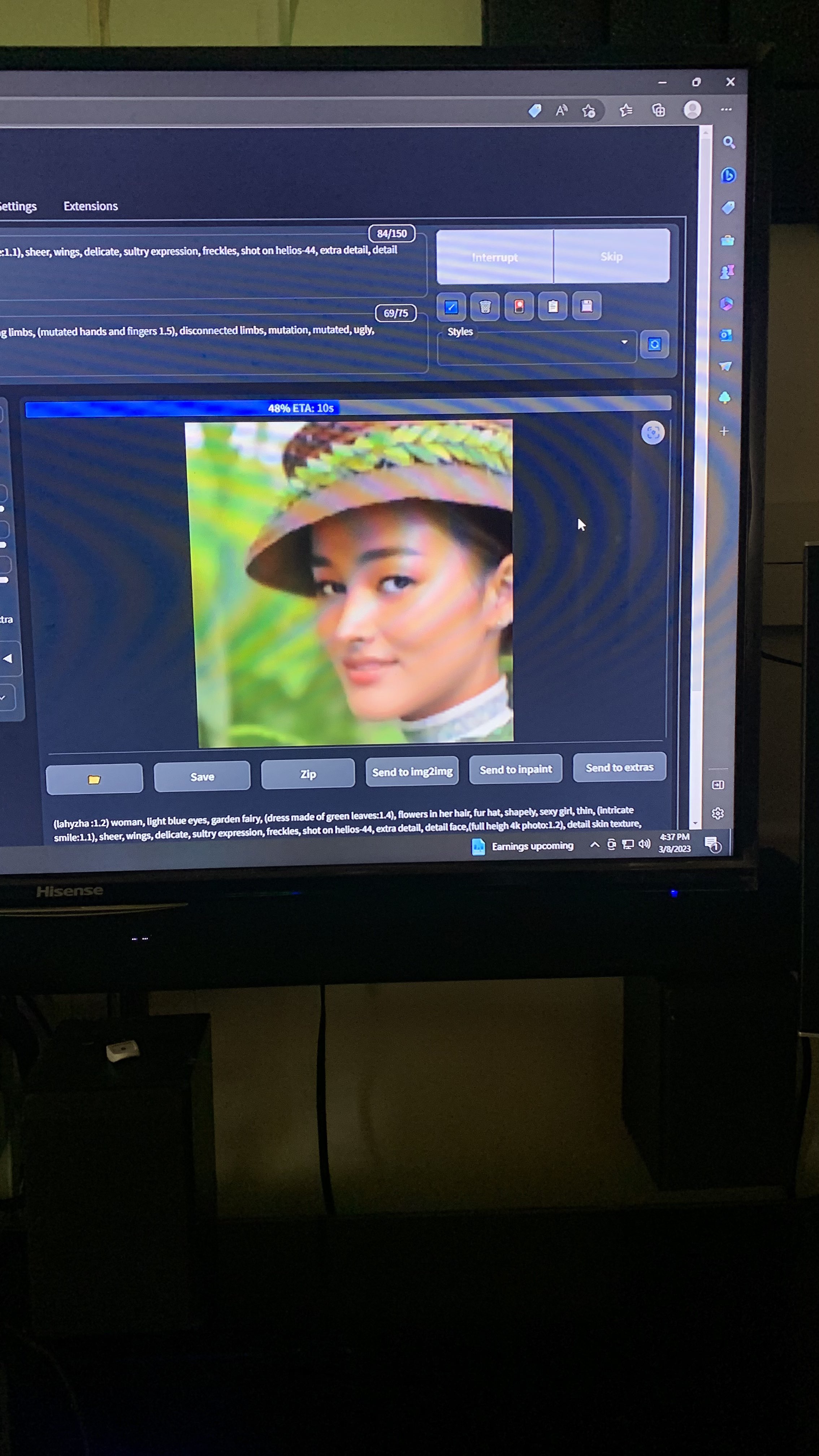
 H
H J
J
 P
P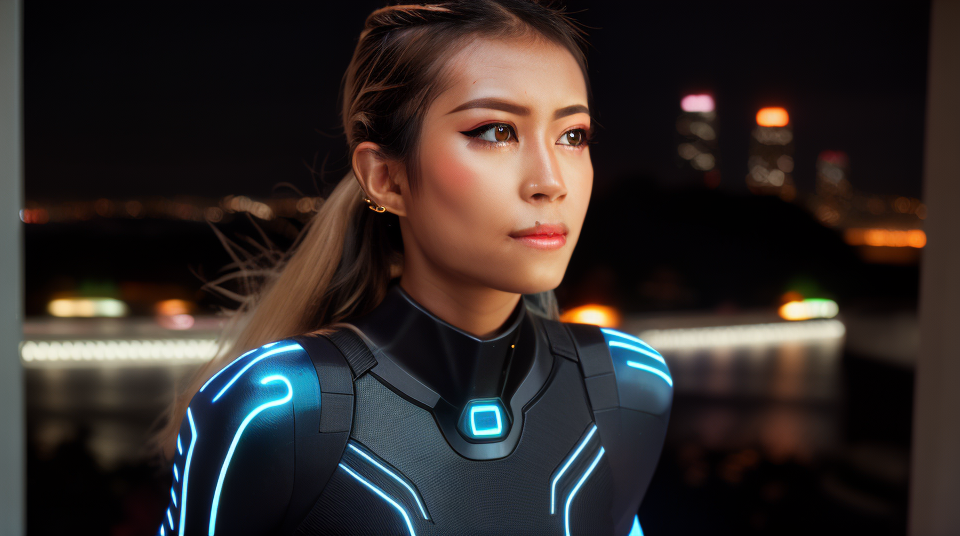
 E
E J
J
 R
R


