Hello everyone. I am Dr. Furkan Gözükara. PhD Computer Engineer. SECourses is a dedicated YouTube channel for the following topics : Tech, AI, News, Science, Robotics, Singularity, ComfyUI, SwarmUI, ML, Artificial Intelligence, Humanoid Robots, Wan 2.2, FLUX, Krea, Qwen Image, VLMs, Stable Diffusion
An embed is a way of training that, according to my research, allows you to make a model based on one of the models (say, 1.5) and then you can use that face in any model that is based on 1.5.
So it would allow one to put the character they trained into a lot of things. Unless they look like claymation horrors from hell's basement.
I think that "Save your Model Frequency" Is a very important value, I did just that, the memory usage goes crazy because at the end of the training you have lots of models. I assumed as a noob that the more the code works on a model the better it gets but that´s not the case, I think its called overtraining so... I ended with 10 versions of a model and apparently the third one is working very good, the fourth one gives bad results the fifth one very bad results and so on...
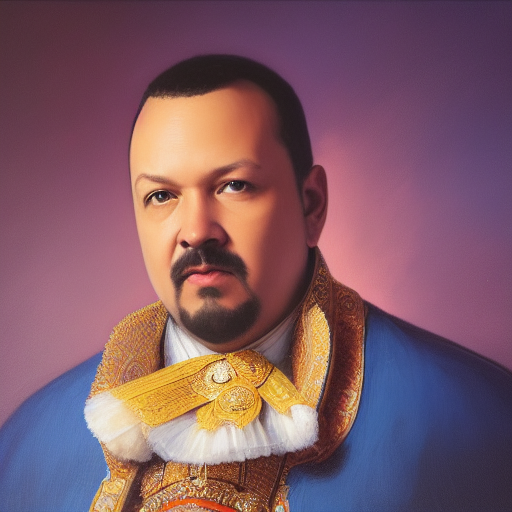
PROMT: painting of p3p34gu1L4r by rembrandt, high resolution. 8 k 3 d render trending on art station 4k intricate artwork masterpiece digital painting concept illustration greg rutkowski beeple alphonse mucha cinematic lighting atmospheric light glow octane unreal engine photorealistic hyperrealism photography complex detailed matte print fantasy style atmosphere surreal portrait canon eos c 300 ƒ 1 5 0 mm f 2 - 6 sony alpha n
Try this: I think that "Save your Model Frequency" Is a very important value, I did just that, the memory usage goes crazy because at the end of the training you have lots of models. I assumed as a noob that the more the code works on a model the better it gets but that´s not the case, I think its called overtraining so... I ended with 10 versions of a model and apparently the third one is working very good, the fourth one gives bad results the fifth one very bad results and so on...
Our Discord : https://discord.gg/HbqgGaZVmr. The most advanced tutorial of Stable Diffusion Dreambooth Training. If I have been of assistance to you and you would like to show your support for my work, please consider becoming a patron on https://www.patreon.com/SECourses
Playlist of Stable Diffusion Tutorials, Automatic1111 and Google Colab ...
Is there some bug in A1111 dreambooth training where the checkpoints it generates just ignore all the training? it generates samples fine but then try to use the checkpoint to generate images and the model you generate works but just ignores all the training instance tokens completely
I read somewhere that the latest Dreambooth is just broken, no matter what you do, what parameters you adjust the results would be nightmarish It´s so frustrating! Spent days trying for a model to work and to understand the app but the results are always garbage after hours of waiting
thats not exactly the issue i'm facing, it is training, its generating good samples, but when i try to use the checkpoints in SD to generate images, it ignores the training and just treats it like its the underlying model with no training at all.
I got error like this while training hypernetwork: "A tensor with all NaNs was produced in Unet. This could be either because there's not enough precision to represent the picture, or because your video card does not support half type. Try setting the "Upcast cross attention layer to float32" option in Settings > Stable Diffusion or using the --no-half commandline argument to fix this. Use --disable-nan-check commandline argument to disable this check." I tried to add --no-half or set the "Upcast cross attention layer to float32" but it wont help. Wheni used --disable-nan-check then error disappeard BUT my samples are all black.