Hi, I'm banging my head against the wall trying to install Dreambooth to a RunPod. Wondering if anyo
Hi, I'm banging my head against the wall trying to install Dreambooth to a RunPod.
Wondering if anyone else is running into a problem with today's Dreambooth (I see there was an update today: https://github.com/d8ahazard/sd_dreambooth_extension
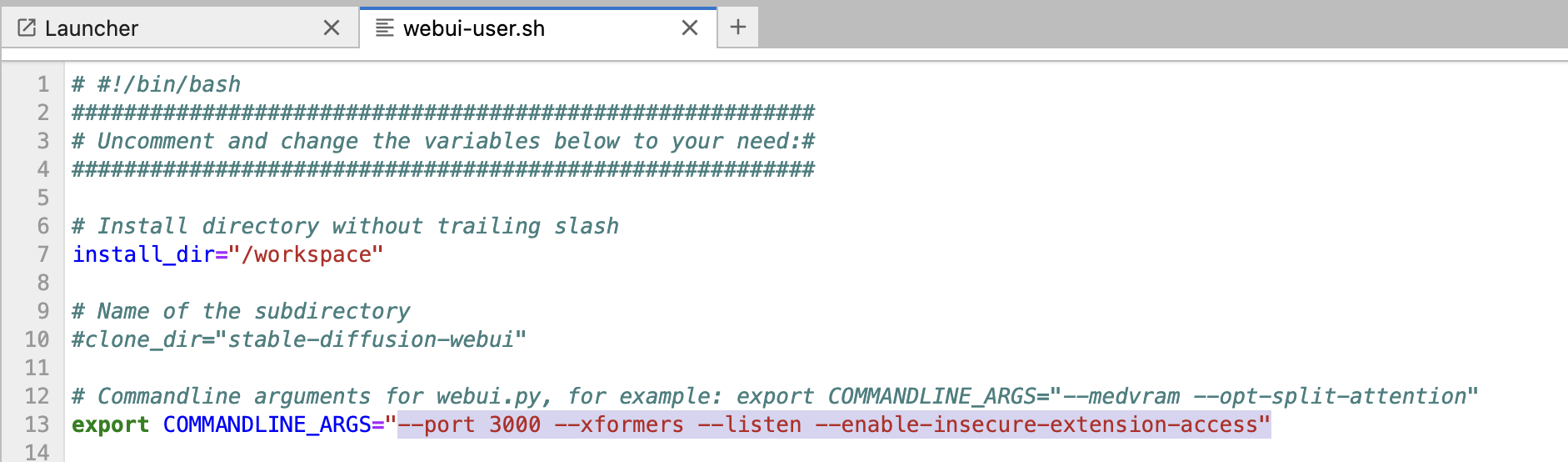
I've been following your "Ultimate RunPod" tutorial @Furkan Gözükara SECourses to the letter.
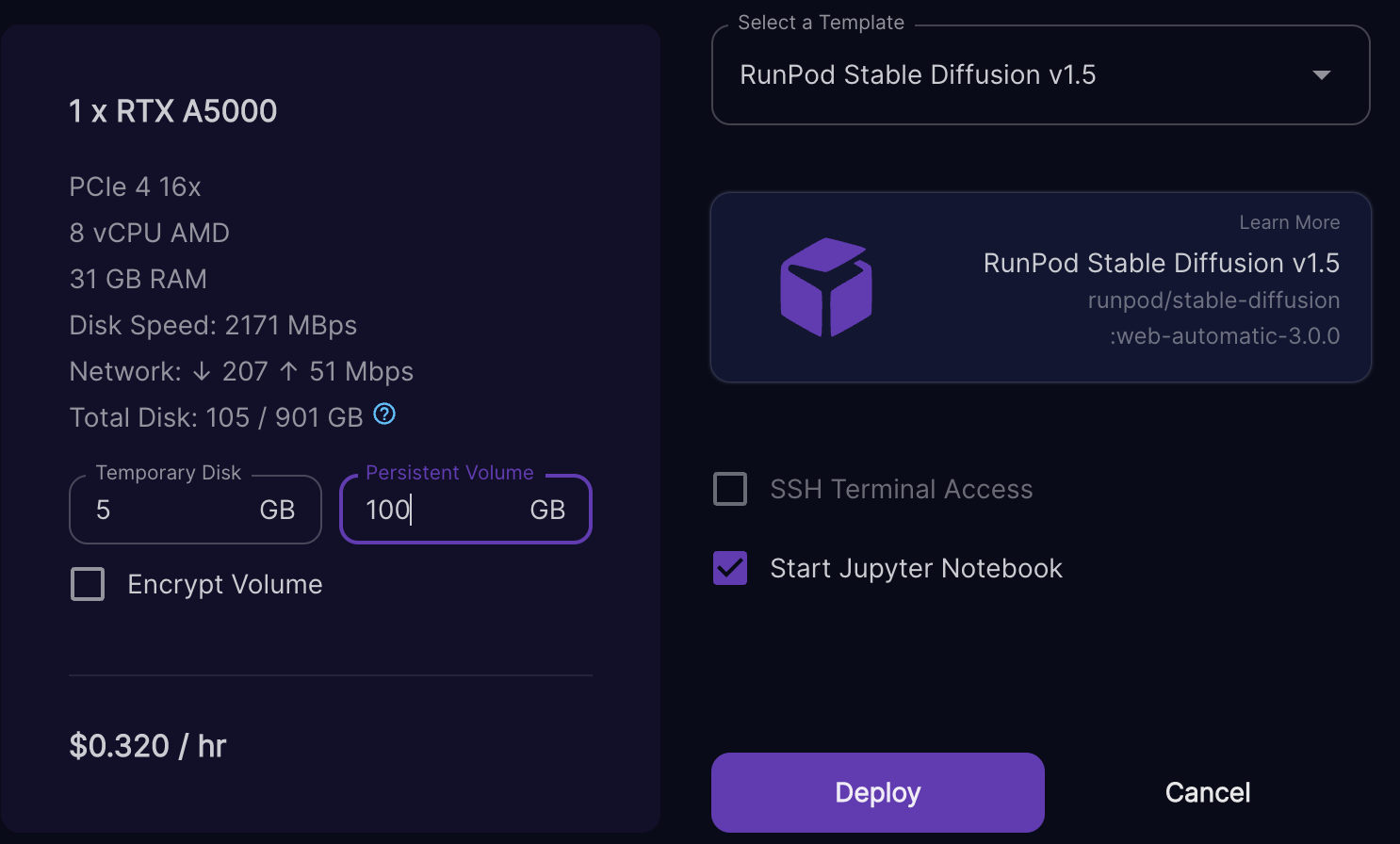
So, I've attached an image of the Pod I've chosen.
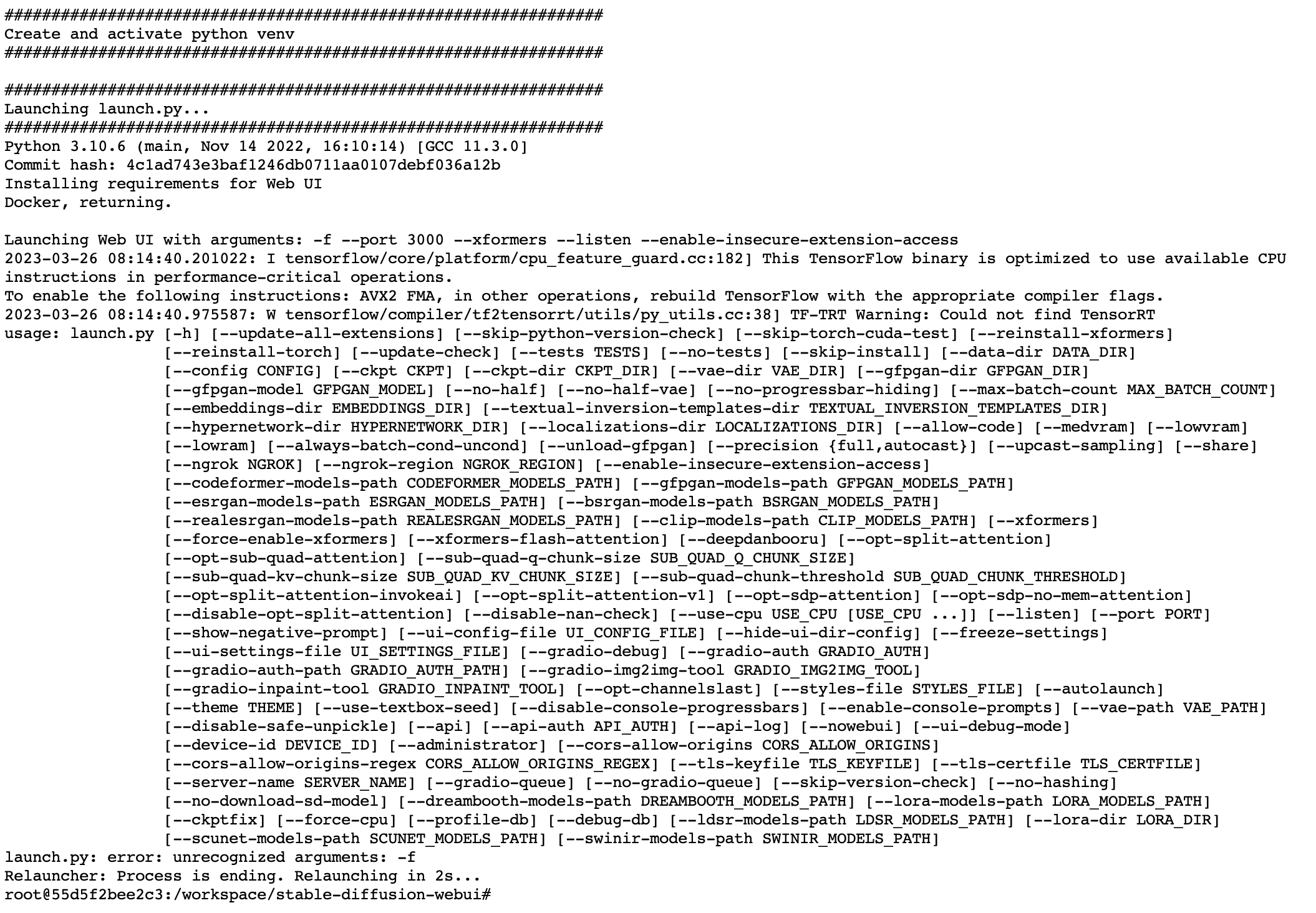
Next is the container logs:
Wondering if anyone else is running into a problem with today's Dreambooth (I see there was an update today: https://github.com/d8ahazard/sd_dreambooth_extension
I've been following your "Ultimate RunPod" tutorial @Furkan Gözükara SECourses to the letter.
So, I've attached an image of the Pod I've chosen.
Next is the container logs: