
 N
Nhow much does it cost for g52xlarge for your usecase'
 N
Nthanks


 A
Ahaha i dont know enough about comp sci. But the idea that software is the roadblock and not hardware was interesting for LLMs that run on GPUs that aren't NVIDIA

 Θ
Θis this better thatn automatic1111 webui?

 M
MNo . Unfortunately, I haven't been able to get any of them working yet
Θbro no facking
Θway
Θwhat gpu do you have?
MI have a strong system. My problem is something else
ΘInstall Python 3.10.6
Θthis is very important
MMy English is poor . I could not convey my wish
I have thousands of low quality photos that I want to bring to the highest level of quality in detail, but the images do not change
I have thousands of low quality photos that I want to bring to the highest level of quality in detail, but the images do not change
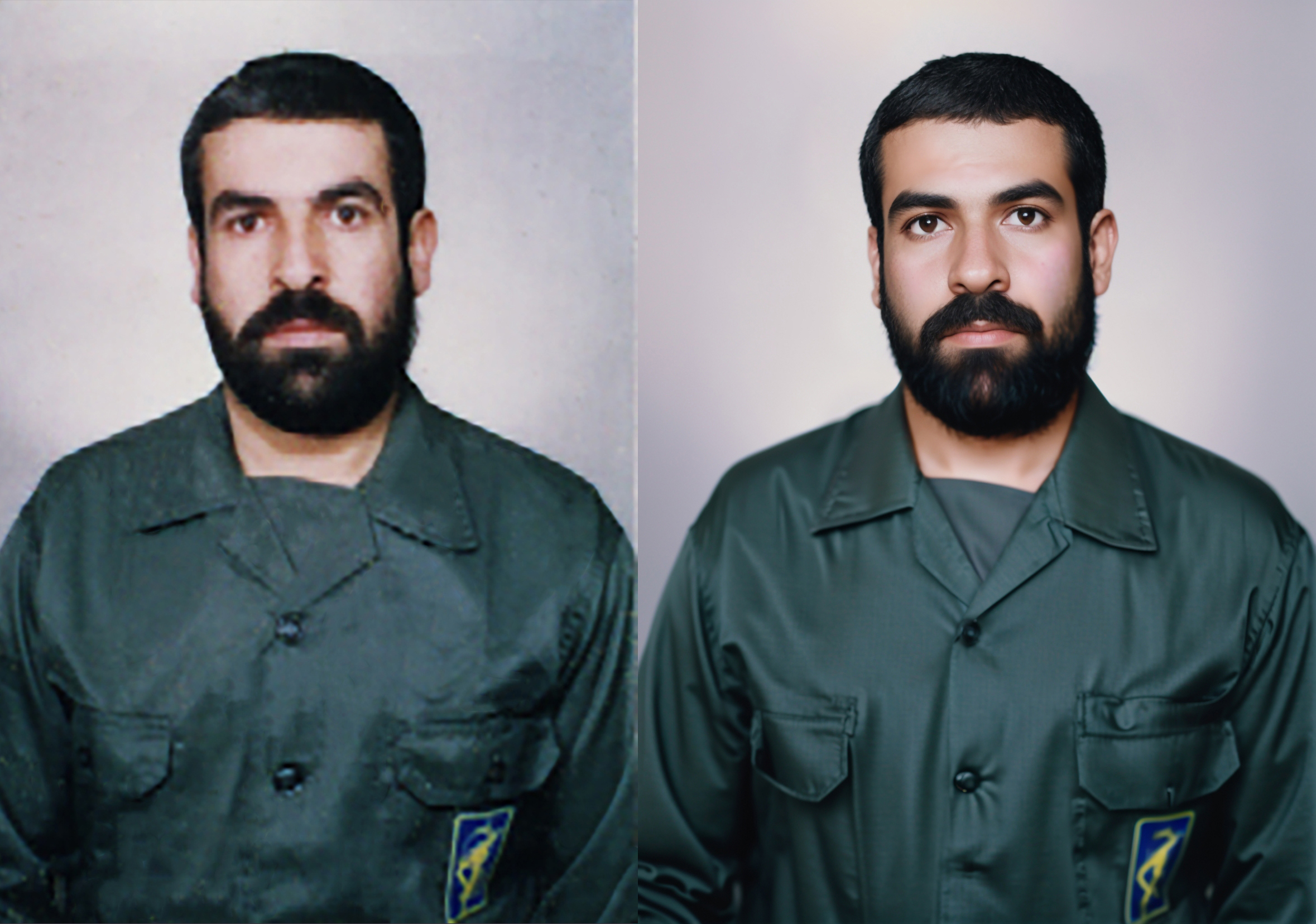
MThe client did not accept me. He said his face has changed
 Θ
Θ@majidzendaniyan lower the denoising strength
Θdisable Restore Faces
MIn this case, it does not give me quality with these details, Something that makes me excited and satisfied. There are unique details of hair and skin texture
 F
Fthis isn't THAT specifically important. More importantly is that python 3.11.x isn't used. I had kernel issues doing AI using 3.10.6. A couple people helping me insisted that i used that to solve all my problems, so i downgraded from 3.10.9 to 6 and it actually started causing me hard system crashes. I suspect it was to do with incompatibilities between windows 11 on alderlake, and python but i never explored those suspicions. what i know is that the hard kernel problems go away when i changed python versions to a newer 3.10.9. i may upgrade to whichver the new 3.10.x is soon.
 Θ
Θmine wouldnt run if python wasnt exactly 3.10.6
Fmine would run, but slowly, and then crash after a few staggery generations. i have alderlake and 4080 on newest OS. so we might have different needs. It may be a good suggestion for some people though right?
 L
LIs there a way I can have SD start with specific settings already entered for the inpainting section of img2img? I pretty much always use the same prompt, sampler, CFG scale, denoise strength resolution, etc.
LAlso, is there a way I can start SD without internet?
Nstable diffusion is making my face wide, does anyone know how to make it squeeze?
Nnvm let me try randomizing seed

 P
Pif you are running auto locally you aren't using the internet. your machine is pretty much talking to itself.
Fui-config.json in automatic1111 root directory allows the change. i don't think it's a specific change to the inpainting tab though, but all of img2img default value rather.


 F
Fi think it uses what is embededd in model
Fyes please redownload model file
Fi think now it works . they made updates
Fam trying to train with kohya script and i i can only make it get this far. is there any help to advise here? it'll stay at this step all night and do nothing if i leave it.
total optimization steps / 学習ステップ数: 4350steps: 0%| | 0/4350 [00:00<?, ?it/s]epoch 1/15not 8bit
Fdo you get any error?
Flooks like 0 steps
Fnone. it'll just stay there
Fi've had errors whiel i was building the data set and i learned to structure those folders right and got through it. this is a brick wall though. an error would aid. haha. trying adamw now
Fi dont know them but runpod pretty cheap
Fyeah same thing again. it fires up really fast and efficient. detects my image set. begins the training and just halts up. another thing i've noticed is if it's there and i press train in the gui again, it'll run again and get to that point. /shrug
Fvery interesting
Fdid you try with torch 1.13?
Fjust the default 1.12.1 with the cudnn fixes since i have a 4080. hmm will try 1.13
Fi tried the experimental 2 but ran into some startup issues
Nwhere to download pix2pix?
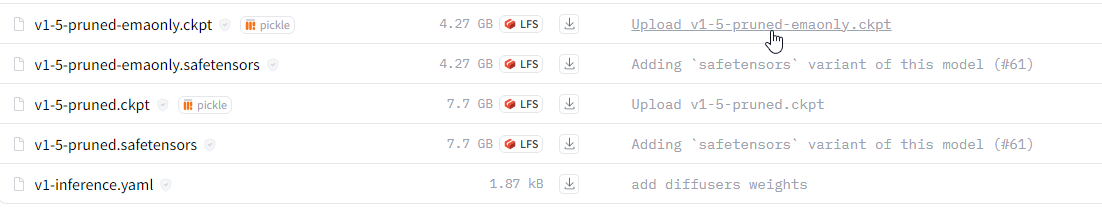
MWhich one should I download?
 M
MI had downloaded the first one in the past
Nbig one if your gpu can fit
 F
Fgoogle
Fpruned what