
Ok I'll revisit the video for that and look into it. Thanks for the reply
Ok I'll revisit the video for that and look into it. Thanks for the reply
 FF
FF �F�F
�F�F https://www.patreon.com/SECourses
 �
� K
K F
F K
K AAAAK
AAAAK KAAKAF
 C
C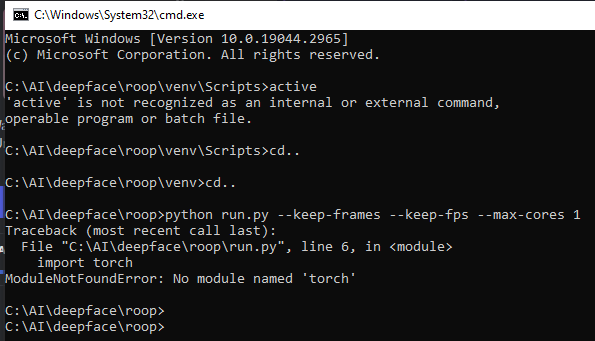
 NA
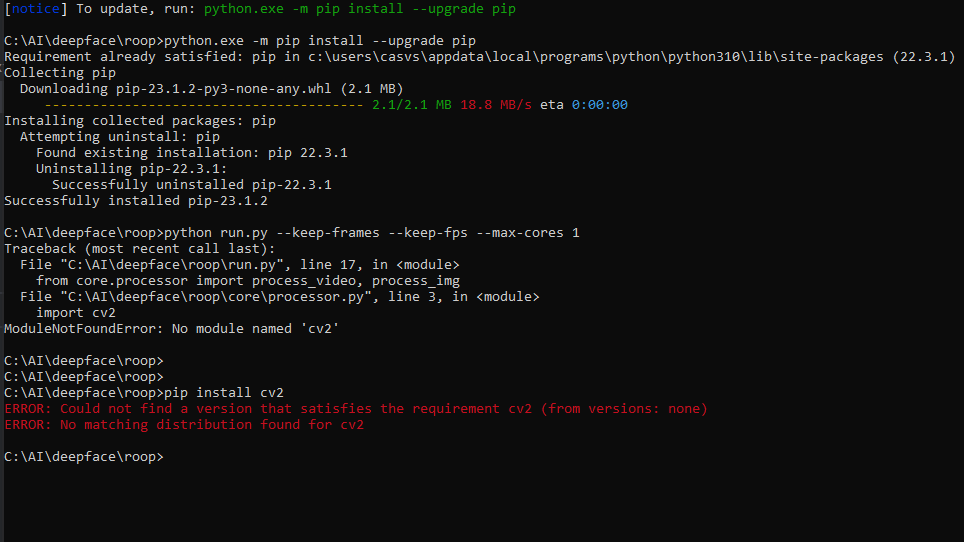
NAactivate and not "active". You should first activate your Python venv correctly and then install torch if the problem persists. E
E WW
WW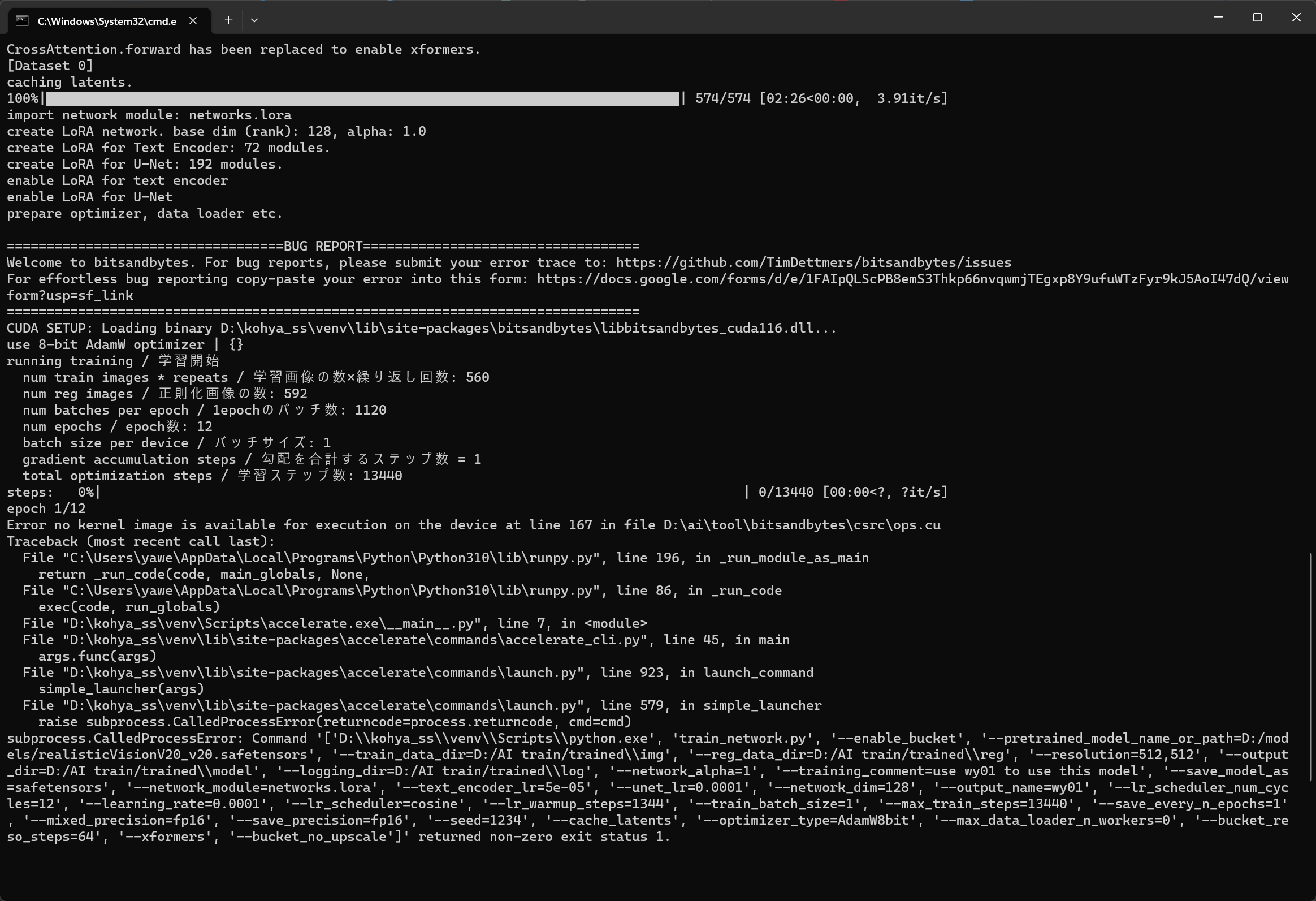 WW
WW EAC
EAC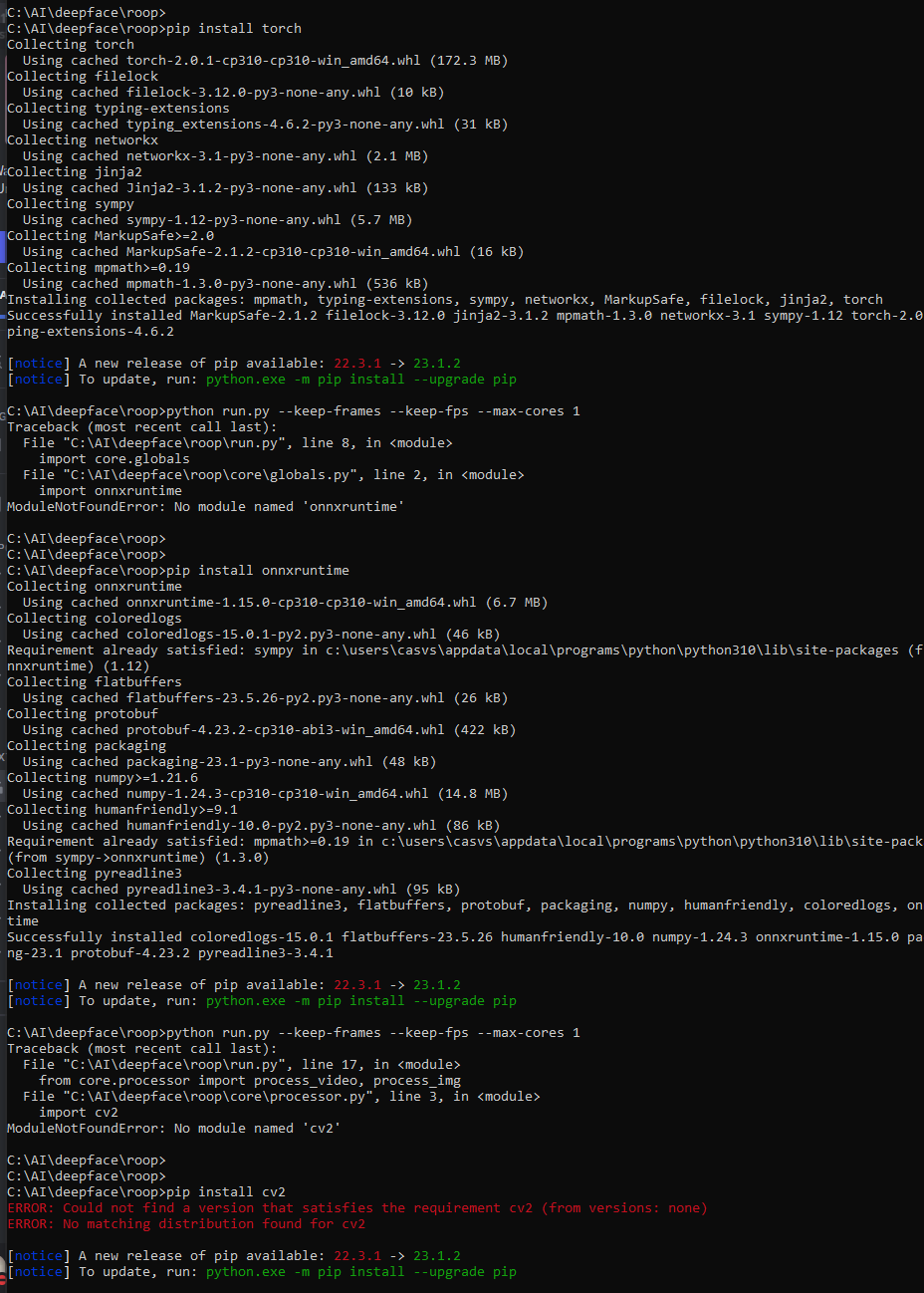
 AFCFAAFFFE
 A
A W
W AA
AA AAFF
AAFFcancel_dreambooth_job.py
create_on_demand_pod.py
create_spot_pod.py
create_template.py
get_bid_price.py
get_details.py
get_dreambooth_health.py
get_dreambooth_status.py
get_gpu_types.py
get_pod.py
get_pods.py
runpod.py
start_on_demand_pod.py
start_spot_pod.py
stop_pod.py
template.md
terminate_pod.py
train_dreambooth.pyactivate git checkout 251fde95968aecfebfc8f061e2cd7ebf8f2966d6
and start
with
python run.py --keep-frames --keep-fps --max-cores 1


