
 W
WI had a system freeze lockup issue, and it appeared to have restarted 9000+ times prior. I thought it might have been related to the system getting sluggish and then freezing, but since it ran so many times without appearing to affect system stability, I don't think that was related.
 H
HTried to play Armored Core 6 and it wouldn't let me go online said something about suspicious activity detected. I'm assuming something is interfering with the anti cheat runs fine on my steam deck thought any thoughts?
 A
AAny updates on the ally?
 S
SQuick question, can leftover data from a windows install cause problens on a Bazzite install?

 V
VNot if you wipe the drive when installing
 S
SOk, cool
SIve been trying for hours to get bazzite to work and even Kinoite is giving me problems. Though on an external SSD connected by a usb adapter may be the issue
SThe entire instance freezing and the whole desktop hanging forcing a hard reset
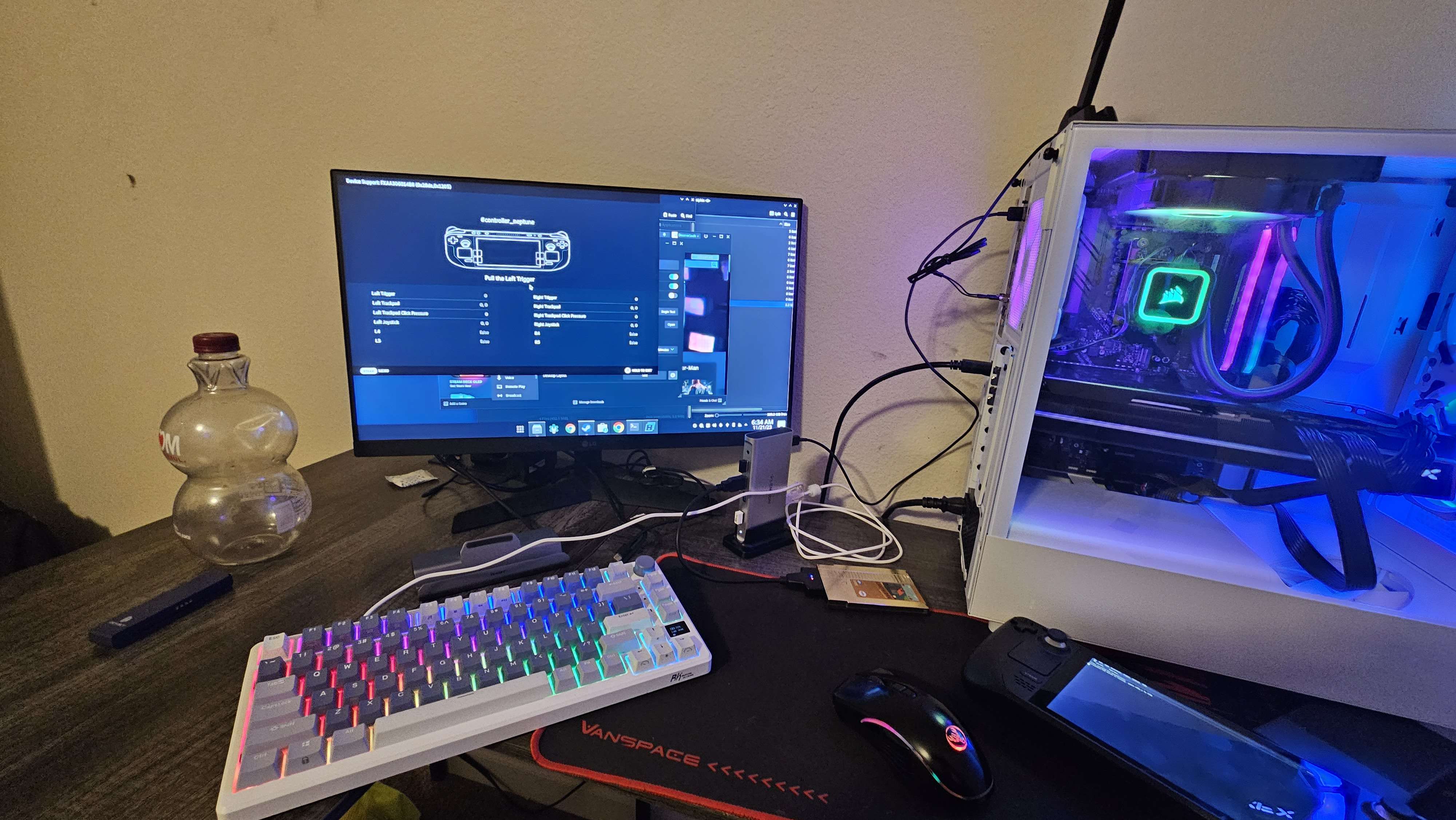
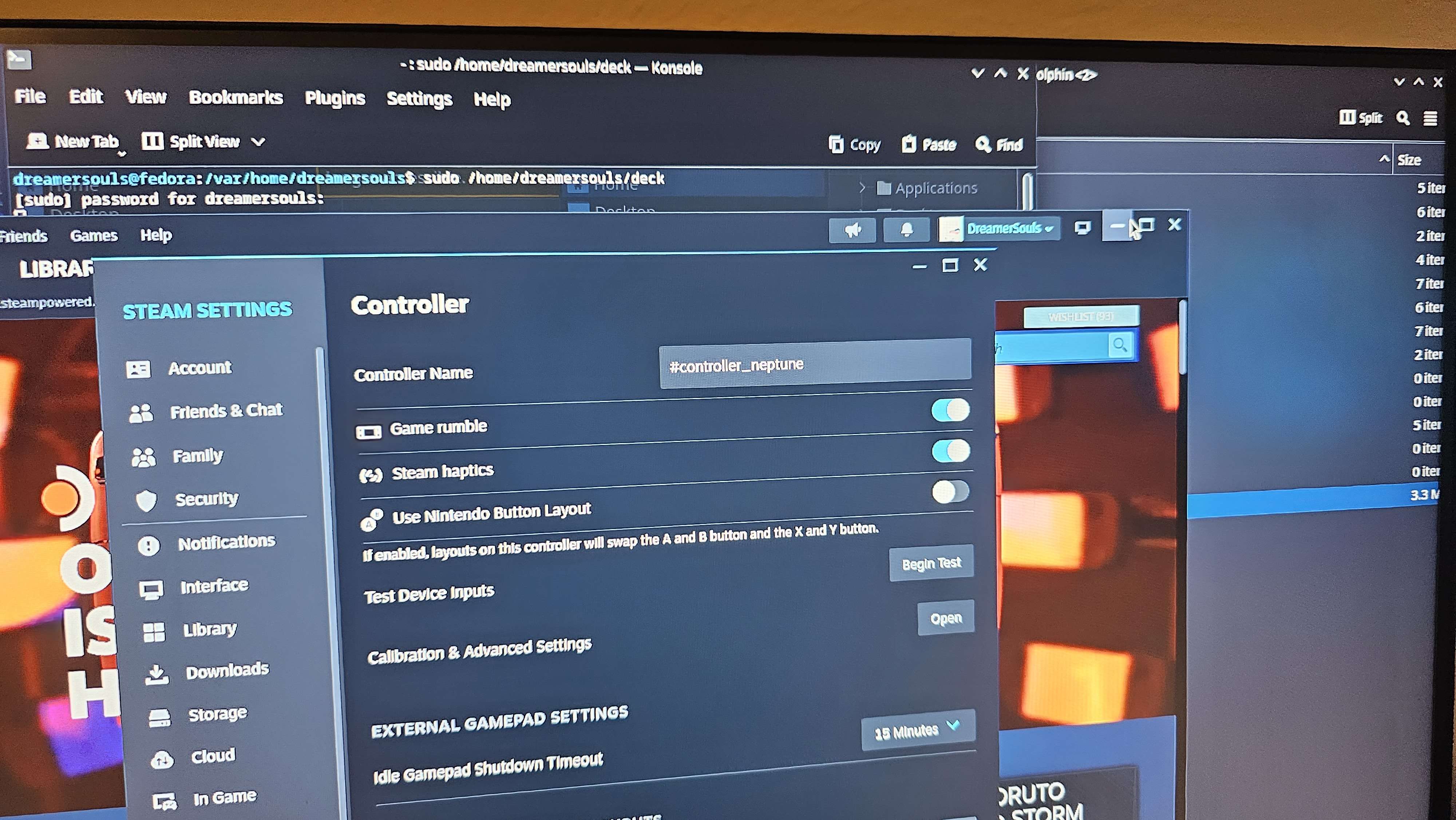
SSo i came across this program called Virtualhere, its possible to use this as a way to turn your steam deck into a Steam Controller for a PC running the Virtualhere client.
This client can be installed as a service and run at start. That could be a very useful feature to those who have both a desktop and a steam deck.
I tried getting the GUI working in game mode but no dice, only desktop mode
This client can be installed as a service and run at start. That could be a very useful feature to those who have both a desktop and a steam deck.
I tried getting the GUI working in game mode but no dice, only desktop mode
S M
MQuick question, does all the inputs behave like the inputs on the Steam Deck?
 S
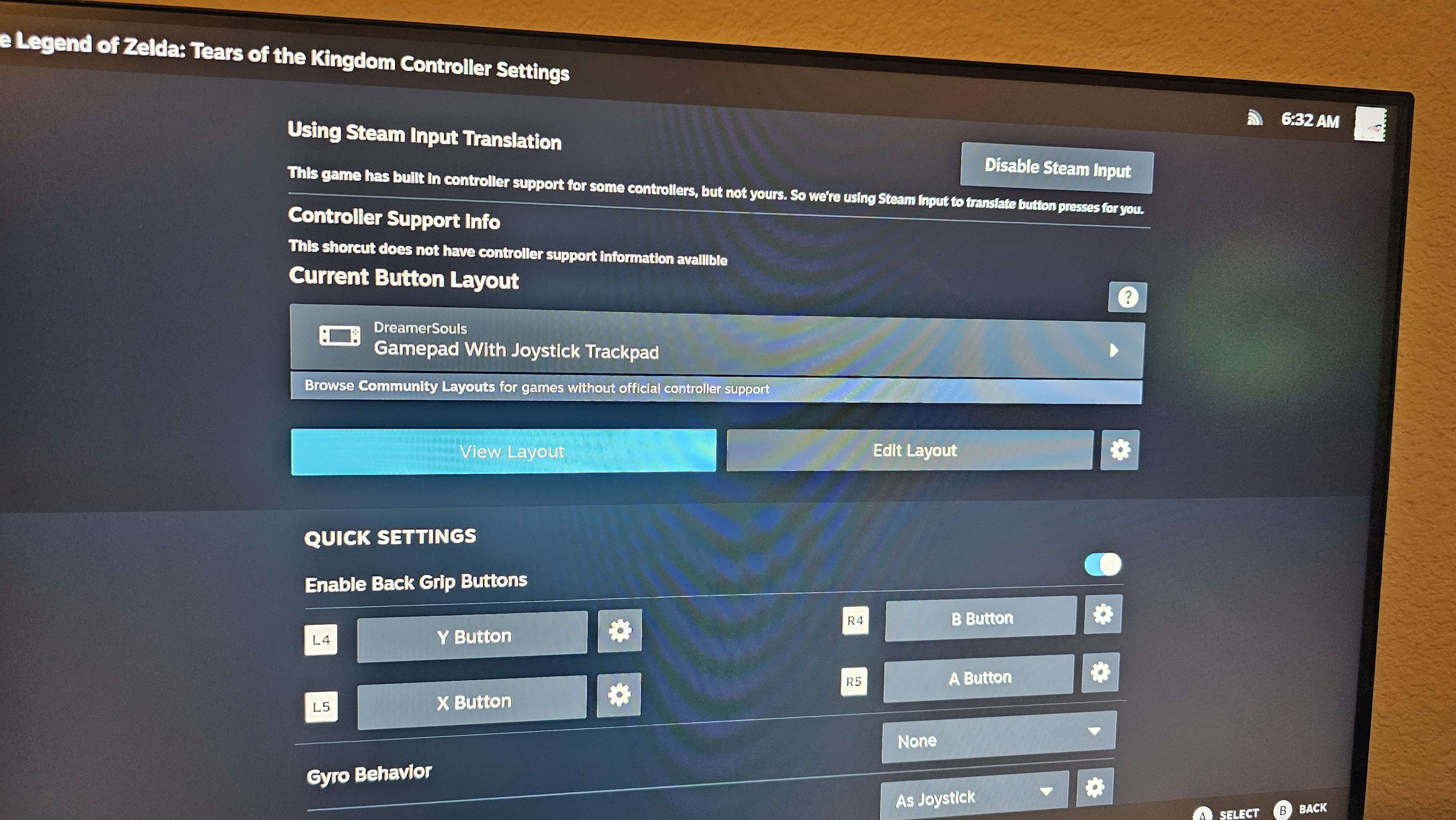
SIt does, it acts as if steam controller neptune (the deck's controller) itself is connected
SThe gyro works the trackpads work, the thumb stick sensors, everything accept for the touch screen
SS@mikens
 SM
SMThanks, I can't wait to do the switch from windows.
 H
Hbeen using this since i got my deck to do exactly that
SJust make sure the launch option is set to reflect your Bazzite home folder directory, it will not work with /home/deck
MBazitte deck or gnome?
 E
Edoes bazzite have AV1 encoding available for obs?
V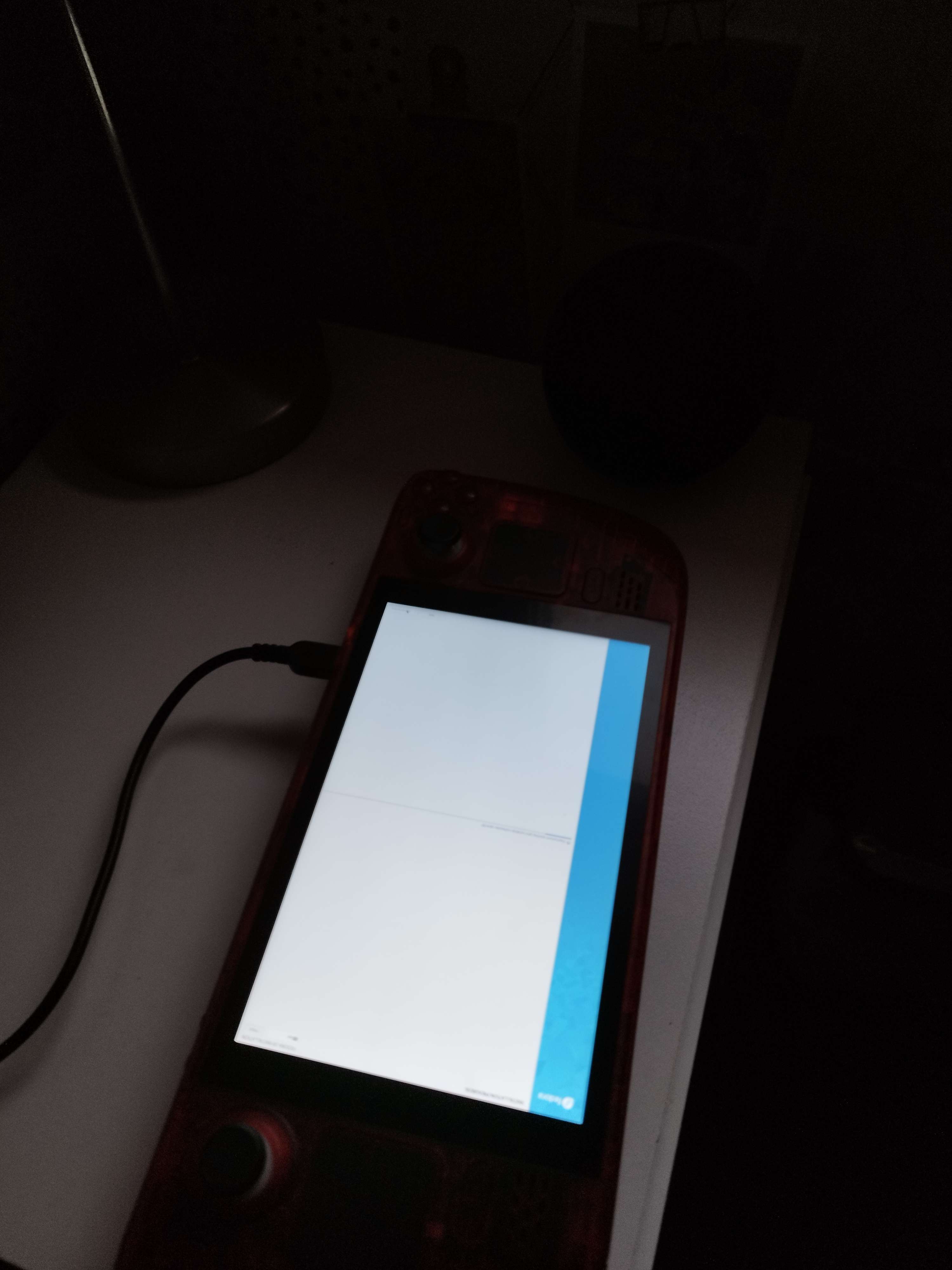
 D
DObs from flathub have av1 support
Efor amd gpu?
Dit should have av1 for 7000 series gpu
 F
FIdk If GPU Screen Recorder uses AV1, as I don't have RX 7000 GPU
FBut you can also try that

 T
TActually it took me some time but i did it
 Z
ZI'm trying to install Armcord using Fleek and it installs but for some reason it doesn't show up in gnome as a launchable app, what gives?
 J
Jhow to reset forgotten password in bazzite?
Tmy wireless keyboard is not detected on bazzite

 K
Kusing a deck?
 T
Tyes with the dock
Kset your USB mode to XHCI from DRD, known issue that's being worked on. Firmware update started it
Kthat's done in the bios
Tbut what will happen to windows will it just work?
Kyes
Tok thanks for the fast response
 R
RThanks for your work <3
 H
Hno built in system for it.
If it was on a non atomic system it's easy, I'm not familiar enough with ostree to say if a normal chmod from a live system will let you password reset or not
If it was on a non atomic system it's easy, I'm not familiar enough with ostree to say if a normal chmod from a live system will let you password reset or not
Edoes deluge/bittorrent work in bazzite? i remember i had some issues last time i tried, im just asking before i wipe windows
 F
FHey Everyone. I threw bazzite-deck:latest onto my steam deck last night and noticed that I'm unable to pair bluetooth audio devices. The pairing circle just spins in the Steam Deck ui, the KDE pairing eventually throws up a generic error and attempting to use bluetoothctl doesn't get me any further. It's refusing to work on multiple bluetooth devices as well. Interestingly enough my bluetooth controller worked/works jsut fine. Anyone have any ideas?
Thow can i install packages on bazzite fedora
Tbecause i would liek to be able to use specific apps
Talso i cant parse my games on emudeck steam rom manager
Hyou use flatpak (discover store), distrobox, appimages and as a last resort rpm-ostree
the last one will increase update time among other things so it should be avoided if you can.
the last one will increase update time among other things so it should be avoided if you can.
Tbut there is no such thing as like pacman or apt-get
Tbecuase thats how im used to do that
MGuys, I did the install followed the steps, after the installation I click restart and now I am stuck on a black screen.
Any help
Any help
Hbecause apt is for debian and pacman is for arch
dnf (formerly rpm) is for fedora, except atomic fedora uses rpm-ostree which works the same way as dnf for installing programs
using distrobox lets you use whatever distro you want to install the program and then you can just export the menu entry by running
dnf (formerly rpm) is for fedora, except atomic fedora uses rpm-ostree which works the same way as dnf for installing programs
using distrobox lets you use whatever distro you want to install the program and then you can just export the menu entry by running
distrobox-export --app appname inside the distrobox container