Hello everyone. I am Dr. Furkan Gözükara. PhD Computer Engineer. SECourses is a dedicated YouTube channel for the following topics : Tech, AI, News, Science, Robotics, Singularity, ComfyUI, SwarmUI, ML, Artificial Intelligence, Humanoid Robots, Wan 2.2, FLUX, Krea, Qwen Image, VLMs, Stable Diffusion
Have you checked the videos from Furkan he covers many points on Lora and Dreambooth training, following his settings and having a good variety of of you dataset 20images approx and captioning them well then training it on the model that you want to use should give you good results to start with. Also suggest doing via run pod so that the training is quick to test various iterations
Hello everyone! How many images do I have have to put in dataset to train dreambooth kohya as and what length of prompts is optimal to describe images in dataset, what model is better to use to describe images in dataset?
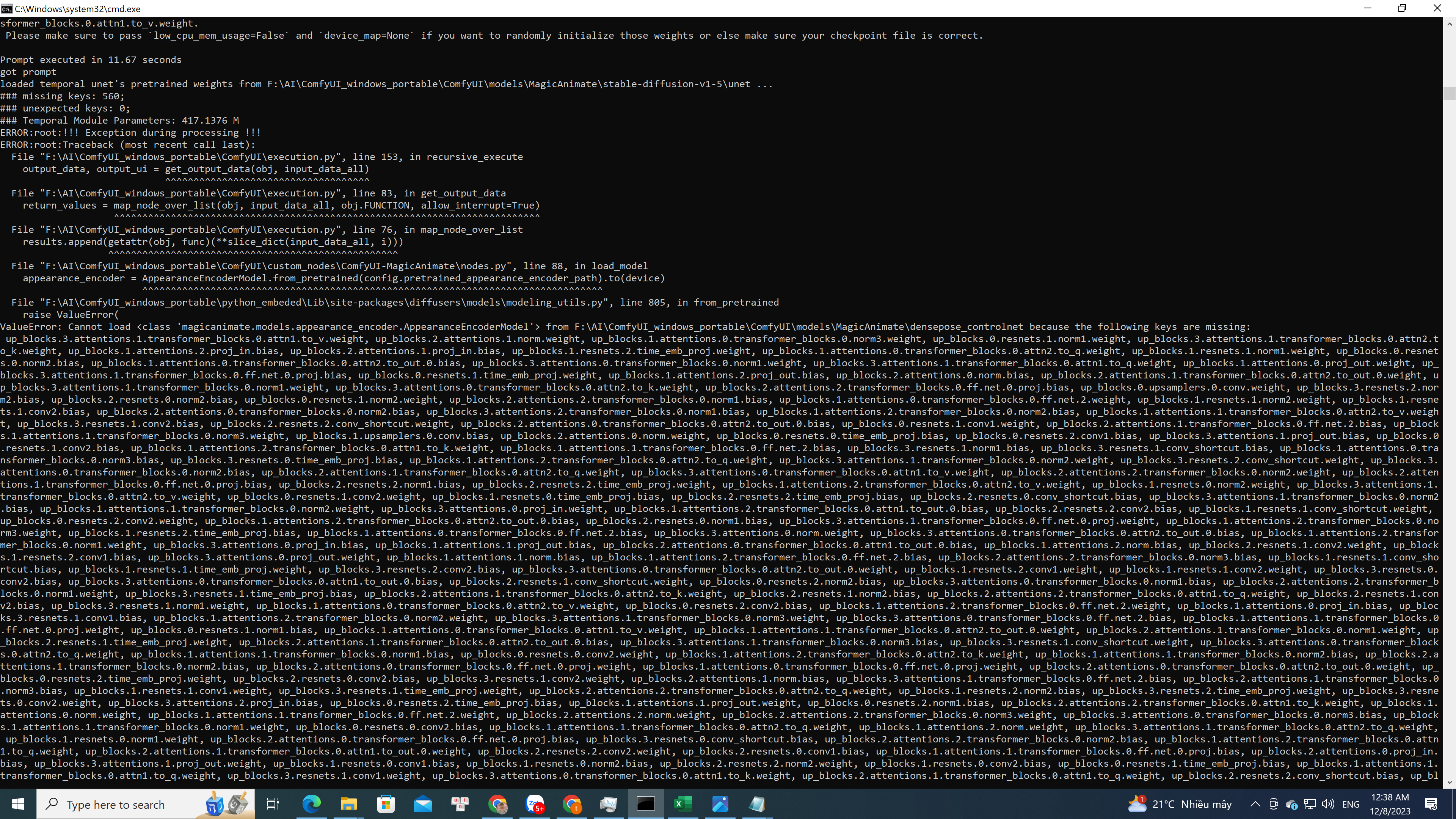
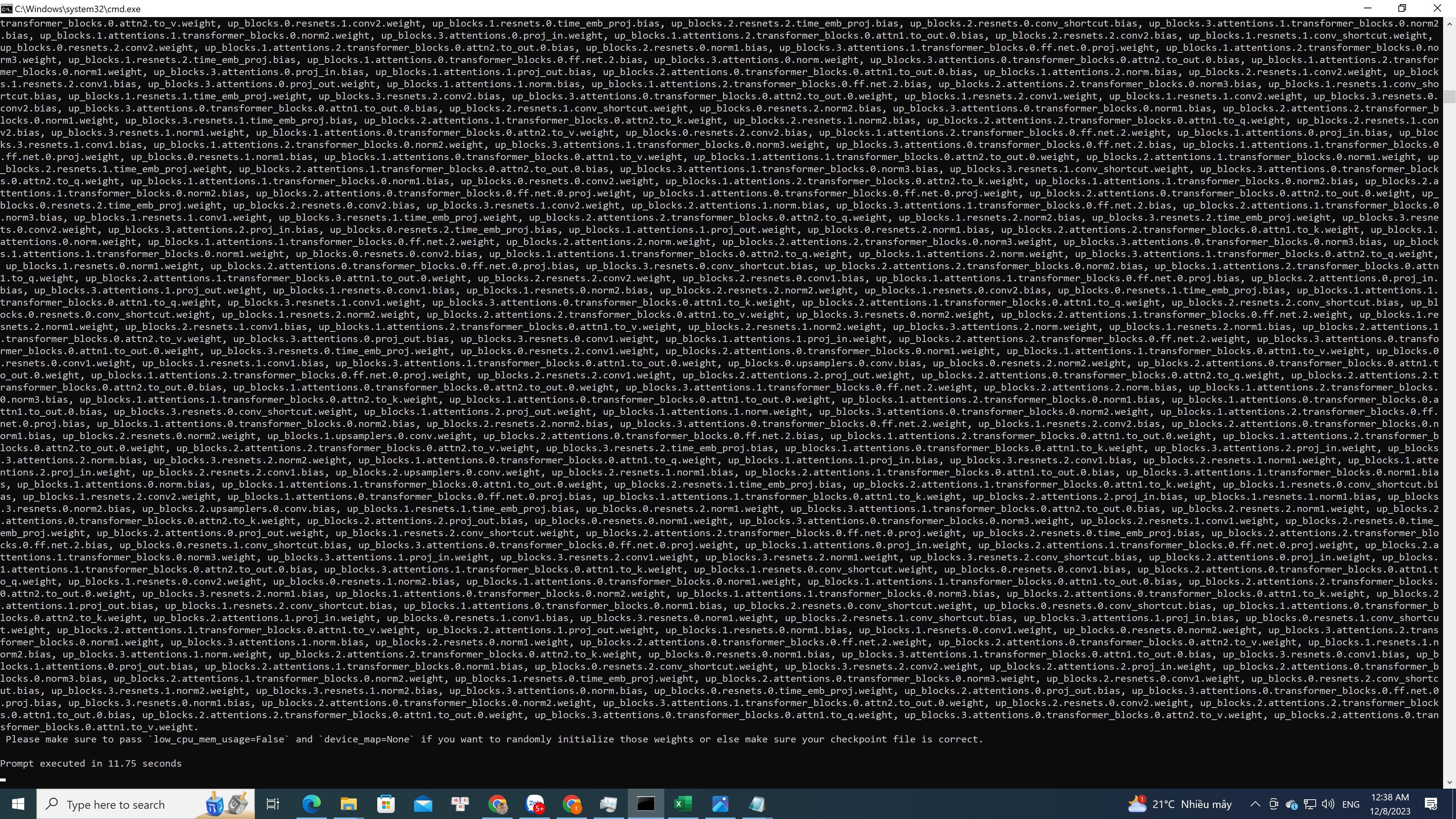
ValueError: Cannot load <class 'magicanimate.models.appearance_encoder.AppearanceEncoderModel'> from F:\AI\ComfyUI_windows_portable\ComfyUI\models\MagicAnimate\densepose_controlnet because the following keys are missing: .... Please make sure to pass
low_cpu_mem_usage=False
and
device_map=None
device_map=None
if you want to randomly initialize those weights or else make sure your checkpoint file is correct. can u help me. thanks
that means if I keep clicking 'continue training' it will try to continue caching the training dataset from where it left off and eventually complete? (or does it cache from the beggining again?)
is there a way to continue training a checkpoint in Kaggle with more input data after it has been trained once?
@Dr. Furkan Gözükarain kohya version 22.2.1 they made a change to include the unet and text encoders so you didn't have to put it in the extra parameters area. In the json file it shows four training parameters now Do you know what the second text encoder "te" is for: "learning_rate": 1e-05, "learning_rate_te": 1e-05, "learning_rate_te1": 3e-06, "learning_rate_te2": 0.0,