Hello everyone. I am Dr. Furkan Gözükara. PhD Computer Engineer. SECourses is a dedicated YouTube channel for the following topics : Tech, AI, News, Science, Robotics, Singularity, ComfyUI, SwarmUI, ML, Artificial Intelligence, Humanoid Robots, Wan 2.2, FLUX, Krea, Qwen Image, VLMs, Stable Diffusion
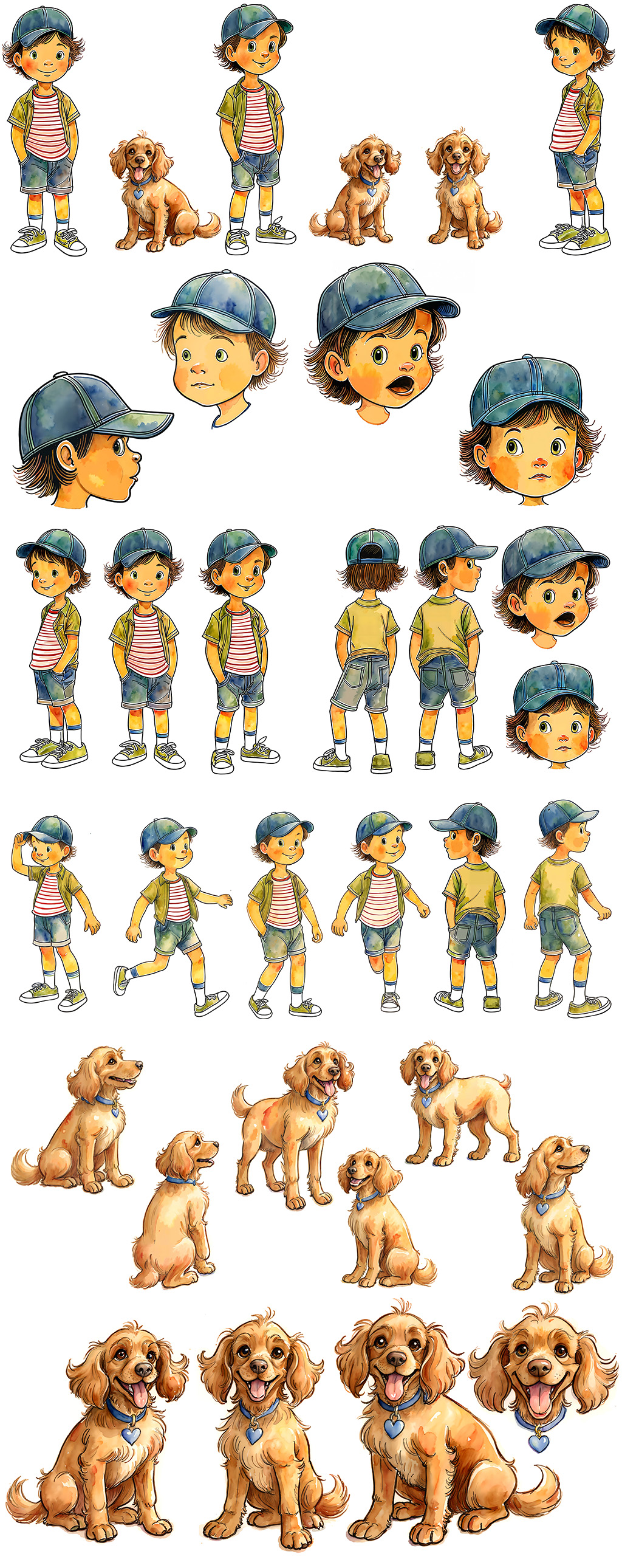
this is my first illustration character in SDXL. It's a lot easier than training a real person. Also a lot easier to put into context, even though all training images had white background.
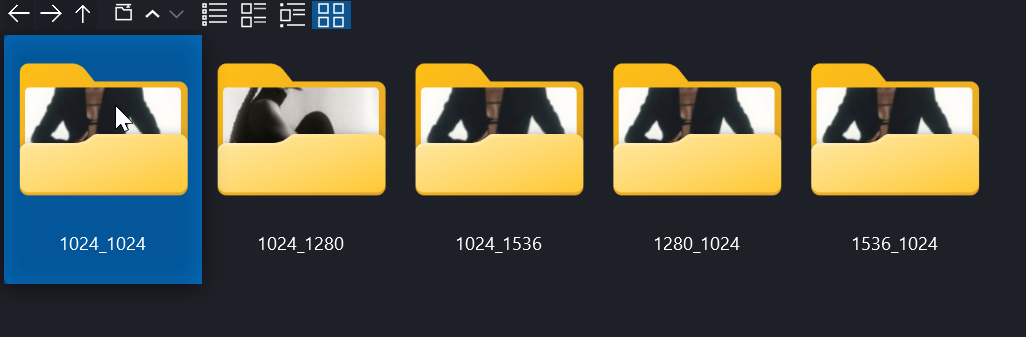
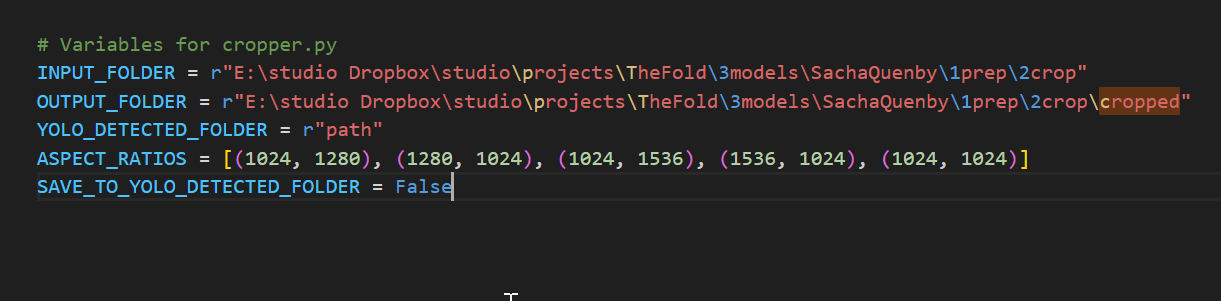
here's my config for the variables (normally in the cropper_v7.py script. I am getting the full output to different ar folders, but the images are not actually cropped...
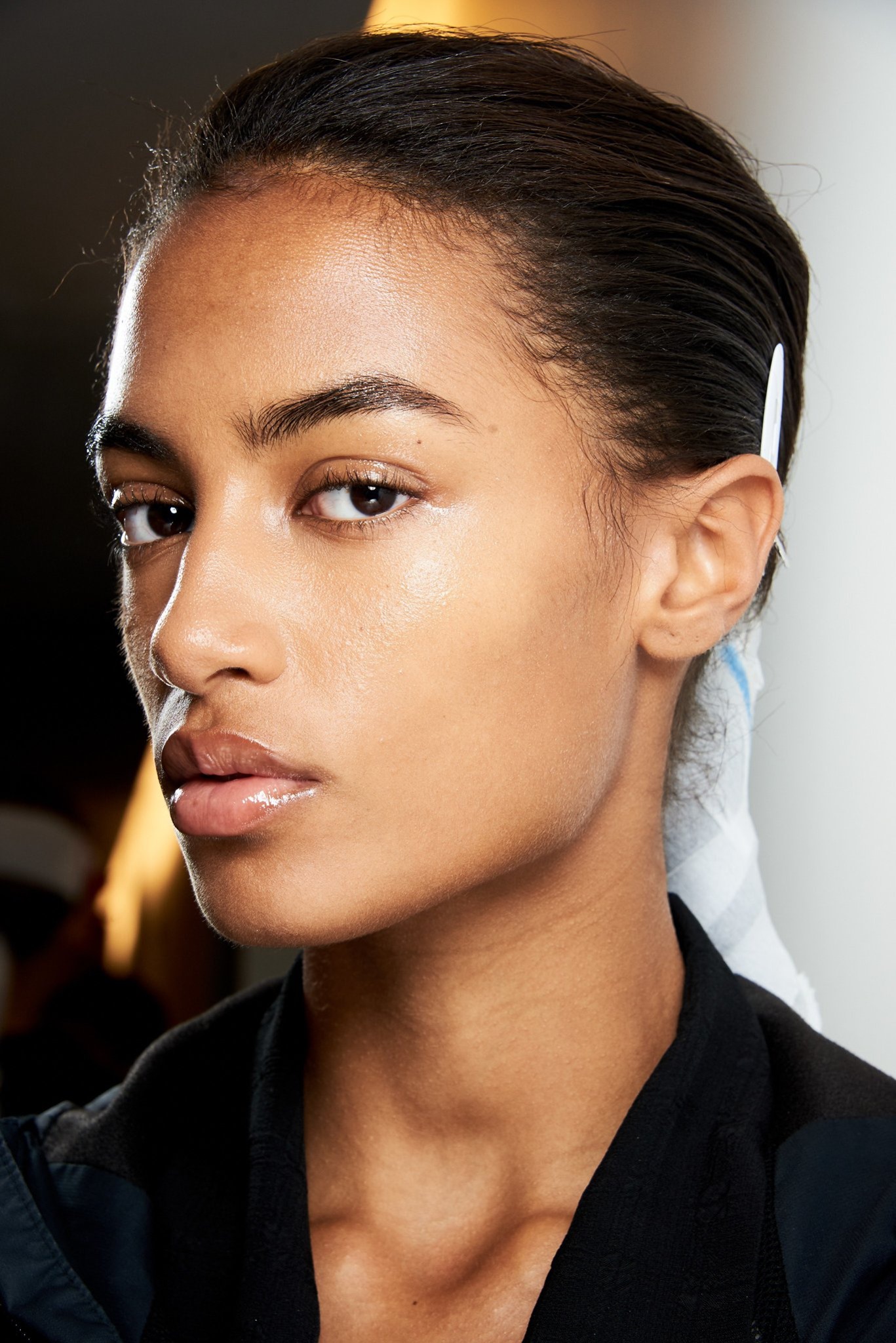
ok well i can see some minor cropping, just i guess is due to model trying to preserve areas around face like neck. So i suppose i have to still run some manual cropping at Topaz stage of upscaling or with Birme. unless there is a threshold slider to force the model to crop
https://www.patreon.com/posts/89213064 am I correct in thinking we generally dont need to amend any settings not provided in the JSON files here? For example I noticed using /workspace/24GB_TextEncoder.json I have 8 epoch with 40 repeating steps. I don't need to change anything just because I have higher training images right? say 50 or 100? the training steps seem to work out still according to the formula about 35k when I print the training command
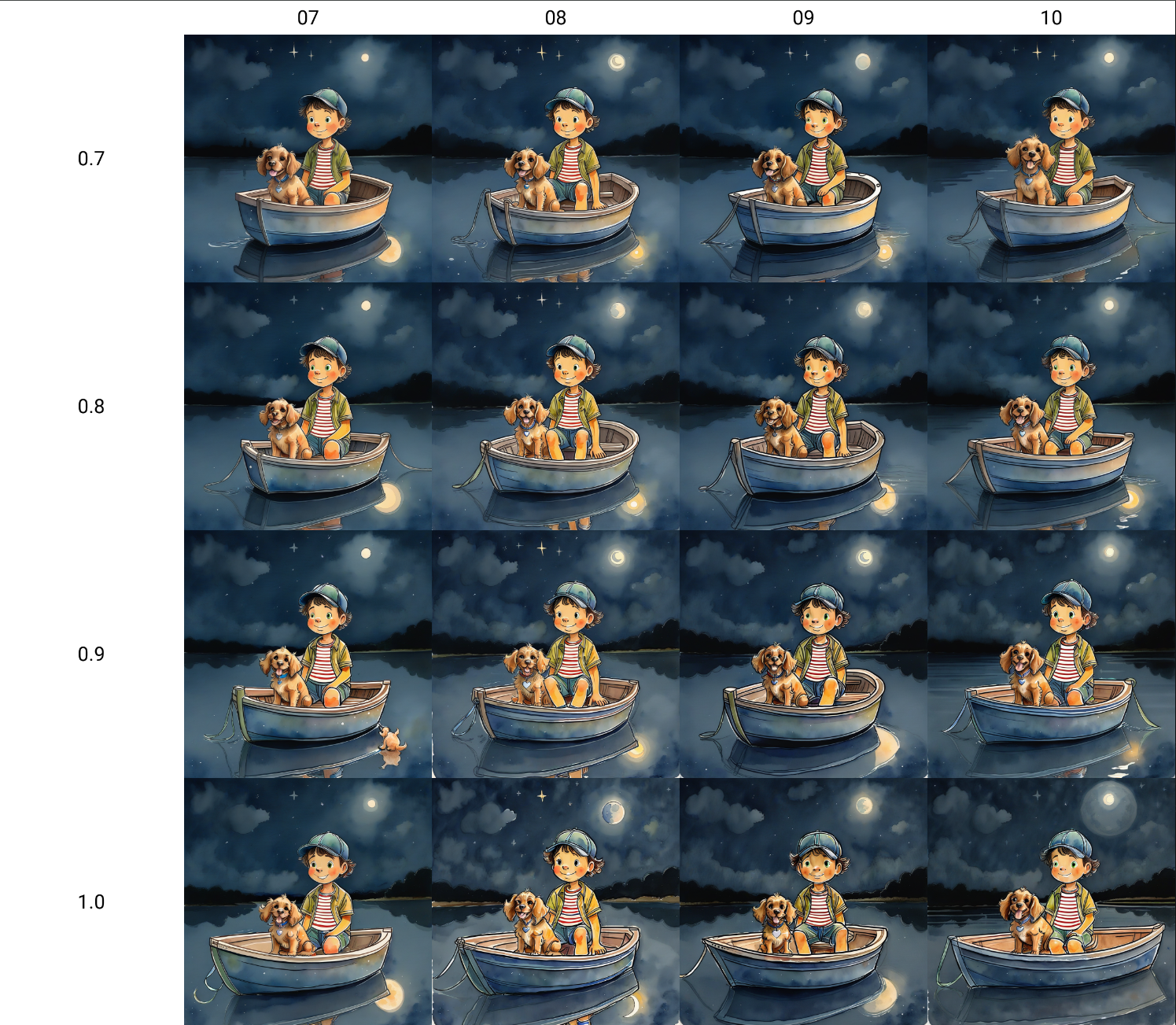
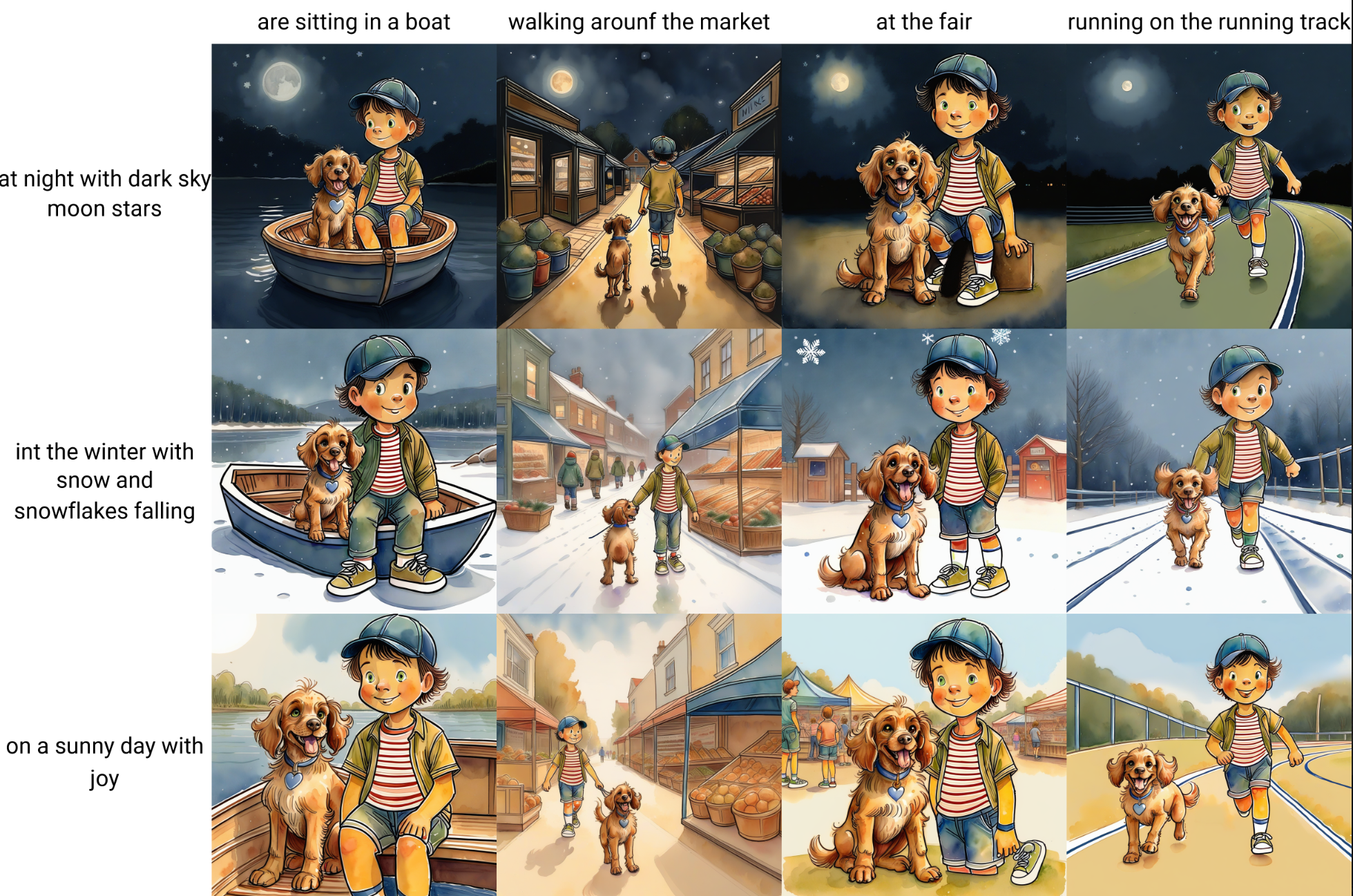
Test from Epoch 09 at 0.85 weight. Pretty nice for a one shot with no negative prompt, just true to what can be seen in the grid prepended by Mike the boy and his dog WillyMike the boy and his dog Willy(Hah, just noticed a typo in my prompt)
but i am guessing that is the limitation of the script. for full lenght images, one would have to pick the resizes from the 1024x1536 folder, which is giving me correct crops.