Hello everyone. I am Dr. Furkan Gözükara. PhD Computer Engineer. SECourses is a dedicated YouTube channel for the following topics : Tech, AI, News, Science, Robotics, Singularity, ComfyUI, SwarmUI, ML, Artificial Intelligence, Humanoid Robots, Wan 2.2, FLUX, Krea, Qwen Image, VLMs, Stable Diffusion
if I'm correctly understanding what he's saying, an "epoch" is a "full run" of training on your data set. So multiple epochs constitutes multiple runs of training on your data set. This is functionally the same thing as doing repeats for images. so your total number of steps is [training images] x [repeats] x [epochs], and take that and double it if you have regularization images. So doing 15 training images with 150 repeats and 1 epoch is 2250 steps (or 4500 with reg images). If you instead did 15 training images with 10 repeats for 15 epochs, that would also be 2250 steps (4500 with regs).
guys I have a question. Why does it give me a different output every time I copy a prompt from civitai and paste it into sdxl with the same settings? Shouldn't he give the same? Do I have to install like texture inversion? Help me
@Dr. Furkan Gözükara I am playing around with different settings and one model is giving me issues in training a Laura. Most go smooth based on your video. I've tried more pictures, less pictures, more repeats, etc. I'm trying a higher learning rate right now. My go to settings are usually 2 batches(4090 doesn't appear to handle 3 or more on AdamW) 15 repeats and 15 Epochs. Default learning rate. This has worked awesome with 14 images or I've had great results with 8 repeats, 15 epochs, default learning rates, but 29 images. My subject is a weightlifter and I'm training with SDXL Base. Any tips?
I used a Learning rate of .001, thew results were much better! .001 might be high but because I'm doing parody I don't really need exact I just need to capture their likeness and make them something else
I need to know, the 16gb config, can i get it from you by any chance?? ..i would buy the Patreon way long ago, but for my country i could pay, because of the payment method restrictions.
I loaded the styles.csv into Automatic and have gotten some very interesting results using the updated Juggernaut 7 model. The advantage to this model is the refiner is built into the model, so you don’t need a separate refiner. The disadvantage to using the styles in Automatic is that you cannot combine styles in one image. If you select multiple styles you will get a batch for each style you choose.
In the Fooocus UI you can combine styles for more variety in your art. You can also use the same model by manually adding it. I personally like to select one style and generate a prompt to see the results before adding another style or switching styles. The Fooocus Masterpiece style is my favorite so far.
I take my images, load them into Corel Painter or Corel Paintshop Pro and adjust them, make them fit an 8.5 X 11 sheet of paper or 11 X 17 sheet for printing. I also may completely alter the image because I don’t want photographs even though I want to study photography in order to write good prompts. At the moment I borrow other people’s prompts and modify them. I don’t want to be reliant on someone else’s prompts forever though.
It seems that the general consensus for most AI developers is they want photographic art. That’s all well and good but they are really limiting themselves in my opinion as SD is capable of so much more.
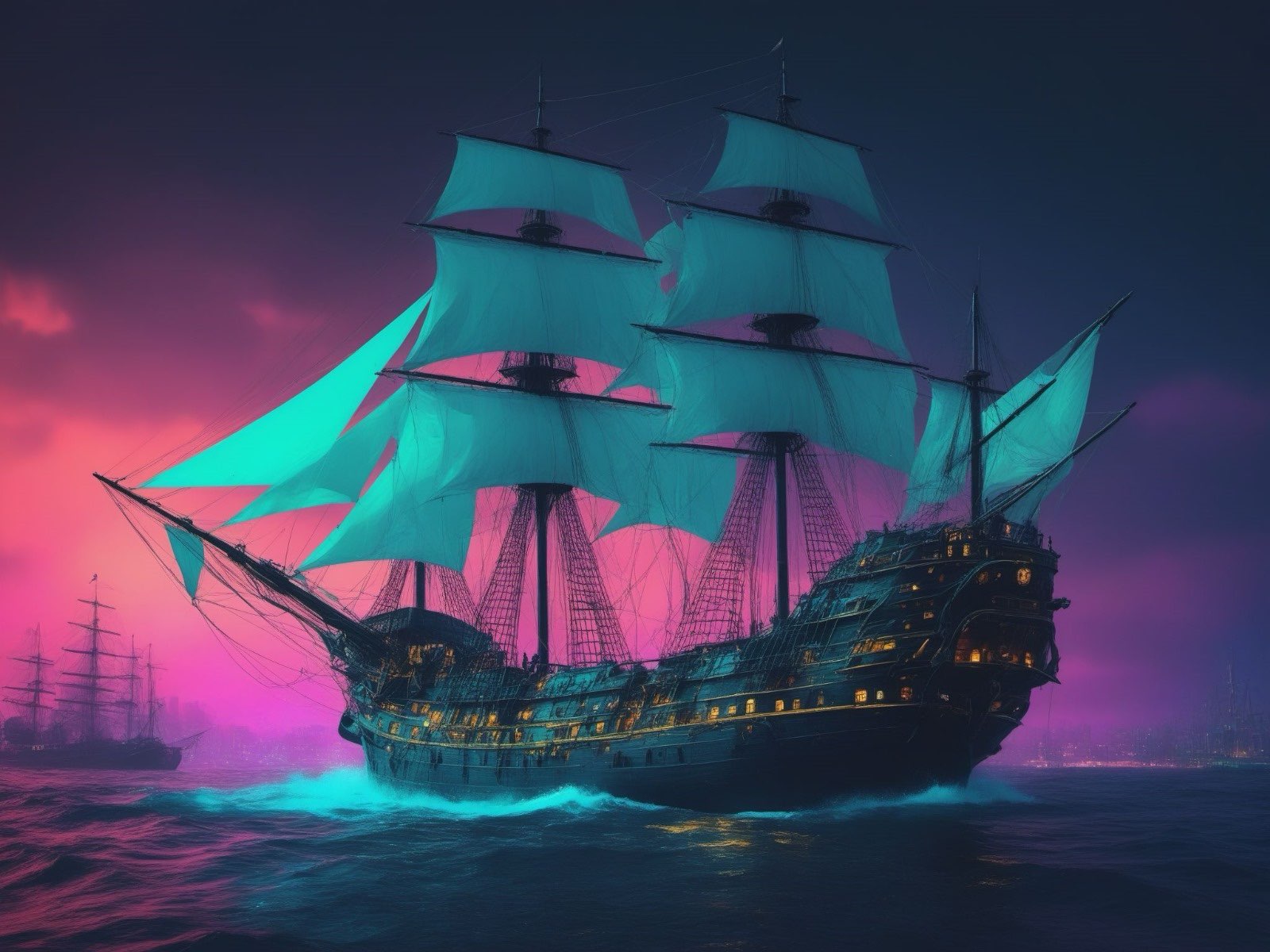
That is a raw image straight from Fooocus UI using 3 styles but the prompt itself also specifies a style which overrides apparently the selected styles.

 F
F Z
Z A
A
 P
P
 D
D B
B Z
Z M
M L
L E
E
 B
B D
D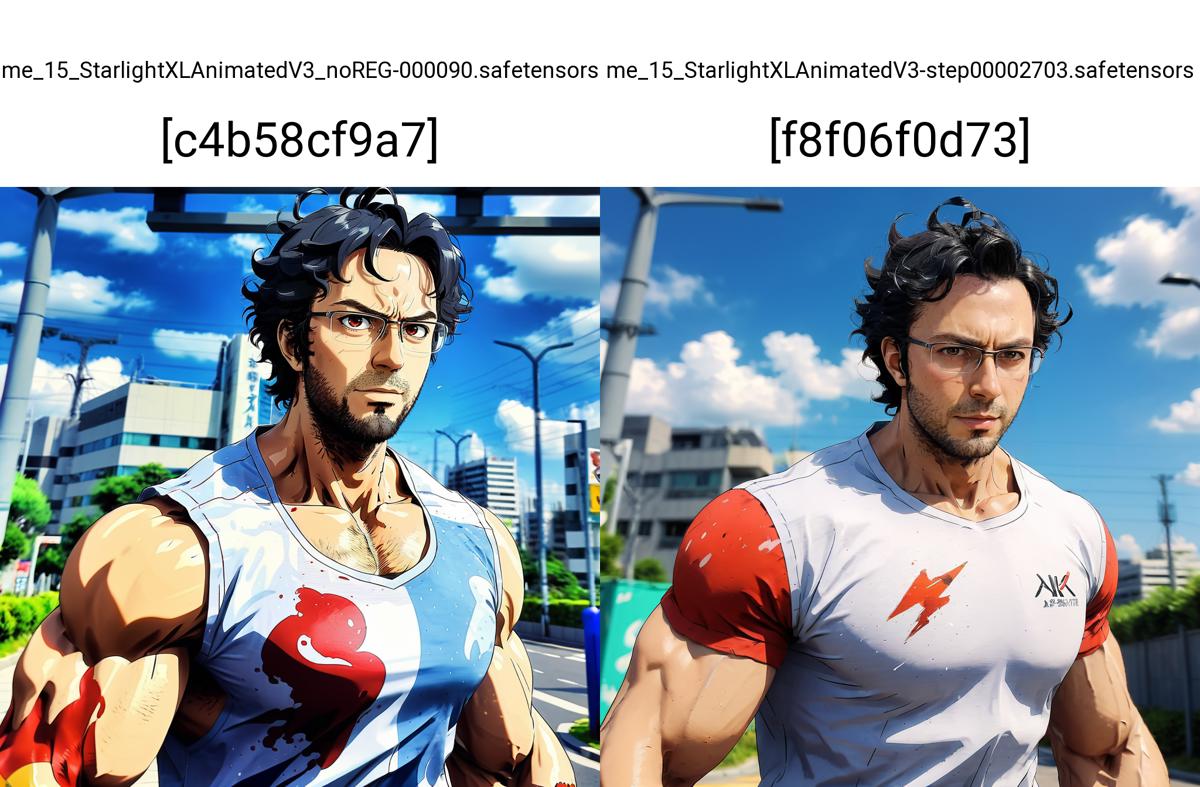
 B
B![Digital [Starburst]](https://cdn.discordapp.com/avatars/220961909447458817/8ecbbb3132fc6e44312f3d6d2ae3df69.webp?size=40) D
D