Hello everyone. I am Dr. Furkan Gözükara. PhD Computer Engineer. SECourses is a dedicated YouTube channel for the following topics : Tech, AI, News, Science, Robotics, Singularity, ComfyUI, SwarmUI, ML, Artificial Intelligence, Humanoid Robots, Wan 2.2, FLUX, Krea, Qwen Image, VLMs, Stable Diffusion
are you using the runpod kohya template by any chance? i had never noticed until watching the good dr's video that if you don't kill auto1111, 25-30% of the vram is getting sucked up before you start
i typically just reduce the batch size until it works, or throw on xformers, but i'm going to retry a few of them without cheating since apparently its bad juju
Oh, i see, yeah, let me do it as well. potential, means, when i run training, it doesnt take load on gpu it should take....usually, when the temperature gets higher, when the gpu is totally using it's power, but when i run training, with kohya, it only gets half of the temperature, compared to it usually takes.
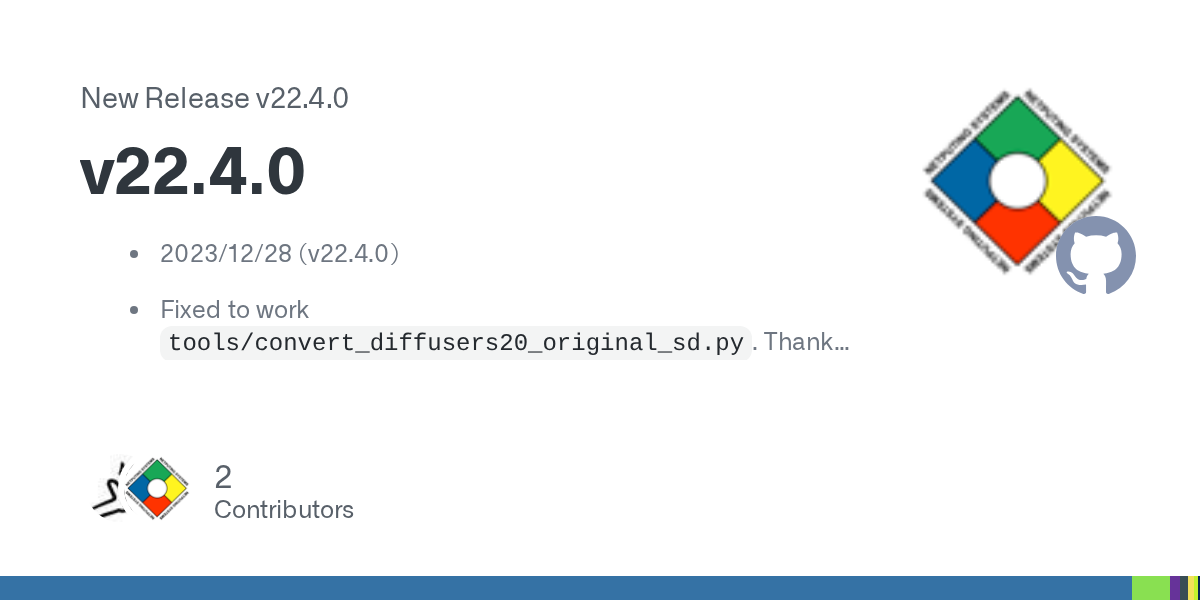
Fixed to work tools/convert_diffusers20_original_sd.py. Thanks to Disty0! PR #1016 The issues in multi-GPU training are fixed. Thanks to Isotr0py! PR #989 and #1000
The only thing that broke, it seems, was Blip captioning, but as I recall, I was using some type of rollback version of something. I think it was transformers. Honestly most of these captions tools are lousy and if you are using a smaller data-set manual captioning is best
Can I do multi-gpu training in Koyha if the graphics cards are different models/different Vram? (example, RTX 3080 and RTX 3090). Sorry to ask before testing, it's that I need a new power supply if I want to use both cards.
Does anyone know the Syntax for the regional prompter well. I'm getting better with prompts but if I have two Character Loras what's the best way to set up the prompt?
I'm getting [virtualMemoryBuffer.cpp::nvinfer1::StdVirtualMemoryBufferImpl::resizePhysical::140] Error Code 2: OutofMemory when attempting to generate the TensorRT Default Engine
I have 12.3 installed, but it is not set in Path except that CUDA_PATH_V12_3 is set to that version. I installed 12.3 because it was the only way to check the samples with Visual Studio 2022.