Hi @walmis ...I have a question for you - I recently bought the new v2 Realsimulator FA-18 stick handle to use with my RS FSSB side stick. I'd really like to use it with the Rhino as well, and for the most part it works with the 64-button Generic Grip profile in the VPforce configurator, except for a few buttons which won't register or map in the button mapping section. They show as buttons 62 & 63 in the Realsimulator config tool, but no dice on VPForce. Is there something I can do to help troubleshoot this to figure it out?
F-18 center grips have the true and ergonomic F/A-18E Super Hornet shape and are manufactured in high density resin in a one-piece body construction. Visit us for more info.
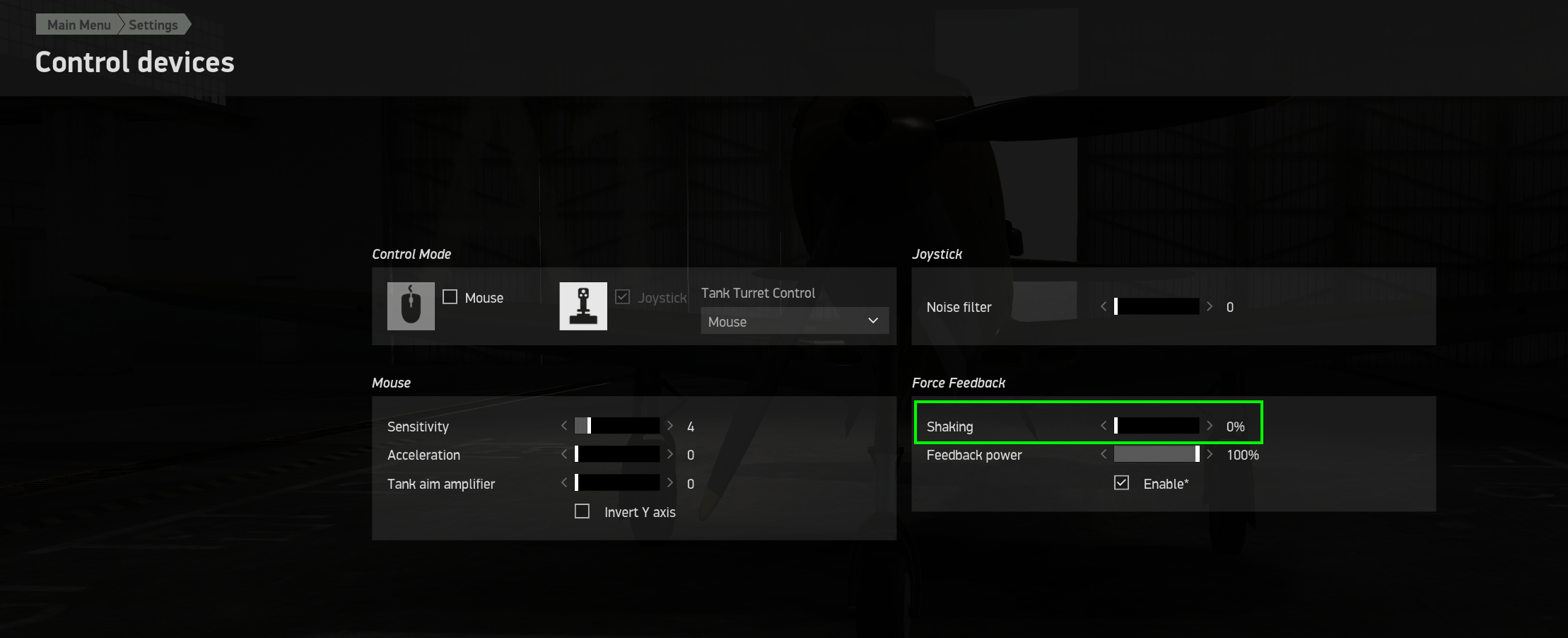
They can, yes. IL2 is a bit strange since it stops sending telemetry when the window focus changes, so if you change a setting you wont feel the effects until the game window regains focus.
All of the IL2 effects under the 'shake master' are duplicates of existing effects in IL2 natively (that I personally thought are done poorly so implemented my own in TelemFFB). You don't strictly need to disable the shake force in IL2, but it might be...weird... if you have both enabled at the same time
It does look like that. I have been trying to run without IL2 shalke master selected because I thought you told me that it didn't perform as well with it on.
If you turn it of, it should stay off for that aircraft until you turn it back on again. Even if you restart TelemFFB. But you told me there were duplicate gear and buffet settings in the window.
In the offline/class editor view you see the on/off toggles for those individual settings which are not shown in the settings tab (but they should be). As well as the intensity values. The ones with the check boxes are toggles, the ones with the decimal values correspond to the sliders in the settings tab.
In the offline editor, you have to select the class you want (but no aircraft), select the default parameter you want to override, change the value and then hit apply....
yes, the button says 'update value'.. if you don't hit that, nothing gets written to the file. It is not live changes like the sliders and checkboxes in the settings tab
The top row shows you the default settings for any aircraft that matches the values selected in those boxes. So you just set the shake master default value to off for all IL2 prop aircraft. Setting the value at the aircraft category will only change the default value. You can still override it at the aircraft level.
By default, there are very few aircraft that have default settings (in the default config only I can edit) that are different from the class defaults.
Any setting that is available for any aircraft will show when you have a specific aircraft selected (not all aircraft types in all sims have the same available settings)
Remember the left most checkbox is not an enable flag. It is only to enable the setting for editing in the right hand pane. Look at the value column to see what the current setting for any line item is.
Yeah. Think of the left most checkbox as the override checkbox. By ticking it, you say that you want to override the setting from the default value. But, if you don't change the value in the right hand pane, it will remain the same as the default value.

 D
D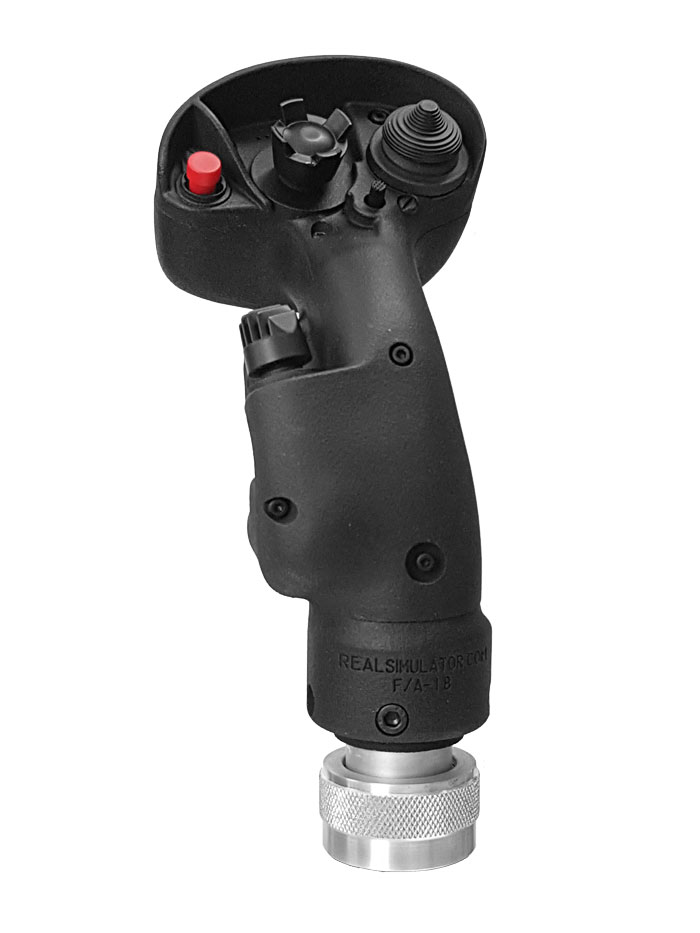
 3
3 N
N


 )
) R
R
