
Distrobox/BoxBuddy database configuration mismatch
Admittedly, I was following the guide to dual-boot, and had to adjust a little bit in order to avoid some errors, so this could be my fault from there.
https://universal-blue.discourse.group/t/dual-boot-preliminary-setup-and-post-setup-guide/2743
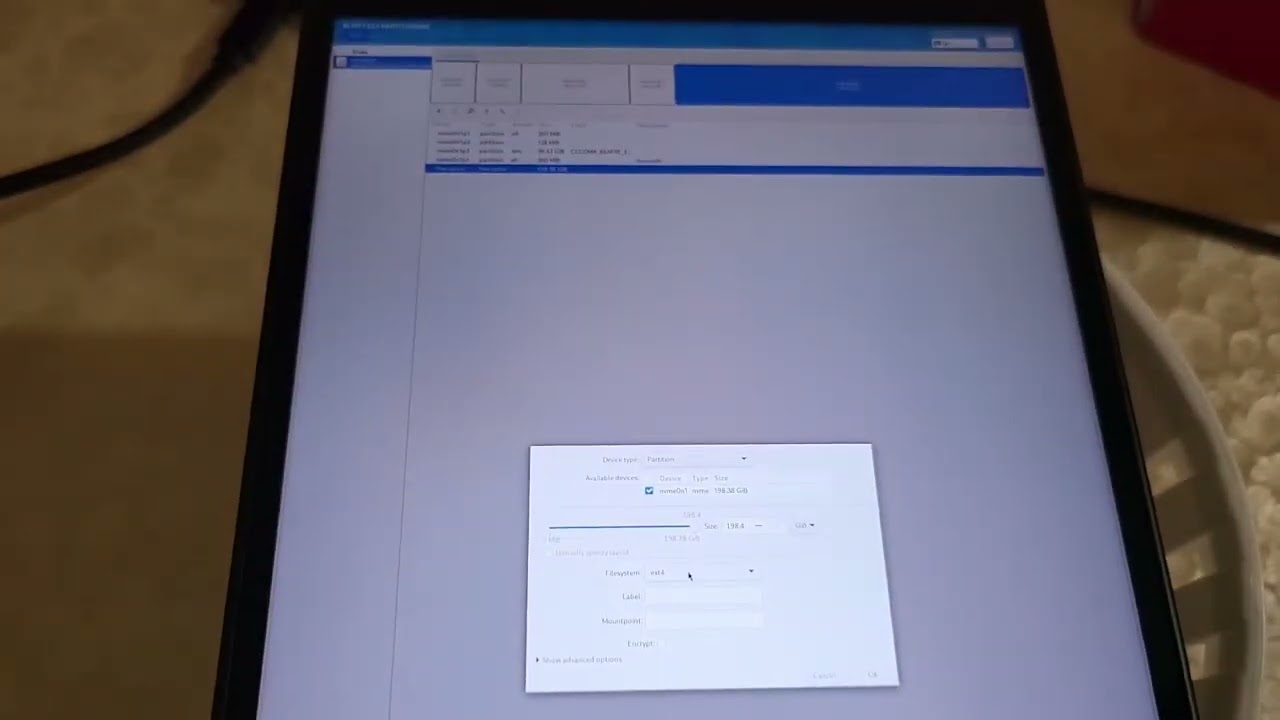
My comment under this video explains the "adjustment"
https://youtu.be/EDip92Zq-RE?si=UCgotMFeLmKXEEss
I tried following the tutorial found in the video below with BoxBuddy, but ran into the errors in the pictures. I tried typing "Y" and "n" but the terminal just quickly goes away.
https://youtu.be/5m0YfIiypwA?si=k0vPILCcdJeUQPpN
It is my first time using distrobox so I wanted to ask before I went crazy lifting default permissions on BoxBuddy from Flatseal, trying to populate the location, or reinstalling.
https://universal-blue.discourse.group/t/dual-boot-preliminary-setup-and-post-setup-guide/2743
My comment under this video explains the "adjustment"
https://youtu.be/EDip92Zq-RE?si=UCgotMFeLmKXEEss
I tried following the tutorial found in the video below with BoxBuddy, but ran into the errors in the pictures. I tried typing "Y" and "n" but the terminal just quickly goes away.
https://youtu.be/5m0YfIiypwA?si=k0vPILCcdJeUQPpN
It is my first time using distrobox so I wanted to ask before I went crazy lifting default permissions on BoxBuddy from Flatseal, trying to populate the location, or reinstalling.


Universal Blue
Two Methods: Method A or Method B A) Installing Bazzite on a separate drive (Recommended) B) Manual partitioning on the same drive A) Separate Drive Method Note: This method is ideal for desktops and HTPCs, and would be inconvenient for handhelds unless planned to keep stationary. Install Bazzite on a separate internal or external drive. ...
YouTubeMike's Tech Tips
A short guide to on how to install software using Distrobox in Bazzite Linux. We'll look at how to use BoxBuddy to make Distrobox containers and how to install both GUI and terminal based applications in Distrobox. Distrobox works particularly well in Atomic Desktop Linux environments that don't have a traditional package manager.
Timestamps:
0...
Timestamps:
0...

