
 F
F3.5 to 4 is amazing
Ffor rtx 3090
Fwsl makes huge diff but hard to use for average people
Fi still couldnt find this difference reason it doesnt make sense
Fi compared venv and it is same as linux
Fno diff
Frecording the video 
Fwow i am tired. tutorial recorded 90 minutes without introduction 
F
 V
VIt's fine you can record it later
Fpreparing intro speech
 D
DI trained flux TE 1e04 and unet 1e04 with pictures of me and a friend after 15 epochs all man looked like me on the samples, I think I'm overtraining with too high learning rate, now I'm testing with 5e05 unet and 1e04 TE I leave the TE high to see its effects on the training.
Famazing news
Ftorch 2.4.1 gonna fix slowness on windows
Fmy trainings running
Fi will update config file hopefully once i find best spot
Dmay be with text encoder regularization images can be used
Fyep need to be testedf
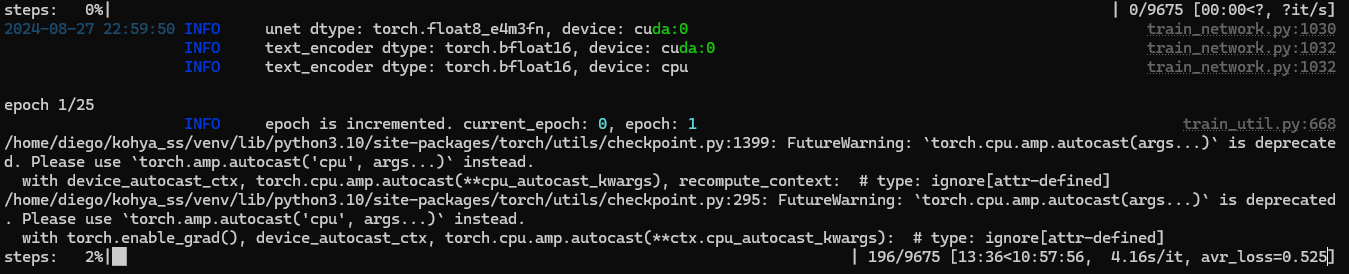
Dthe speed es much better now, I restarted the pc I'm with WSL rtx3090
 F
Famazing
Flike 2x of me on windows
Fi hope torch 2.4.1 comes asap
DWSL was not so hard to set up
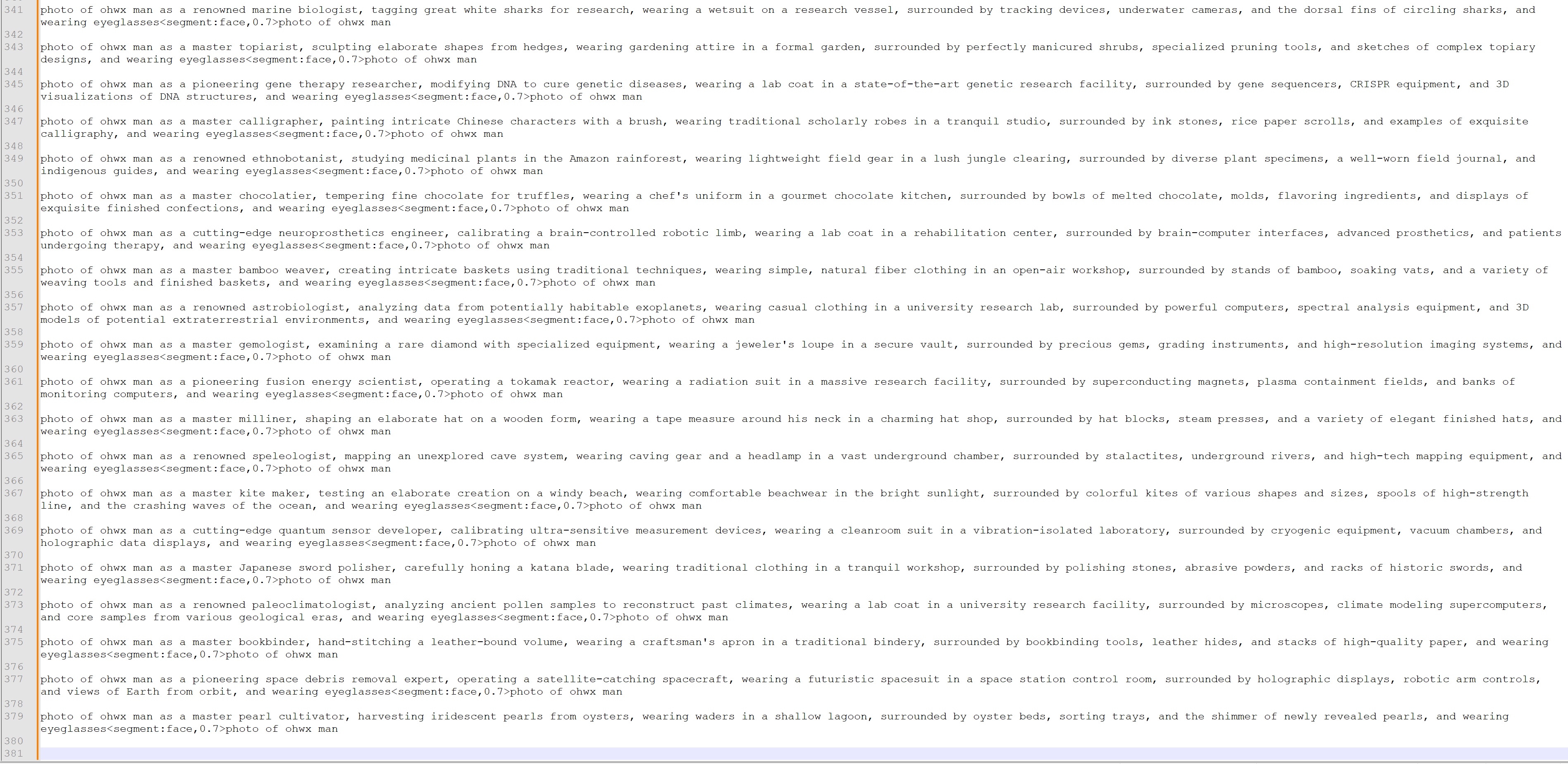
Fgenerating prompts for showcase
 F
Fit is hard for many
Dwsl -d ubuntu
sudo apt install python3.10-venv
wget https://developer.download.nvidia.com/compute/cuda/repos/ubuntu2204/x86_64/cuda-keyring_1.0-1_all.deb
sudo dpkg -i cuda-keyring_1.0-1_all.deb
sudo apt-key del 7fa2af80
wget https://developer.download.nvidia.com/compute/cuda/repos/ubuntu2204/x86_64/cuda-keyring_1.0-1_all.deb
sudo dpkg -i cuda-keyring_1.0-1_all.deb
sudo apt-get update
wget https://developer.download.nvidia.com/compute/cuda/repos/ubuntu2204/x86_64/cuda-keyring_1.0-1_all.deb
sudo apt-get -y install cuda
git clone --recursive https://github.com/bmaltais/kohya_ss.git
chmod +x ./setup.sh
sudo apt update -y
sudo apt install -y python3-tk
sudo apt install software-properties-common -y
sudo add-apt-repository ppa:deadsnakes/ppa
sudo apt update
sudo apt install python3.10 python3.10-venv python3.10-dev
python3 --version
./gui.sh
git branch
git switch sd3-flux.1
source venv/bin/activate
pip install torch==2.4.0+cu124 --index-url https://download.pytorch.org/whl/cu124
pip install torchvision==0.19.0+cu124 --index-url https://download.pytorch.org/whl/cu124
pip install xformers==0.0.27.post2
./gui.sh
sudo apt install python3.10-venv
wget https://developer.download.nvidia.com/compute/cuda/repos/ubuntu2204/x86_64/cuda-keyring_1.0-1_all.deb
sudo dpkg -i cuda-keyring_1.0-1_all.deb
sudo apt-key del 7fa2af80
wget https://developer.download.nvidia.com/compute/cuda/repos/ubuntu2204/x86_64/cuda-keyring_1.0-1_all.deb
sudo dpkg -i cuda-keyring_1.0-1_all.deb
sudo apt-get update
wget https://developer.download.nvidia.com/compute/cuda/repos/ubuntu2204/x86_64/cuda-keyring_1.0-1_all.deb
sudo apt-get -y install cuda
git clone --recursive https://github.com/bmaltais/kohya_ss.git
chmod +x ./setup.sh
sudo apt update -y
sudo apt install -y python3-tk
sudo apt install software-properties-common -y
sudo add-apt-repository ppa:deadsnakes/ppa
sudo apt update
sudo apt install python3.10 python3.10-venv python3.10-dev
python3 --version
./gui.sh
git branch
git switch sd3-flux.1
source venv/bin/activate
pip install torch==2.4.0+cu124 --index-url https://download.pytorch.org/whl/cu124
pip install torchvision==0.19.0+cu124 --index-url https://download.pytorch.org/whl/cu124
pip install xformers==0.0.27.post2
./gui.sh
GitHub
Contribute to bmaltais/kohya_ss development by creating an account on GitHub.
Fcode format it
Falso how do you handle file saving setup?
Dthat is the list of commands I used to set it up
DI save it on a txt
Fit probably cant reach your windows folders
Dyes it can
Fi see so its aim is not isolation
D F
Fi see what you mean
D F
Fi think i may make seperate tutorial for it
Dby default the windows drives are mounted under \wsl.localhost\Ubuntu\mnt
Dthese are my paths on kohya
 D
Dim using my windows folders
Fi see thanks for info
 D
Dyou welcome
 N
Nthis is literally what i've just been trying to do for the last hour lol - thank you so much!! i got the kohya gui to launch, but am getting cuda errors, so i haven't bothered trying since that's the whole point over using native windows lol. i may try, though, wondering how soon torch fix is coming?
Dwsl -d ubuntu
Dthis command is to enter to the one installed distributions
Dyou have to install it first
D"wsl --install" first
 D
Dthese are the commands I used but is not a tutorial.. some commands only work if you are in the correct path
Nyeah, i know i didn't run the chmod and see some other stuff in there i probably didn't do, or not in the right order so i'll see - tomorrow though, started a big joy caption batch haha
the error i was getting was like the below, plus a couple more similar
Unable to register cuDNN factory: Attempting to register factory for plugin cuDNN when one has already been registered
the error i was getting was like the below, plus a couple more similar
Unable to register cuDNN factory: Attempting to register factory for plugin cuDNN when one has already been registered
