
 F
Flast time i tested it was but i didnt test recentyly
Fplanning to test after we update our massed compute image
 D
Dif you open an issue I can have a look, but please provide as much info as you can so I can replicate it without massed compute
 M
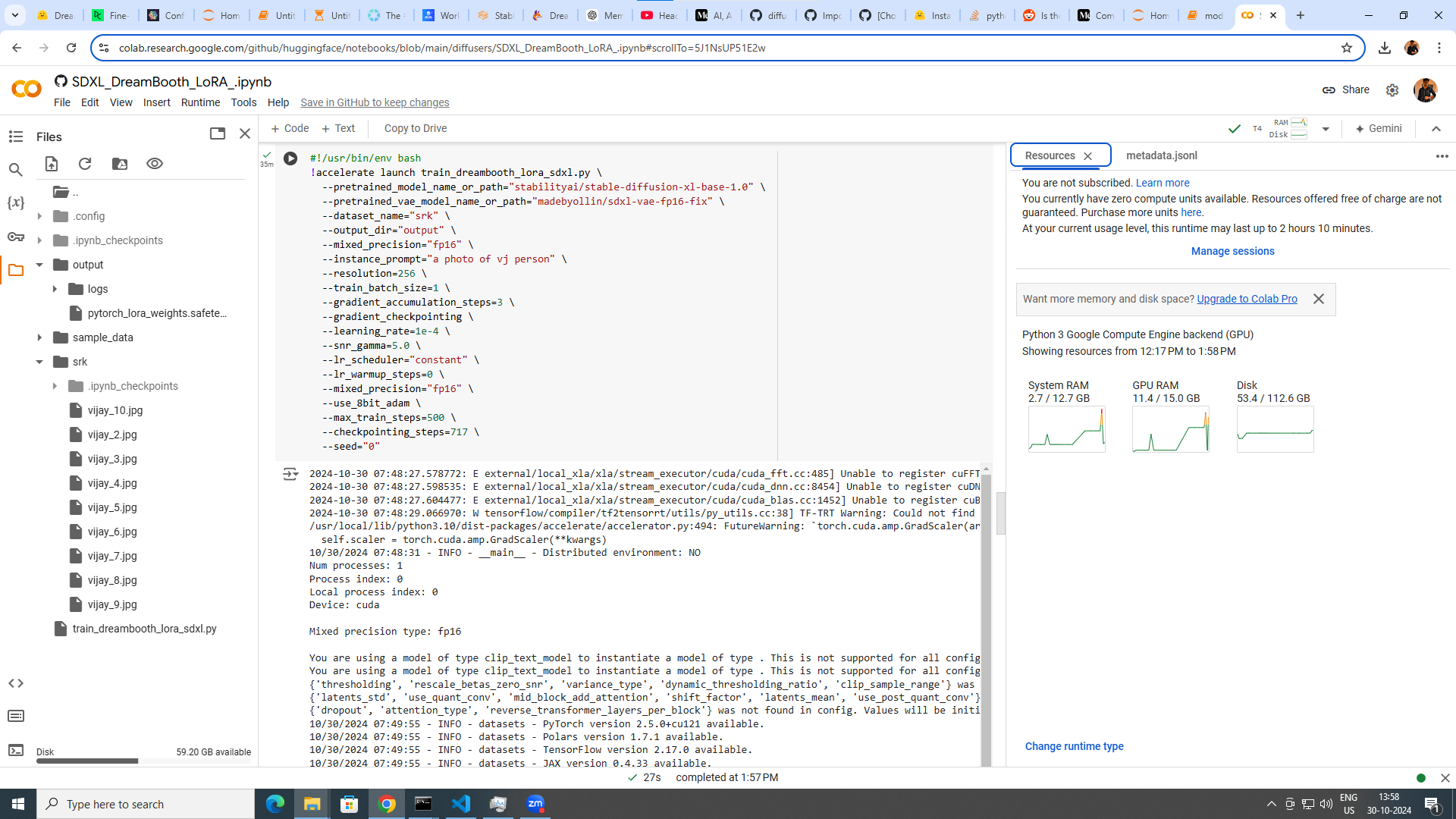
MDo any have experience in training yourself with dreambooth sdxl model ....
This the params i use
but my in the image generation i get completly different image
Whether using vae model is the mistake hera ....
DR.furkan gozukara u only can help me out
I was stuck in it for past 1 month
I need to train myself and reproduce it like professional image
This the params i use
but my in the image generation i get completly different image
Whether using vae model is the mistake hera ....
DR.furkan gozukara u only can help me out
I was stuck in it for past 1 month
I need to train myself and reproduce it like professional image
 D
D@Furkan Gözükara SECourses are you in contact with anyone who is doing large finetunes like RealVis/Juggernaut, and is attempting to do the same for Flux? I might have something that helps.
 X
X@Furkan Gözükara SECourses ss_network_args": "{"loraplus_lr_ratio": "16", "loraplus_text_encoder_lr_ratio": "4", "dropout": null}"
do you know what is this? if know how to do this?
do you know what is this? if know how to do this?
Flooks to me very random parameters
Fnot any sadly
 F
Fi dont know
 S
S@Furkan Gözükara SECourses Doc, When preparing the images, is the resizing step necessary? I cropped using your tool and I'm not training on faces. Most images to train on are larger than 1024p and in various aspect ratios. in that case, should I change the max resolution setting in Kohya?
 F
Fif you dont resize
Fthey will be random aspect ratios
Fdepending on subject cropping
 S
SIn kohya, do I change the max resolution or maybe enable buckets? images are around 1000*1900 few are large and some are smaller
 F
Fi would crop myself to all 1024x1024 it works best
Fwhat you are training?
Sclothes types. traditional dresses
Snot really an option 
Fok in that case
Fmake it like 2048x2048 and enable bucket
Fbut i cant say how good it will work
Fa bit experimental
Fi trained a style at 1536px and it didnt learn style accurately
Shaha, will let you know the results
STy doc and gn
MHow can i select the better one
Fi have sdxl dreambooth good config
Fthey are shown in this tutorial
FYouTubeSECourses
In this tutorial, I am going to show you how to install OneTrainer from scratch on your computer and do a Stable Diffusion SDXL (Full Fine-Tuning 10.3 GB VRAM) and SD 1.5 (Full Fine-Tuning 7GB VRAM) based models training on your computer and also do the same training on a very cheap cloud machine from MassedCompute if you don't have such compute...
For if you become patreon supporter here link me all
MOk sir i will watch it
FPatreon
Get more from SECourses: FLUX, Tutorials, Guides, Resources, Training, Scripts on Patreon
FPatreon
Get more from SECourses: FLUX, Tutorials, Guides, Resources, Training, Scripts on Patreon
Fyep you can apply params i have shown there
MI am trying to generate photo of myself.. in professional looking.. with 10 input images . Which method is the best one . Whether dreambooth or lora.
Fdreambooth
MOk sir
MWhether it is necessary to use vae while training
Fyes ofc
Fbut usually models have them embedded
MOk then. I can use that embedded one ...
Fif you can afford to spend few bucks this is the very best tutorial you can find
FYouTubeSECourses
If you want to train FLUX with maximum possible quality, this is the tutorial looking for. In this comprehensive tutorial, you will learn how to install Kohya GUI and use it to fully Fine-Tune / DreamBooth FLUX model. After that how to use SwarmUI to compare generated checkpoints / models and find the very best one to generate most amazing image...
MSir do u have specific video about dreambooth sdxl training
FYouTubeSECourses
In this tutorial, I am going to show you how to install OneTrainer from scratch on your computer and do a Stable Diffusion SDXL (Full Fine-Tuning 10.3 GB VRAM) and SD 1.5 (Full Fine-Tuning 7GB VRAM) based models training on your computer and also do the same training on a very cheap cloud machine from MassedCompute if you don't have such compute...
MWhether setting resolution as 512 will affect the model
 F
FHi Doc, I saw the beautifull images of the Cookies you trained on Linkedin, any tipsof training a object rather then a person?
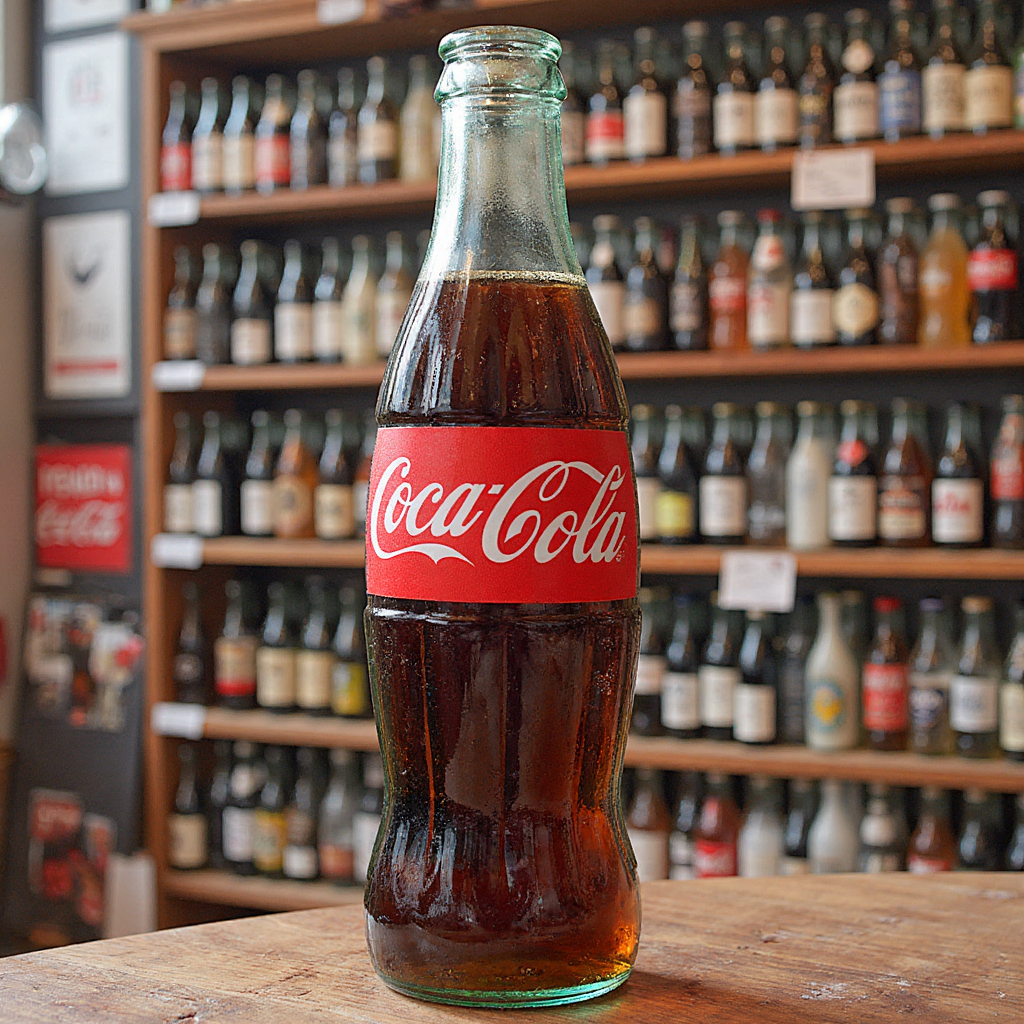
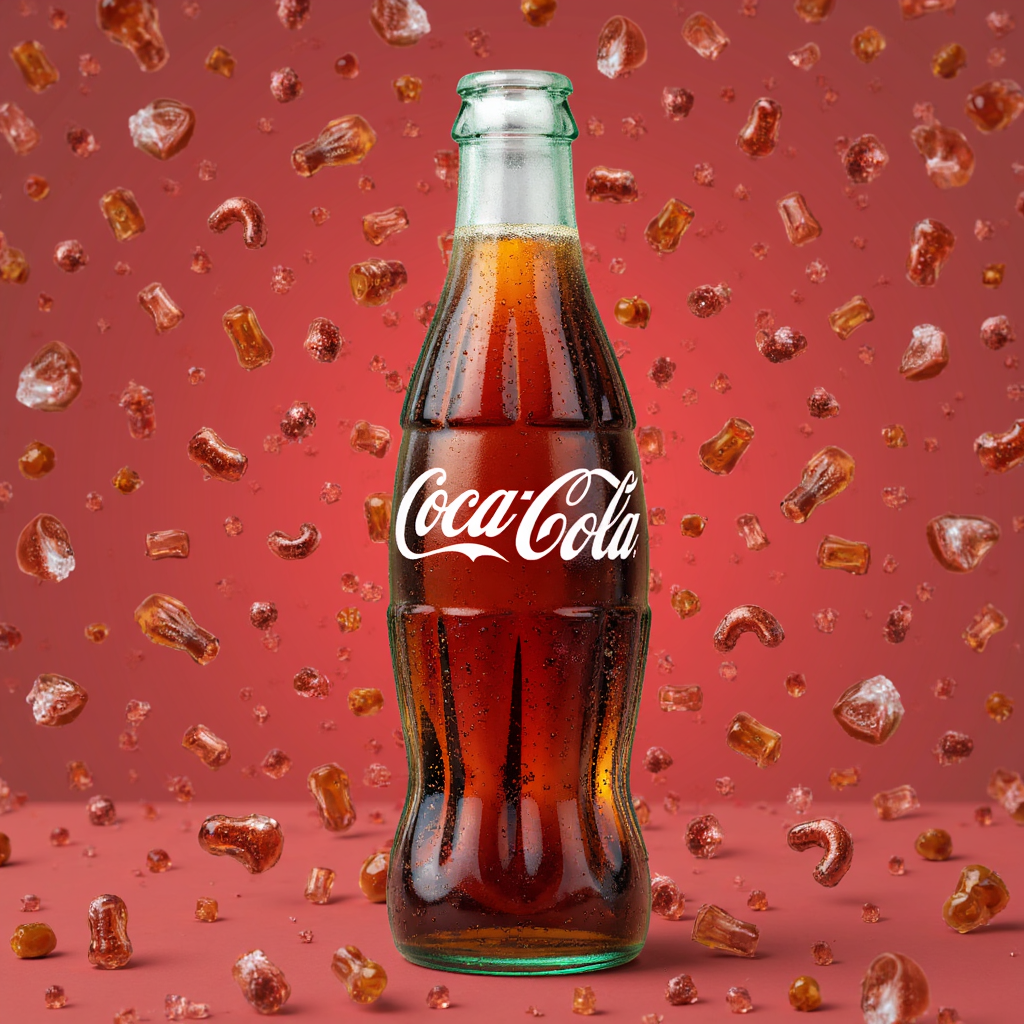
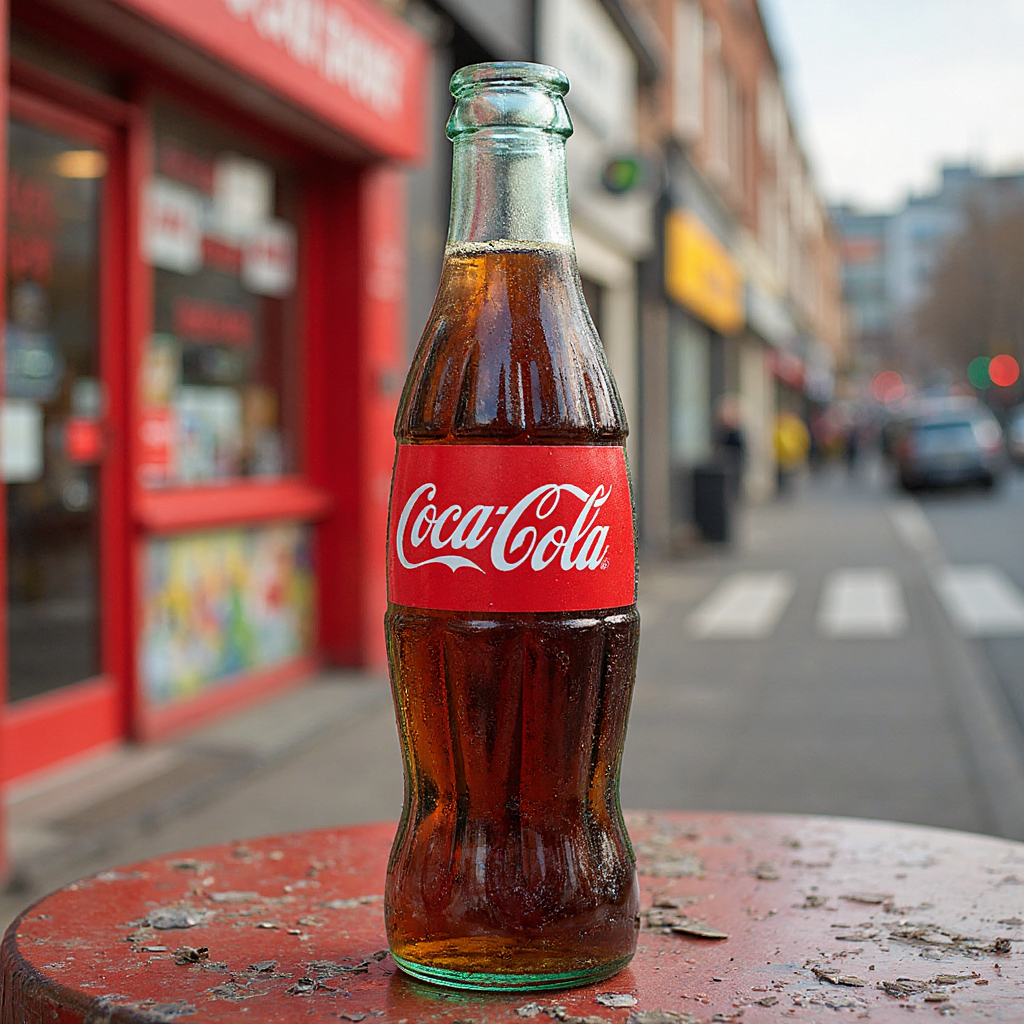
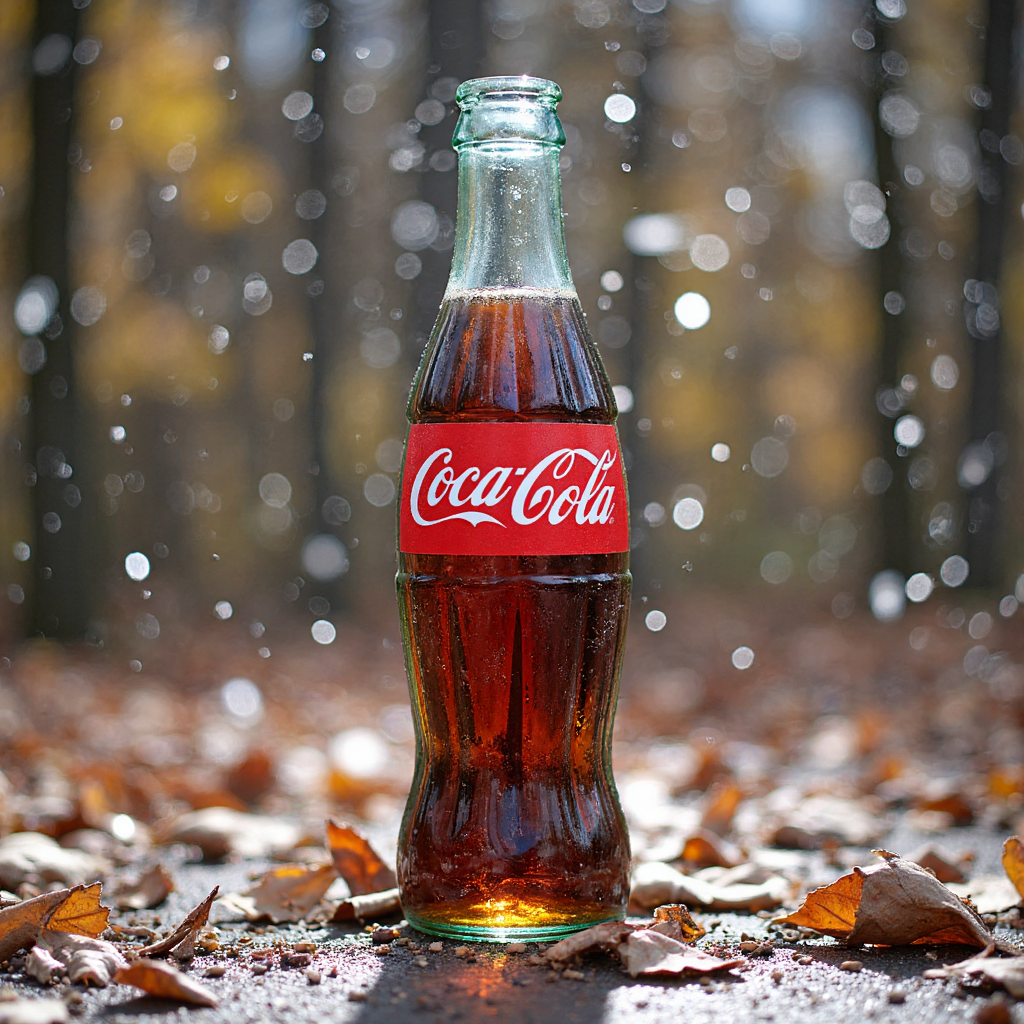
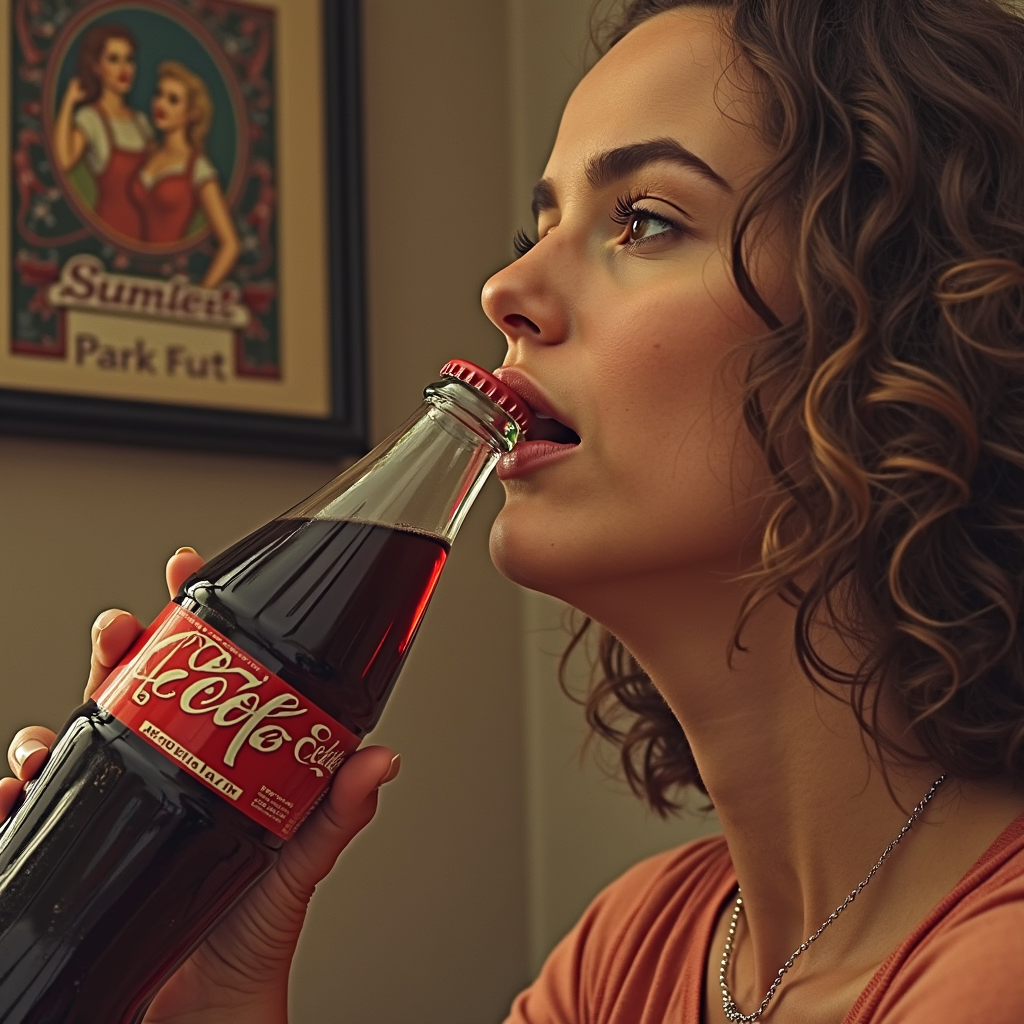
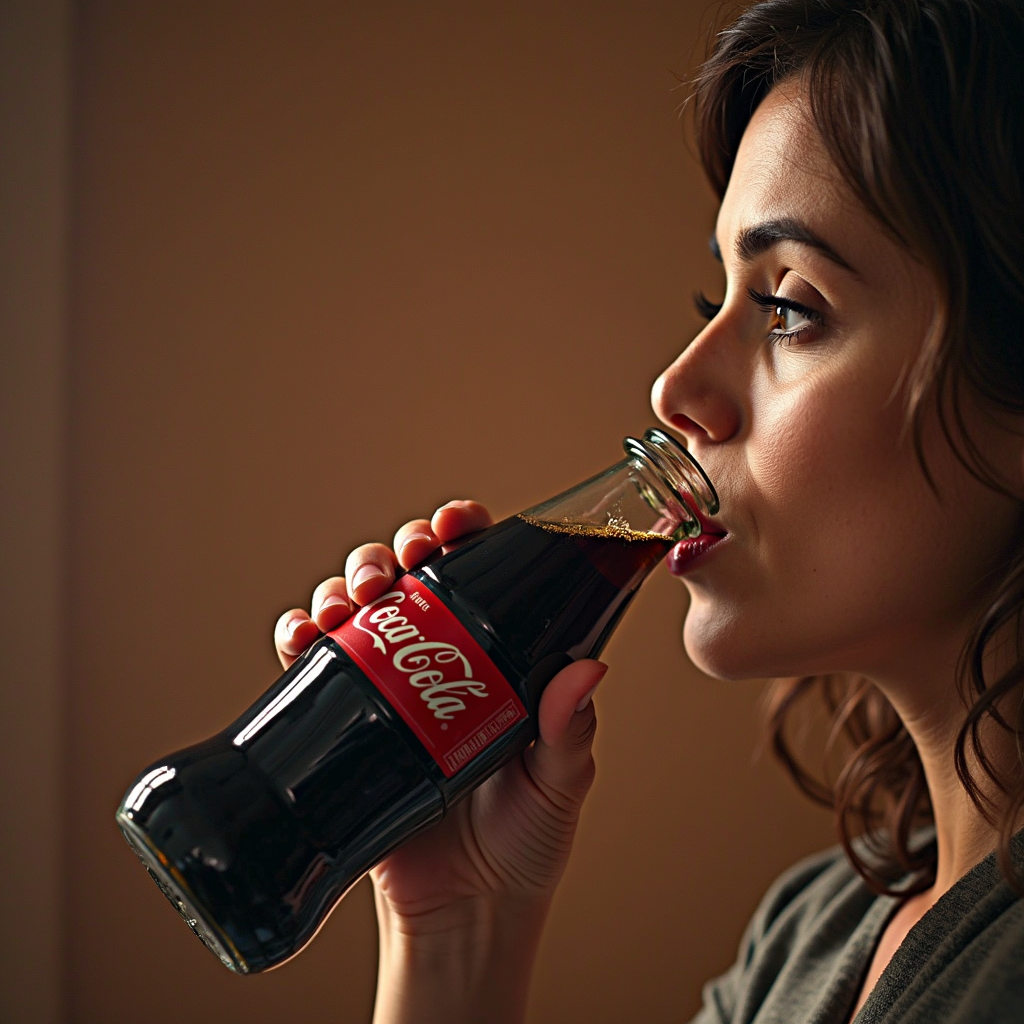
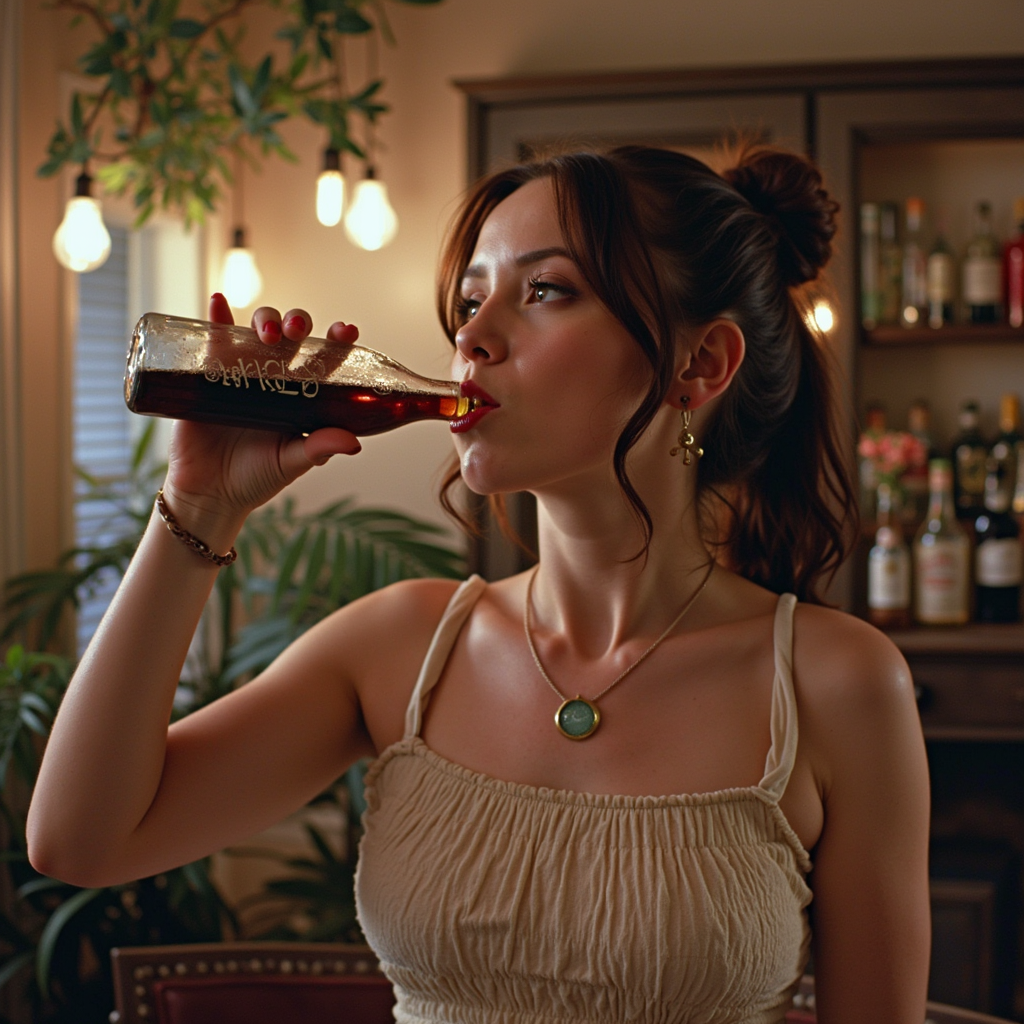
FIm trying to train a coke bottle using your finetune flux method
 F
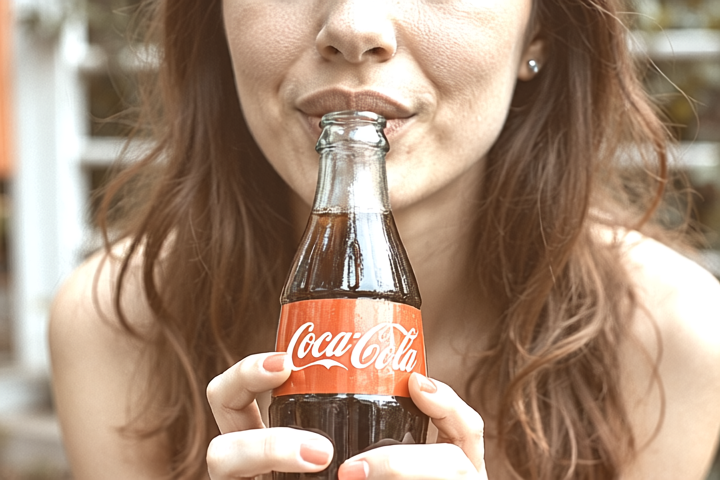
FI got good results for the bottle alone but when I prompt someone drinking , it usually distorts the bottle
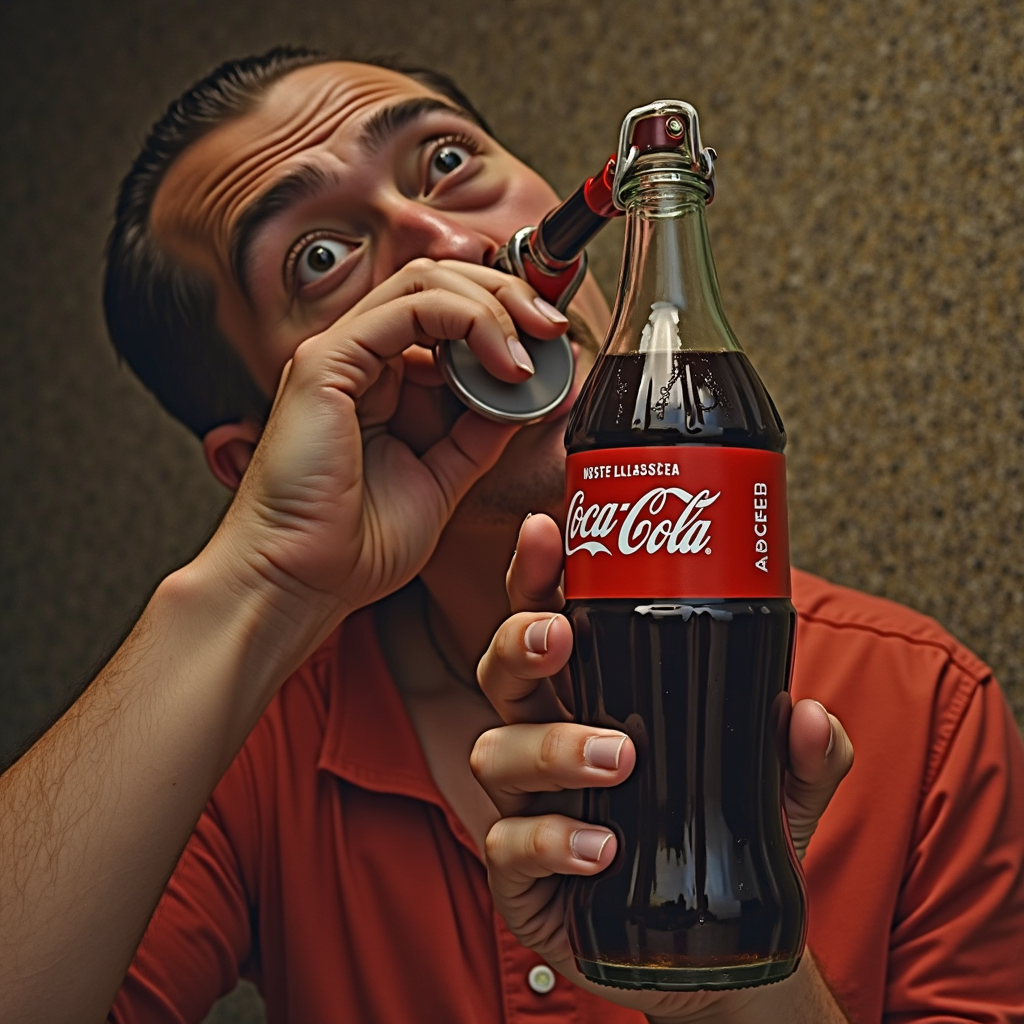 F
Fgets the logo wrong, or the proportions opf the bottle and the hands are worng