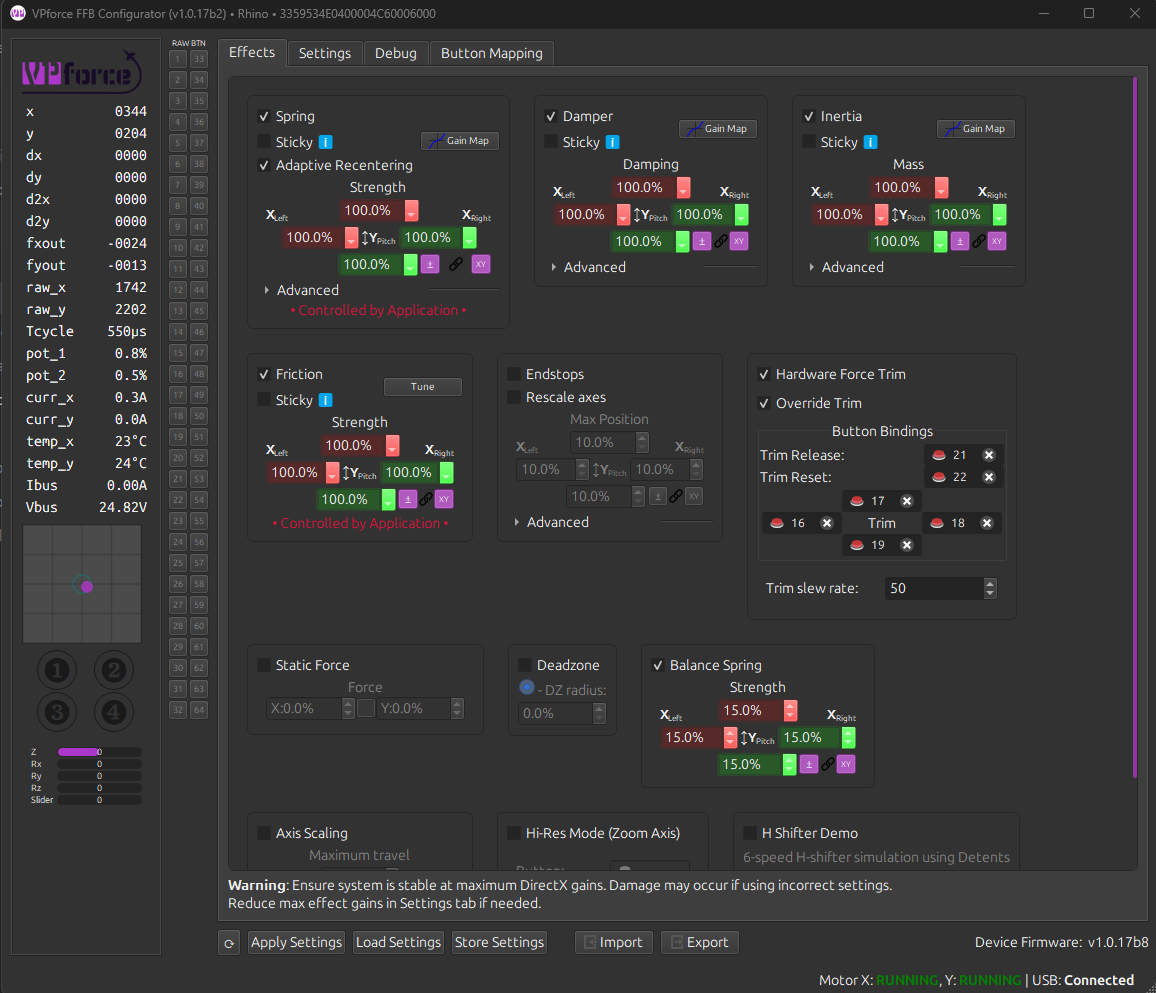
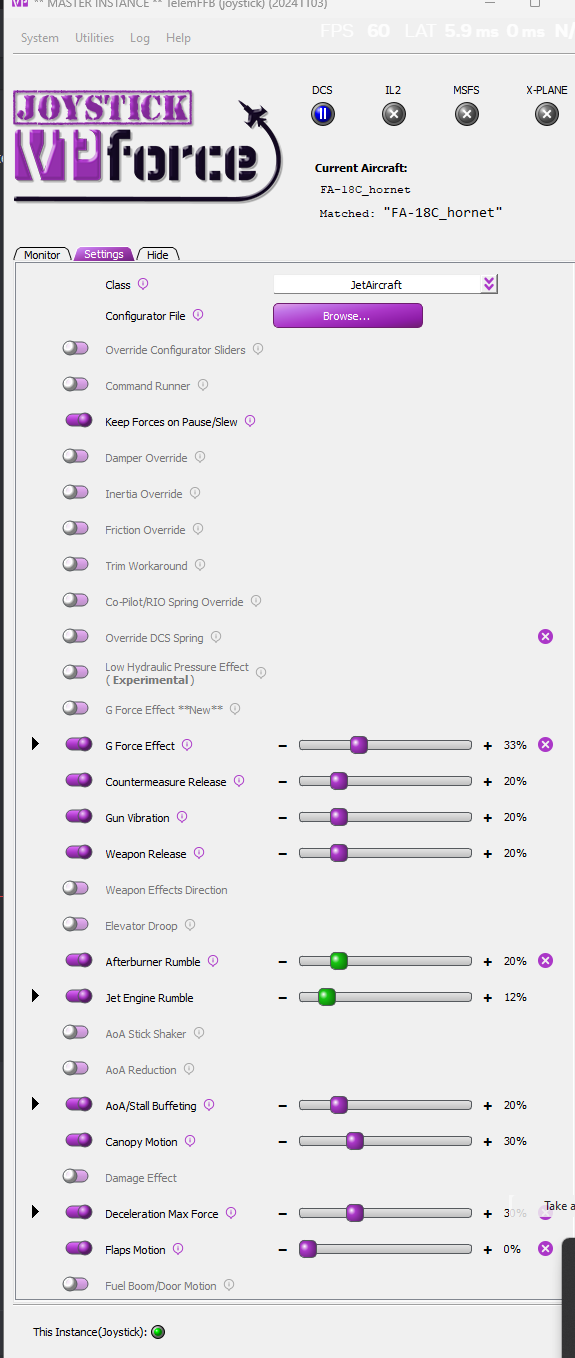
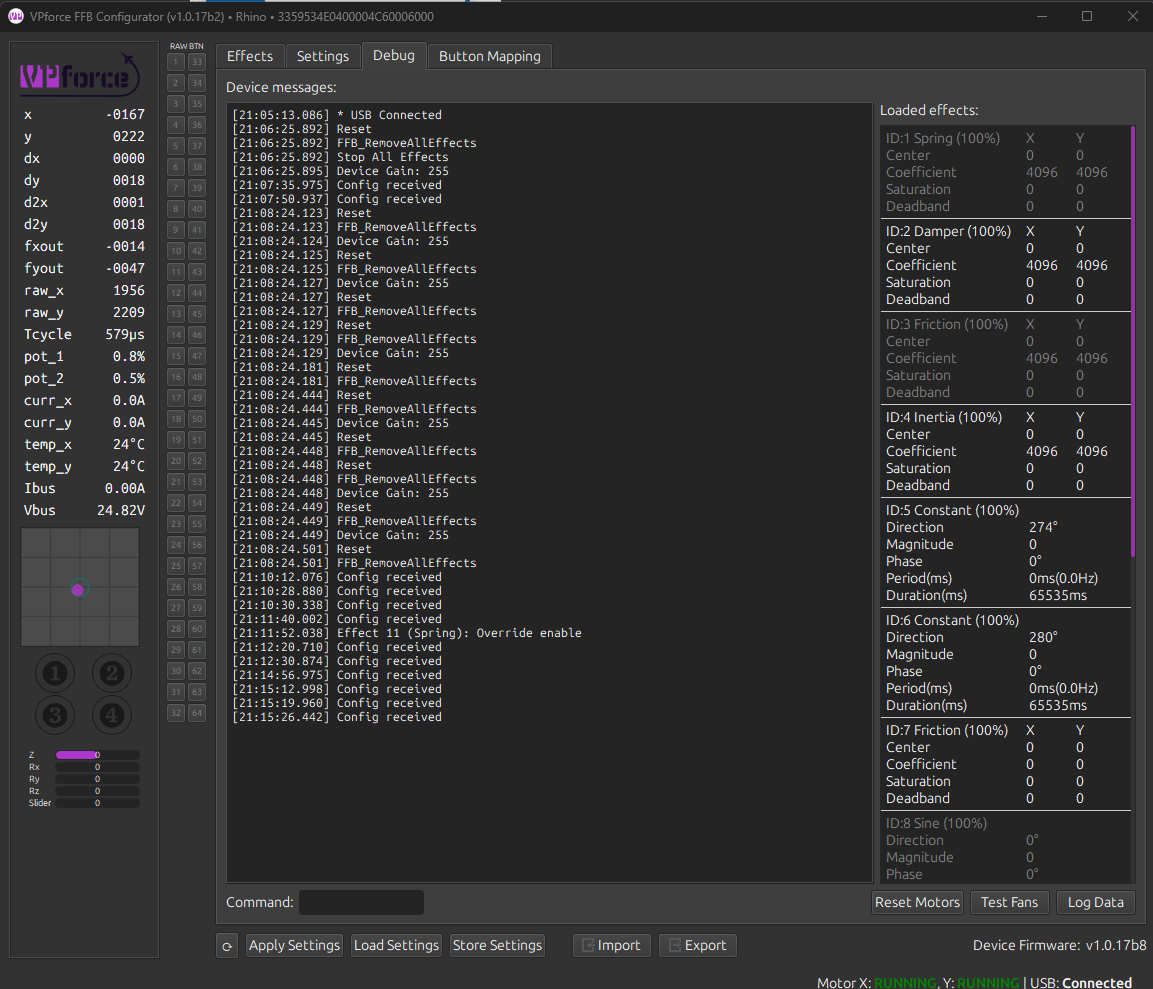
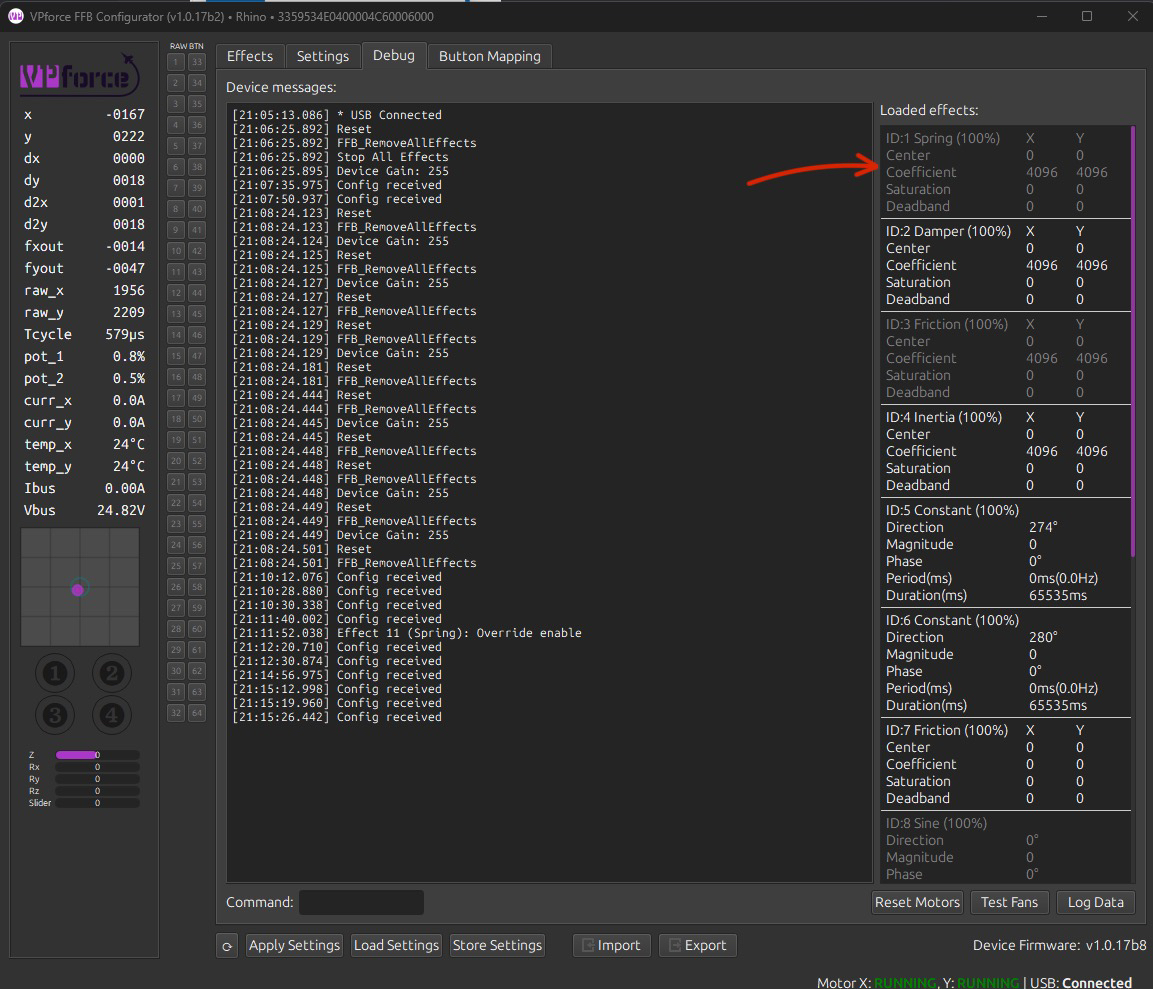
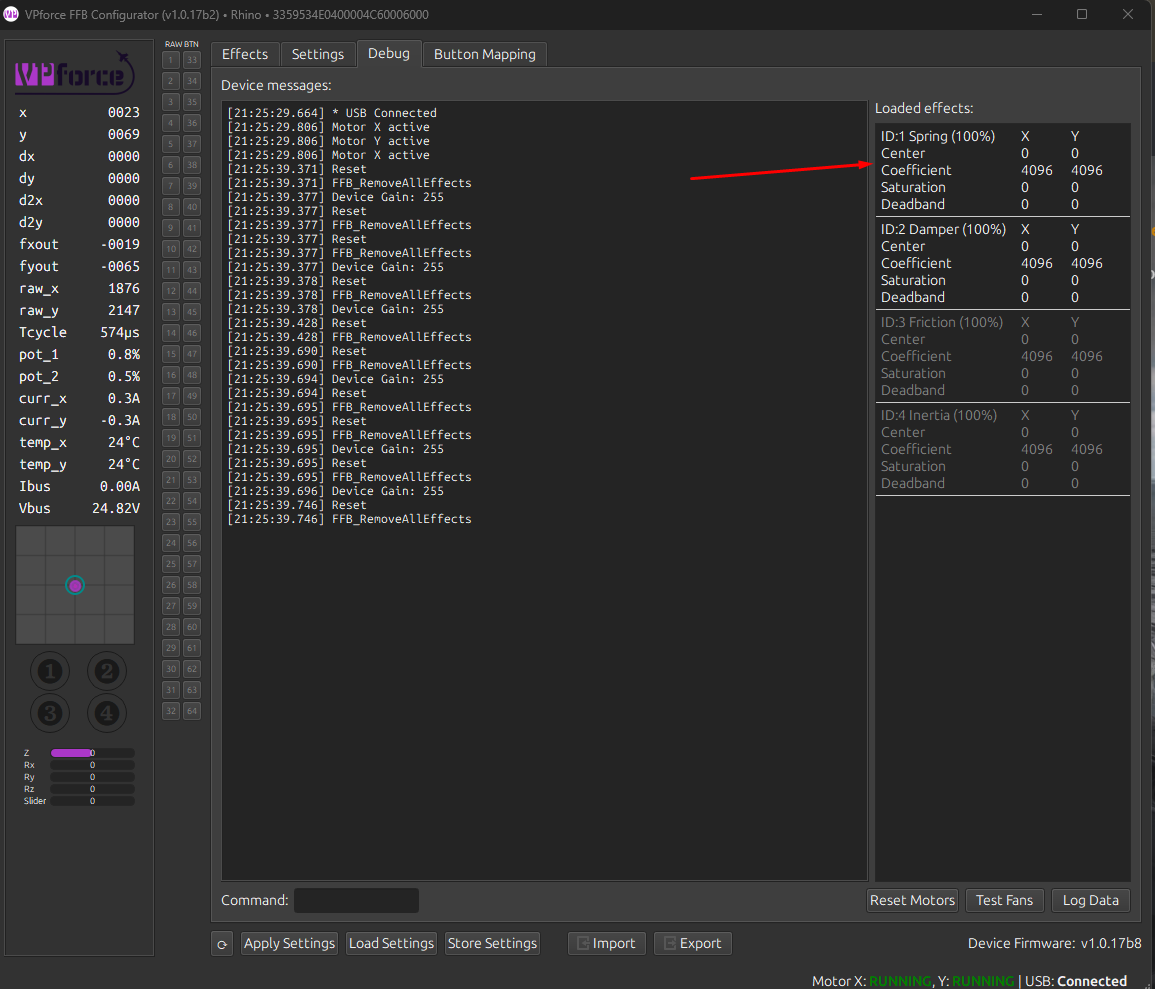
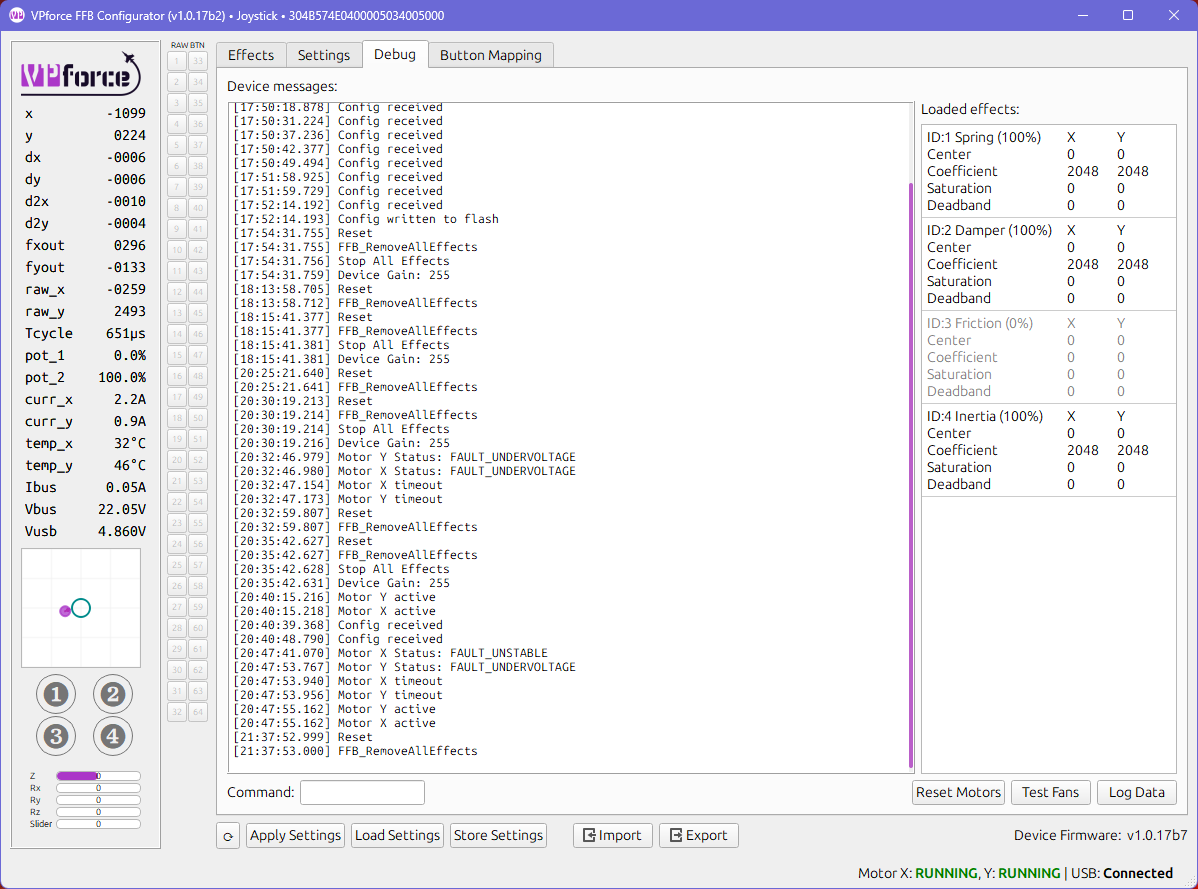
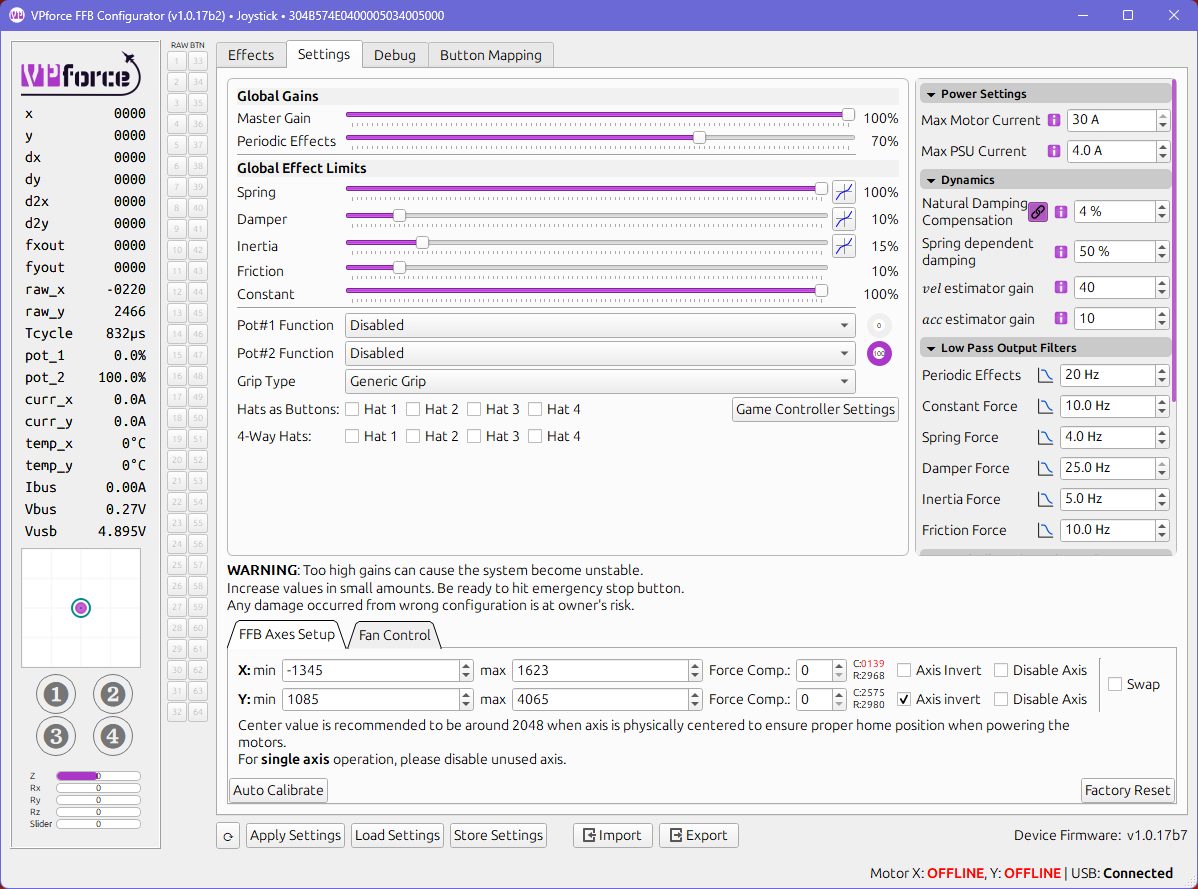
Since like 4 firmware updates I keep getting USB disconnects. Before it was fine for months, now I´m having problems. Works fine for hours. But then I get a disconnect. Usaually when I´m on a server and it´s the wost time. 1hour flying to target - disconnect. on final aftter a sucessful sortie - disconnect. Sometimes turning off and on again helps, sometimes nothing helps. Anything I can do to find the problem?
Turning on and off (I assume you mean the e-stop button) only cuts the power to the motors. The board is powered by the 5V USB connection. So in order to cycle an USB connection issue, you need to unplug and pluf the USB connector.
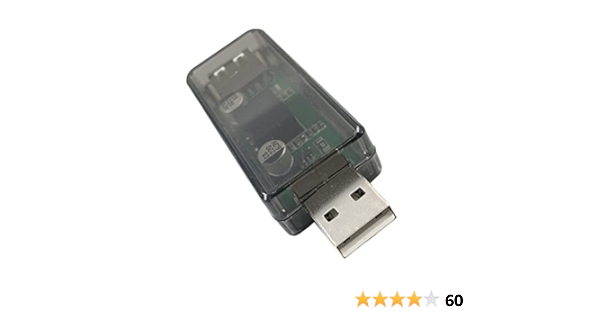
Are you 100% positive you get USB disconnects and not motor faults? Motor faults, usually due to unstable parameter, usually come with a long beep. If it's indeed USB I recommend checking all connections, especially power, because bad grounding (on the DC side) from PSU can cause ground loop intereference. Also USB hubs are known to cause issues sometimes. A USB isolator (based on ADUM3160 IC) is a good idea in some cases: https://www.amazon.com/DEVMO-USB-ADUM3160-Isolation-Protection/dp/B09L4QJM14
This happened to me last night as well, I thought it was strange but also a strange coincidence to come here this morning and see this reported by @Gadreel .
It was in level flight with minimal forces so I wouldn’t guess a motor fault. I do not use a USB hub for my Rhino.
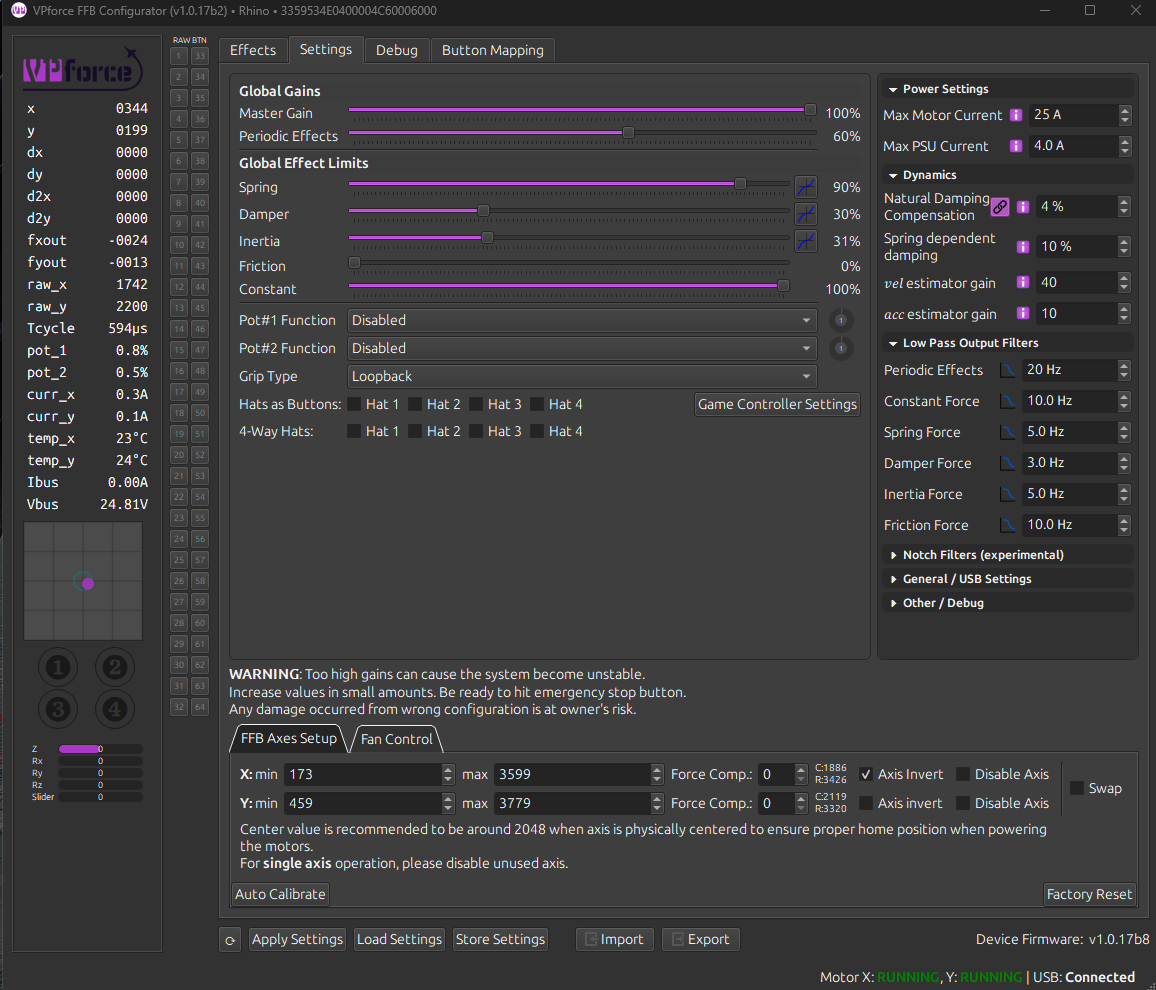
When it happened I popped out of DCS and opened the configurator. I’m pretty sure I remember seeing USB disconnected and red text next to motor status (don’t remember what the text said). Had to unplug and replug USB, I think forces came back immediately without a power cycle, just with the USB replug. It then was working again but without telemFFB effects.
I didn’t have configurator open at the time so didn’t have any history in the debug tab to show what happened. Will probably be keeping it up for now if this is potentially a recurring issue.
I think today I had both. I first heard the beeping sound (same as if you turn the Rhino on/off) which as I understand means the Motors go offline (?). So I pressed the e stop and reset it again. Stick was working again. Then after some seconds I heard the Windows sound for USB disconnect and e-stop + reset didn´t work. I use a USB3 port on the mainboard and I even switched to another USB3 port on the mainboard some time ago after which tthe problem seemed tto be gone. But it came again after some time.
I´ll keep the configurator open from now on to check what exactly disconnected and experiment with different USB-Ports. I will check all connections and if nothing helps I will check inside the Rhino. Thanks for the reply!
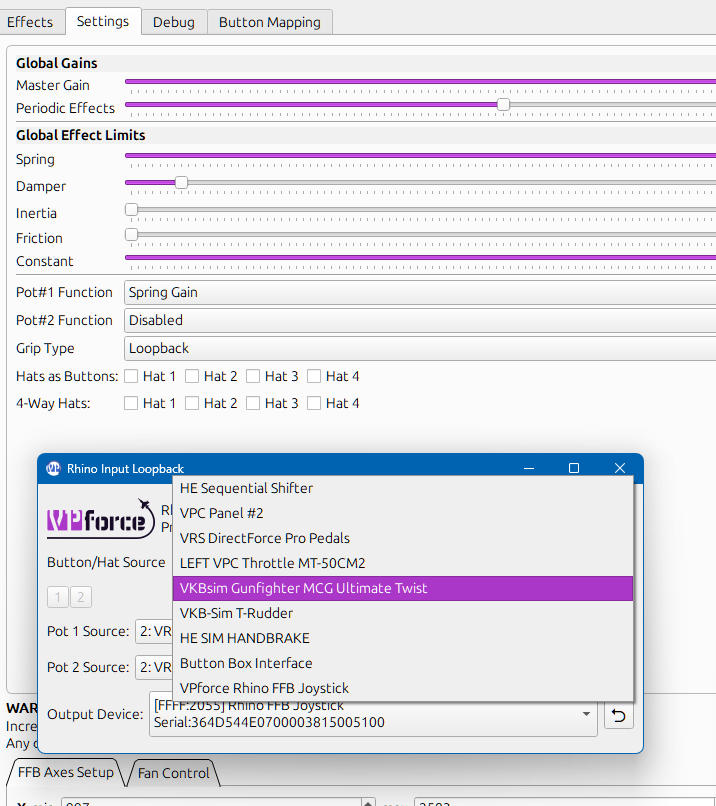
hi, does anybody know how to set my VKB grip as default device in the Rhino Input Loopback? everytime i start the programm i need to select it manually..., default is always my HE seq shifter.
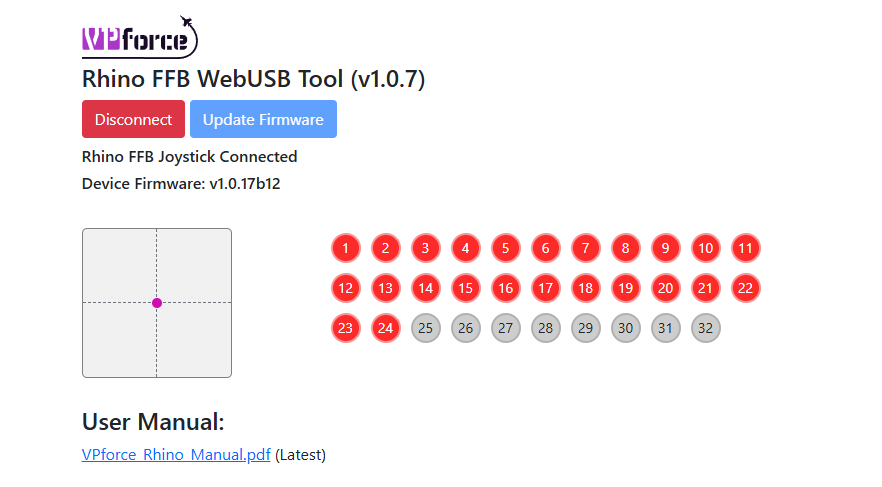
Hopefully somebody is able to help. I was unable to update to the latest firmware, but I used powershell "trick" and I was finally able to update. Now even if my computer recognizes the rhino as connected, nothing happens. Not even the usual sound when I turn on the rhino, No axis movement but the stick pushbuttons work. Any help?
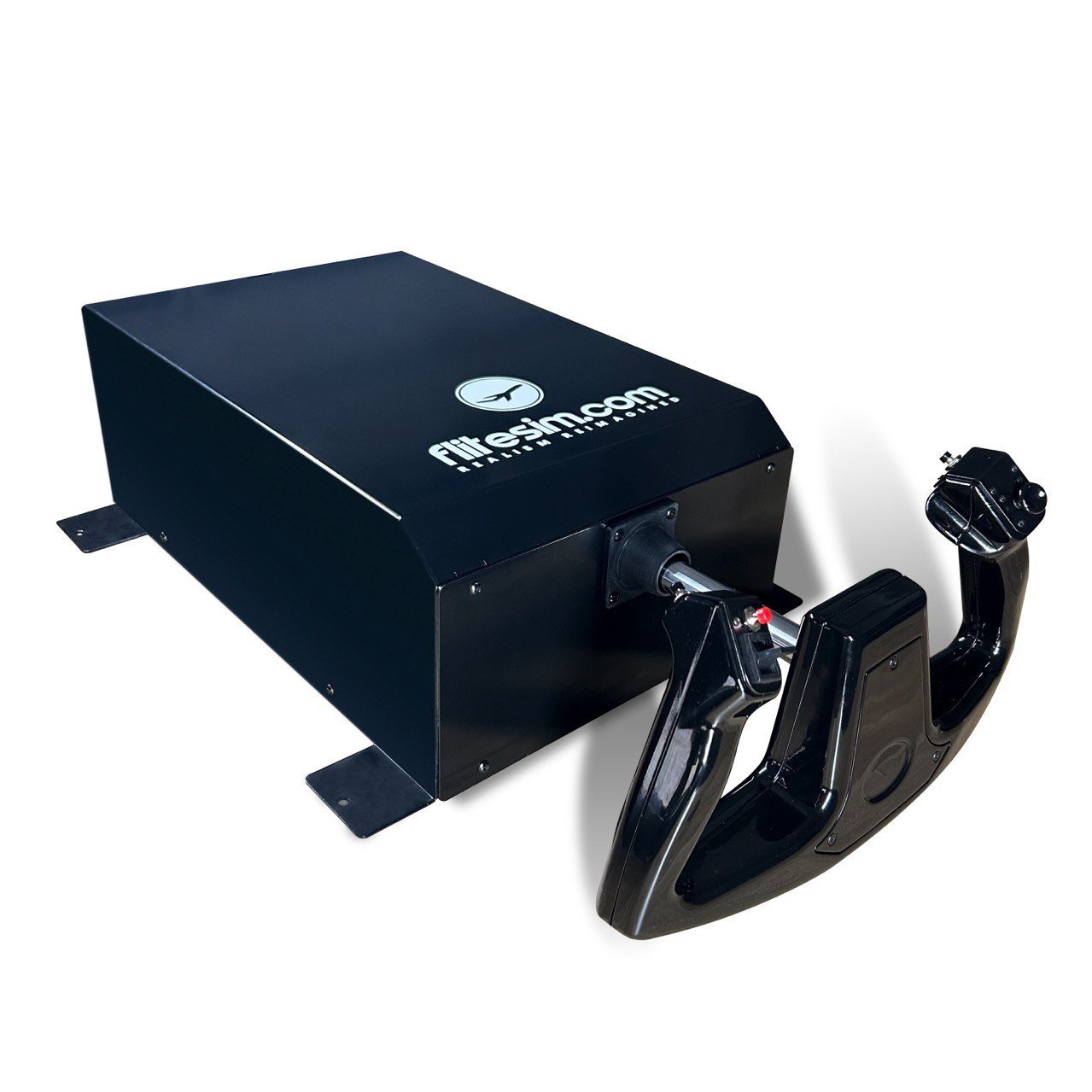
BLACK FRIDAY PROMO : Enjoy 5.5% Discount (Save USD50. Normal Price: USD899) When You Purchase The CLS-60 Force Feedback Yoke (Valid only from 22 to 30 Nov 2024)! Estimated Courier Shipping: 6 Dec 2024 (Or Earlier) for Orders Made After 18 Nov 24 Estimated Courier Shipping: 20 Nov 2024
Just received my Rhino and want to remove the bottom to layout some mounting options. The screws are tiny. With my eyesight, I can't tell for sure but they look like hex key. Anyone know what size?
Is there anyone who was been able to fix the issue where the stick just shuts down with the turning off chime and you have to cycle the estop in order to get it back? Its really since it keeps happening during flight