
How do I stop/start or enter commands in general for my minecraft server?
I followed the following guide to create a minecraft server: https://www.youtube.com/watch?v=_Hi3EaQtOKo&ab_channel=joe
I setup an instance on oracle cloud, and am using putty to enter commands, and filezilla to manage the files, and I'm not sure how to enter commands at all, as entering commands into putty affects the oracle cloud thing and not the minecraft server. I know I'm probably missing something really simple.
I setup an instance on oracle cloud, and am using putty to enter commands, and filezilla to manage the files, and I'm not sure how to enter commands at all, as entering commands into putty affects the oracle cloud thing and not the minecraft server. I know I'm probably missing something really simple.
YouTubejoe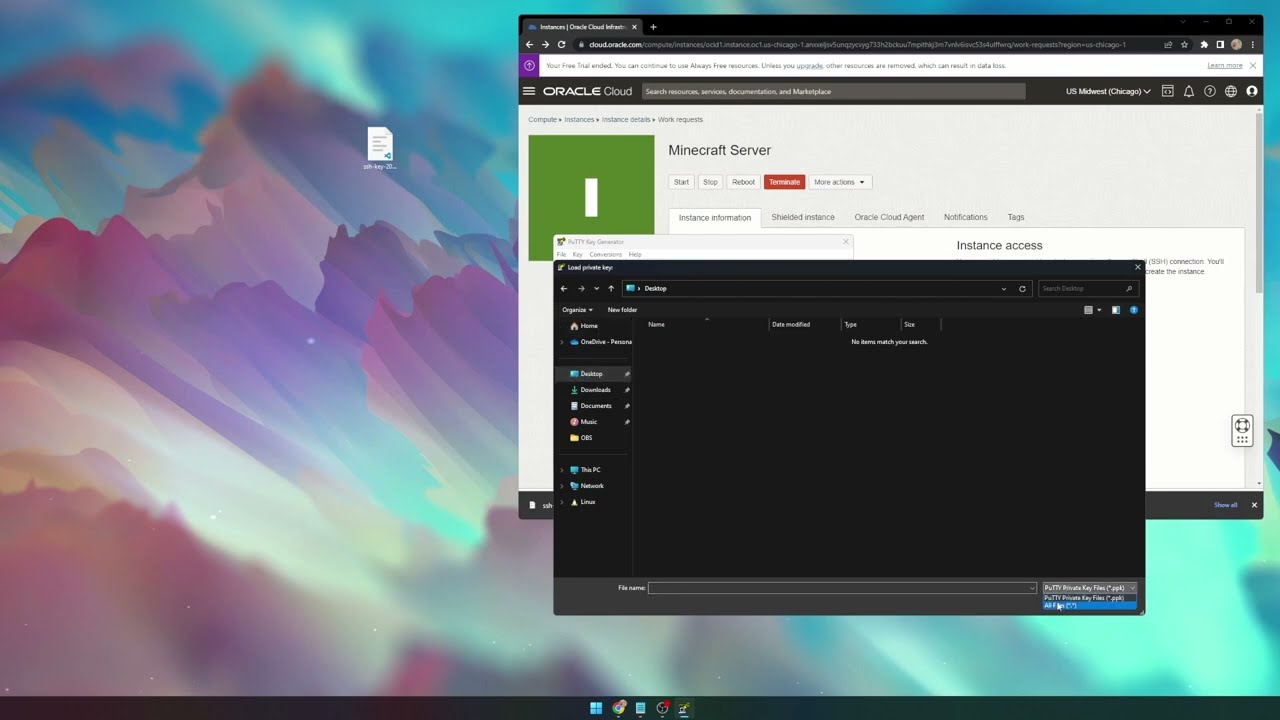
https://bigchadguys.com
Will work with any mod loader as well as any modpack
Article referenced:
https://blogs.oracle.com/developers/post/how-to-set-up-and-run-a-really-powerful-free-minecraft-server-in-the-cloud
Have any questions?
Discord: https://discord.gg/B5YQsgSZbR
BigChadGuys Plus available on CurseForge!
Links used in the video:
htt...
Will work with any mod loader as well as any modpack
Article referenced:
https://blogs.oracle.com/developers/post/how-to-set-up-and-run-a-really-powerful-free-minecraft-server-in-the-cloud
Have any questions?
Discord: https://discord.gg/B5YQsgSZbR
BigChadGuys Plus available on CurseForge!
Links used in the video:
htt...
