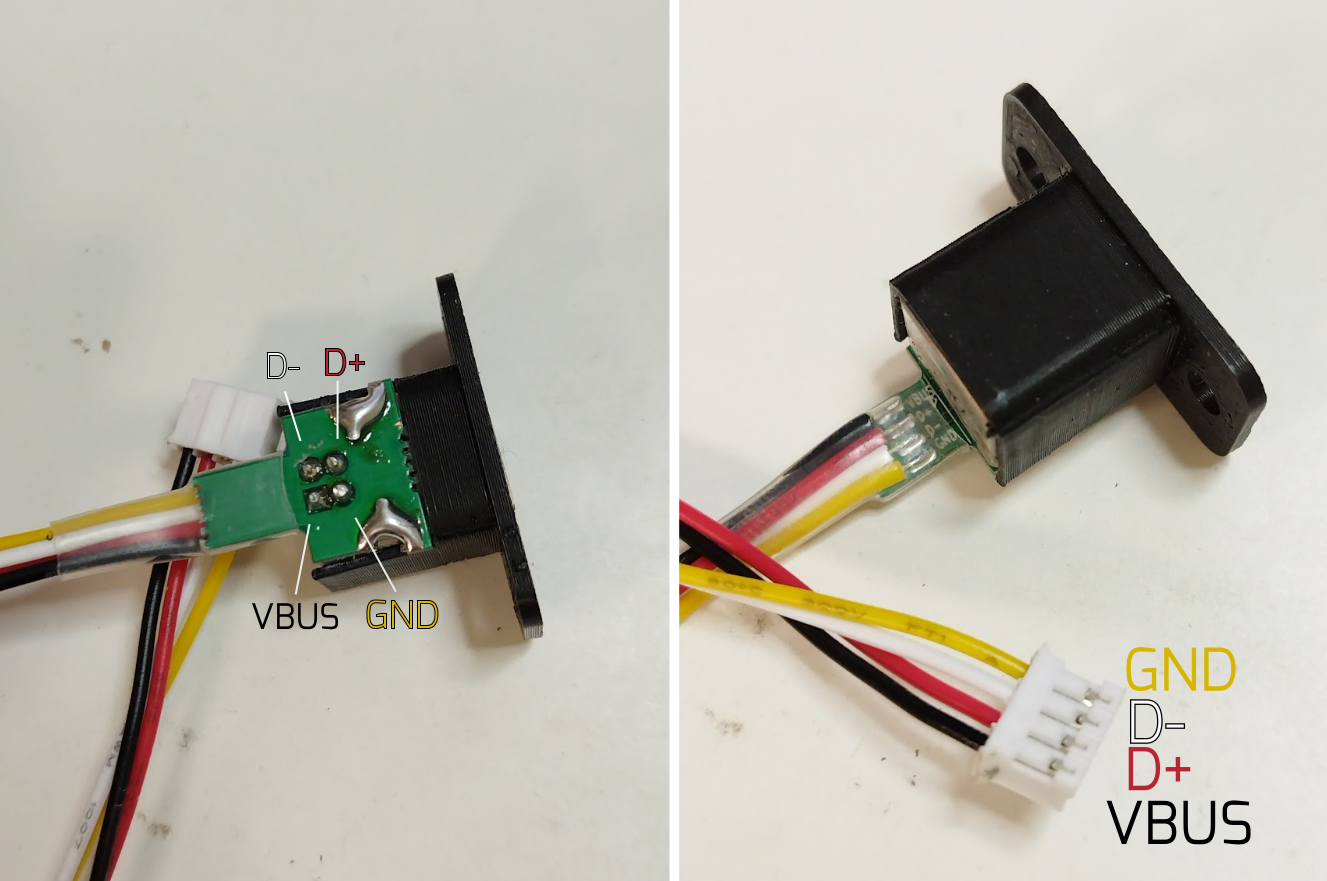
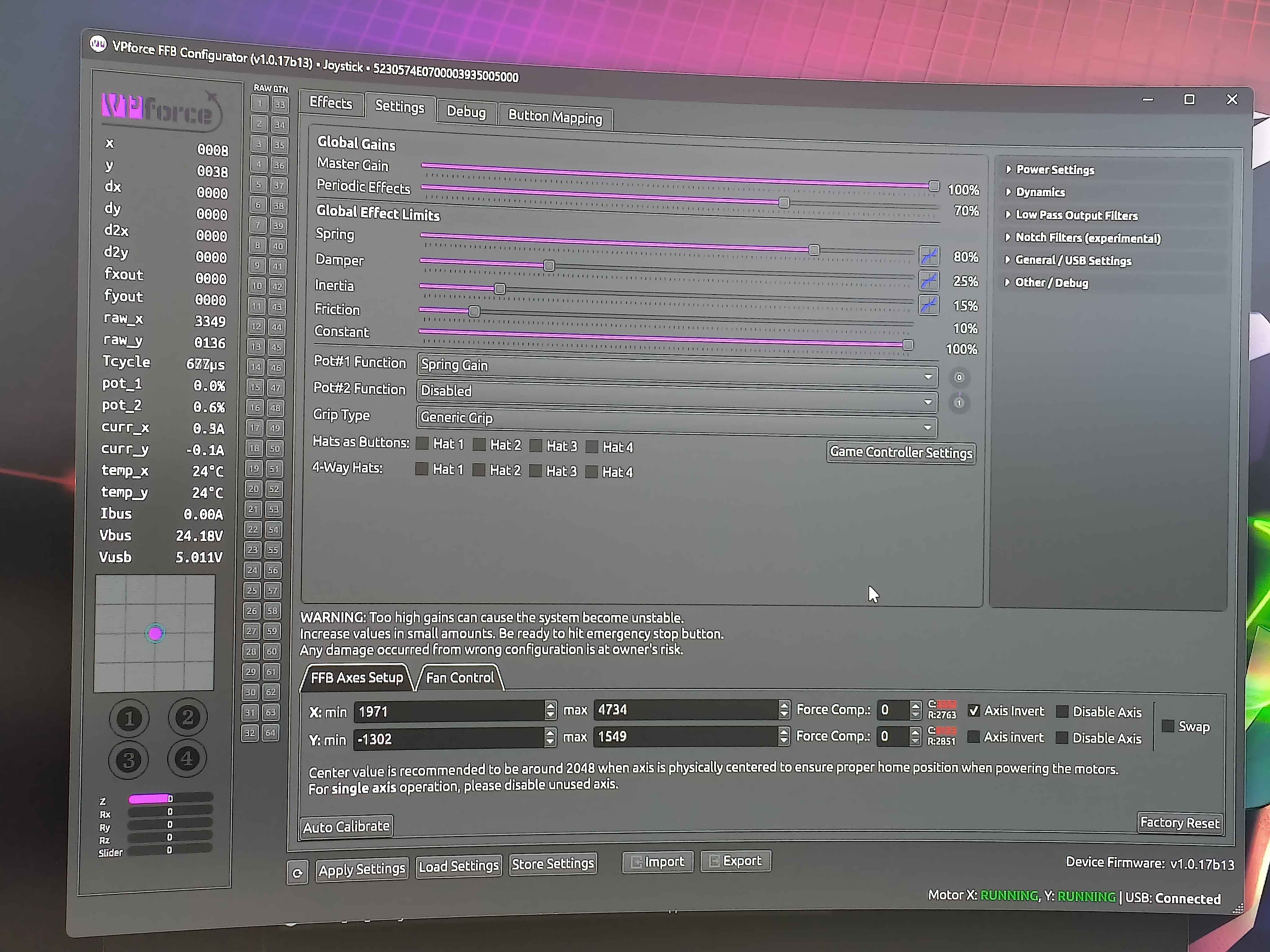
Hi @walmis......not sure what you mean.....I gather Dx means any of the 32 pins on the SR....right? Is that not the same as wiring a switch between gnd and a pin ....like in the pics I showed above? Pressing the switch shorts gnd to pin (unless I misunderstand your request).......in which case no button in the configurator lights up.
I also tested gnd pin on SR (red probe in diode mode on multimeter) and black probe to each data pin and i get 760mV. (as per following instructions: You can check if the pins are making contact on the grip side by following these steps:
set multimeter to diode test ( -⯈⊢ )mode
disconnect the JST plug, and with the multimeter red(+) probe touch the GND pin on the JST exposed pad
go through all other pins with the black(-) probe - it should read 500-800mV if not, it's not making contact it will read OL)
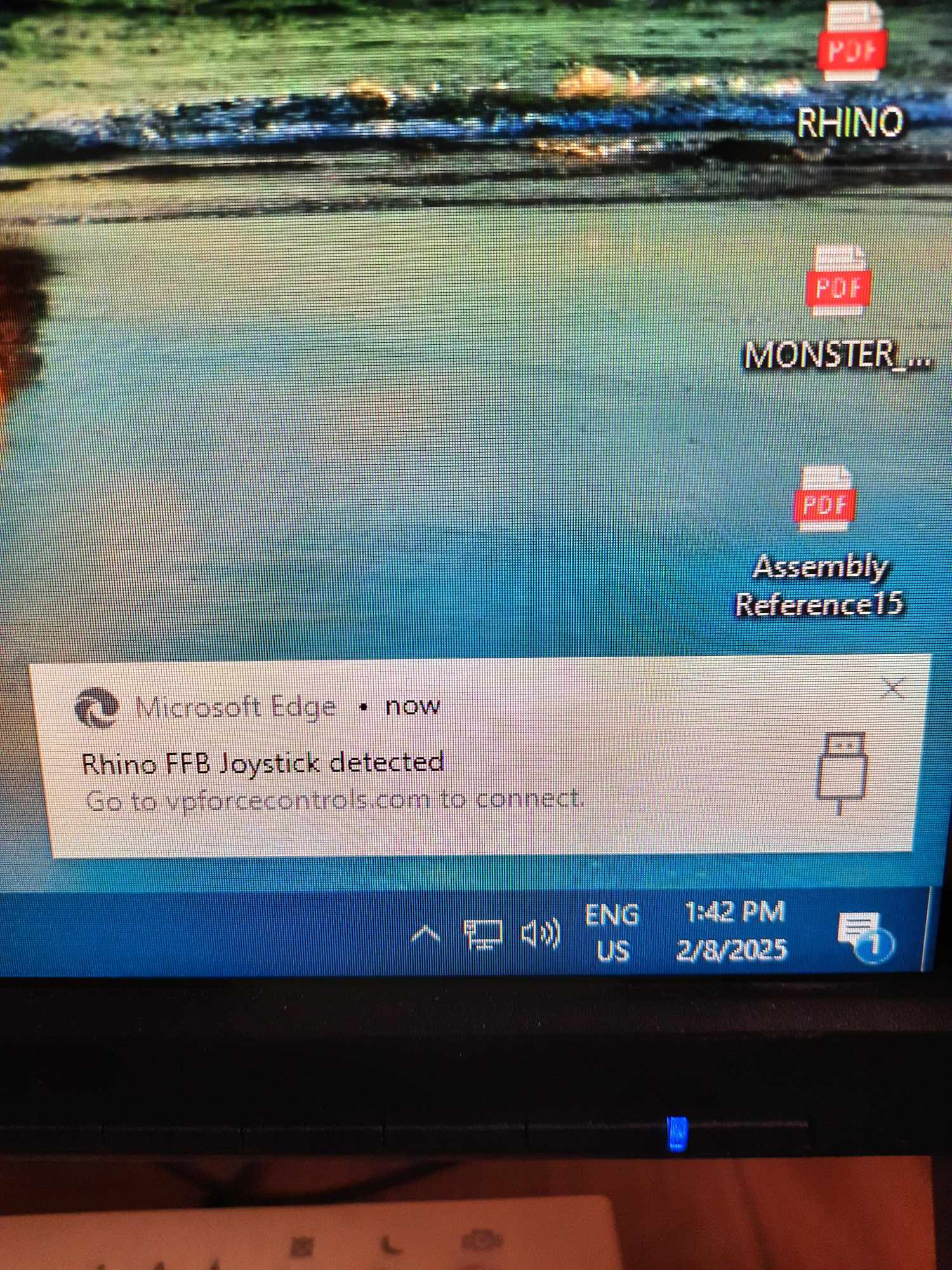
@walmis measuring from the board, I get very even 5V from the USB and from the backside of the board, there is very even 3.3V. So the power section seems to be working, but usb recognition does not work.
Checked also the board under microscope, no shorts, a lot of flux residue, a litlle excess solder paste(pearls of solder on some capacitors) no visible burnt components
Now i need to go walk the dog, but I can continue to solve this if you have ideas. I have access to hot air blower, soldering iron, oscilloscope. You name it. I work as electrical engineer so…
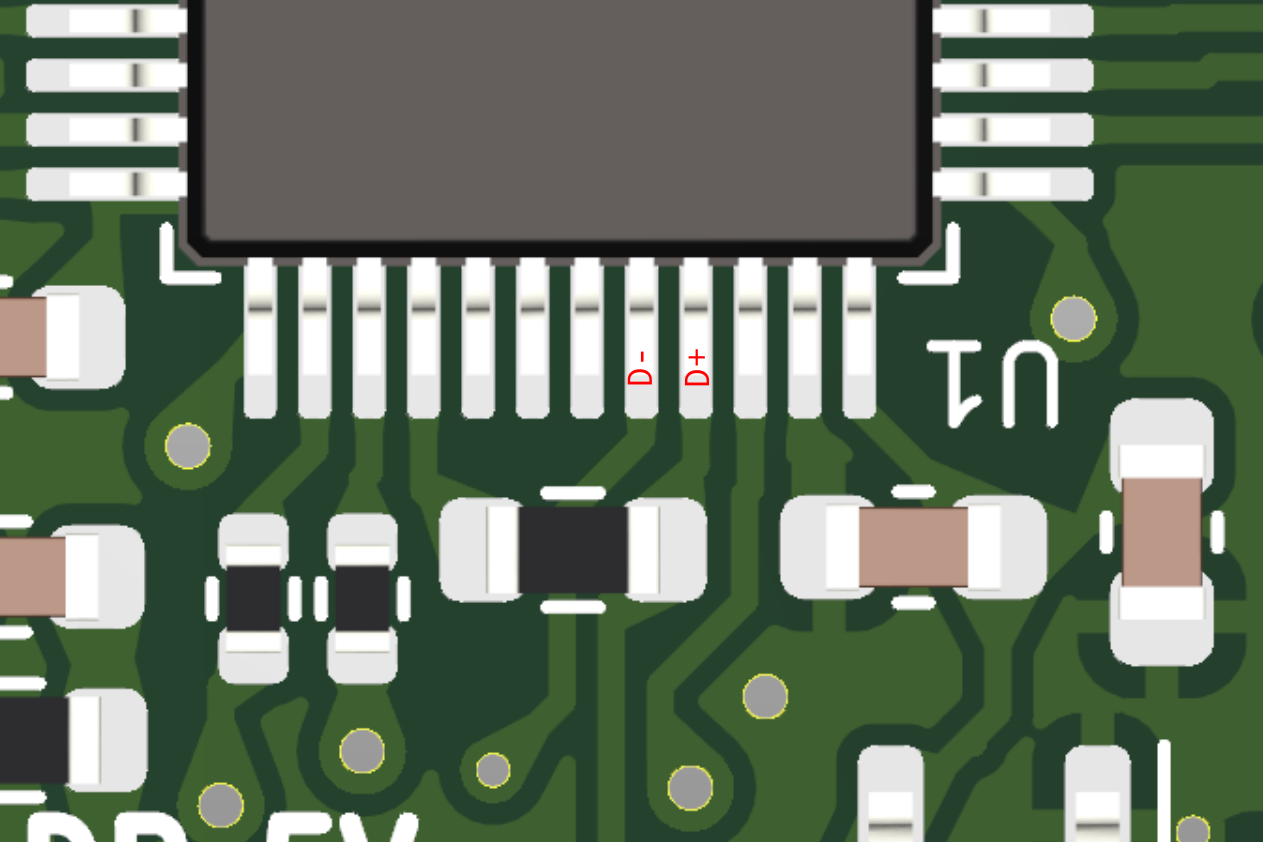
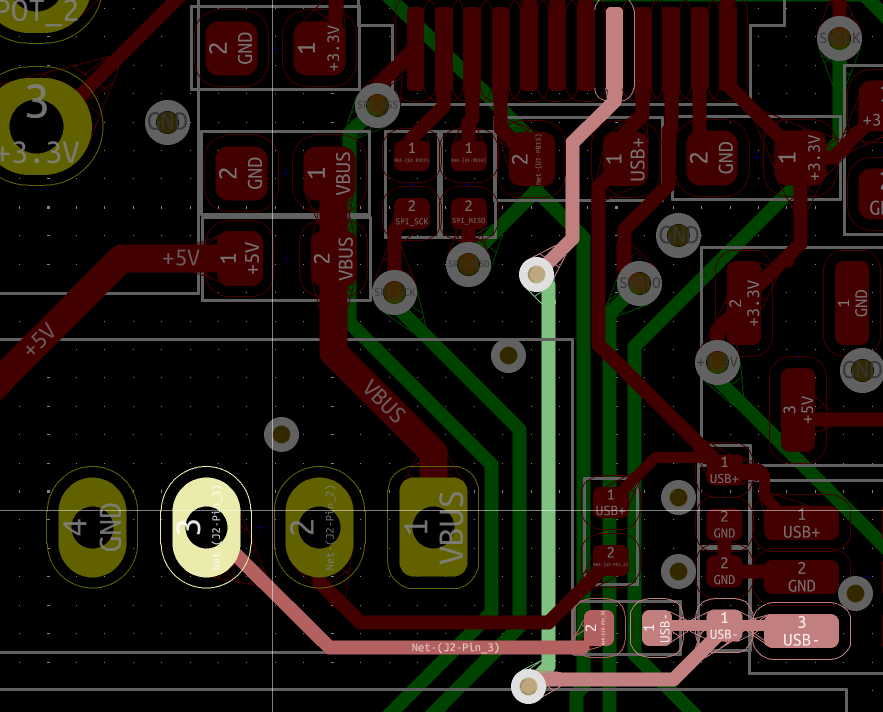
Well, if you can measure the D+ and D- continuity coming from the cable end (pictured a few messages above) to the MCU pins, that could be helpful: Marked the pins here
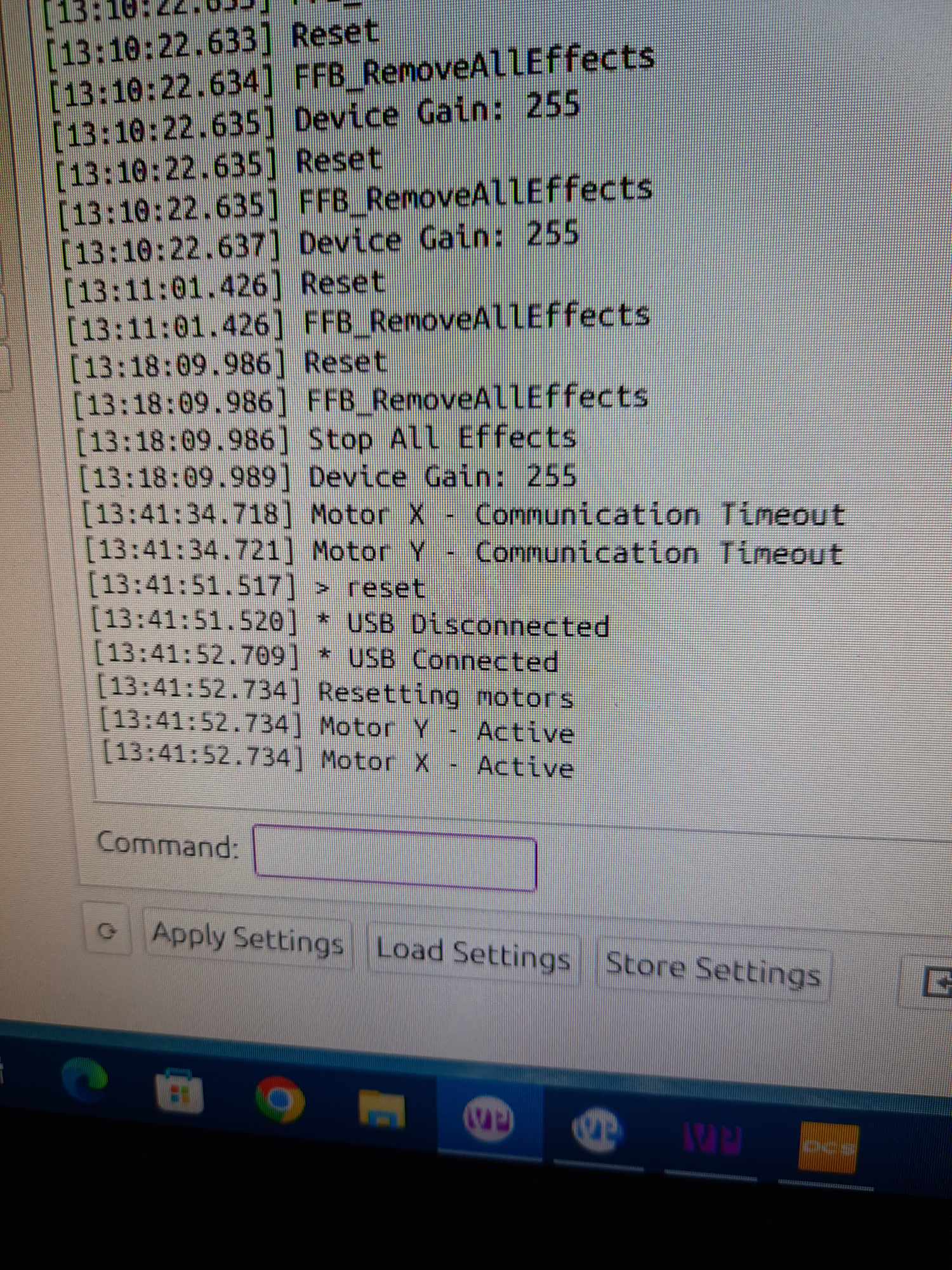
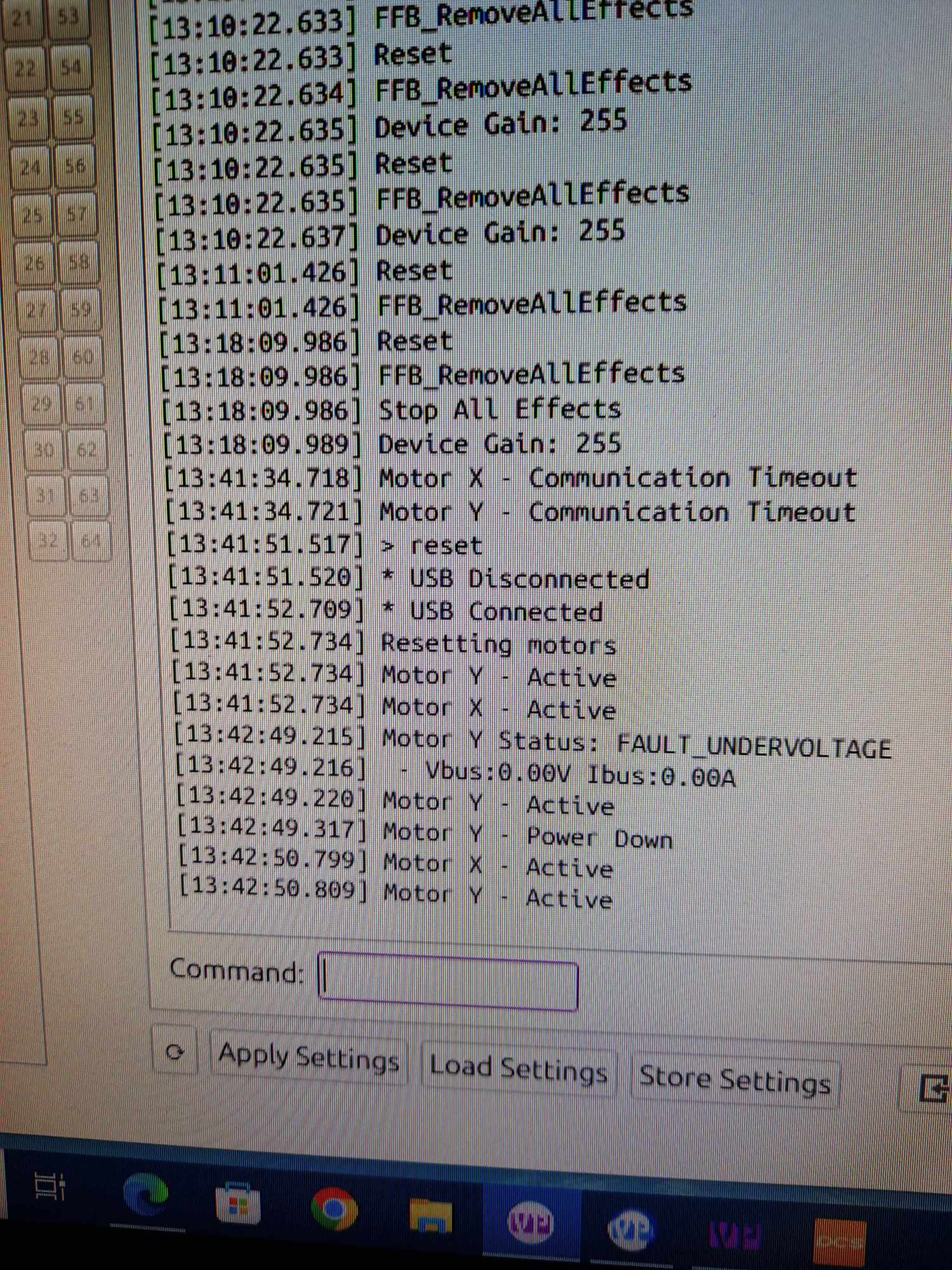
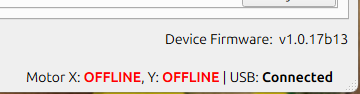
Ok, It happened again, I typed "reset" and enter. Here are what come next: usb connect, and the motors x and y not runnig, after power button off and on , the motors whent running
Actually they were without cogging effect but at the bottom right of vp configuration there were motor x and y offline, after switching of and on the power button they went alive
D- does not connect to usb, so there is a break somewhere. Can you check from layout the trace and if it is fixable? I could try to make a wire connection to connector
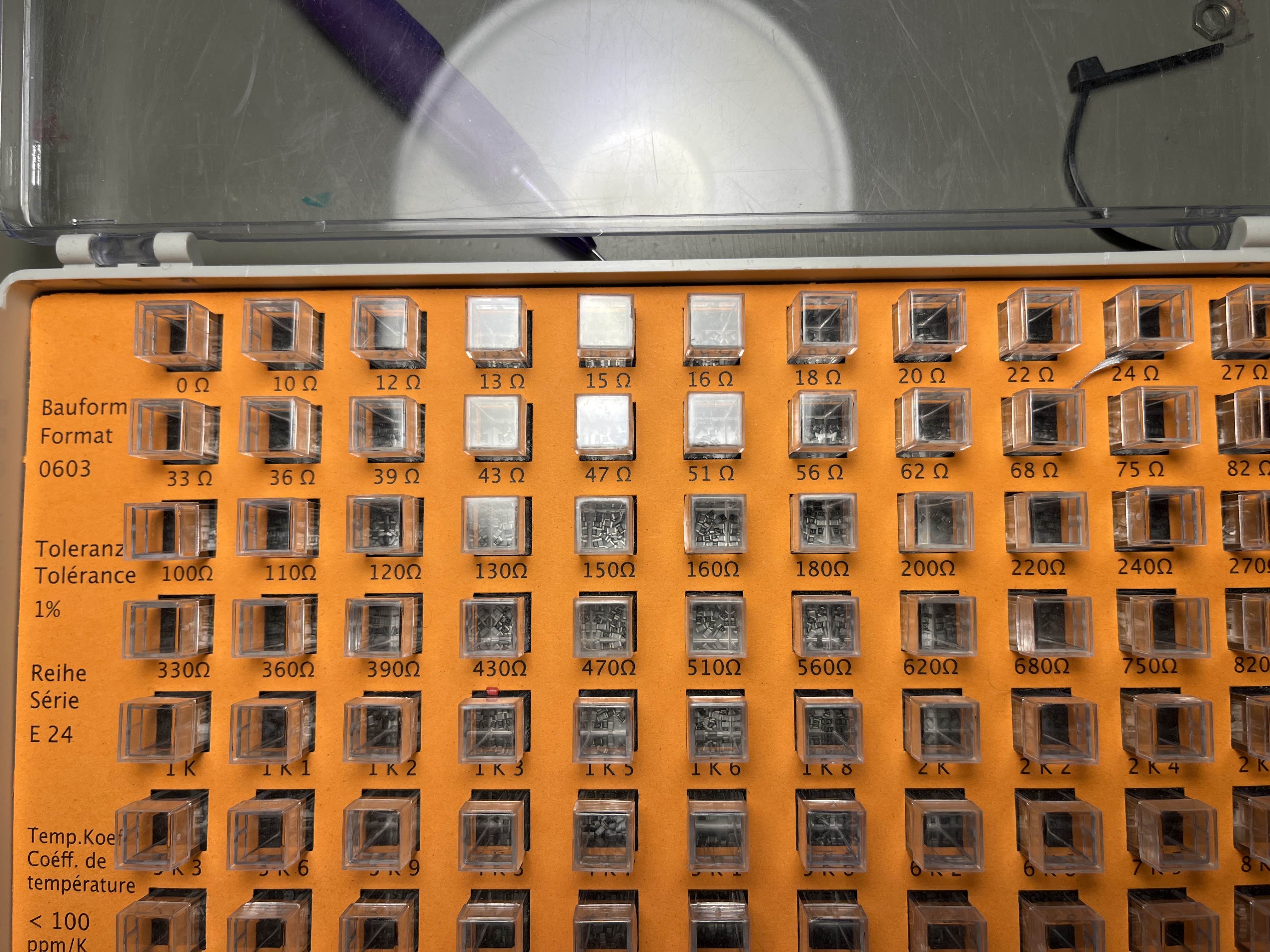
That first resistor seems faulty? It sometimes reads 40 ohms, but when measuring to the chip pad, it doesn’t read anything? Whats the nominal value of it? I have full series on 0603 resitors here at home so i could try to replace that
I will change it, not a biggie. Yeah it should be just fine if it is simple short. After all, it almost boots up. But i wonder why the led doesn’t stay on after the beep?
can anyone point out to me where one could find some mounting options and some aftermarket parts for the rhino? Ive got a next level racing flight seat pro and looking for a way to mount this to my pit without having to fabricate much
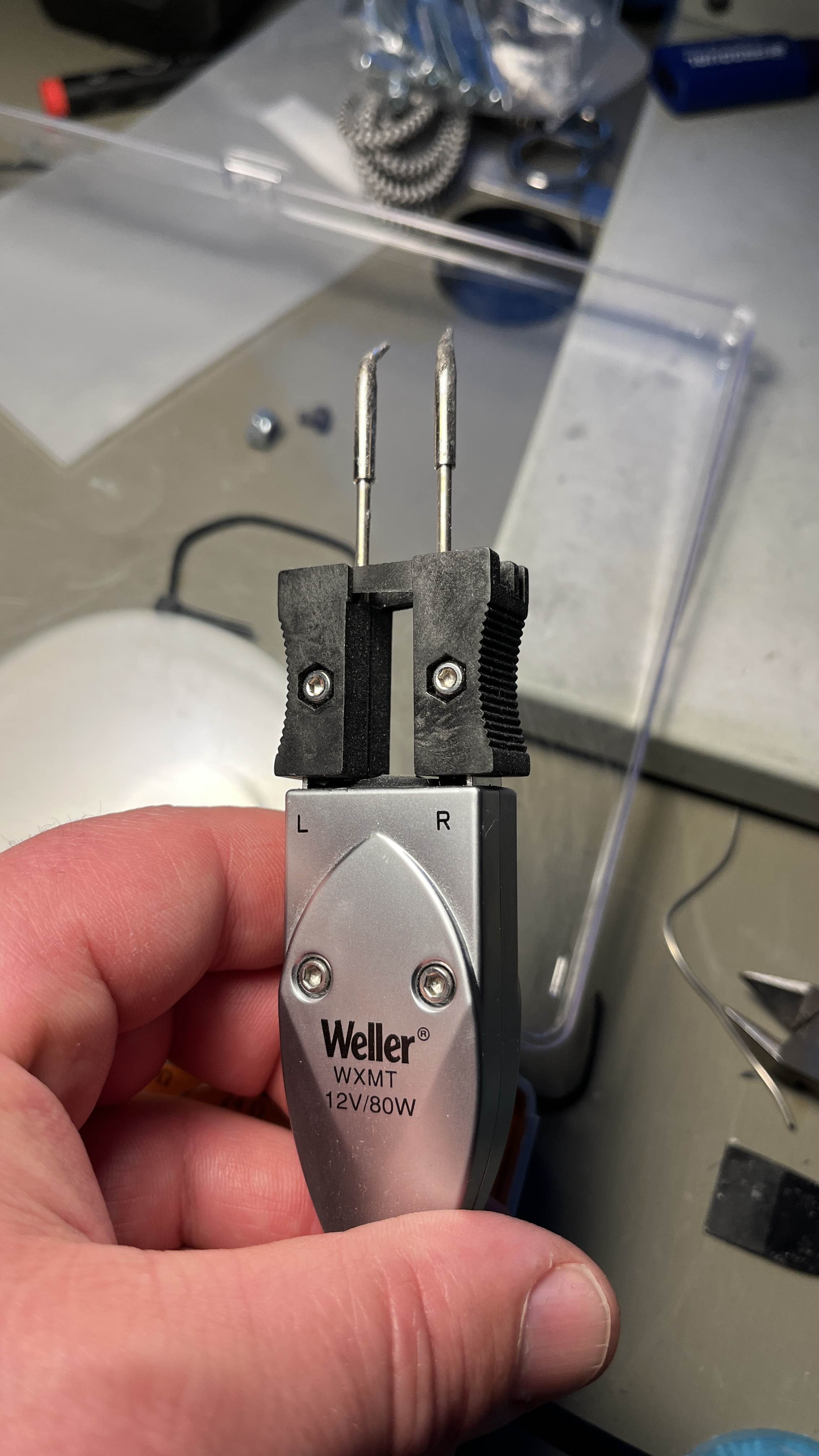
when touched the resistor with soldering iron, the resistor physically broke in 2 pieces. Cleaned the pads, soldered new 0402 22R resistor, cleaned the excess flux, and voilá! It's Alive!!!
Can someone tell me this is correct for the VPforce configuration part, because I'm having a little trouble, and it's to use the Vpforce rhino for dcs?