Hello everyone. I am Dr. Furkan Gözükara. PhD Computer Engineer. SECourses is a dedicated YouTube channel for the following topics : Tech, AI, News, Science, Robotics, Singularity, ComfyUI, SwarmUI, ML, Artificial Intelligence, Humanoid Robots, Wan 2.2, FLUX, Krea, Qwen Image, VLMs, Stable Diffusion
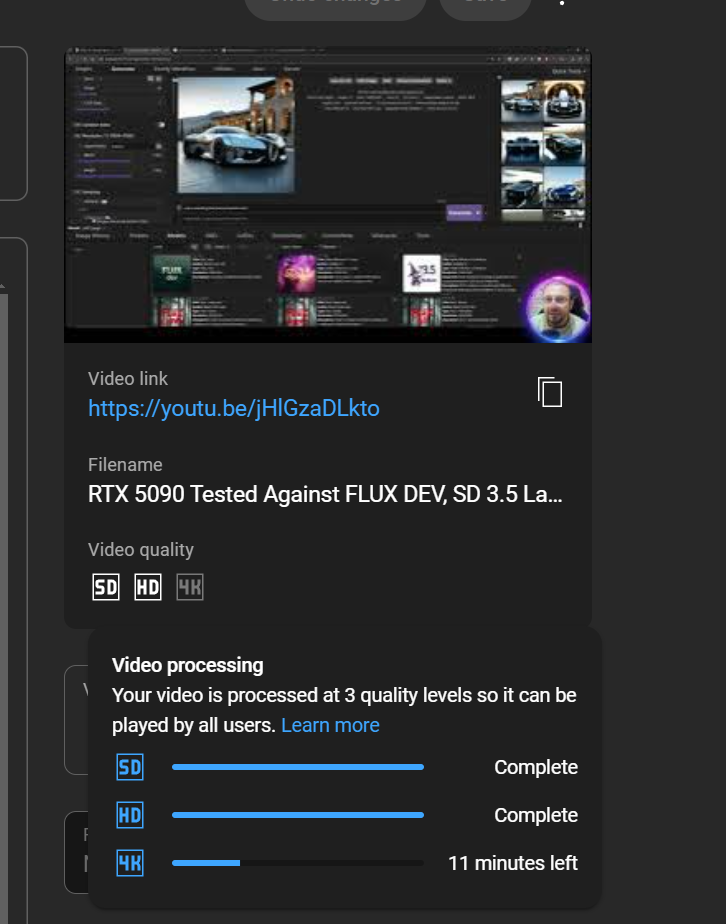
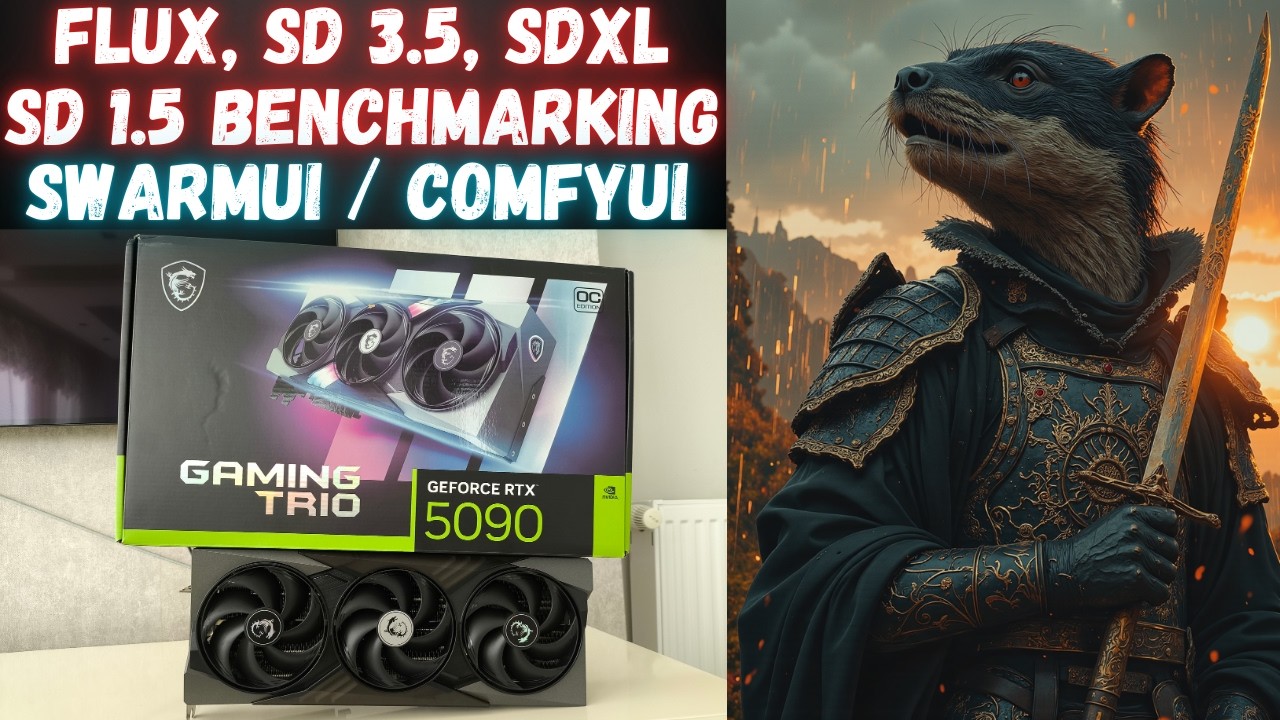
In this video I have intensively compared RTX 5090 speed on FLUX DEV, FLUX Fill, SD 3.5 Large, SD 3.5 Medium, Stable Diffusion XL (SDXL) and Stable Diffusion 1.5 (SD 1.5) models. For each benchmark, I have compared RTX 5090 against RTX 3090 TI so we see the speed improvement. Moreover, I have tested FP8 vs 16-bit precision for FLUX and SD 3.5 La...
Ah, okay. My problem is that I have too many neutral-looking, generic images in my training set. I included them thinking more images = better results, but now I’m noticing some issues.
Face Inpainting Issue I realized that during image generation, the face initially appears to be smiling in the preview, but by the end, it looks more neutral. It seems like the Face Inpainter is neutralizing the expression.
Questions: Does the image generation process actually have two stages?
Step 1: Normal image generation Step 2: Face inpainting How does the Face Inpainter (YOLO) work?
Does it pick a face from my training images, or is it using something else? Can I adjust the Face Inpainter?
For example, can I tell it which face image to use as a reference? Can I turn off the Face Inpainter for testing?
I'd like to see how the results change without it. Training Set Strategy I’m planning to retrain the model with a new set of training images—this time, focusing on more expressive (smiling, emotional) faces instead of too many neutral or redundant ones. Right now, I have to generate tons of images just to get the expression I want, which is not ideal.
How can I quickly test if a training image set is good? I don’t want to spend 45+ hours training again only to realize my dataset was bad.
Can I use a lower-tier config for a quick test? For example, could I train with "6GB_GPU_5400MB_14.1_second_it_Tier_3_512px.json" on a 48GB A6000 GPU (Massed Compute) just to get a fast idea of what expressions the model generates? Or would the results be completely different compared to using a high-end config like "48GB_GPU_28200MB_6.3_second_it_Tier_1.json"?
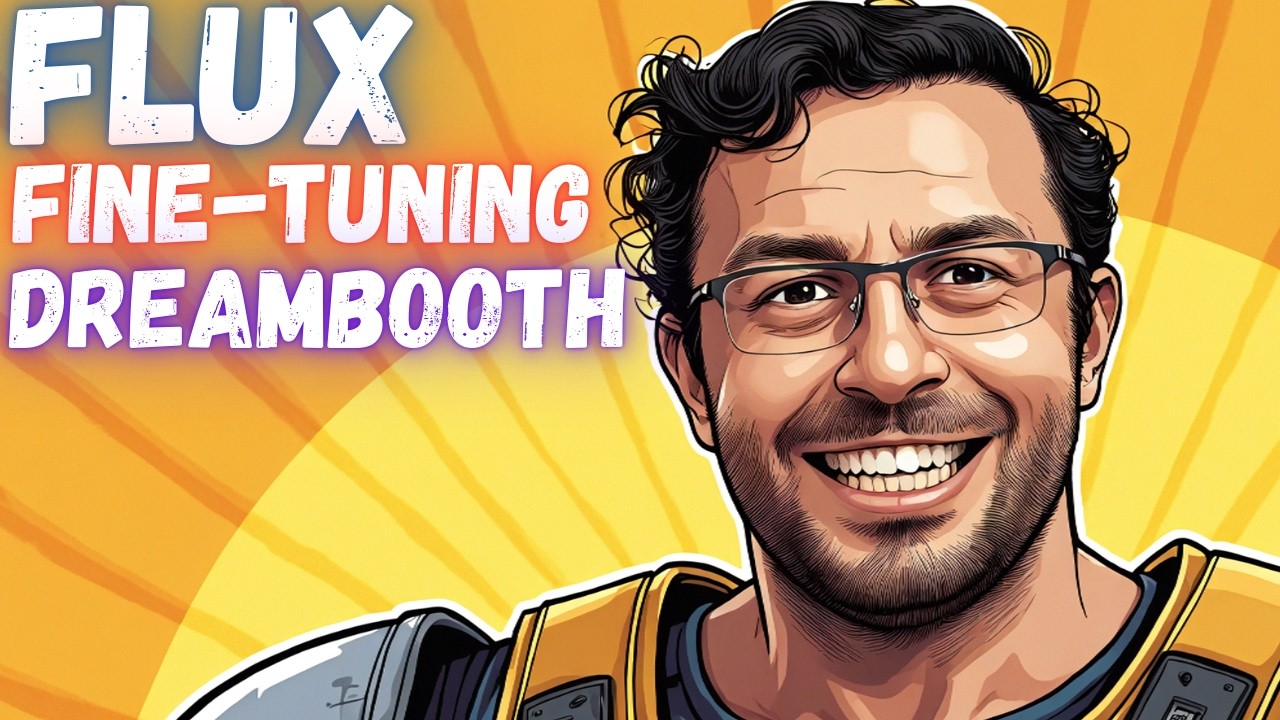
If you want to train FLUX with maximum possible quality, this is the tutorial looking for. In this comprehensive tutorial, you will learn how to install Kohya GUI and use it to fully Fine-Tune / DreamBooth FLUX model. After that how to use SwarmUI to compare generated checkpoints / models and find the very best one to generate most amazing image...