Every color picker I've tried returns a different color than the actual screen color.
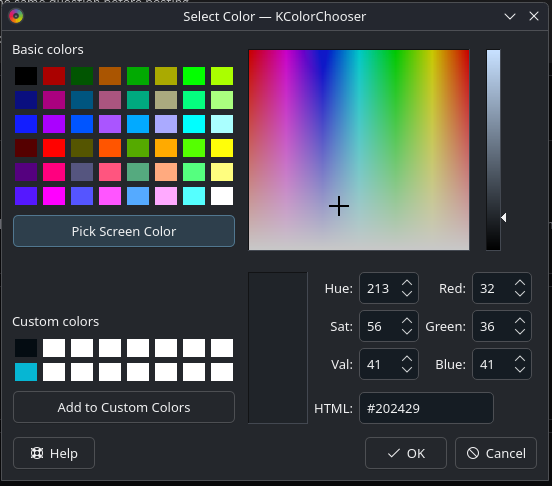
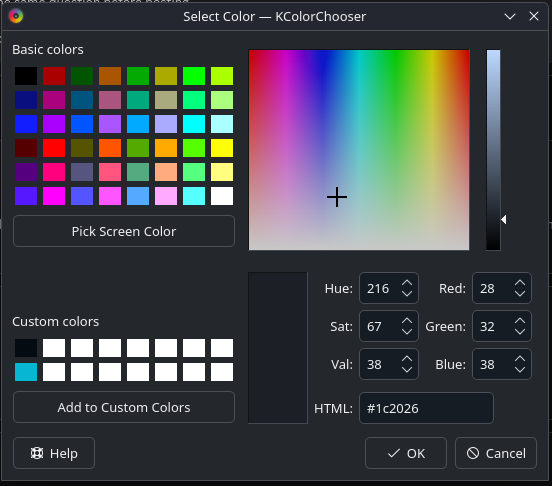
I recently switched to bazzite and I've been struggling for about 2 days to find some combination of workflow and applications that lets me accuratly pick screen colors and I'm throwing in the towel. Even taking a screenshot and then using kColorChooser results in a darker color than intended. In the example photos I picked the gray color of the window for the first image. Then, I picked the picked gray color again, producing an even darker color.
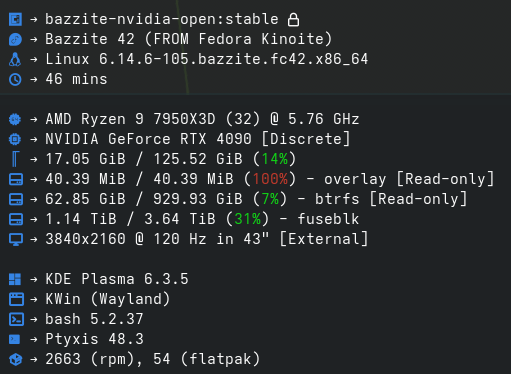
How do you pick a color from the screen in bazzite/fedora? I also included my system specs.
How do you pick a color from the screen in bazzite/fedora? I also included my system specs.