Incomplete or Outdated guide for mounting additional ssd
I've followed the following wiki entry: https://docs.bazzite.gg/Advanced/Auto-Mounting_Secondary_Drives/
Additionally, the wiki link for KDE is broken: https://docs.bazzite.gg/Advanced/KDE_Partition_Manager_Auto_Mount_Guide
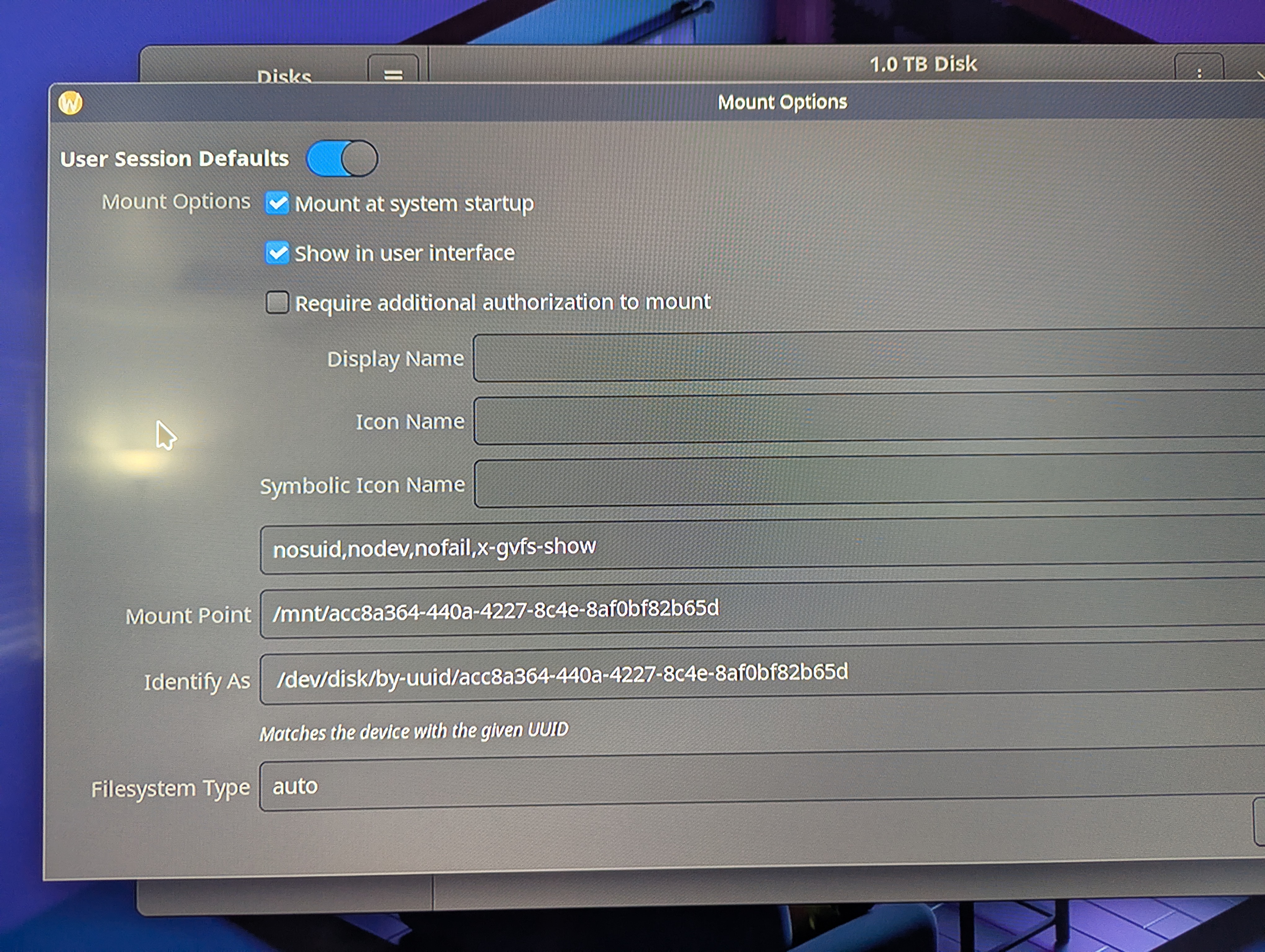
As you can see in the pictures, this drive is marked as auto-mount -- however it is not mounted on system startup. Is there an additional step that needs to be performed that isn't documented in the guide?
When I manually mount it, the mount point does not agree with the options:
Looking at the screenshot photos, there should be a
Additionally, the wiki link for KDE is broken: https://docs.bazzite.gg/Advanced/KDE_Partition_Manager_Auto_Mount_Guide
As you can see in the pictures, this drive is marked as auto-mount -- however it is not mounted on system startup. Is there an additional step that needs to be performed that isn't documented in the guide?
When I manually mount it, the mount point does not agree with the options:
/run/media/bazzite/nvme1 != /mnt/ac.....Looking at the screenshot photos, there should be a
/run/media/bazzite/nvme1 entry in /etc/fstab, but there is not.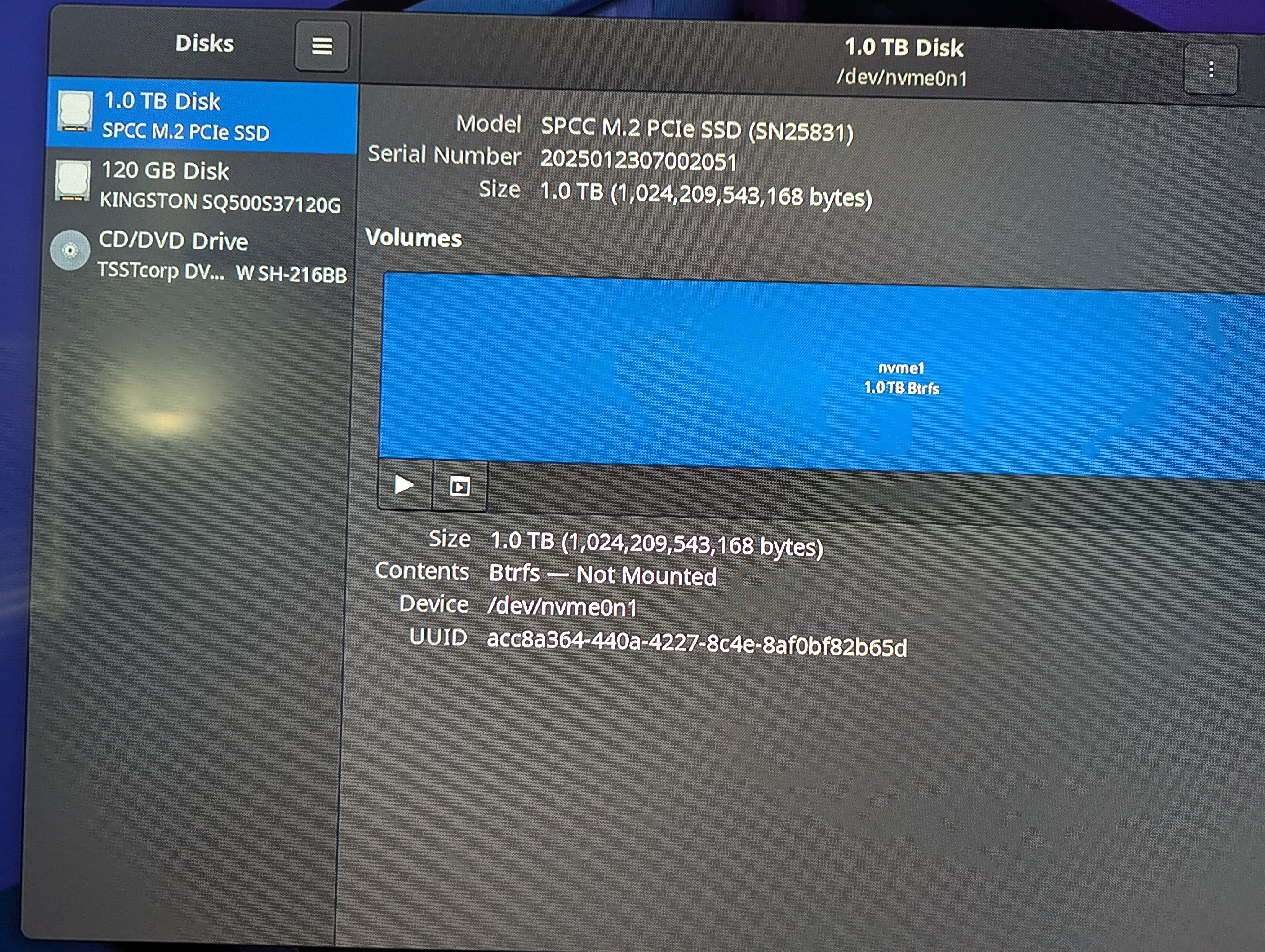
Bazzite is a custom image built upon Fedora Atomic Desktops that brings the best of Linux gaming to all of your devices.