Nuxt UI: progressbar not showing the actual progress but is animated
Hi, I'm using a UProgress like this in my template but it doesn't show the progress
In my script I have this
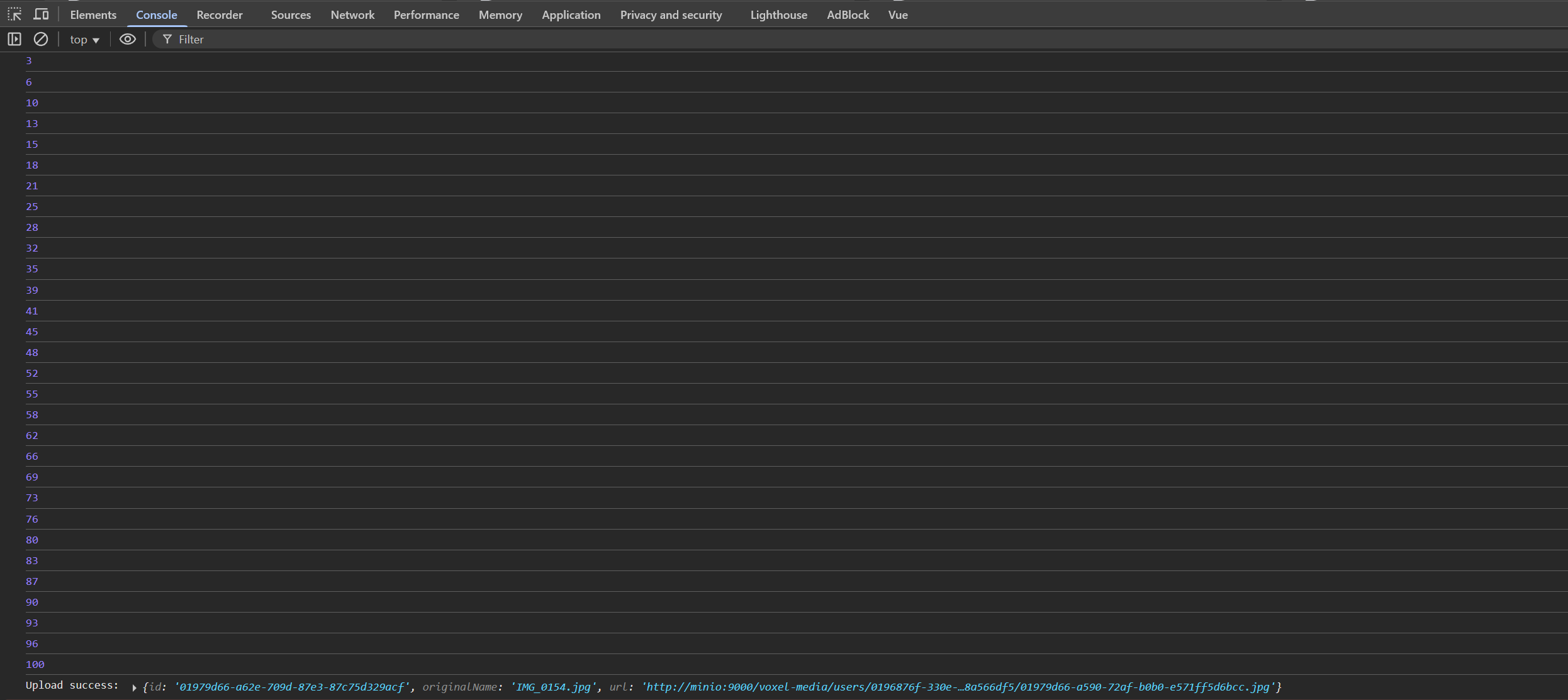
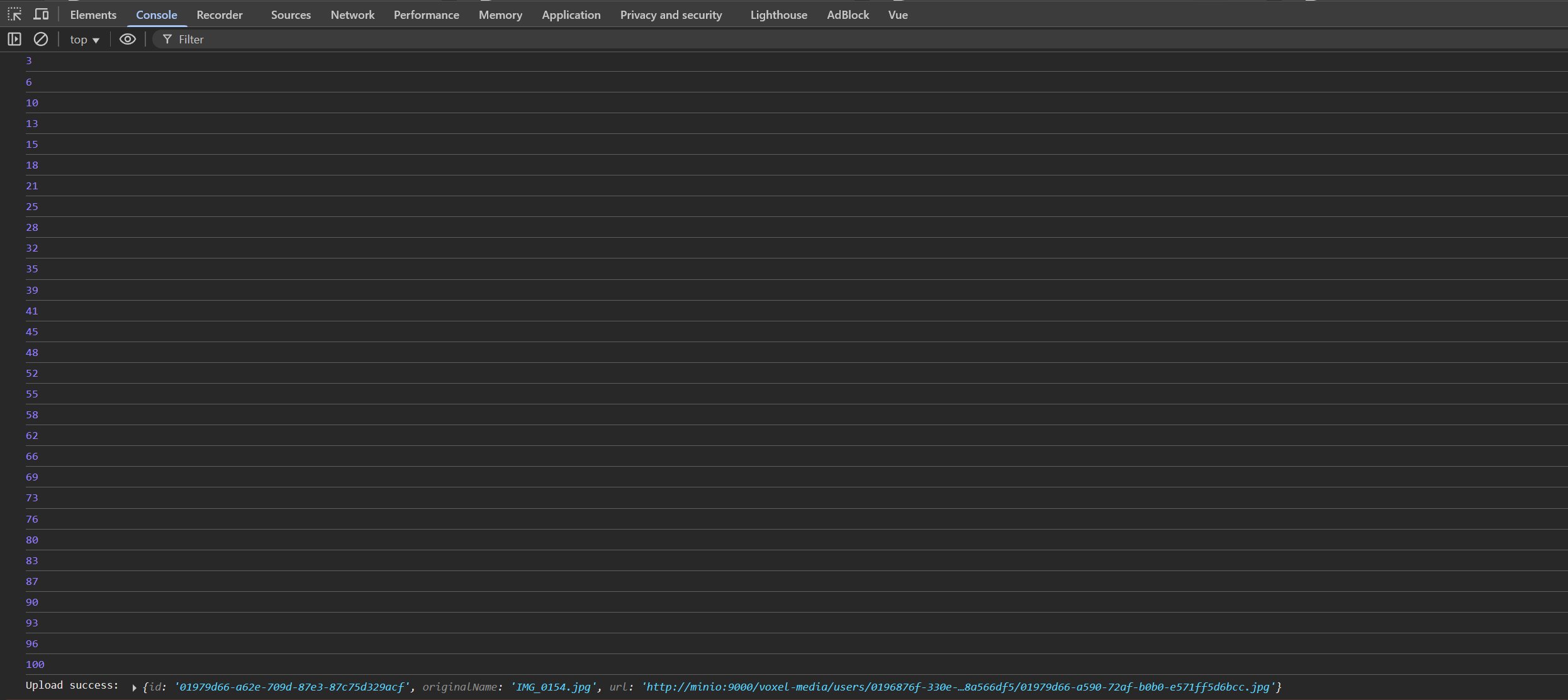
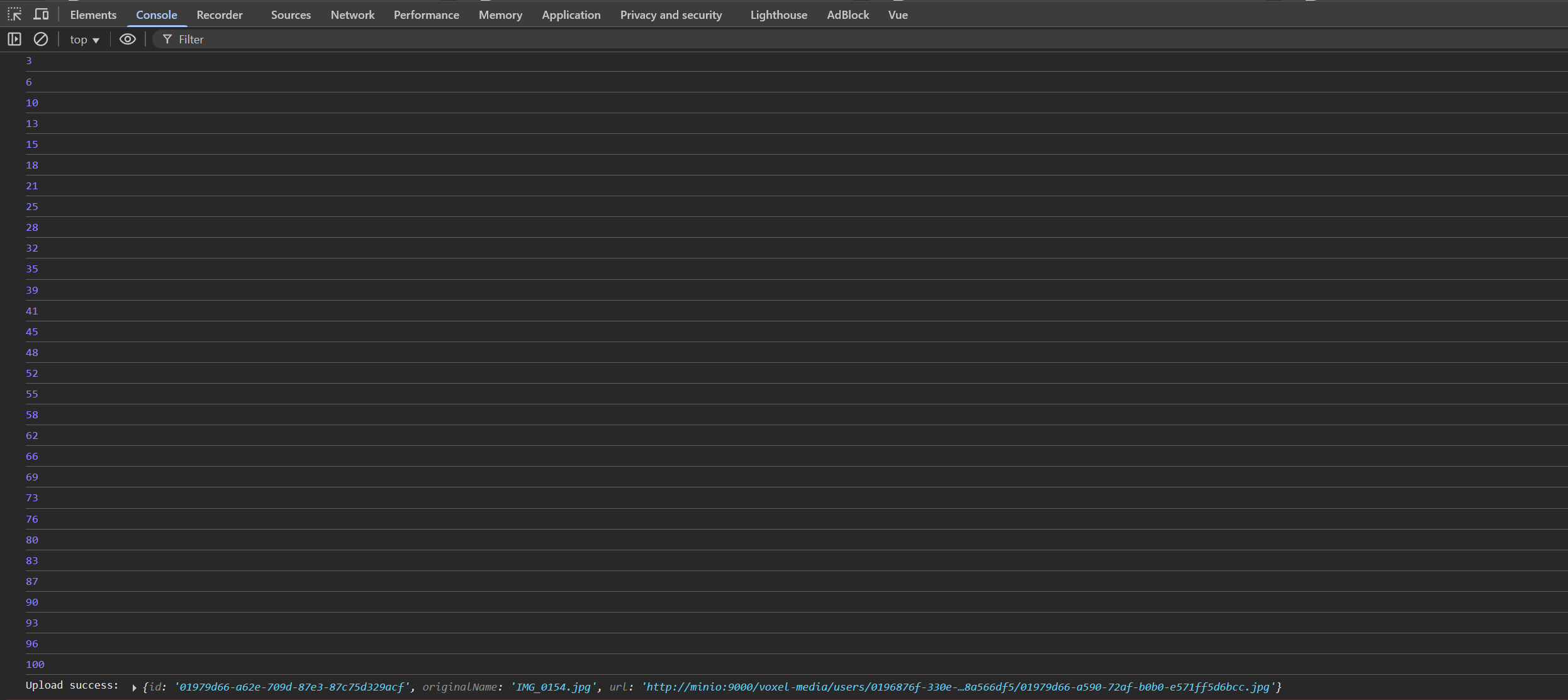
The console.log in the onprogress is showing correctly the progress in the console 🤔 why is it not showing in the progressbar?
3 Replies
Hi @CG Seb. I'm kapa.ai, your friendly support bot. I will try to answer your question by searching through the knowledge base. :wave:
----------------------
The issue is that the
Replace
UProgress component from Nuxt UI expects the progress value to be passed using the v-model directive, not the :value prop. In your code, you are using :value="uploadProgress", which will not bind the progress value correctly and will cause the progress bar to remain in its indeterminate (animated) state.
To fix this, change your template to use v-model:
This will correctly bind the progress value and display the actual progress in the progress bar, as shown in the official documentation:
See Nuxt UI Progress usage
If you want the progress bar to show a percentage, ensure that uploadProgress is a number between 0 and 100, which matches your current logic.
Summary:Replace
:value="uploadProgress" with v-model="uploadProgress" in your template to make the progress bar reflect the actual progress value instead of being animated only.
Reference: Nuxt UI Progress Usage
----------------------
Note: you can ask me a follow up question by @ mentioning me again :speech_balloon:
----------------------<@182470797850312704> Kapa.ai is still learning and improving, please let me know how I did by reacting below.
Thanks a lot I didn't see that