Hello everyone. I am Dr. Furkan Gözükara. PhD Computer Engineer. SECourses is a dedicated YouTube channel for the following topics : Tech, AI, News, Science, Robotics, Singularity, ComfyUI, SwarmUI, ML, Artificial Intelligence, Humanoid Robots, Wan 2.2, FLUX, Krea, Qwen Image, VLMs, Stable Diffusion
If you want to train FLUX with maximum possible quality, this is the tutorial looking for. In this comprehensive tutorial, you will learn how to install Kohya GUI and use it to fully Fine-Tune / DreamBooth FLUX model. After that how to use SwarmUI to compare generated checkpoints / models and find the very best one to generate most amazing image...
Ultimate Kohya GUI FLUX LoRA training tutorial. This tutorial is product of non-stop 9 days research and training. I have trained over 73 FLUX LoRA models and analyzed all to prepare this tutorial video. The research still going on and hopefully the results will be significantly improved and latest configs and findings will be shared. Please wat...
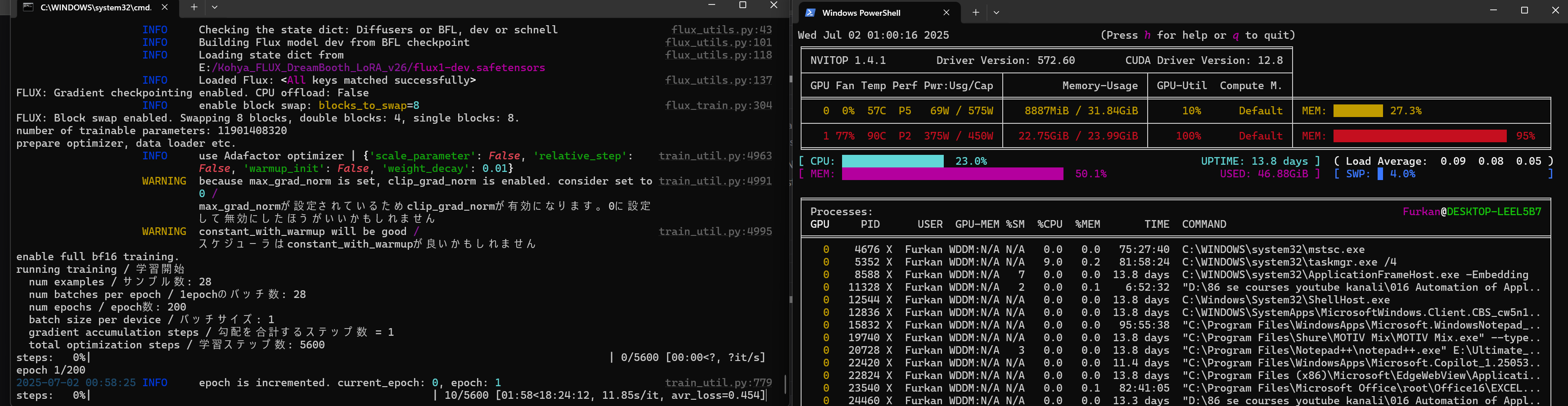
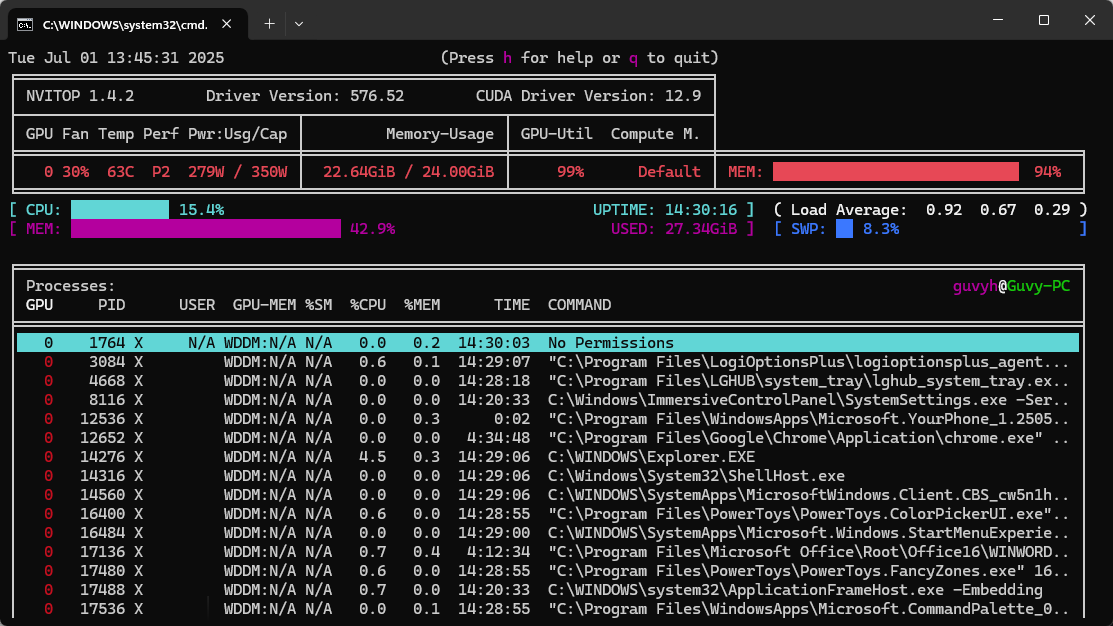
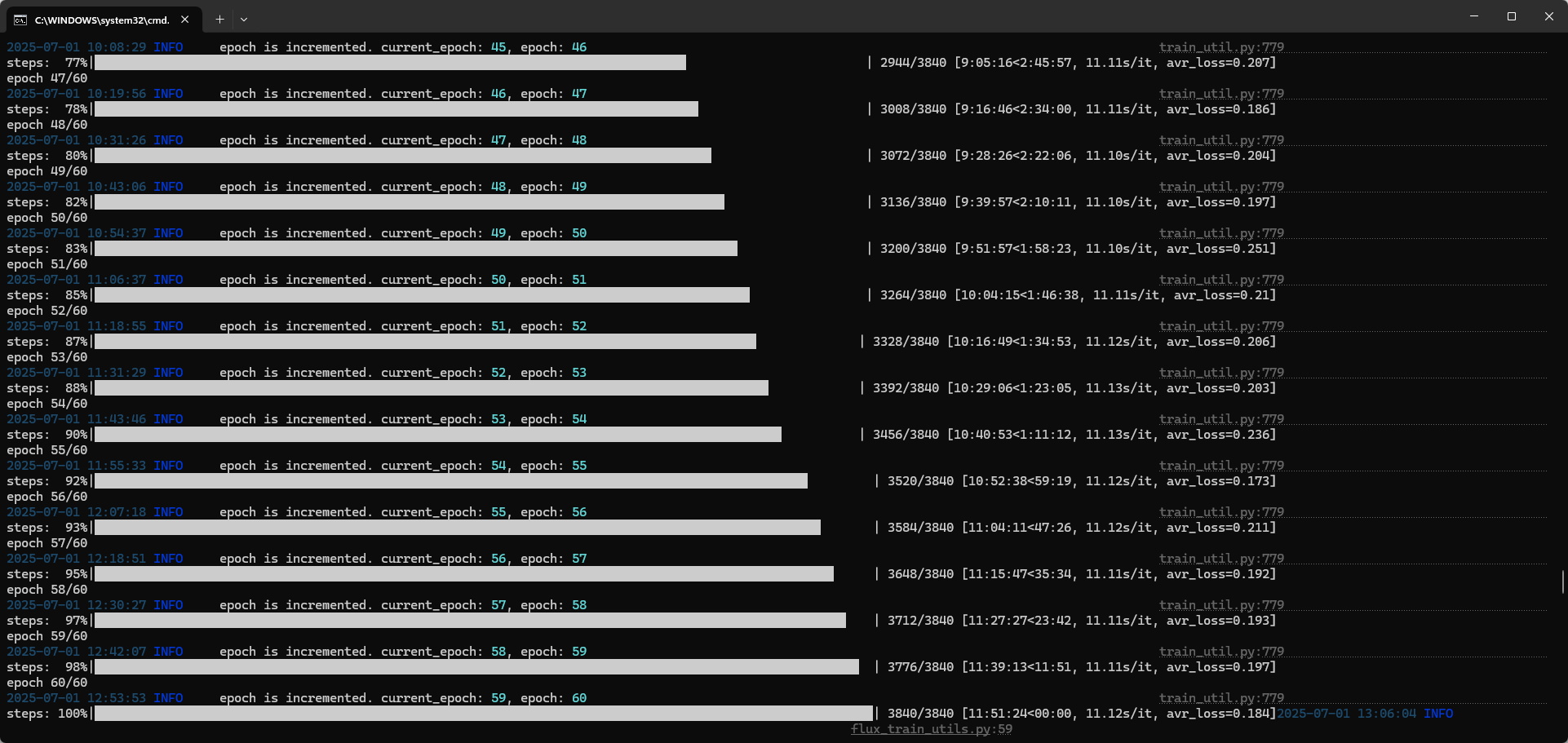
Have an 3090 and recently did a fresh install of Kohya, followed by 'Windows_RTX5000_Series_Upgrade_Run_After_Install_Finished.bat', and previously my speed was ~8s/it but now its ~11s/it. Tried reverting and doing fresh installs again but the same issue. Any idea on what's the best way to debug what's causing this?
ah ok, I haven't changed the config at all from when it was running at 8s/it. I've already tried blocks to swap ranging from 12 - 22 in each of the 3 set-ups below, but doesn't seem to get it past 11s/it:
Old install + old config + 'Windows_RTX5000_Series_Upgrade_Run_After_Install_Finished.bat' file -> 11s/it
New install + old config -> 11s/it
New install + new config -> 11s/it
New install + old config + 'Windows_RTX5000_Series_Upgrade_Run_After_Install_Finished.bat' -> 11s/it
New install + new config + 'Windows_RTX5000_Series_Upgrade_Run_After_Install_Finished.bat' -> 11s/it
I can't seem to revert back to my old install when it was at 8s/it. I do have a backup of the kohya_ss folder, but copy + pasting it back over the new one doesn't seem to fix it either. I'm guessing one of my packages was permanent upgraded to when I ran the 'Windows_RTX5000_Series_Upgrade_Run_After_Install_Finished.bat' script that my RTX 3090 doesn't like? Not sure if this is strictly true (i.e. if packages are installed in their own venv each time) as this stuff is a little beyond me sometimes
Hey @Furkan Gözükara SECourses I hope you're doing great, just wanted to thank you for your latest tutorials and also ask if the video upscaler is still in the works coming soon, or you are now prioritizing other stuff (really hard to catch up with ai nowadays). After I saw your latest video upscaler new implementation posts I'm really looking forward to test it out.
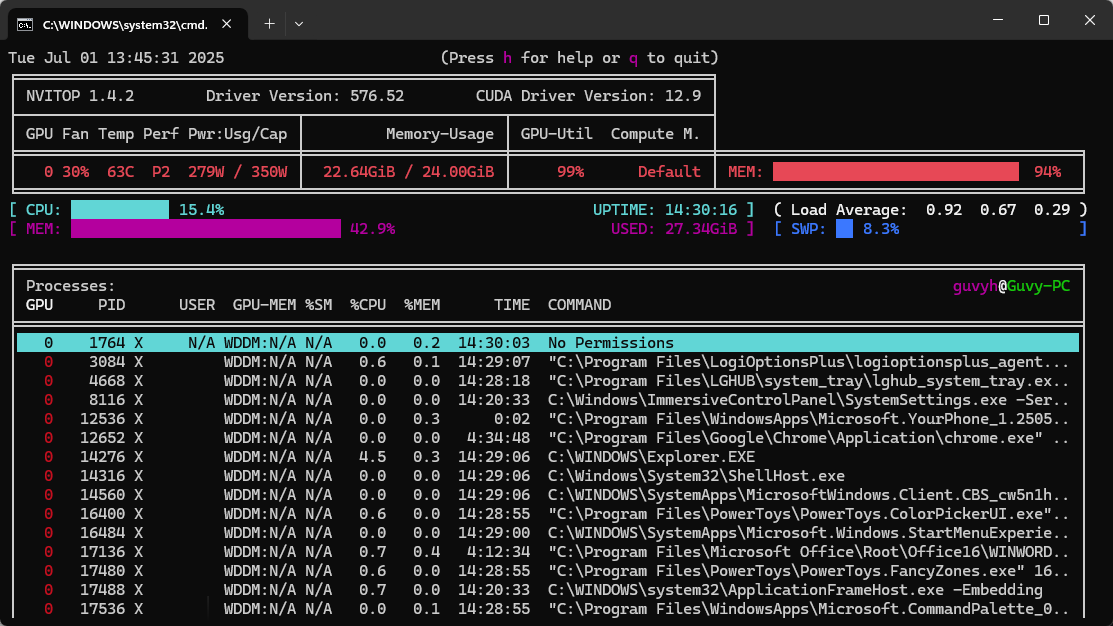
Any idea on this Furkan? I've just done another fresh install + latest cudnn + 'Windows_RTX5000_Series_Upgrade_Run_After_Install_Finished.bat' + Cuda 12.9. Running on a fresh windows reboot (so no background process), block swap set to 22, and still limited to 11.37s/it
really confused on what else I can try. Just odd how I was getting 8s/it beforehand and now with more up-to-date packages its running slower. I can't really revert it either, so would love to know what you'd try to do next in my situation

 F
F F
F

 G
G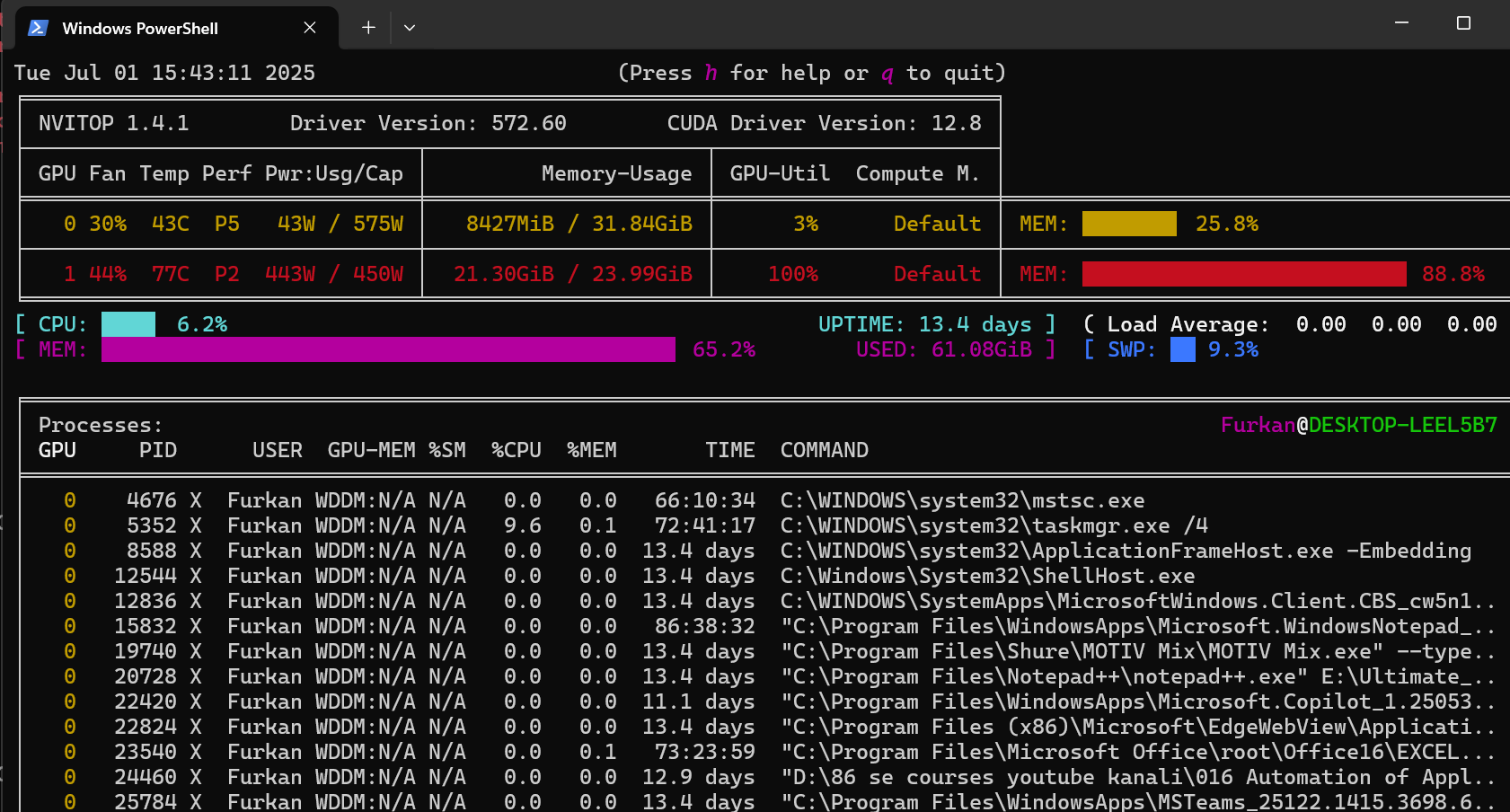


 C
C S
S