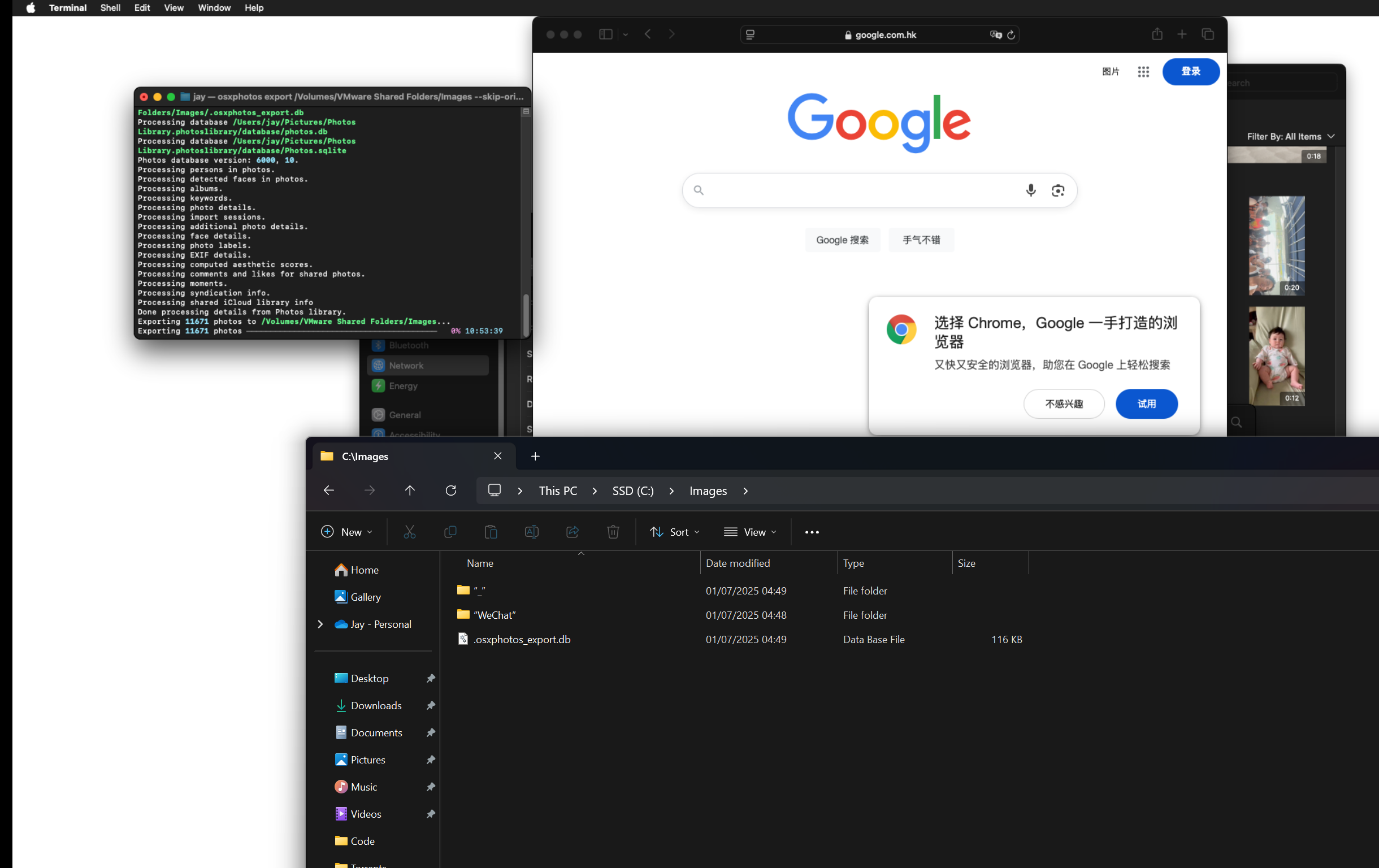
Trying to get proper dates for iOS images
I used icloudp to download and set the exif data for all my images. I then deleted all .MOV and .MP4 files and used Mac Photos app to export them and used the script at the bottom to fix the dates using the XMP files only MacOSX exports.
I then used immich-go to upload all photos and all videos that I had fixed. Went fine. Finally installed the app on my phone and did a sync and it uploaded a few 1000 photos instead of finding them already. When I de-duplicated the whole lot in one button press it kept a lot of the synced ones with wrong dates and not the ones I had fixed and manually uploaded so for example for today it shows me about 15 photos from different points in time from years ago.
I'm losing patience at this stage. I had to setup a VMWare MacOSX just for the video export. I still have all the images from icloudp and videos from MacOS export. How do I get it to deduplicate the synced versions and not the ones I uploaded manually?
Fionally I ran a app I made myself to add photos to albums wherer I could the imahe names from the albums using icloudp which also worked flawlessly.
The script I ran to download using icloudp:
icloudpd \
--username your_icloud_email@example.com \
--directory /path/to/download/folder \
--size original \
--set-exif-datetime
Script I ran (and edited to work with mp4 and mov files): https://quinncasey.com/41-homelab/quick-notes/change-modification-time-of-icloud-videos/
I want sync to work so that I can delete photos from my phone album/icloud when I delete them in the phone app so this is important. It worked fine yesterday on my first attempt but I didn't do the video step so reinstalled everything and went again with the video step included. Videos are not the ones it has dated wrong and kept.
I then used immich-go to upload all photos and all videos that I had fixed. Went fine. Finally installed the app on my phone and did a sync and it uploaded a few 1000 photos instead of finding them already. When I de-duplicated the whole lot in one button press it kept a lot of the synced ones with wrong dates and not the ones I had fixed and manually uploaded so for example for today it shows me about 15 photos from different points in time from years ago.
I'm losing patience at this stage. I had to setup a VMWare MacOSX just for the video export. I still have all the images from icloudp and videos from MacOS export. How do I get it to deduplicate the synced versions and not the ones I uploaded manually?
Fionally I ran a app I made myself to add photos to albums wherer I could the imahe names from the albums using icloudp which also worked flawlessly.
The script I ran to download using icloudp:
icloudpd \
--username your_icloud_email@example.com \
--directory /path/to/download/folder \
--size original \
--set-exif-datetime
Script I ran (and edited to work with mp4 and mov files): https://quinncasey.com/41-homelab/quick-notes/change-modification-time-of-icloud-videos/
I want sync to work so that I can delete photos from my phone album/icloud when I delete them in the phone app so this is important. It worked fine yesterday on my first attempt but I didn't do the video step so reinstalled everything and went again with the video step included. Videos are not the ones it has dated wrong and kept.
Quinn Casey
Unlike photos, videos do not contain any internal metadata describing how/when/where they were first taken (EXIF data). Therefore, when exporting any kind of video from Apple Photos the files do not contain any information about when that video was actually taken.
My Android device / Google Photos gets around this by setting the Modification Tim...
My Android device / Google Photos gets around this by setting the Modification Tim...