Hello everyone. I am Dr. Furkan Gözükara. PhD Computer Engineer. SECourses is a dedicated YouTube channel for the following topics : Tech, AI, News, Science, Robotics, Singularity, ComfyUI, SwarmUI, ML, Artificial Intelligence, Humanoid Robots, Wan 2.2, FLUX, Krea, Qwen Image, VLMs, Stable Diffusion
@Dr. Furkan Gözükara If I want to do a full finetune of Flux is this the best tool? https://github.com/bmaltais/kohya_ss/ Do you have a sample configuration? Thanks!
If you want to train FLUX with maximum possible quality, this is the tutorial looking for. In this comprehensive tutorial, you will learn how to install Kohya GUI and use it to fully Fine-Tune / DreamBooth FLUX model. After that how to use SwarmUI to compare generated checkpoints / models and find the very best one to generate most amazing image...
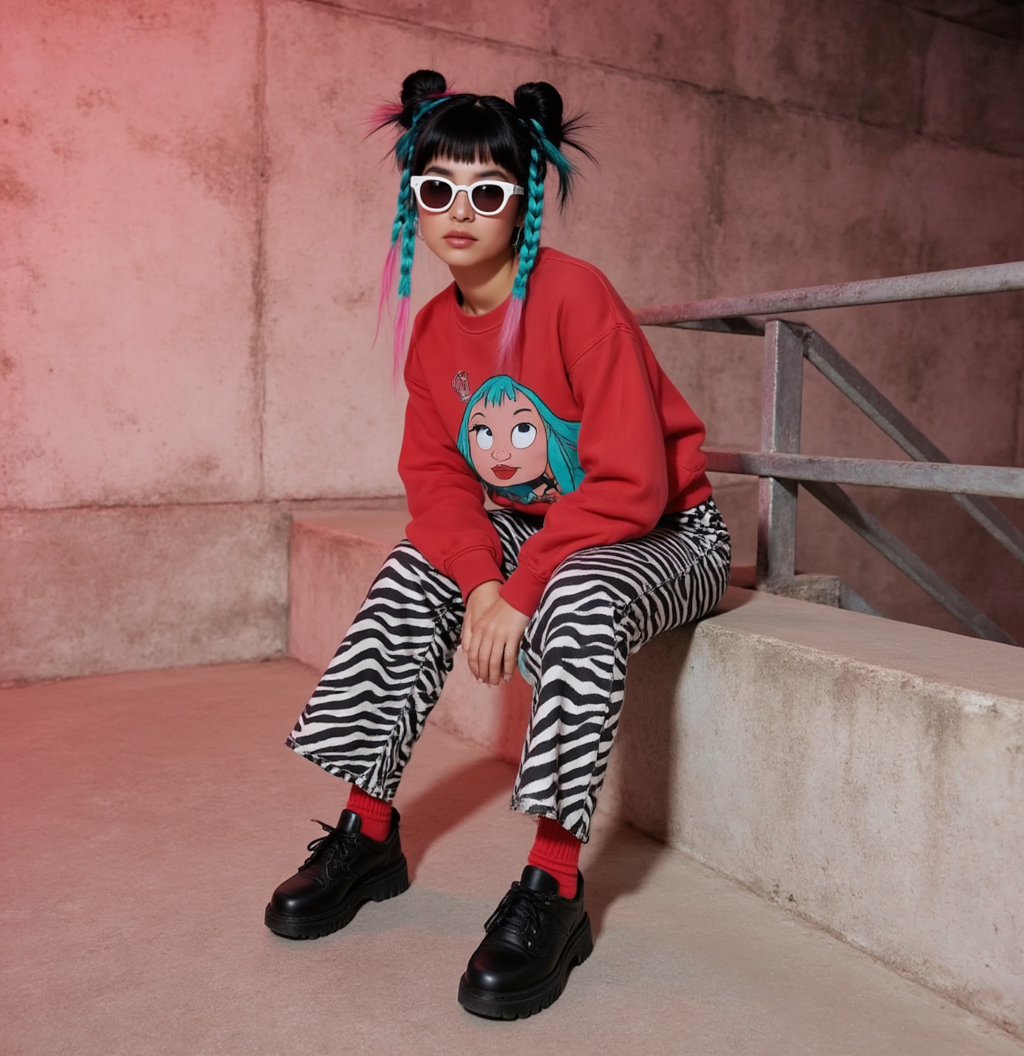
@Dr. Furkan Gözükara i was wondering if doing a finetune on krea is a bit different, the woman with teal braids is my finetuned model. Im doing depth to image. workflow i see a lot of realism and shadows on the krea model that gets lost when using my finetuned character krea.
@Dr. Furkan Gözükara Dr. Furkan. Do you think that training on the flux krea model in Kohya GUI DreamBooth will be the same as in your tutorial from 22.10.2024:
If you want to train FLUX with maximum possible quality, this is the tutorial looking for. In this comprehensive tutorial, you will learn how to install Kohya GUI and use it to fully Fine-Tune / DreamBooth FLUX model. After that how to use SwarmUI to compare generated checkpoints / models and find the very best one to generate most amazing image...
is it a bad idea when training a character lora (SDXL) to use two sets of the same images - one in 1024x1024 and one in 896x1152 to be more flexible depending on which aspect ration/resolution i want to create my images with? and if it is not a bad idea, should i create one concept per resolution? would i have to use 2 concepts with reg images?
and is there a benefit or downside in using full resolution images (in the correct aspect ratio) or should i downscale everything to the exact resolution (1024x1024/896x1152) or does it downscale on its own when the source images are higher resolution

 F
F 0
0 U
U
 F
F S
S
 J
J S
S S
S K
K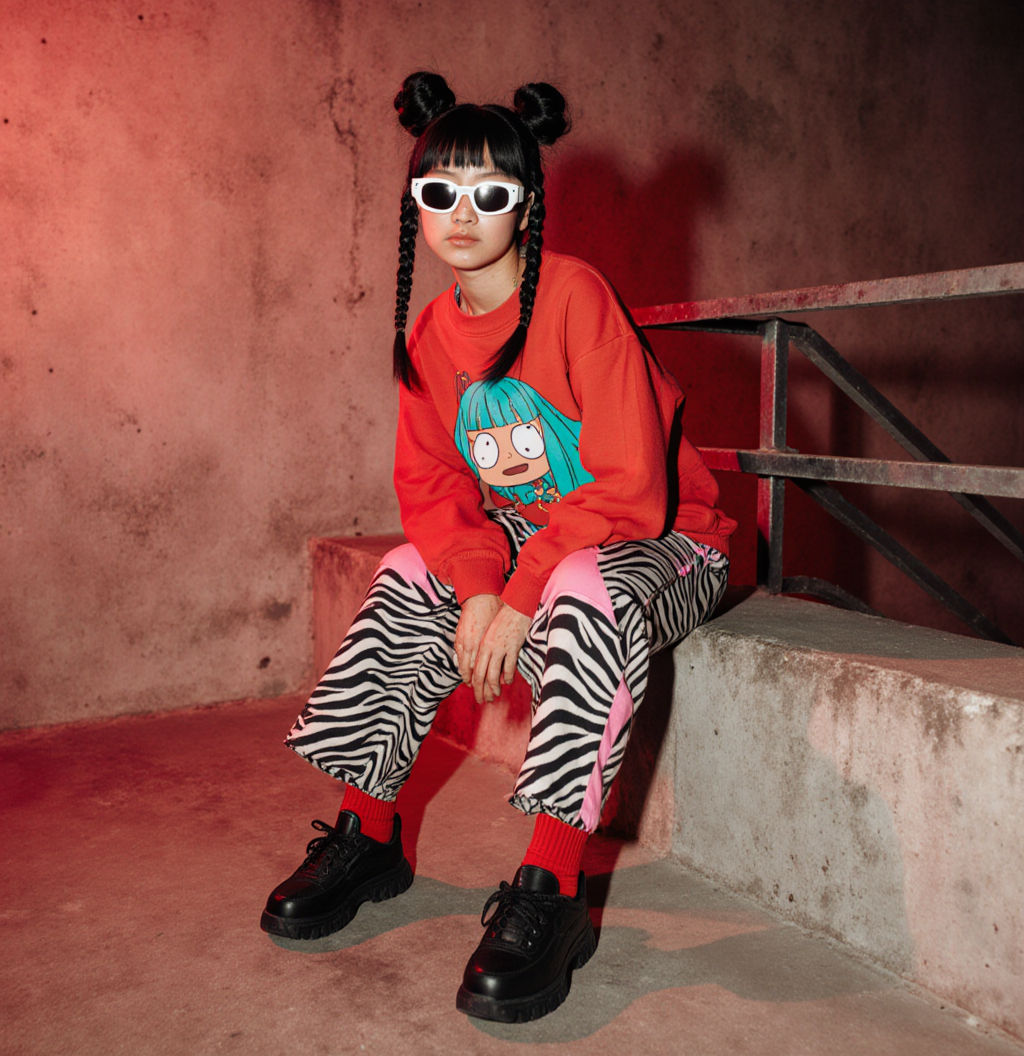
 C
C J
J
 D
D


