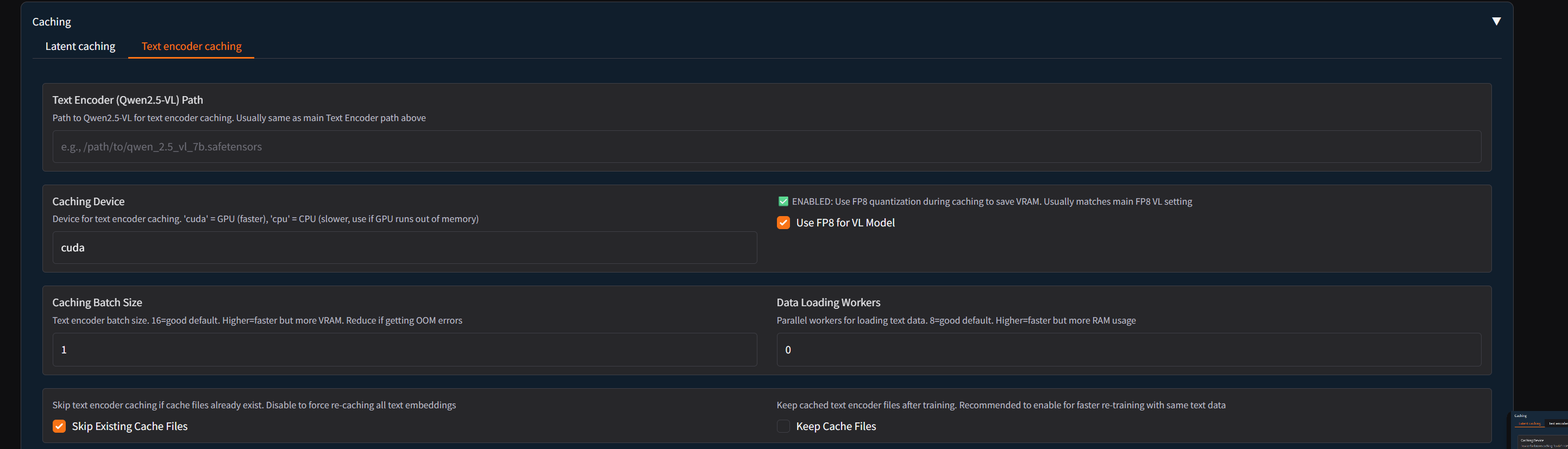
Since I've been deep in training with the command line, I had a few thoughts on what might be needed
Since I've been deep in training with the command line, I had a few thoughts on what might be needed to get it fully working for models like Qwen .
The most important thing would be a dropdown at the top to choose the trainer script, like for qwen_image_train_network.py or flux_kontext_train_network.py, since they use diferent scripts.
In the Advanced tab, I definately needed options for the attention mechanism (--sdpa / --xformers) and the fp8_base / fp8_scaled toggles.
Those were super important to get my training running on a 24GB card without errors.
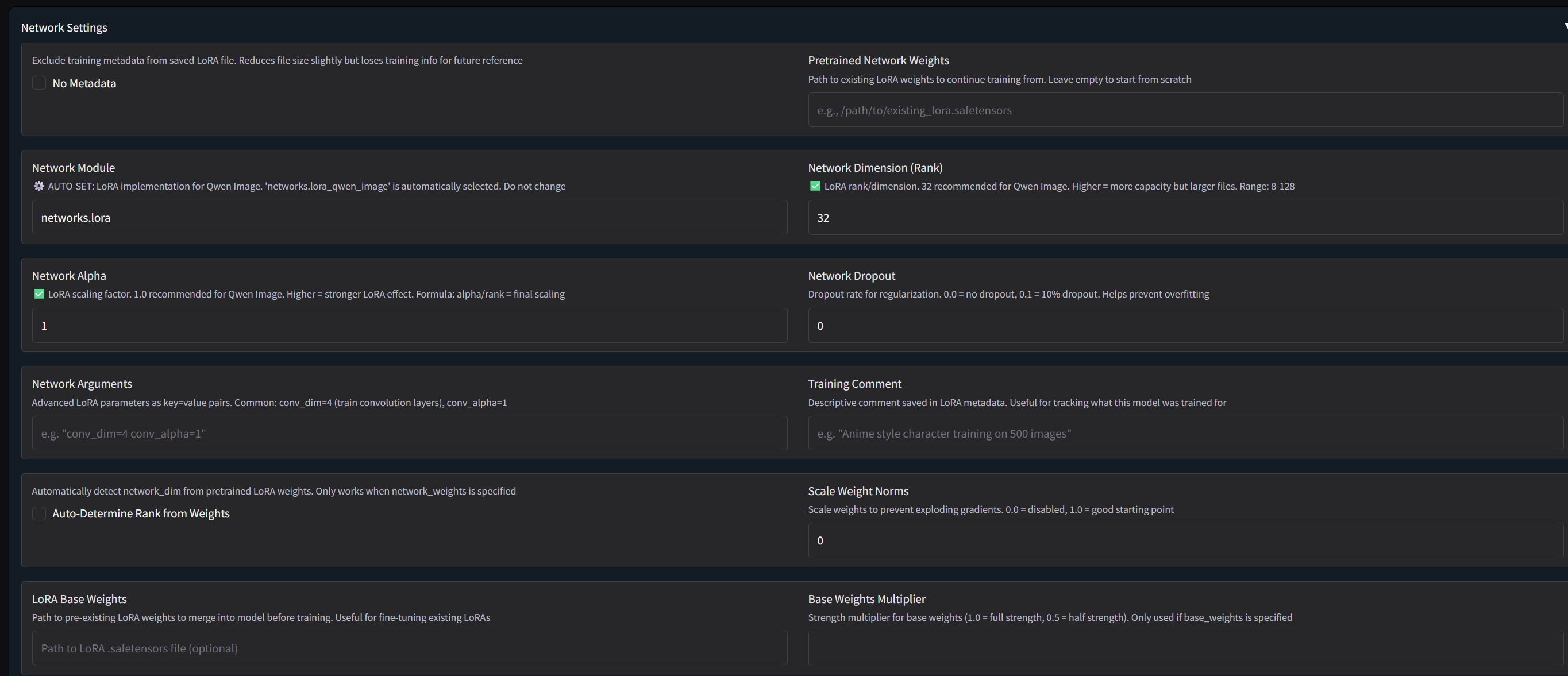
Also, the Network Module dropdown needs to have the specific options for each model, like networks.lora_qwen_image. My training failed until I found the right one for Qwen.
One small thing, maybe the precision setting (bf16/fp16) could be a dropdown insted of checkboxes?
Might be less confusing.
Just some ideas from my recent training hell lol.
The layout is great though, really clean. Keep up the awesome work!
The most important thing would be a dropdown at the top to choose the trainer script, like for qwen_image_train_network.py or flux_kontext_train_network.py, since they use diferent scripts.
In the Advanced tab, I definately needed options for the attention mechanism (--sdpa / --xformers) and the fp8_base / fp8_scaled toggles.
Those were super important to get my training running on a 24GB card without errors.
Also, the Network Module dropdown needs to have the specific options for each model, like networks.lora_qwen_image. My training failed until I found the right one for Qwen.
One small thing, maybe the precision setting (bf16/fp16) could be a dropdown insted of checkboxes?
Might be less confusing.
Just some ideas from my recent training hell lol.
The layout is great though, really clean. Keep up the awesome work!