Where is the Calibration Tool?
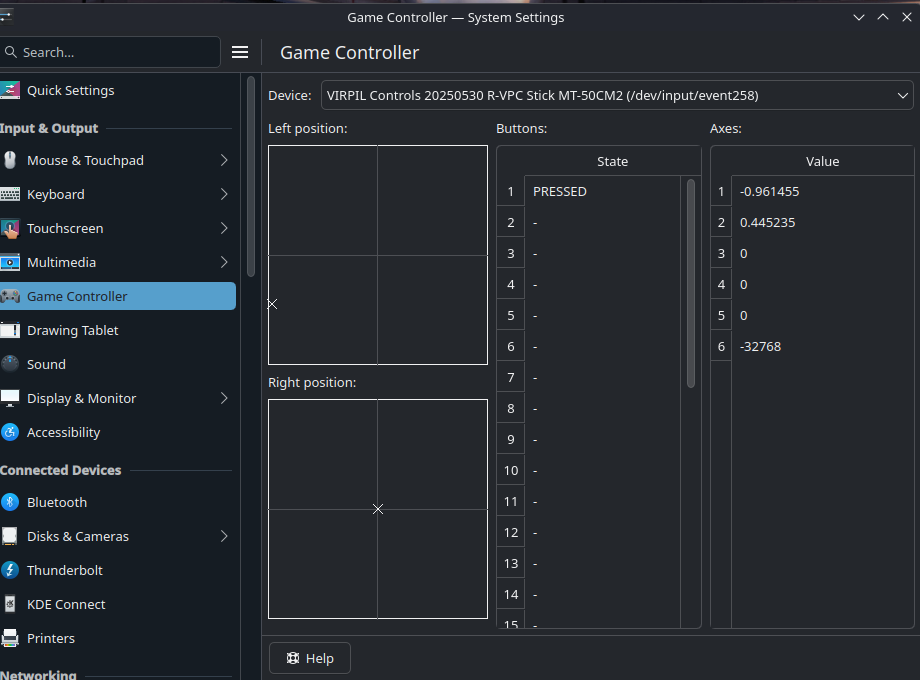
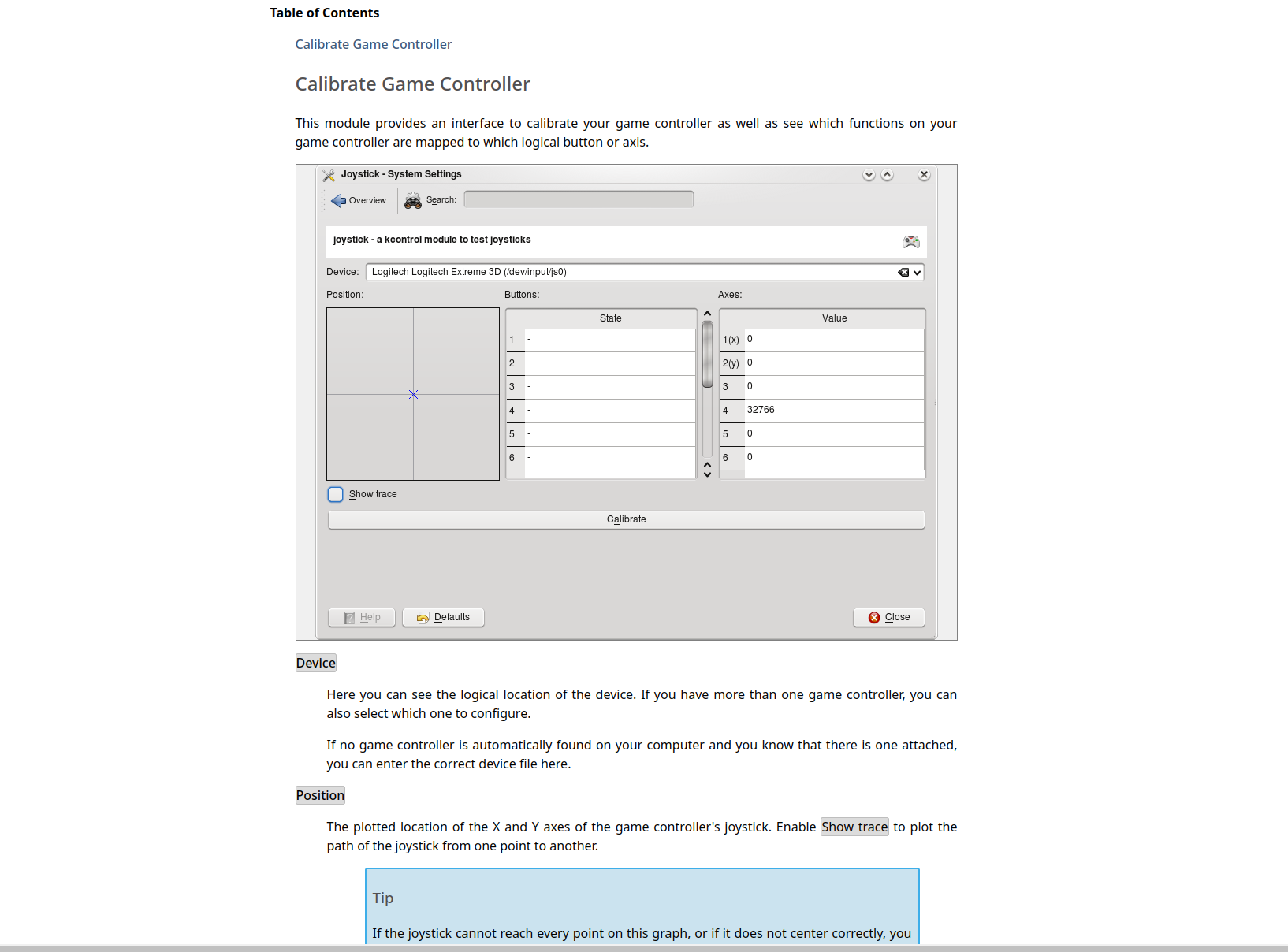
My controllers are detected by Bazzite, but the panel looks like the first attachment. There are no options at all associated with them, or that panel, so far as I can tell. When I press the help button it shows a calibration tool that looks like the second image. There's no way of getting there from anywhere in the settings menu, nor do the instructions tell you to download something. My stick in particular keeps de-centering, so I need some kind of calibration tool before I can do anything with it. Unfortunately every single video or how-to out there seems to be wholly concentrated on this ROG Ally thing or various other gamepad controllers, and there doesn't seem to be anything about installing a non-game .exe file either so running Virpil's own software won't work.