
BTRFS Disks will not mount startup without authentication
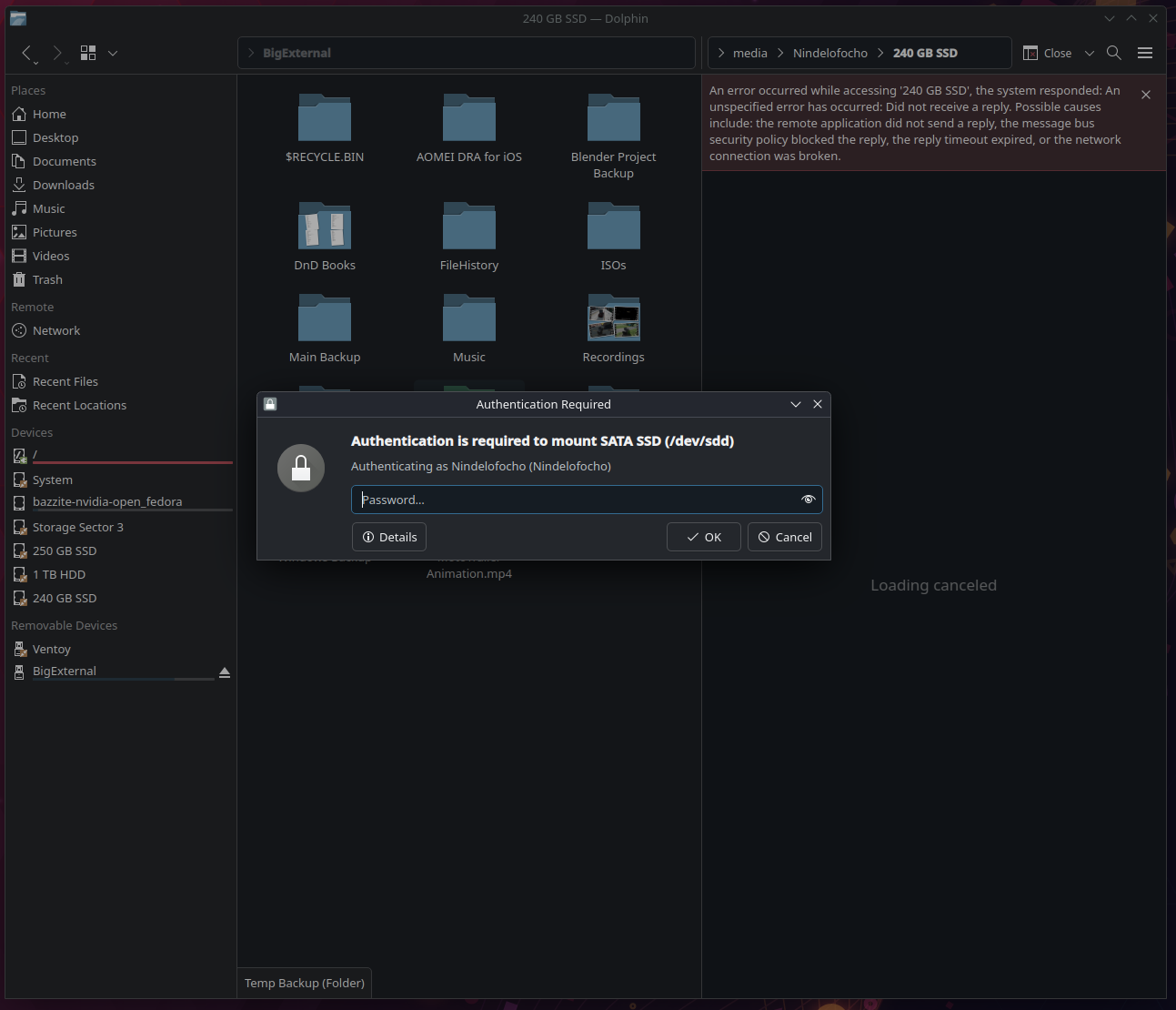
Every time I start Bazzite none of my BTRS drives will automount. They only mount after I click on one in Dolphin and enter my password. Once I do I just click on all the other drives and they mount. I have tried running the ujust enable automount command, tried running the disable script and then the enable script. Checked disks and made sure mount at startup is checked. Have All Known Devices enabled for auto mount in system settings and even taken ownership of one of the drives in Disks to see if that was the issue but there is zero change every time I restart. I looked into the fstab file but im not too sure what im looking at. I know that all of the UUIDs listed are not attached to any of my drives except for my boot drive
Solution
I have a resolution for this. I suspect this may have been caused by the drives originally being NTFS when Bazzite was installed but further testing is required. I made a proposed change here: https://github.com/bazzite-org/docs.bazzite.gg/commit/4d761f4d9149ef3db490f5fdc36cd75b740e4153 the steps to resolve are as follows:
- Mount the target disk(s).
- Open Gnome Disks and navigate to the target disk.
- Click on Additional Partition Options > Edit Mount Options.
- Ensure "User Session Defaults" is FALSE and "Mount at system startup" is TRUE the click "Ok"
- Repeat for any additional disks. You can can confirm this worked by checking your Fstab file and seeing that the appropriate UUIDs have been added.
sudo cat /etc/fstab
GitHub
Added some troubleshooting steps for drives that wont automount
