Install on a single disk, delete
Hello,
tl;dr: how to install only on one disk and delete everything else using a usb when there is already a Bazzite on two disks?
A few months ago I decided to install Bazzite Gnome on my old laptop that I basically use to display videos on my TV or play retro games.
It was great except for a few things:
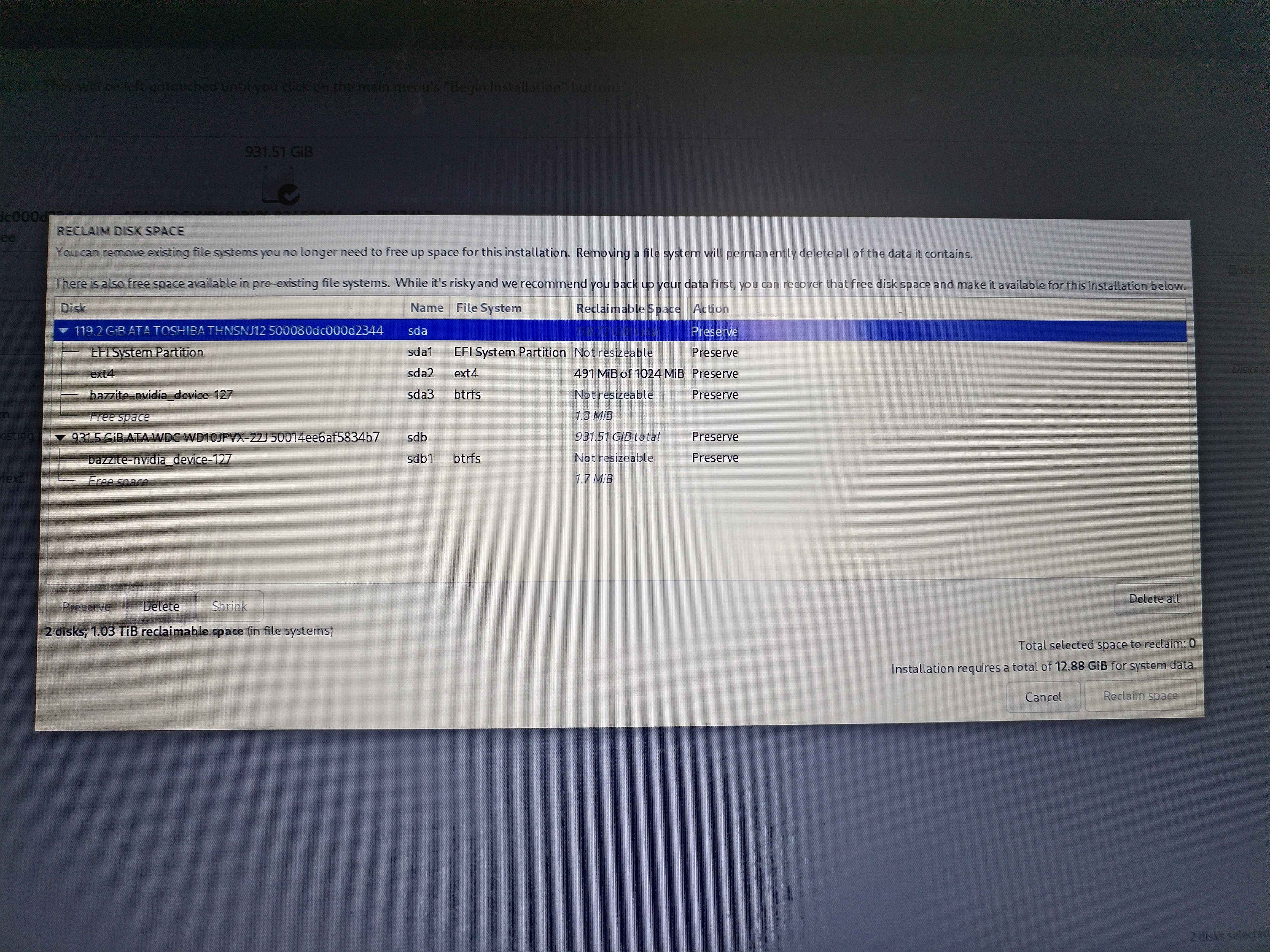
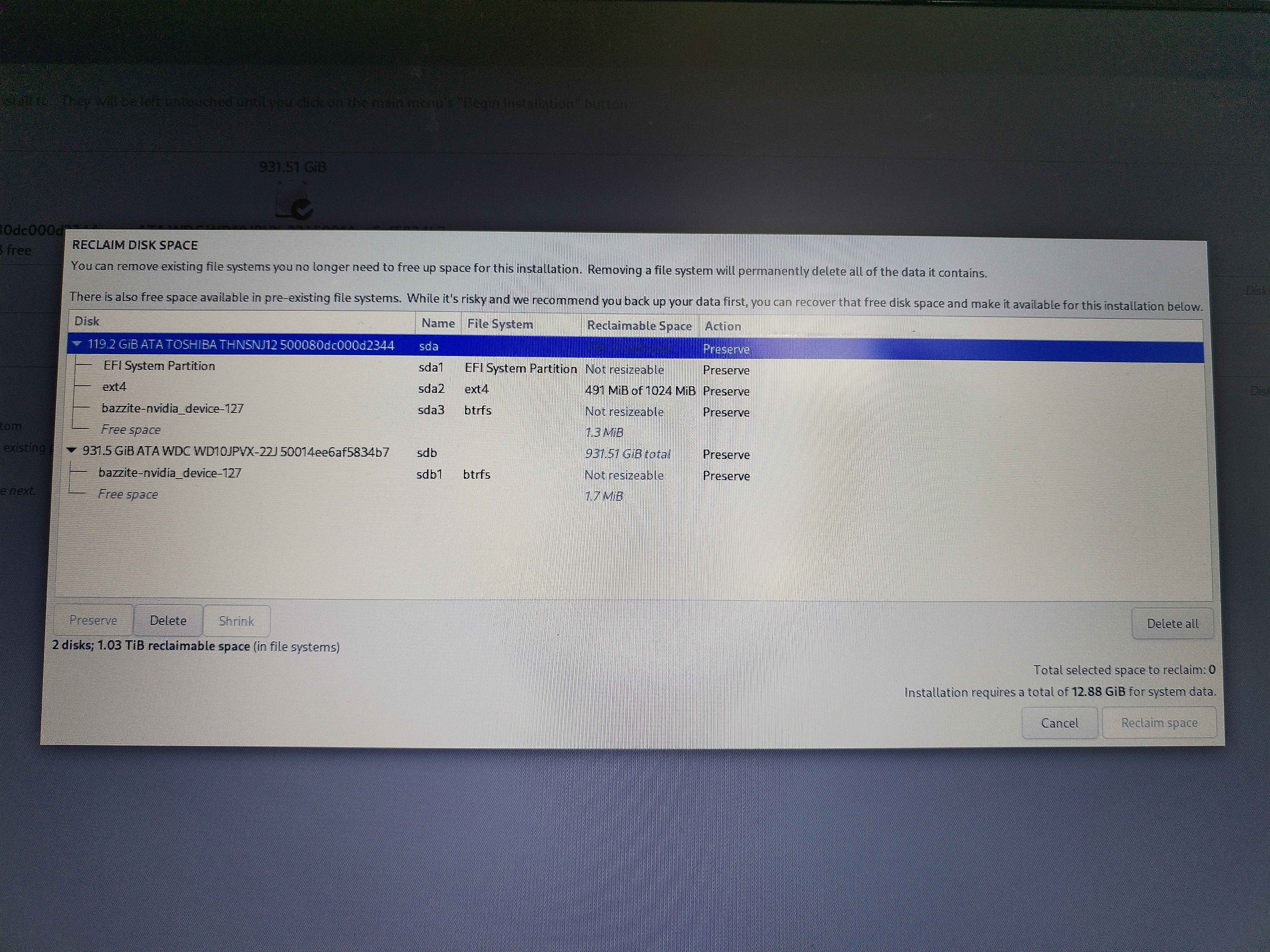
One this laptop I have 1 SSD and 1 HDD. Obviously I am willing to install the OS on the SSD. I probably missed something the first time around because it seems that there is a btrfs on each disk. From what I grasp Bazzite basically installed itself across both disk, which would explain problems 1 and 2.
So now, how can I fix that and only install on my SSD?
I'm thinking about trying to run Bazzite from the USB and just delete everything and both disk and then rerun to install.
The disk are empty I have nothing of value on them.
tl;dr: how to install only on one disk and delete everything else using a usb when there is already a Bazzite on two disks?
A few months ago I decided to install Bazzite Gnome on my old laptop that I basically use to display videos on my TV or play retro games.
It was great except for a few things:
- the boot up seemed slow, but I am never in a hurry so whatever
- sometimes it slows for no reason
- and most importantly I can not make it fit my screen resolution of 1360*768. It just won't display and I tried a bunch of fixes
One this laptop I have 1 SSD and 1 HDD. Obviously I am willing to install the OS on the SSD. I probably missed something the first time around because it seems that there is a btrfs on each disk. From what I grasp Bazzite basically installed itself across both disk, which would explain problems 1 and 2.
So now, how can I fix that and only install on my SSD?
I'm thinking about trying to run Bazzite from the USB and just delete everything and both disk and then rerun to install.
The disk are empty I have nothing of value on them.