Self Hosted | Getting the "Error! Could not reach server. Check your connection." message
Hey community! 👋
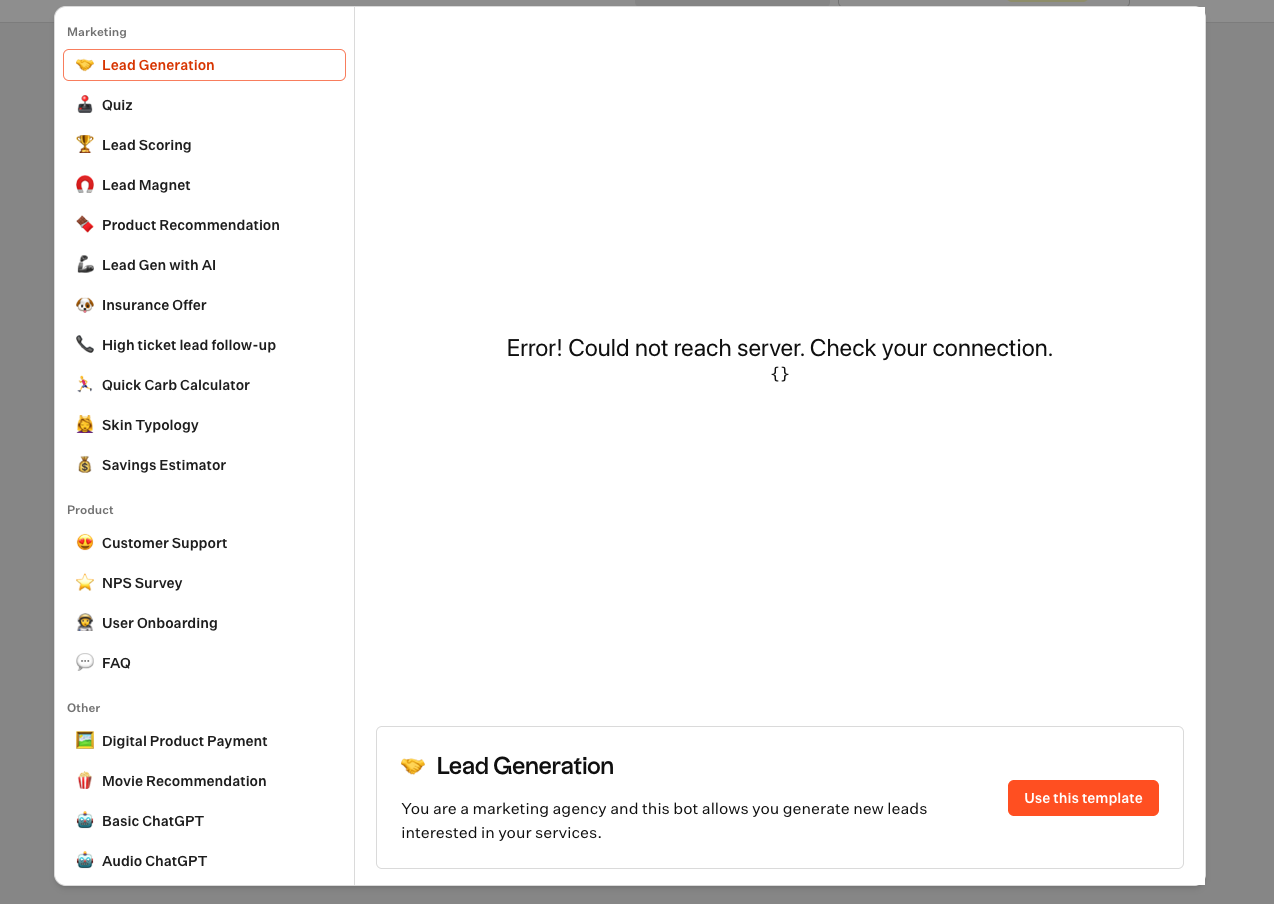
I'm setting up a new self-hosted Typebot instance using Docker Compose and I'm consistently getting an "Error! Could not reach server. Check your connection." on most pages, especially when I try to load or use a template (see attached screenshot).
My setup includes the standard services (typebot-builder, viewer, db, redis) and I've also added a minio service for S3-compatible storage. I think the issue might be a misconfiguration in my .env file or how the services are communicating.
Has anyone run into a similar issue or see something obviously wrong with my approach? I'm happy to share my docker-compose.yml and redacted .env file.
Redacted .env file
Thanks for any help you can offer!
6 Replies
Please provide server logs
I have attached the typebot-viewer logs and the typebot-builder logs along with this message.
Thanks again!
What's the value of
NEXT_PUBLIC_VIEWER_URL in your .env file?This is what I had configured :
http://localhost:8081 for the NEXT_PUBLIC_VIEWER_URLThat's why,
localhost:8081 is not reachable from builder container