opening content browser crash
I have a project i have used dash for a lot of scatter but suddenly if i open the dash content browser crashes the project. heres the crash report if you can help get it working again itd be great
19 Replies
Hey @tmaintv so sorry to hear this!
Does it crash instantly? Or does anything appear in the output log first? If it opens and you can see which library it opens into, please let me know which one🙏
And does it happens all the time?
it wasnt crashing sometimes if i chose fab browser (sometimes) but with the content browser its defaulting to polyhave and that does not appear to load any aseets even in a clean project but it doesnt crash... on my main project crashes immediatedly i can record the output log if u want
the moment it spits the text is when i crashed
this is the text in the crash window
ait ait thanks for the info and the video.
I can't see Dash UI in your recording but I guess you opened CB when it gave the text and then it crashes?
long shot, but can you try this fix for Poly Haven issues? https://discord.com/channels/826908885024636989/1252147076494786560/1252147076494786560
i did yeah sorry it will only record the browser ill try obs
No worries! you basically have to record the screen portion instead of just record the UE app/window
once you have tried the linked Poly Haven fix from above. If it does not help, I am curious, does it crash in other projects as well?
can you also send you PC name here, we'll check crash reports
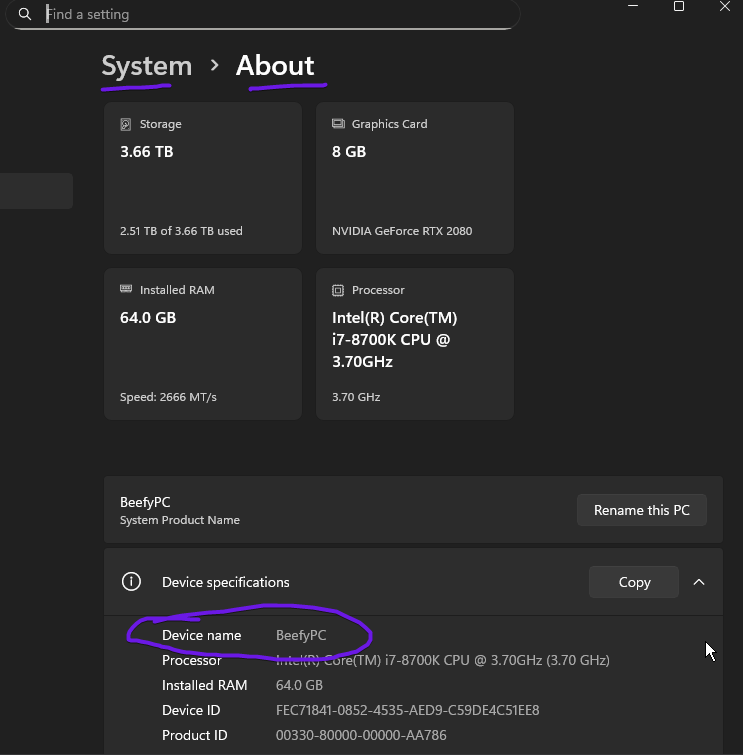
ill give it a go
actually before i do this will it delete all the external projects i have tagged as i setup a good library @DanielFreden (Dash for UE5)
DESKTOP-OR5UH1R
Doing the steps in the poly haven fix only touches Poly Haven data, so it won't affect tagged/computed assets 🙌
sadly didnt fix it
@tmaintv yes, found errors in crash reports. We fixed a few issues recently, and updated installer. Re-download installer and reinstall Dash
this should help
Ok will give it a go
updated and still crashes
Ok, will check crash report again and brb
@tmaintv can we have a call + screen share, or better remote control session together so I can check why it crashes. I still can see the same errors in crash reports
Yeah i am in Australia so its Fri evening but can do next week.
Dont worry about this I feel like something went wrong in that project as there were many plugins and potentially conflicts. I have migrated to a fresh one an its working fine the.
Alrighty great to hear that, thanks for letting us know🙌