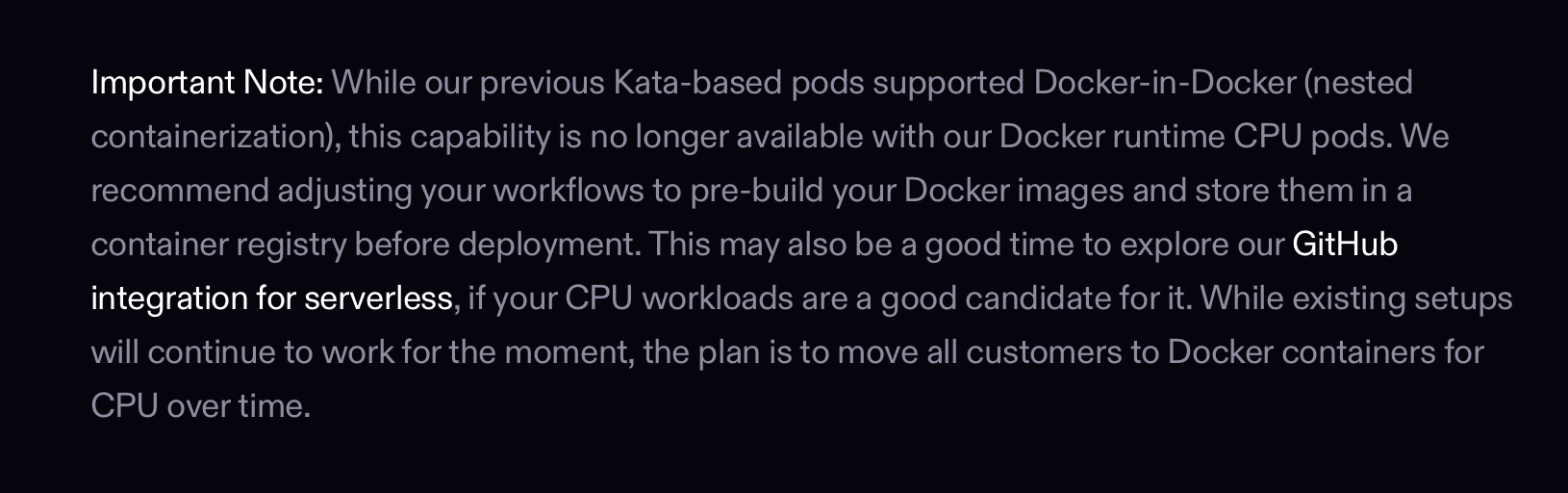
Not able to start docker on CPU pods
I used to be able to run docker on CPU pods last year without needing to do anything else than just installing docker, but now I am not able to start docker after installing it.
I get this error:
So, naturally I try
Ok, even this doesn't work than I try to run the docker daemon in attached mode by this
How do i make it work?
This is on compute type cpu5g with 2vcpu and 8GB RAM
I get this error:
So, naturally I try
sudo systemctl start docker but then I get this error:Ok, even this doesn't work than I try to run the docker daemon in attached mode by this
sudo dockerdand I get this error at the end and it exits:How do i make it work?
This is on compute type cpu5g with 2vcpu and 8GB RAM
message.txt10.45KB