frezeeos inesperados
Buenas, hace un tiempo experimente jugando valo unos frezeeos inesperados. ¿como?
estoy jugando cualquier modo(sin contar perso) y se me frezeea TODA la pc sin poder hacer nada, la unica opcion: reiniciar pc, y no me vengan con la pelotudes de "probaste reiniciar drivers?" "no sera tu pc mala?" porque no es asi, se mucho de pc´s
37 Replies
Most likely a bad Vanguard install
;vgc
- Open the Task Manager > Details tab
- End the task on all VALORANT, Riot Client and VANGUARD-related apps/services
- Open the Control Panel > Uninstall a Program
- Uninstall Riot VANGUARD
- Open CMD as Admin and type these commands:
- sc delete vgc
- sc delete vgk
- Navigate to your C: Drive, then Program Files
- Find the VANGUARD folder and delete it
- Open the Riot Client and click update
- Restart your computer after the update
After you’re done with that:
- Press Windows key + R
- Type services.msc
- Look for vgc
- Right-click on vgc > Properties
- Change the startup type to automatic
- Start the services (if not started already)
We will be waiting for your response, thank you.
thanks, i wanna try
nope
no funciono
English please
Hi, lately my game Valo keeps freezing unexpectedly. How is that possible? I play in any mode (except custom) and my PC freezes completely, preventing me from doing anything. The only option is to restart my computer. And don't give me any nonsense like "Have you tried reinstalling the drivers?" or "Is your computer broken?" because that's not the case. I know quite a bit about computers.
Riot id?
@Liamakd
Liamsinho#AKD
🫡
@Liamakd can you also upload your vanguard logs here pls
Where are they?
go to C/program files / riot vangaurd / zip the file called logs and drop it here
:)
🫡
try closing cam_helper.exe
and gTabletTask.exe
I played about 10 games today and had to restart my computer in 9 of them. I'm fed up...
Nothing they told me has worked so far.
and this, lmao
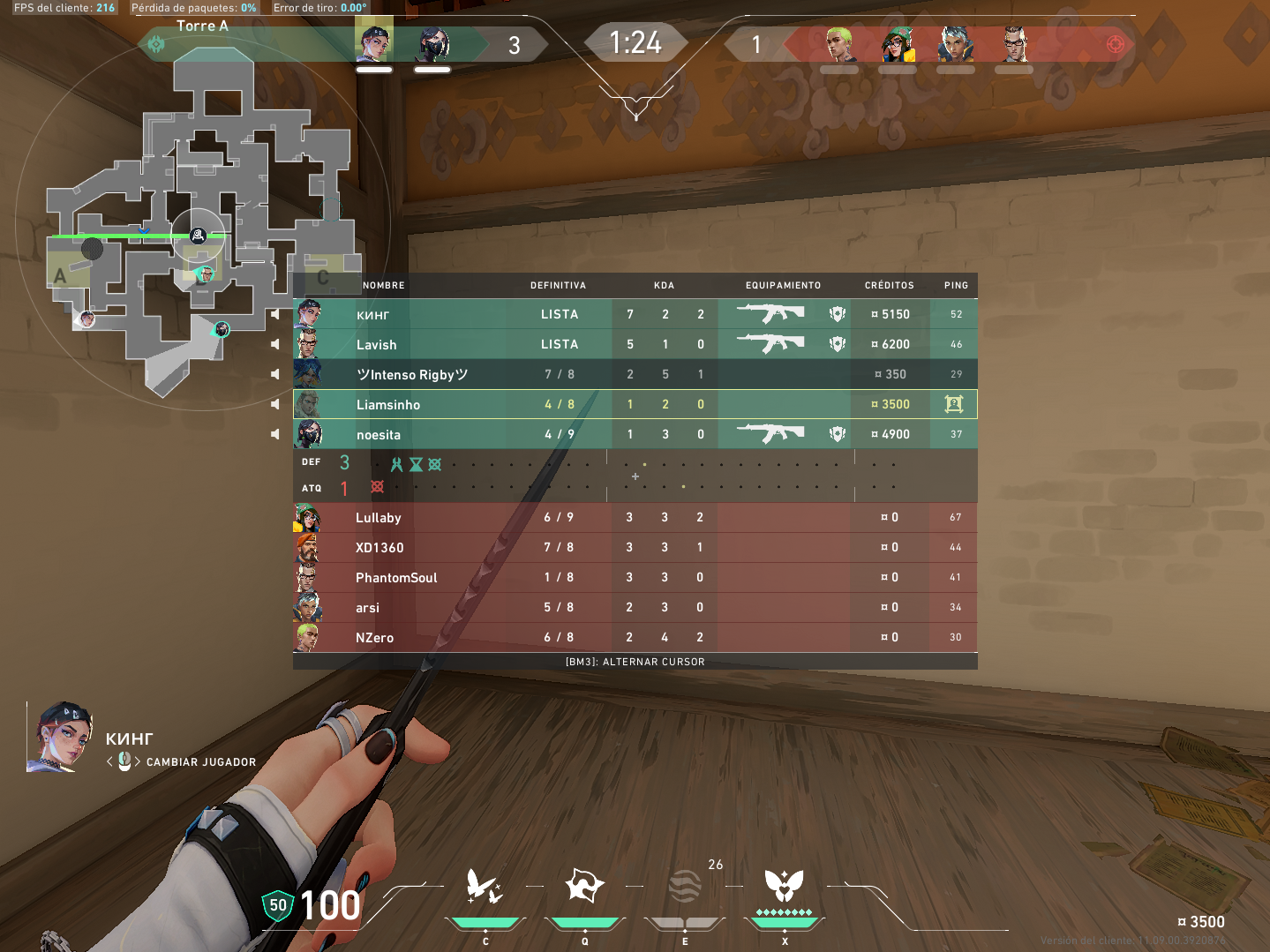
at the top there are 2 live players, on scoreboard 3
Have you tried what I suggested
all
:(
Send me your latest vanguard logs again
logs again
🫡
it looks good now, shouldn't be freezing anymore :/
i wanna try
again
step again
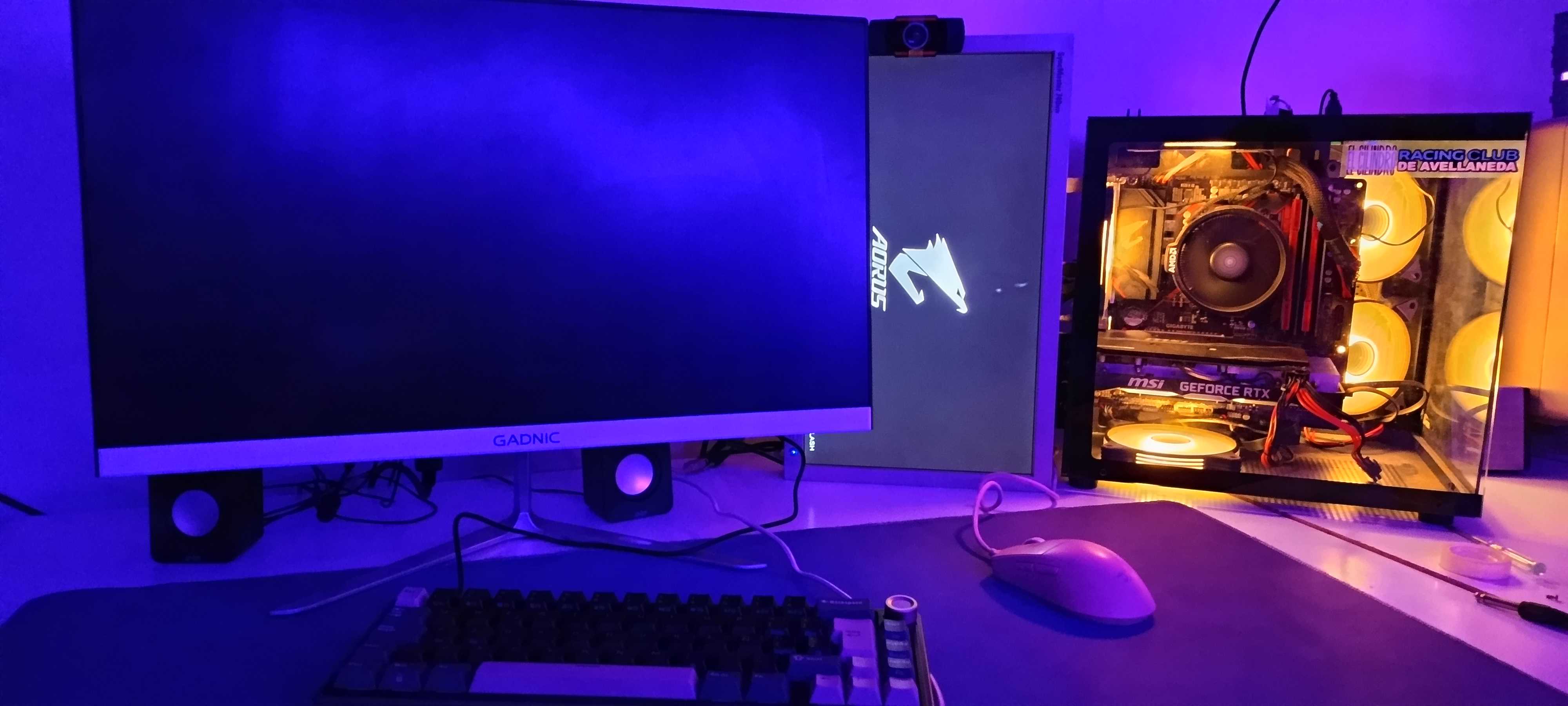
This doesn't make sense
smooth
enable core isolation
oh that looks like your gpu driver crashed
xd
use ddu clean driver and reinstall
The problem is that I've tried the most demanding games on the market and none of them give me problems, only Valorant.
Its so funny
there are too many pc hardware configurations for the graphics driver to be bug free for every game, you'd be surprised how many hacks need to be built into graphics drivers for specific games
try disabling fullscreen optimization and multiplane overlay
https://www.reddit.com/r/Amd/comments/yvyqc7/disabling_multiplane_overlay_mpo_fixed_all/