Mesh Pattern
First of all, congratulations on the idea of the Mesh Pattern. : )
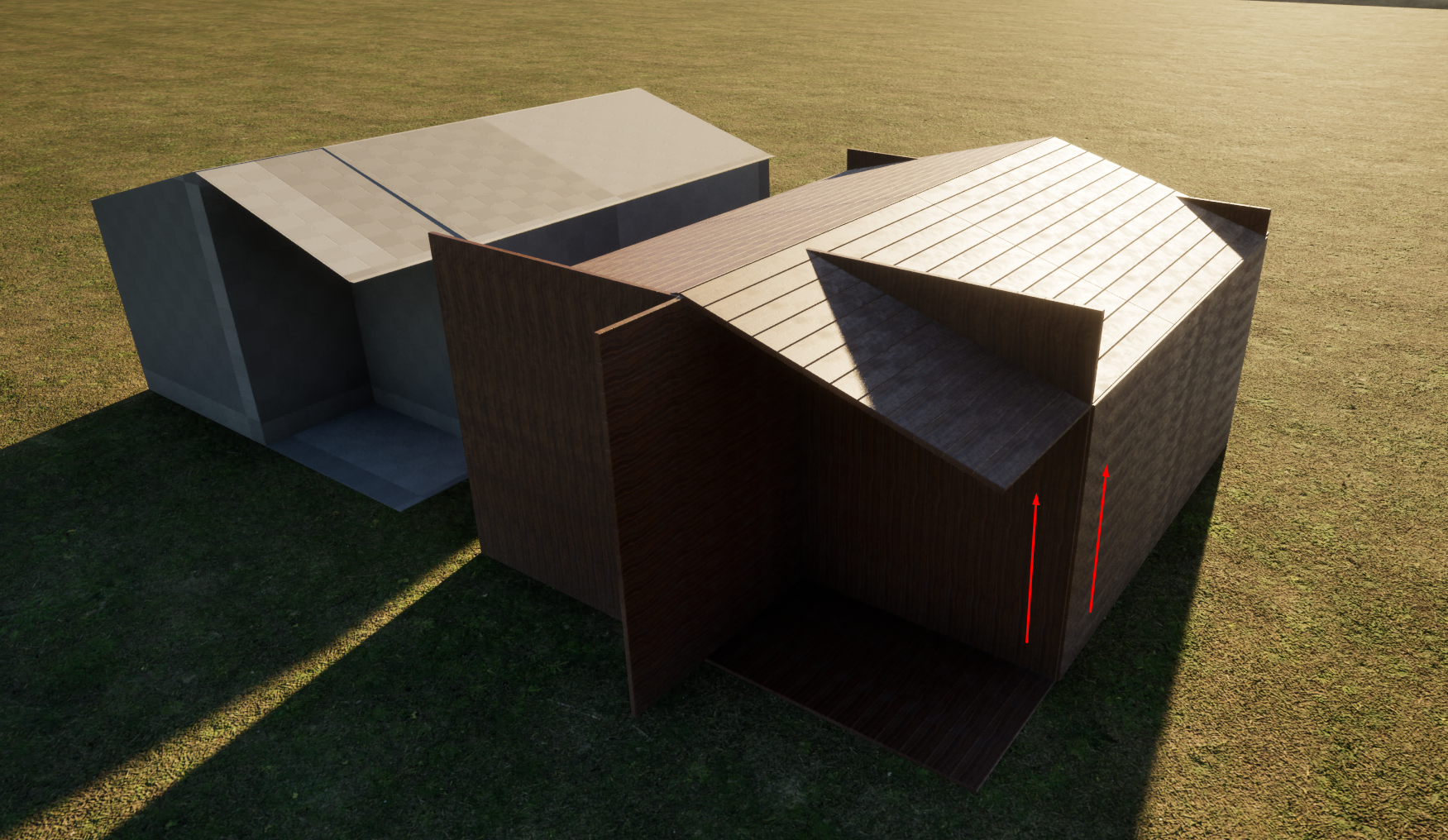
I have a suggestion (if technically possible): the option to follow a single direction (X, Y, or Z) or to follow the direction of the UVs.
17 Replies
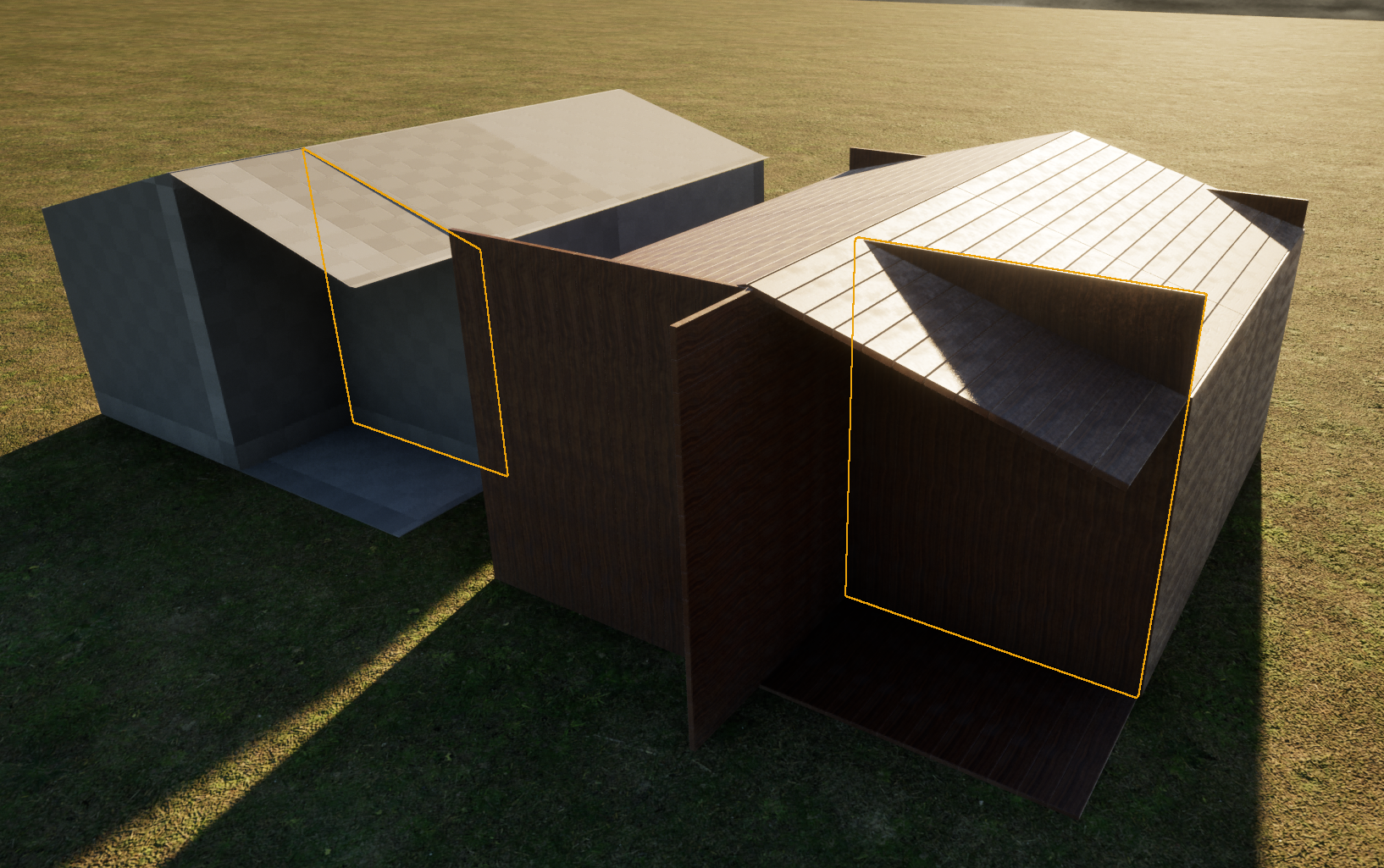
Another idea would be for Pattern Objects to follow the format of Surface Objects. : )
Thanks! Glad you like it!
No idea if possible or not, but yeah that would be great. Adding it to the request list!
Hmm, could you perhaps send me this mesh piece? So I can experiment a bit?
here it is. 😃
thanks!
Did you do anything to your objects before using mesh pattern? When I assign it to the mesh pattern, nothing happens😅
No. 😅
It has the pivot in the bottom and the xform reset applied.
Hmm, maybe it is my development version of Dash that is strange 😄
I applied a mesh created in the modeling tools.
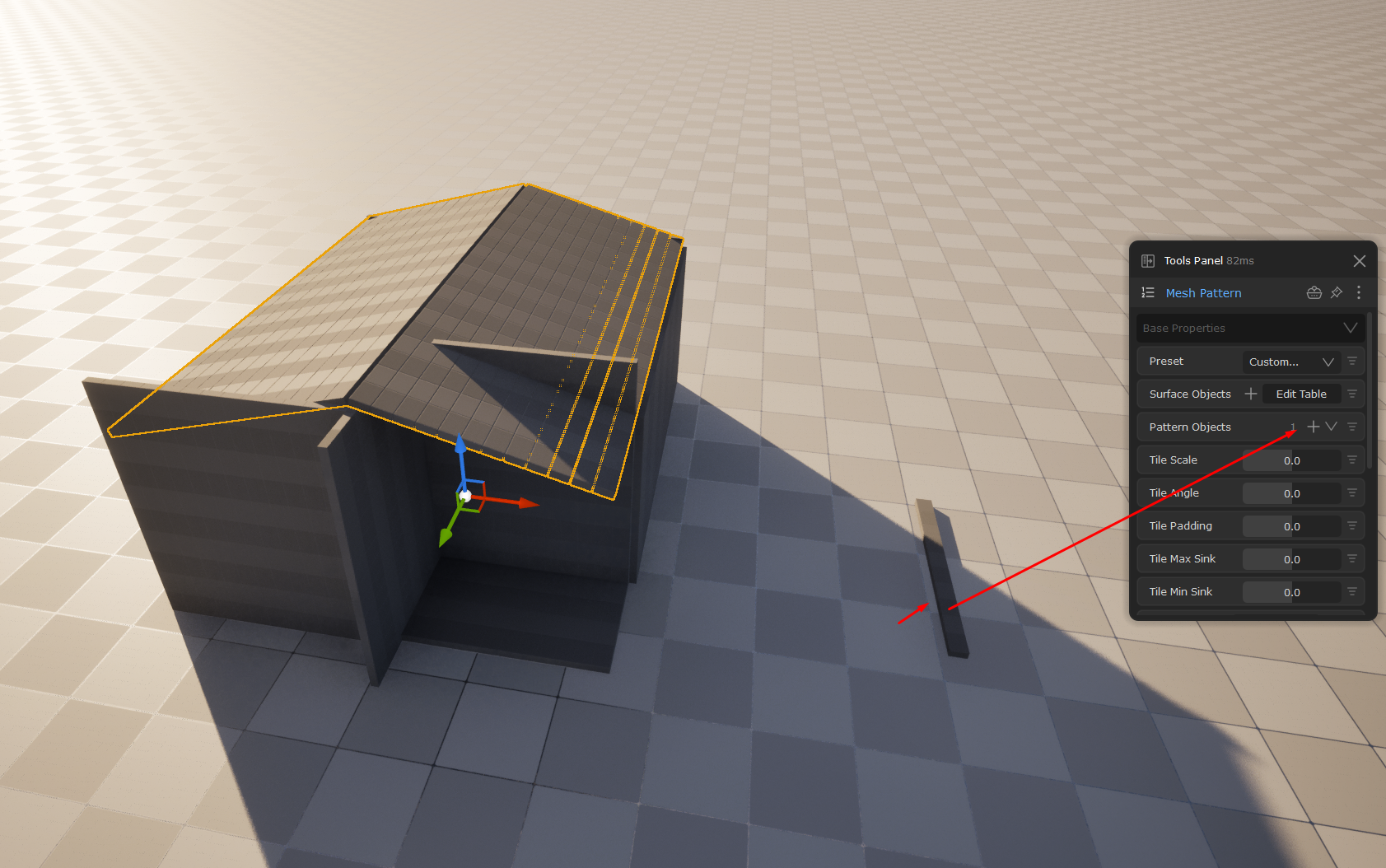
Now it worked suddenly 😄
re-imported your fbx
so in this pic, the what pattern object are you using?
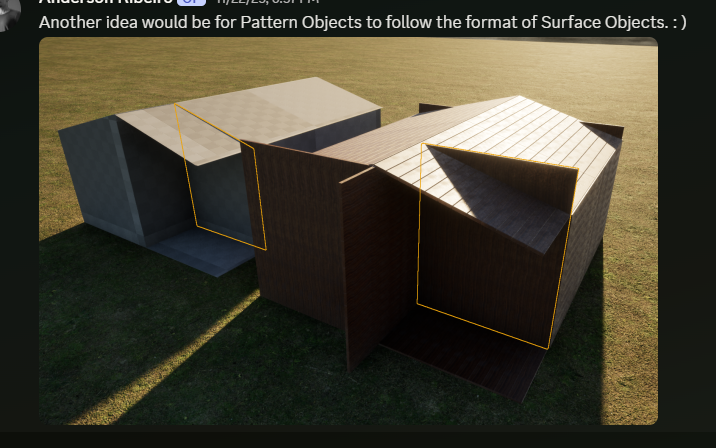
and just to make sure I understood your issue:
you mean that the shape of this wall piece is as on the left side of the pic. But when you use mesh pattern on it, it looks like on the right side of the pic?
It wouldn't exactly be a issue... But it would be interesting if it followed the same format as the original mesh. : D
I tried a few of our included presets, and then when I decrease the scale, the results are much better than yours🤔
what object did you use for pattern object?
It a Unreal Modelling Tools mesh with wood texture applied.
so something simple like this shape?
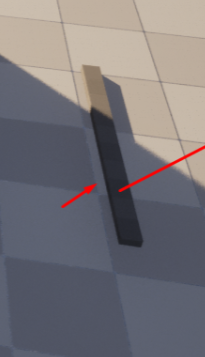
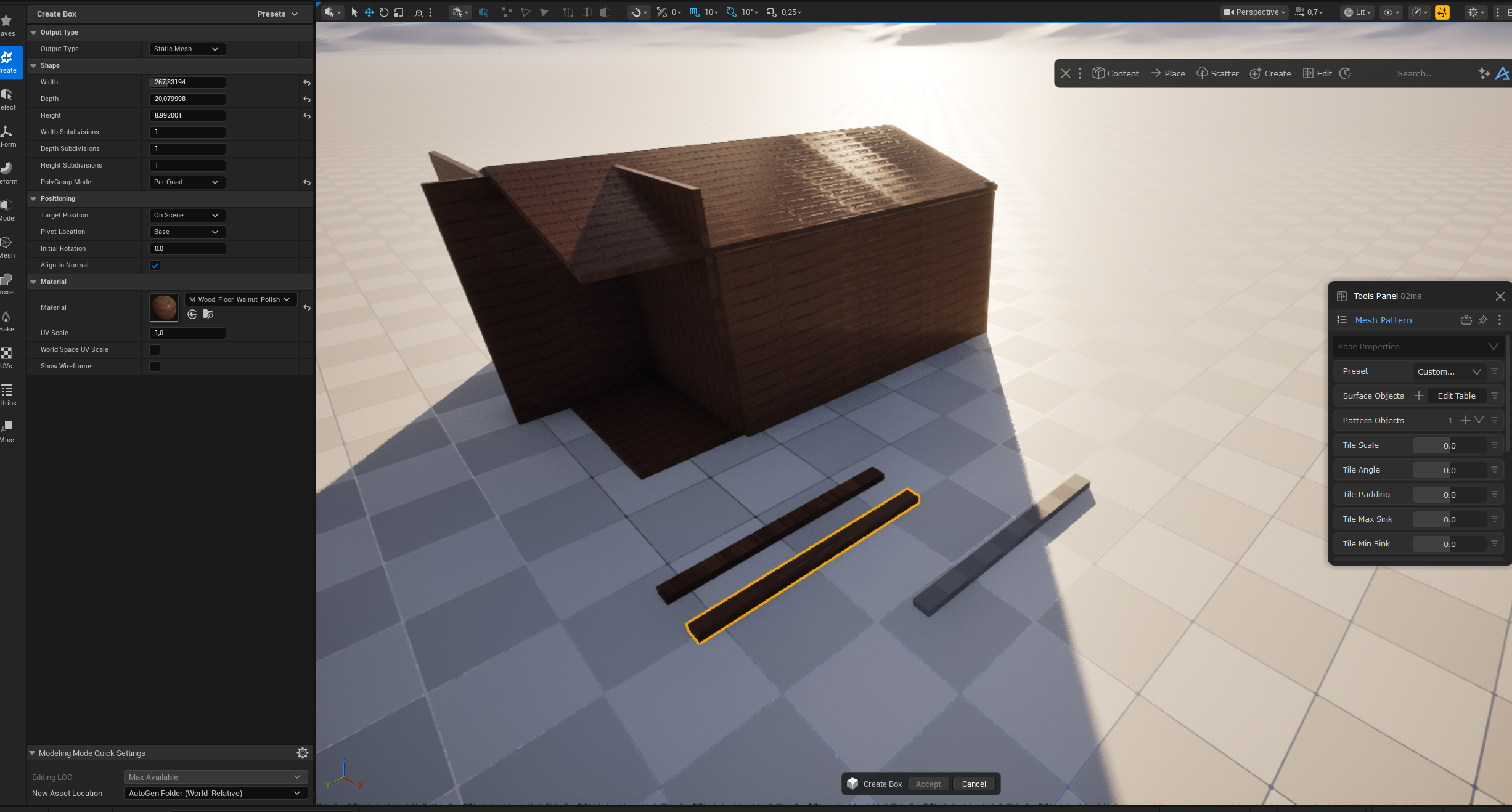
ah, yeah the problem is basically that the object is too big 😄
But, we do have a slice feature in the tool which would help with these kinds of situations. here I used a random cube which I tried to spin to match the angle. But of course one can do it a bit better 😄
It don't work with flat objects though, it has to be a 3d object to intersect with
My idea was to make a single piece of wood to cover the entire wall. The slice method is very helpful for cutting off the "excess". Thank you very much for the workflow. 😄