Error
Lately, I have been witnessing this issue where my game logs off with this error and i can enter the game only after restarting my pc how can i fix this ? knowing that my wifi is pretty good

59 Replies
;vgc
- Open the Task Manager > Details tab
- End the task on all VALORANT, Riot Client and VANGUARD-related apps/services
- Open the Control Panel > Uninstall a Program
- Uninstall Riot VANGUARD
- Open CMD as Admin and type these commands:
- sc delete vgc
- sc delete vgk
- Navigate to your C: Drive, then Program Files
- Find the VANGUARD folder and delete it
- Open the Riot Client and click update
- Restart your computer after the update
After you’re done with that:
- Press Windows key + R
- Type services.msc
- Look for vgc
- Right-click on vgc > Properties
- Change the startup type to automatic
- Start the services (if not started already)
We will be waiting for your response, thank you.
@Blaze Do this
Damn all that 😭😭
@PLTNM//czrsd//🎄
Ye
They told me
It’s doesn’t exist
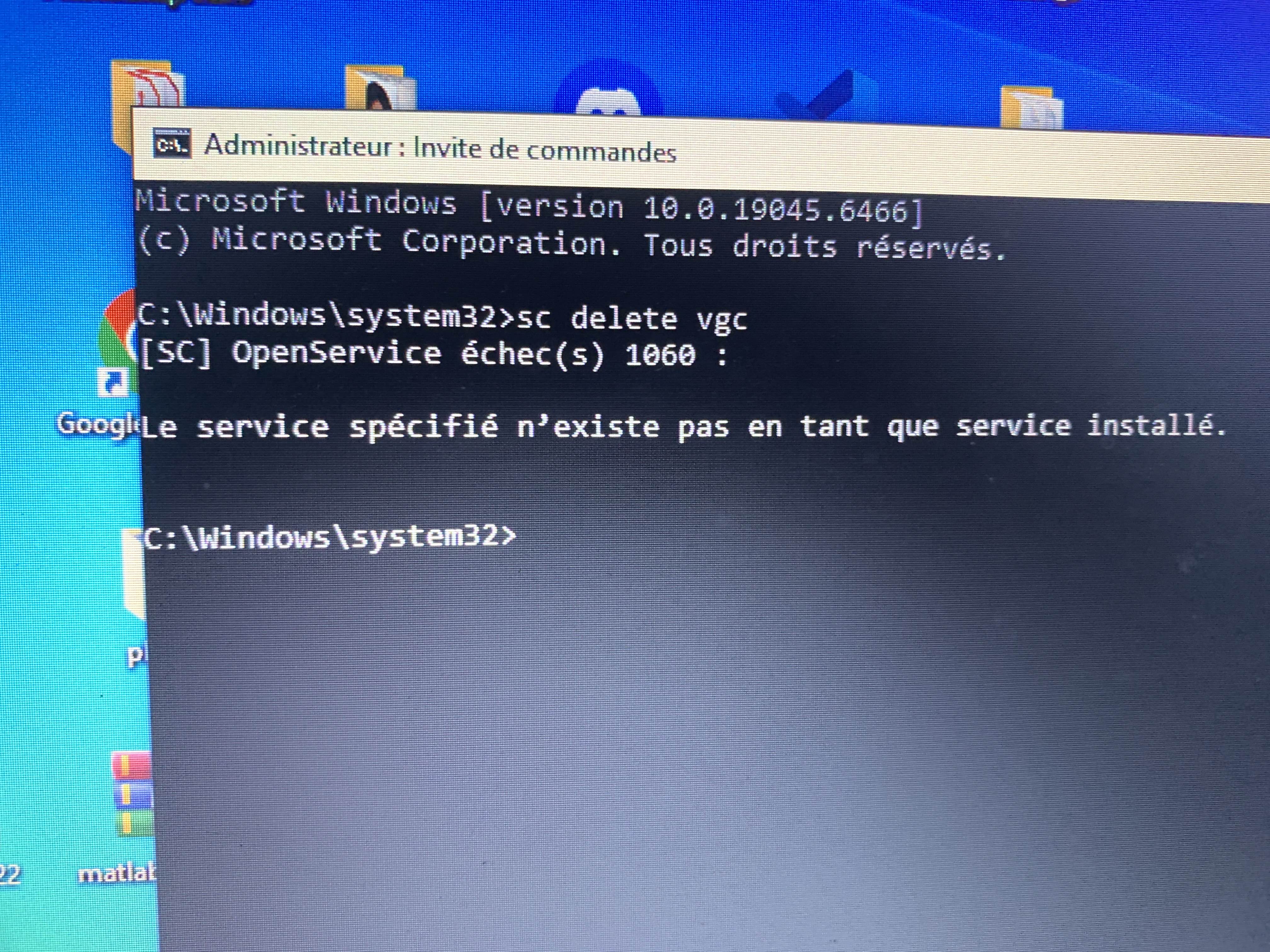
The sc delete vgc
Okay good
Go on
I couldn’t find VANGUARD file
I found only RIOT VANGUARD
Yes thats right
It the same ?
Yea
I found vgc in it
Just do what it says
If it says
When you do delete vgc/vgk doesnt exist
Its right
Its just to make sure it is deleted
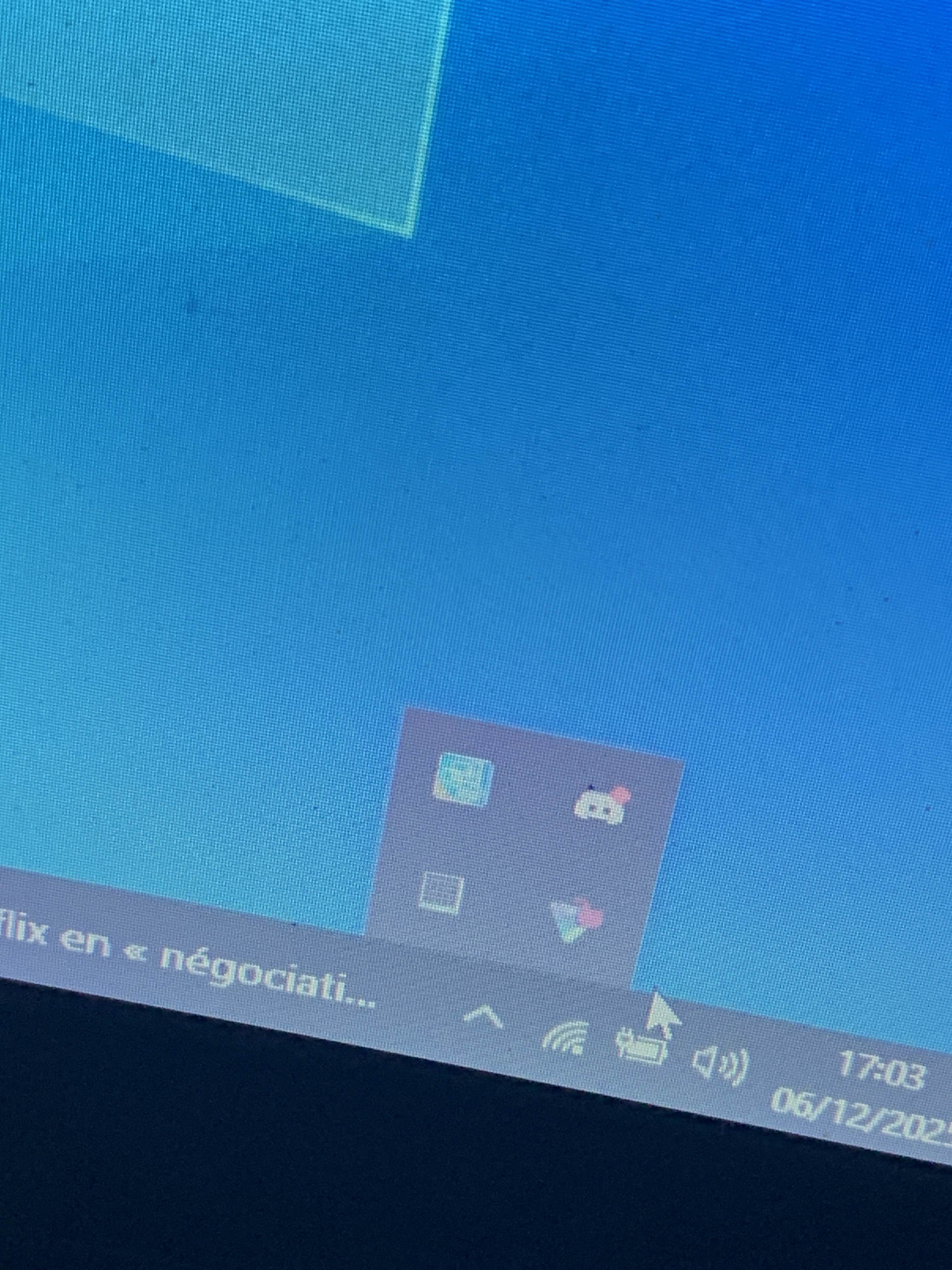
Bottom right corner there is this arrow with the programms yk?
Left click that
Right click vanguard
It’s not there anymore
And I tried
Close
And I did it again
And nothing
Ye
Try again
Still the same isssue
://
In cmd the delete vgc and vgk thing
Do that again
And do the steps
;vgc
- Open the Task Manager > Details tab
- End the task on all VALORANT, Riot Client and VANGUARD-related apps/services
- Open the Control Panel > Uninstall a Program
- Uninstall Riot VANGUARD
- Open CMD as Admin and type these commands:
- sc delete vgc
- sc delete vgk
- Navigate to your C: Drive, then Program Files
- Find the VANGUARD folder and delete it
- Open the Riot Client and click update
- Restart your computer after the update
After you’re done with that:
- Press Windows key + R
- Type services.msc
- Look for vgc
- Right-click on vgc > Properties
- Change the startup type to automatic
- Start the services (if not started already)
We will be waiting for your response, thank you.
This steps
Yes
It told me
The specific service doesn’t exist as an installed service
When I do sc delete vgc
Yea that’s right
Same for sc delete vgk
Just go on with the steps
But I can’t delete the riot vanguard file in
The C disk
You are supposed to delete the whole VANGUARD ordner
Not the file
There is riot vanguard files and in it there is vgc
That the only thing where vanguard is written
😭
Show a ss
Okay
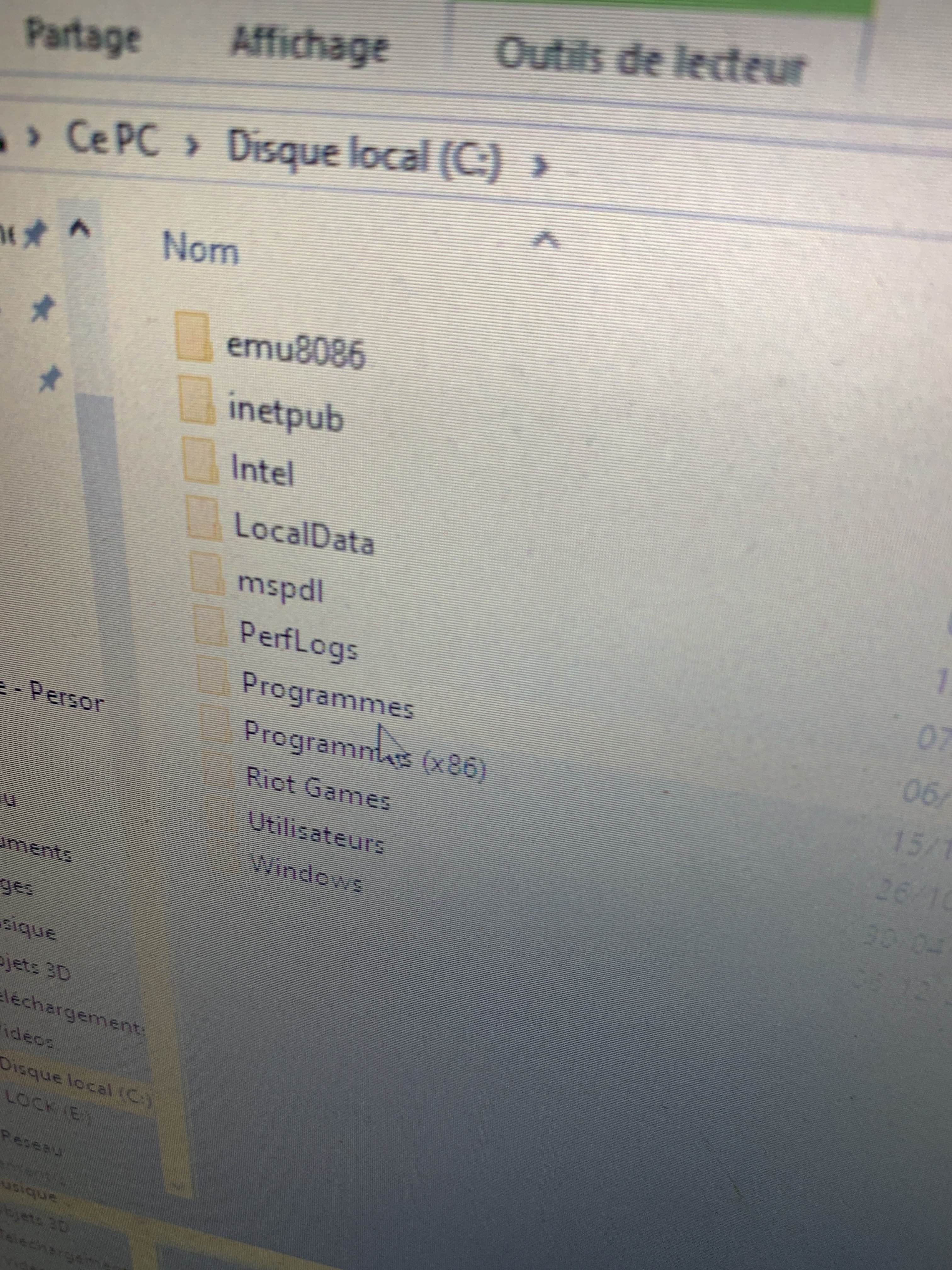
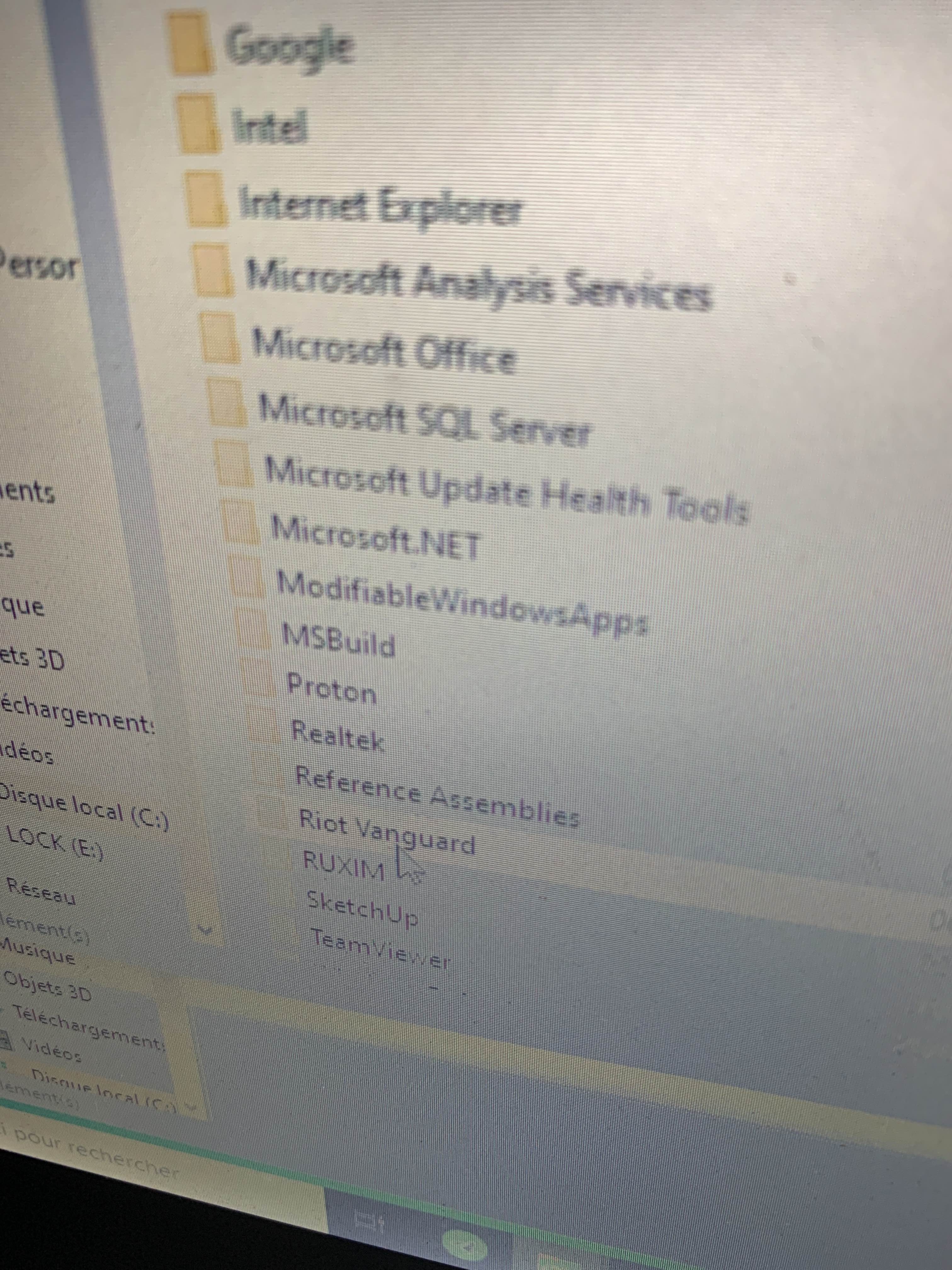
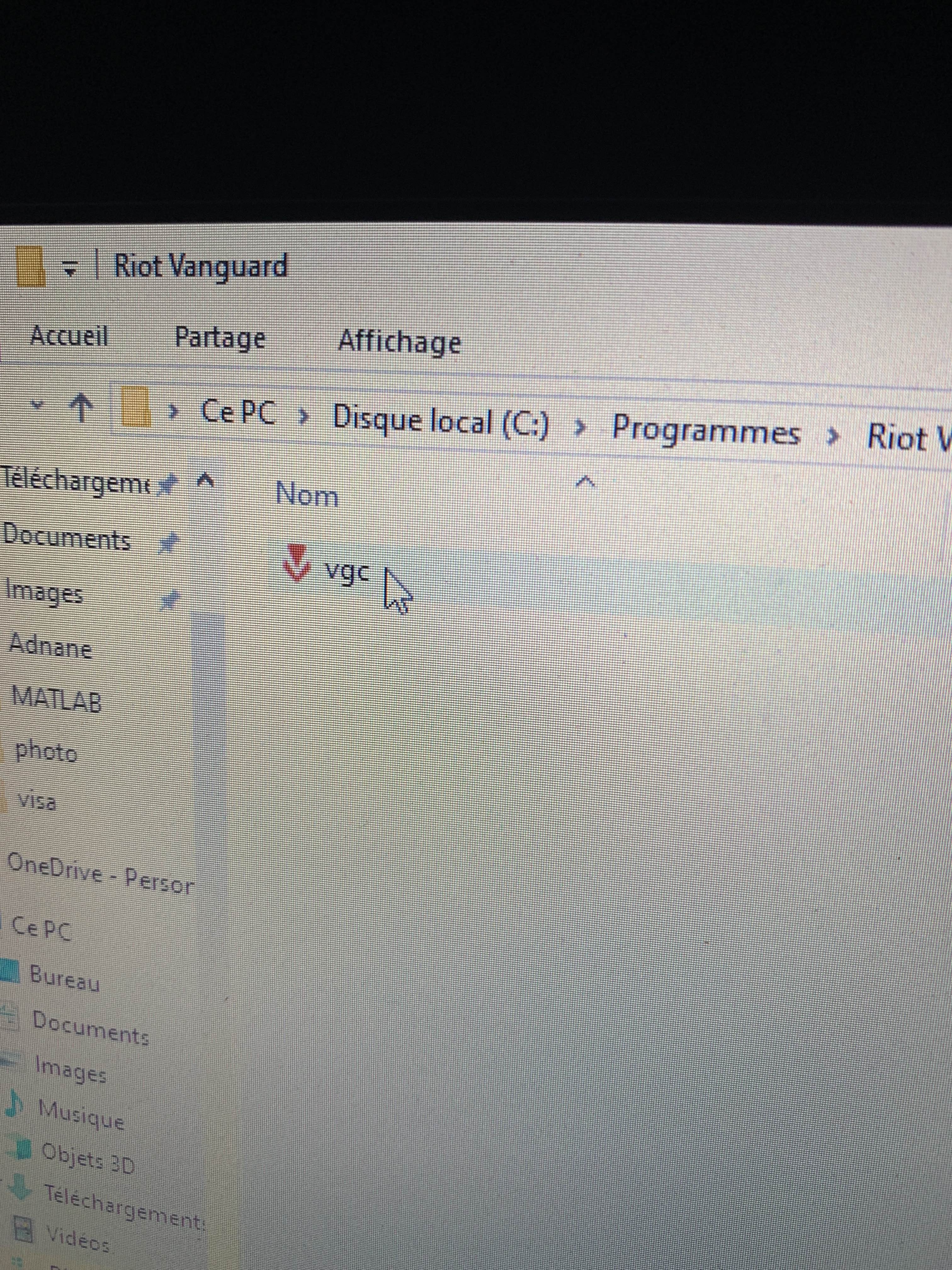
DELETE the „RIOT VANGUARD“ FOLDER
Not the programm
The whole folder
Where VGC is in
Still same issue
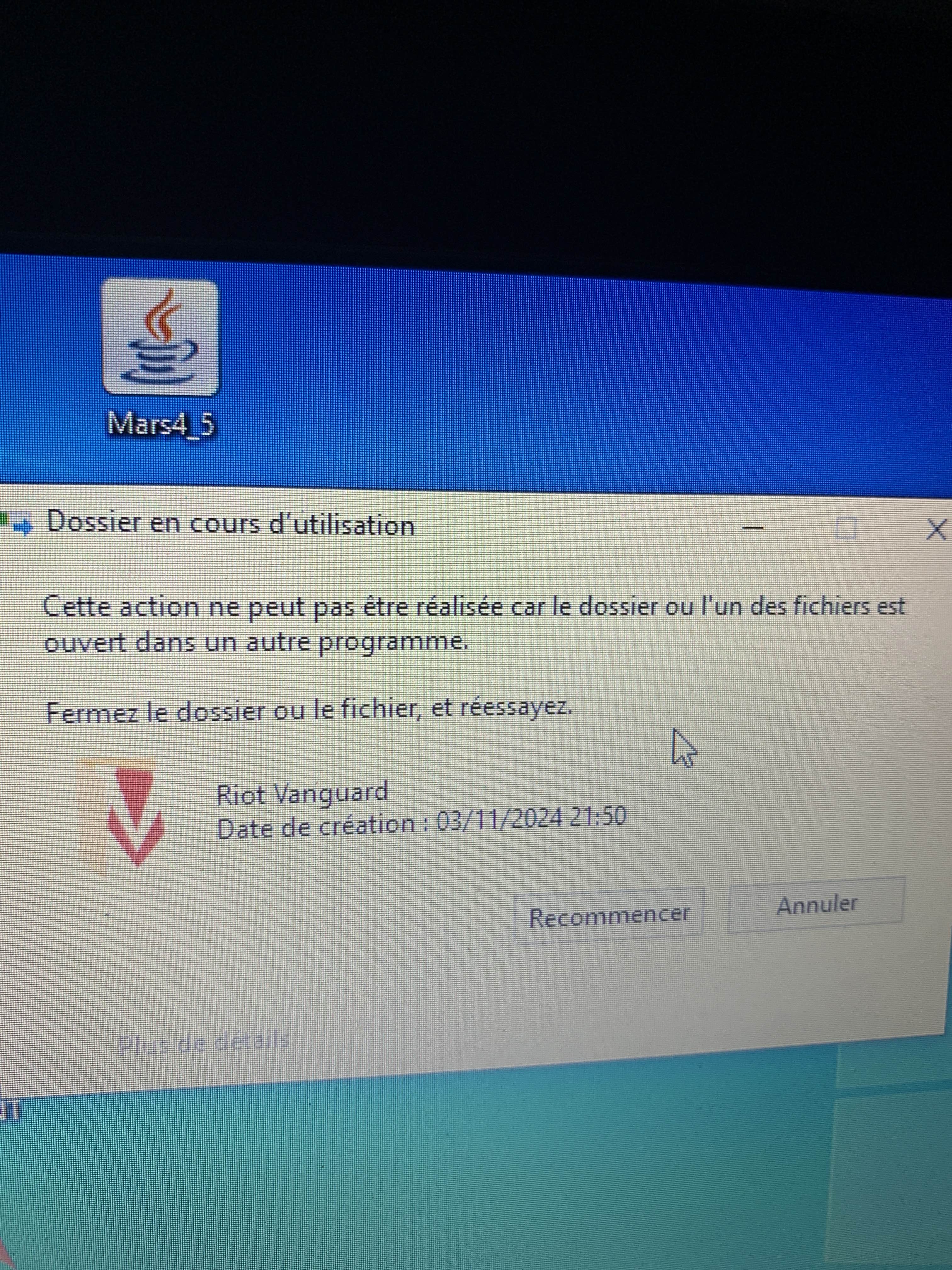
That it’s open somewhere
💀
what issue ?
That it’s open
And cant be deleted
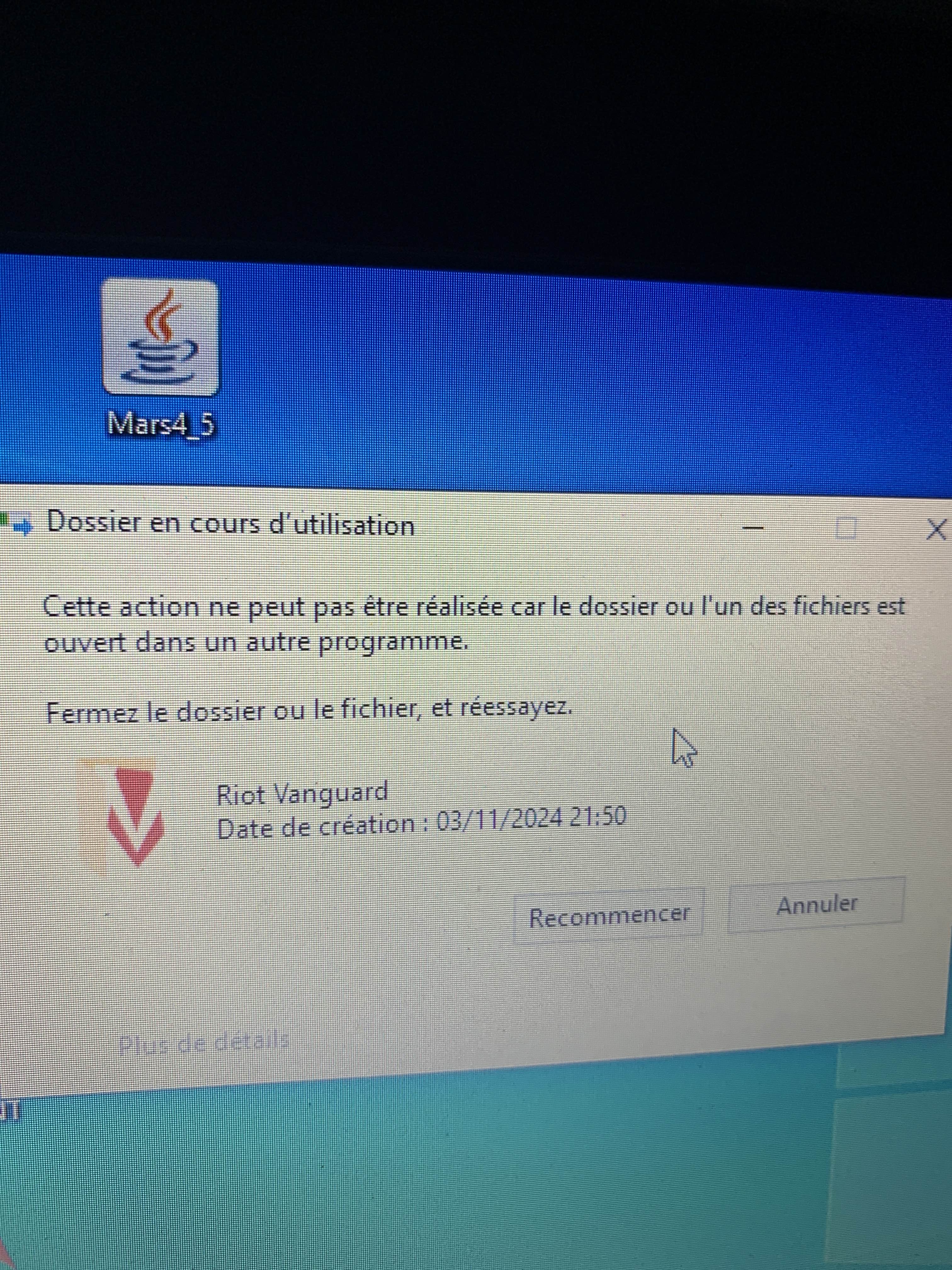
restart pc and delete it
This action can’t be done cause the file is open in another program
Oki
@momo guy you got this i gotta go offline
Okay deleted 😻
Open the Riot Client and click update
Restart your computer after the update
After you’re done with that:
Press Windows key + R
Type services.msc
Look for vgc
Right-click on vgc > Properties
Change the startup type to automatic
Start the services (if not started already)
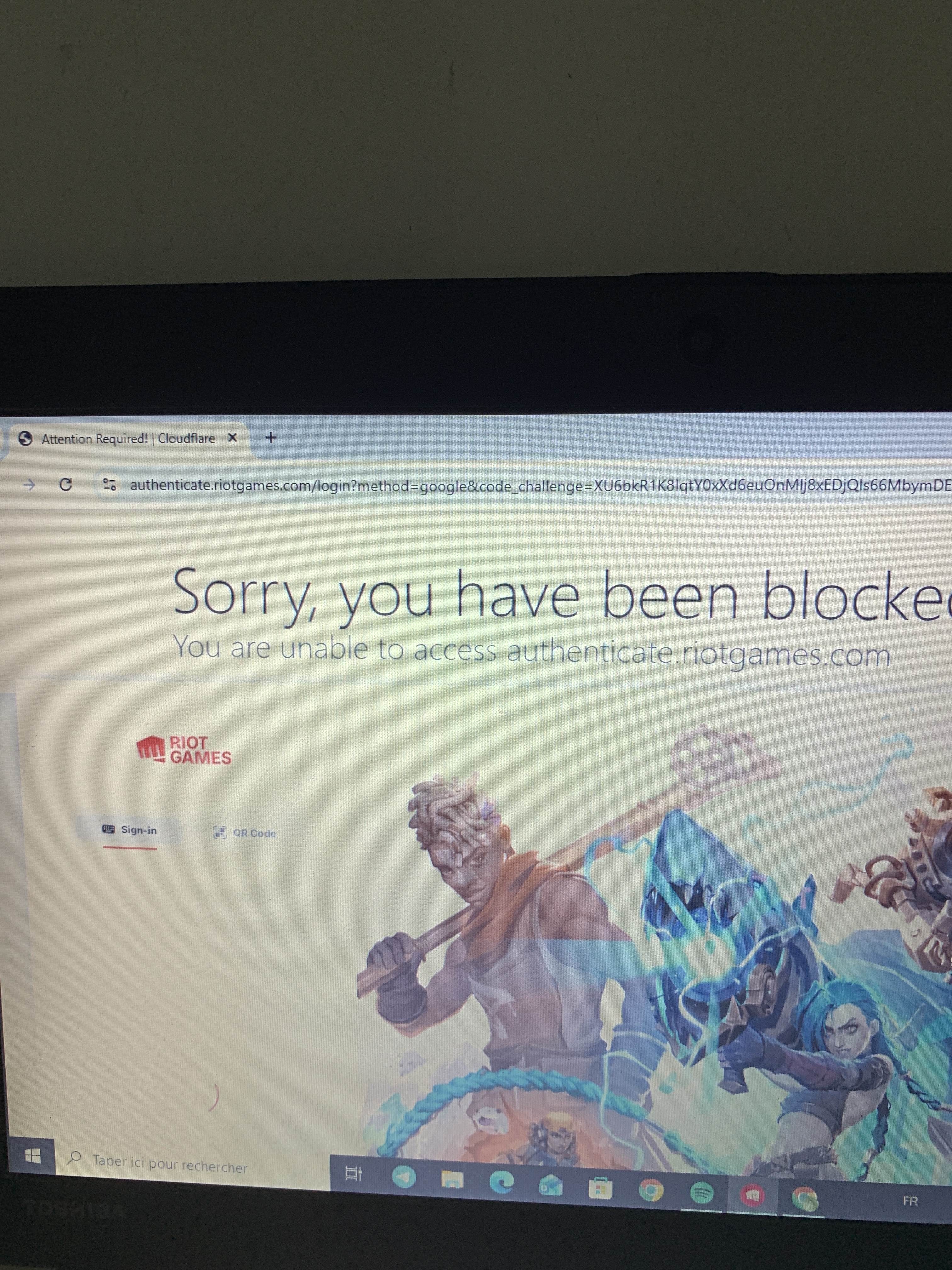
VPN?
what are you doing ?
you dont have riot client installed ?
I do
then just open riot client
sign in via google
Oups yes I forgot
ah nvm

didnt see it
mb boss
dont cut my salary pls
cant feed my kids then
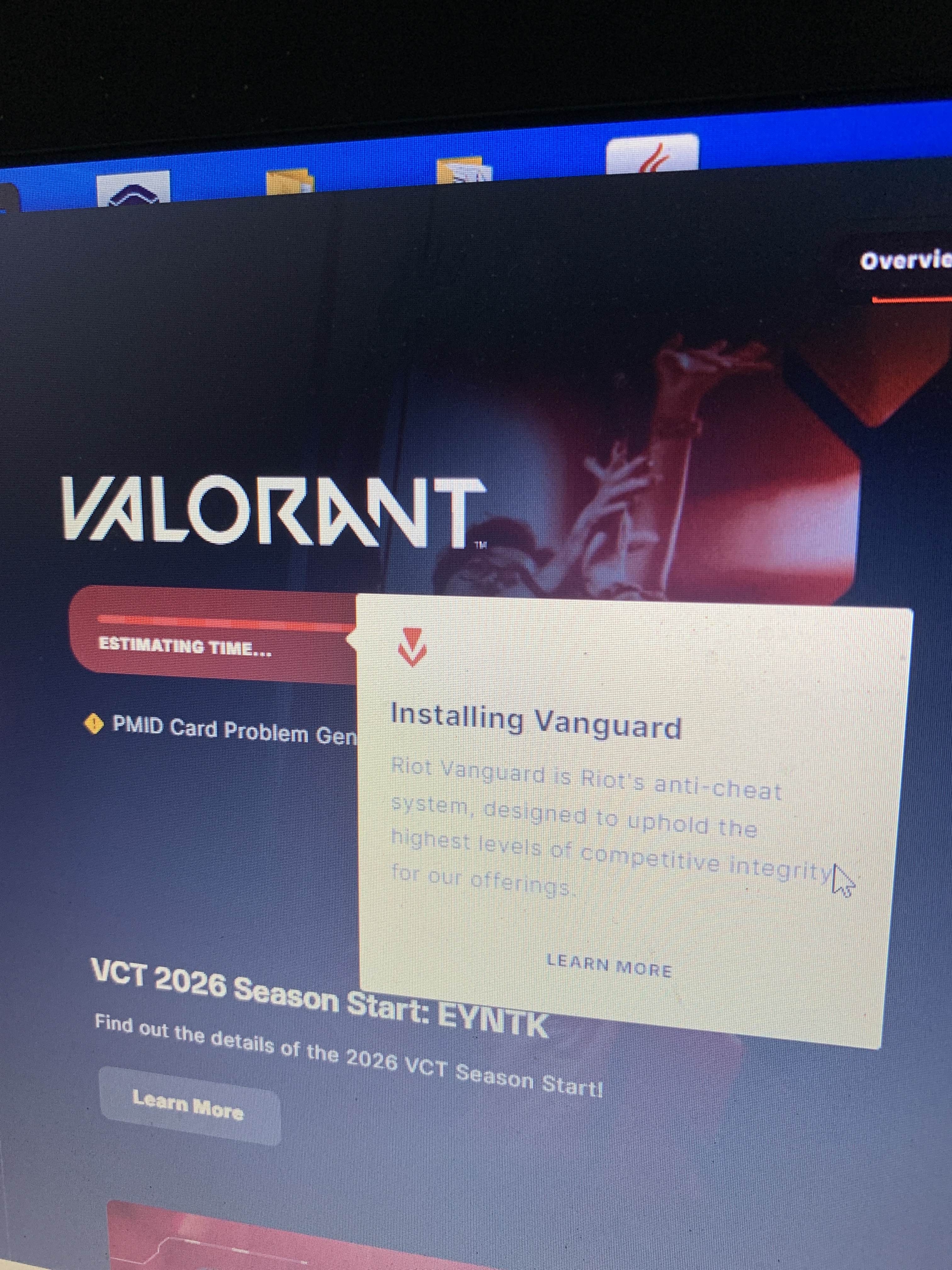
Restarting again
Alright I changed it to automatic
But what was the issue
Why didn’t we just change it to automatic in the first place ?
corrupted
fresh vanguard always good