
FPS Drop After Fullscreen Toggle
bug
Description:
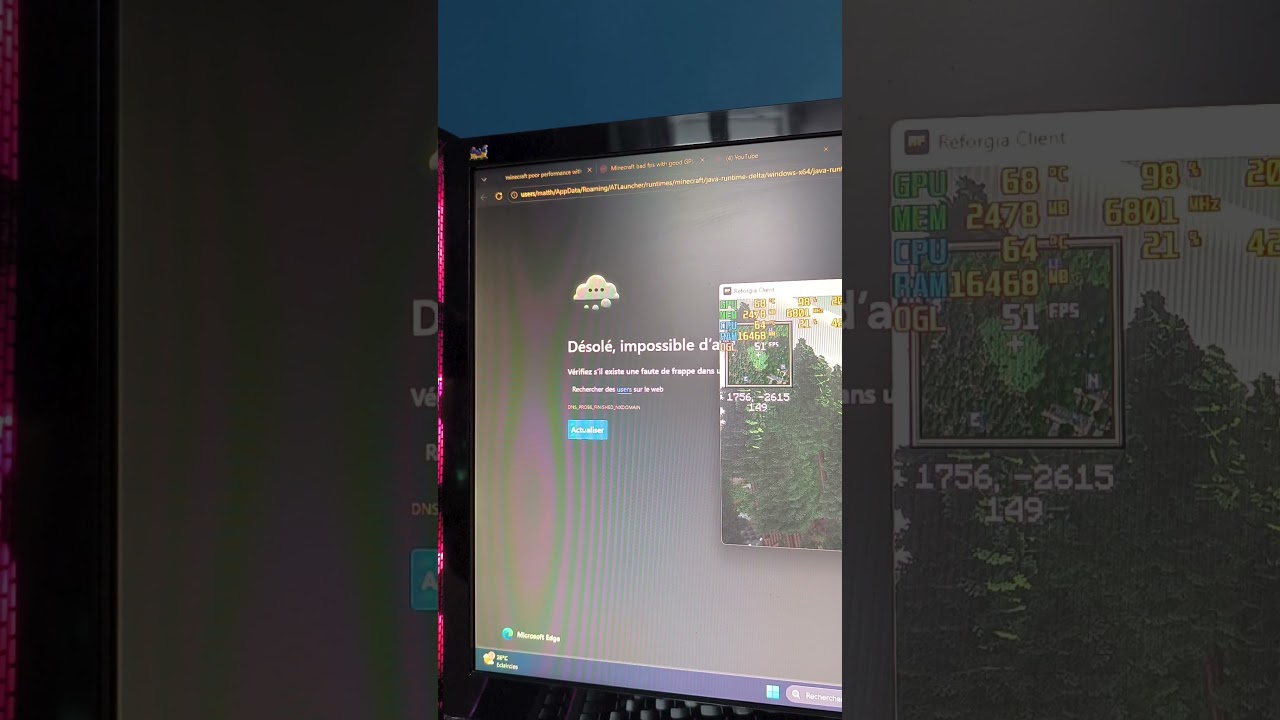
When Minecraft first launches in fullscreen mode with shaders enabled, the game runs at approximately 40 FPS, which is a normal and acceptable performance. However, after exiting fullscreen mode and then returning to fullscreen, the frame rate is essentially cut in half, dropping down to about 21 FPS.
Steps to Reproduce:
Launch Minecraft in fullscreen mode with shaders enabled.
Note the initial FPS (around 40 FPS).
Exit fullscreen mode.
Return to fullscreen mode.
Observe that the FPS has now decreased to about half the original value (around 21 FPS).
Mods
-NeoForge 21.1.216 (1.21.1)
-Sodium
-Iris
Others
I’m willing to try any suggestions to fix the issue, and this happens with any shader. I already opened a similar post on the Sodium Discord, but the problem seems to come from Iris.
https://youtube.com/shorts/7cMW8GCxn64?feature=share
When Minecraft first launches in fullscreen mode with shaders enabled, the game runs at approximately 40 FPS, which is a normal and acceptable performance. However, after exiting fullscreen mode and then returning to fullscreen, the frame rate is essentially cut in half, dropping down to about 21 FPS.
Steps to Reproduce:
Launch Minecraft in fullscreen mode with shaders enabled.
Note the initial FPS (around 40 FPS).
Exit fullscreen mode.
Return to fullscreen mode.
Observe that the FPS has now decreased to about half the original value (around 21 FPS).
Mods
-NeoForge 21.1.216 (1.21.1)
-Sodium
-Iris
Others
I’m willing to try any suggestions to fix the issue, and this happens with any shader. I already opened a similar post on the Sodium Discord, but the problem seems to come from Iris.
https://youtube.com/shorts/7cMW8GCxn64?feature=share

This server is all about the development and community around Iris Shaders!
71,413Members
Resources
Similar Threads
Was this page helpful?
