Timeline showing problem
Hi everyone! I’m having an issue with the Timeline/Activity section not showing in the right-side preview panel (side drawer) for Opportunities.
What I expect
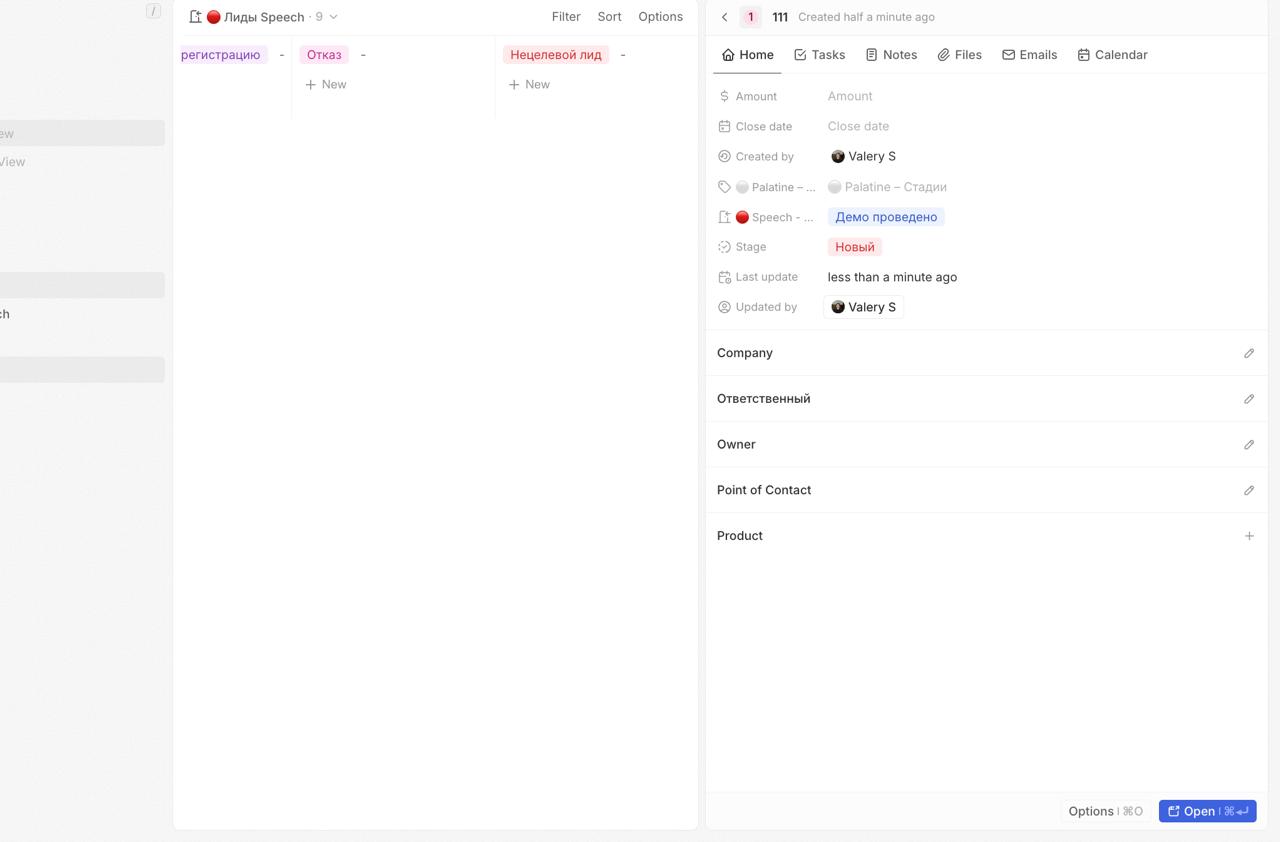
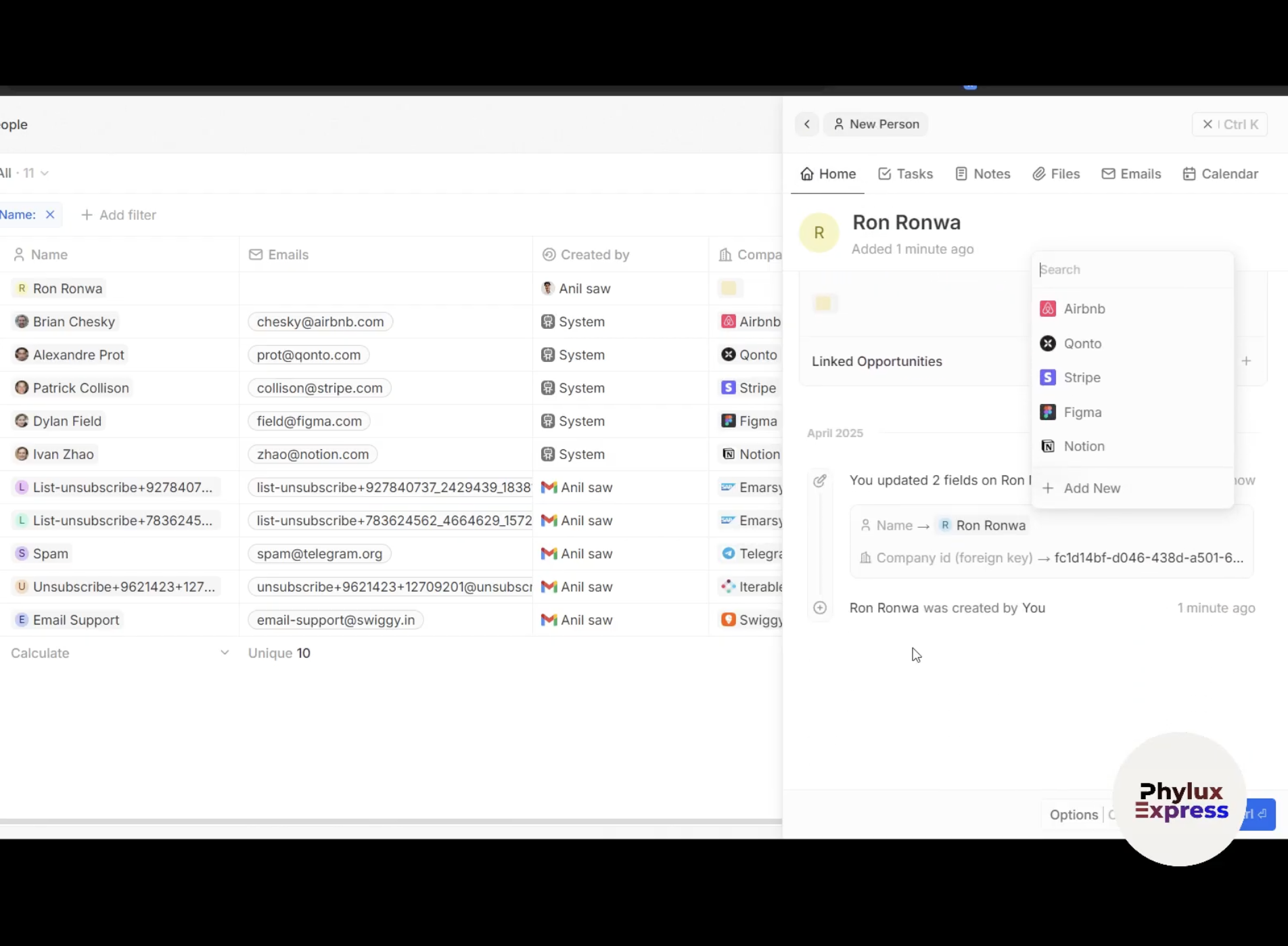
When I click an Opportunity in the list, the right-side preview panel opens and I expect to see the Timeline/Activity feed there (e.g., “You updated X fields…”) like in some videos/demos. The preview panel still shows an Open button.
What actually happens
In my instance, the right-side preview panel shows only the fields (e.g., Stage, Last update, Company, etc.) and the area where the Timeline should be is empty / not rendered.
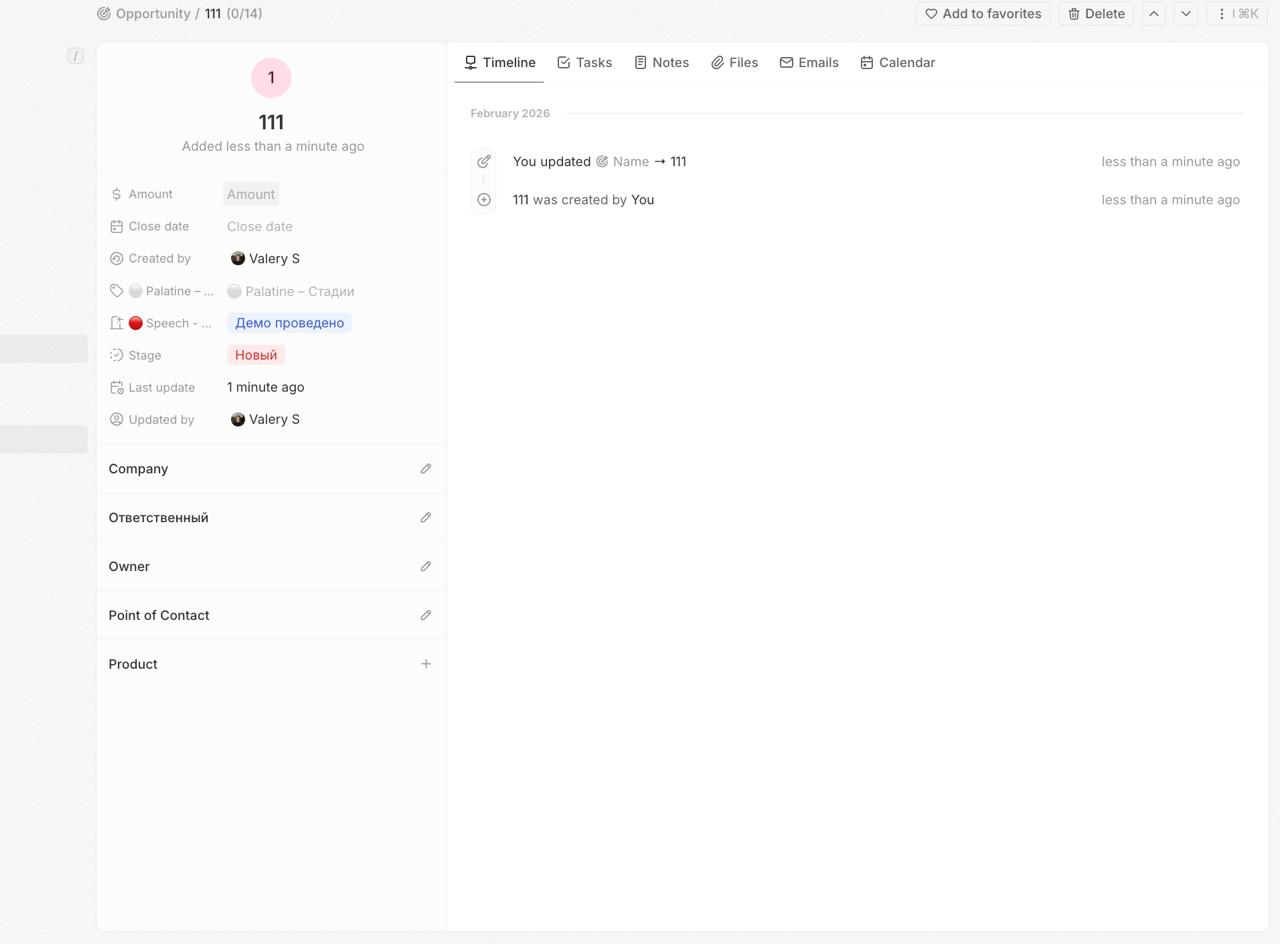
However, when I click Open (full record page), the Timeline appears and works correctly (I can see activity entries, field updates, etc.).
Where it happens
Self-hosted Twenty (latest version) – timeline does not appear in side preview panel
Twenty Cloud – same behavior, timeline does not appear in side preview panel
So it seems the Timeline works on the full record page, but not in the side preview drawer.
Notes / observations
The preview drawer shows the Open button.
The Timeline appears only after opening the full record page.
This happens consistently for Opportunities.
Questions
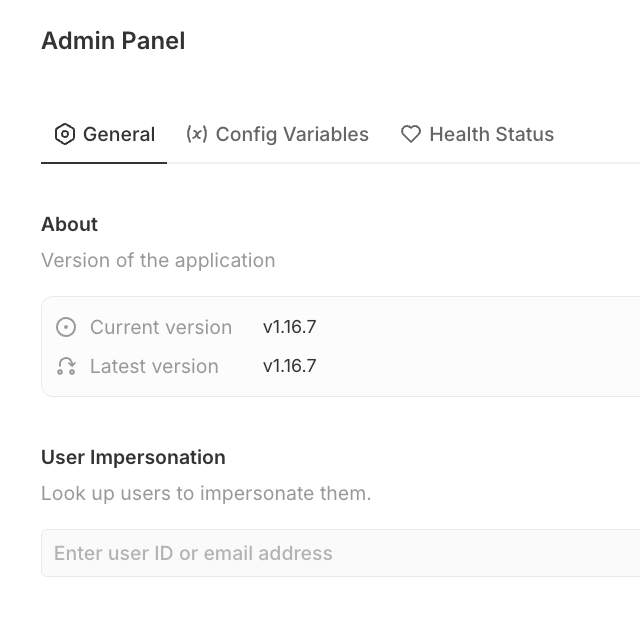
Is there a setting / feature flag / workspace configuration that enables the Timeline in the side preview panel?
Is this feature available only in specific versions or behind a rollout?
If it should work, what should I check in self-hosted (migrations, cache flush, feature flags, etc.) to make the timeline render in the side drawer?
What I expect
When I click an Opportunity in the list, the right-side preview panel opens and I expect to see the Timeline/Activity feed there (e.g., “You updated X fields…”) like in some videos/demos. The preview panel still shows an Open button.
What actually happens
In my instance, the right-side preview panel shows only the fields (e.g., Stage, Last update, Company, etc.) and the area where the Timeline should be is empty / not rendered.
However, when I click Open (full record page), the Timeline appears and works correctly (I can see activity entries, field updates, etc.).
Where it happens
Self-hosted Twenty (latest version) – timeline does not appear in side preview panel
Twenty Cloud – same behavior, timeline does not appear in side preview panel
So it seems the Timeline works on the full record page, but not in the side preview drawer.
Notes / observations
The preview drawer shows the Open button.
The Timeline appears only after opening the full record page.
This happens consistently for Opportunities.
Questions
Is there a setting / feature flag / workspace configuration that enables the Timeline in the side preview panel?
Is this feature available only in specific versions or behind a rollout?
If it should work, what should I check in self-hosted (migrations, cache flush, feature flags, etc.) to make the timeline render in the side drawer?