I'm curious, could the rhino work as a omni-throttle for Elite Dangerous, where the X axis is just damper and the Y is spring with maybe some psudo detents for marking the halfway point?
, though y axis being damped and x being sprung makes more sense since a throttle moves in y.
The 'why' is because you want a throttle to stay at whatever position you leave but roll or other directional inputs you operate briefly as proportional commands benefit from having a spring nudging input back to zero.
The question was if x and y axis can be set to different functions on the same stick, one being damper for throttle the other a sculped spring profile for a movement axis. No mention was made of how the other 4 axes are being dealt with.
Constant force option in effects tab is an adjustable ... constant force (CF). It adds a certain amount of torque regardless of position. Useful as a counterbalance. Also there's CF in the FFB standard, which the game can send custom effects to the device by constantly changing the CF value. The master CF slider in settings adjusts such effects "volume"
Periodic effects (PE) are also in the FFB standard, these are predefined effects in the device, such as sine, square waves. The game can request the device to make vibrations with certain amplitude and frequency. The PE slider adjusts the "volume" of such effects.
Ok thanks for clarifying. Probably best to actually have something on the bench to experience the different settings. Is there any βbreak out forceβ option planned? Or force curves?
Really interesting product. I'm bashing my brains with the AH-64's current trim model and standard Virpil based. And this is looking simply fantastic. The reduced work load on the pilot should be a game changer. Anyone here is flying the Apache with this beauty?
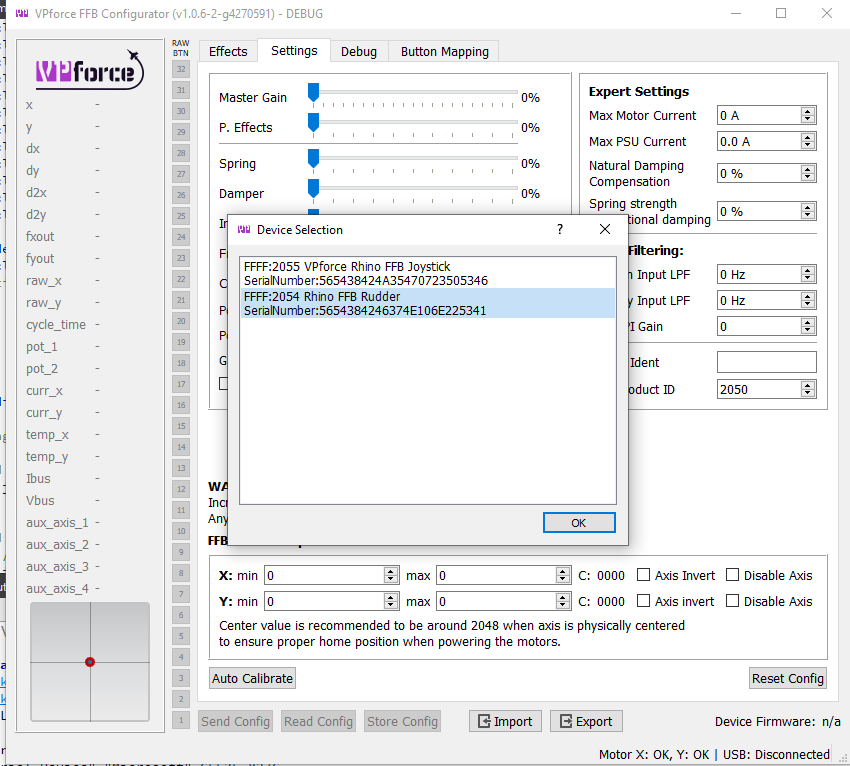
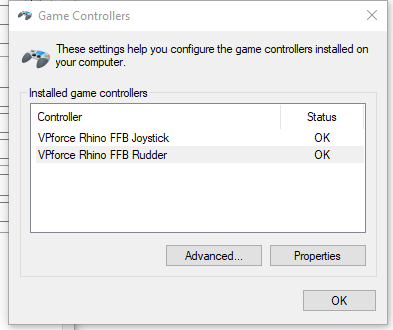
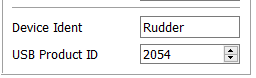
Added support for multiple Rhino USB device instances in the upcoming version. Here's an FFB rudder instance for example. Windows has a shortcoming when multiple game controllers with the same VID/PID cannot have different names in the device list. So I had to implement ability to change the USB productID.
Thanks for this. I'm glad to hear. Do you keep it in "dead stick" mode when you fly the Apache, or do you also use it in a "return to center" as well? (btw - there's a SAS saturation beep "reduction" workaround. Makes the bug a bit more tolerable - https://forum.dcs.world/topic/307600-sas-saturation/#comment-5036929)
I fly rather okay, but since about a week I have annoying sound of SAS SATURATION message too often to stand the game. It appears very often except perhaps straight flying. Even small adjustment of throttle causes it. Tried to turn off various channels in A/C utils page, but to no avail. I see a ...
I know for the workaround, because it was me who found and posted it Of course I use the "FFB trim" mode. That is when I set the trim the stick remains in its current position and efforts are centered for this new position (to be totally honest, it's a little bit in front of the position of the stick when you press the button). The more you move it from the new trimmed position, the more effort you will feel. If you release the stick, it will go back to the trimmed position. If you reset trim and release the stick, it will go back to default center position.