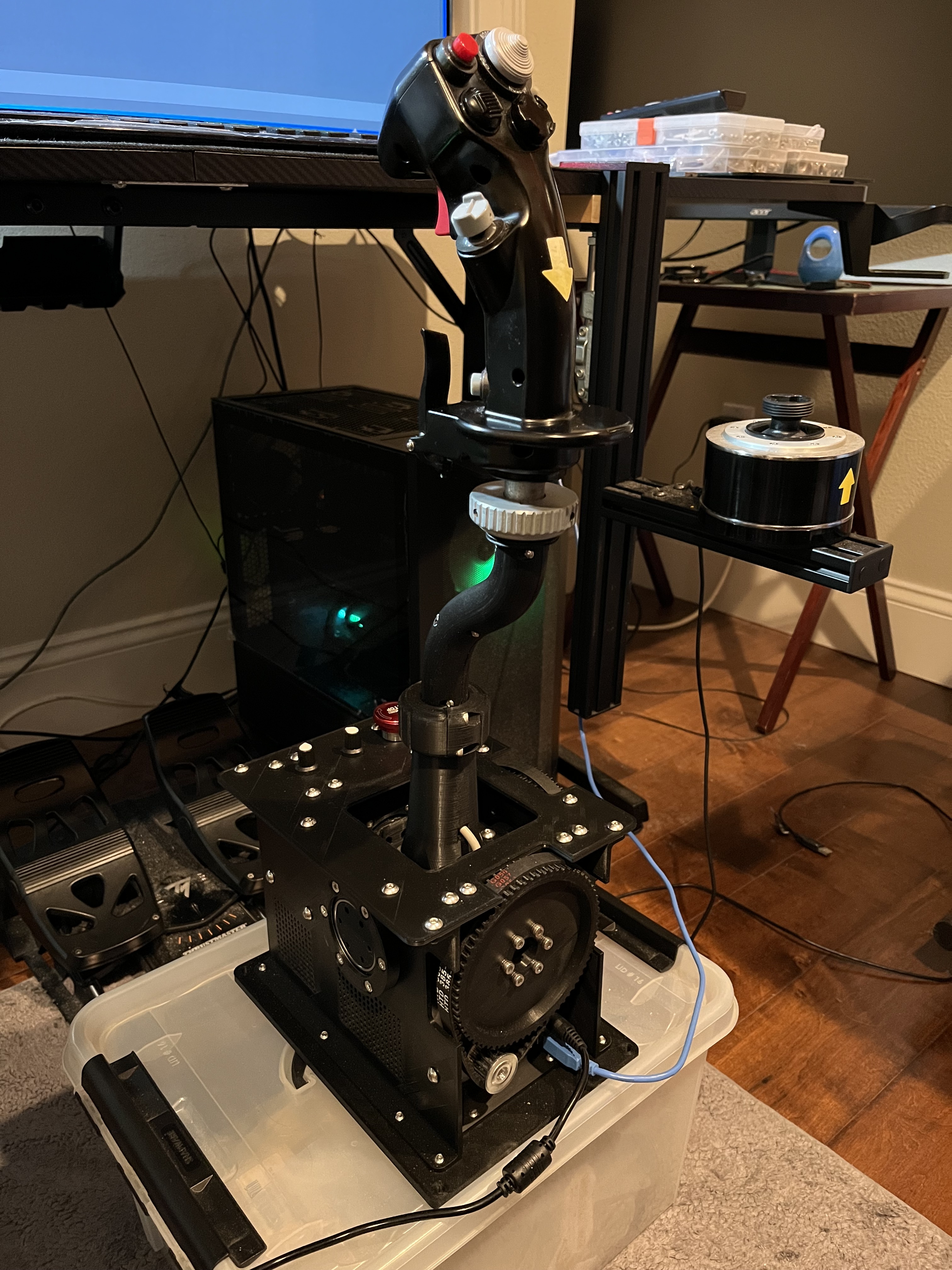
I can machine the small pulleys for the motors, the larger ones are usually 3d printed. Also AliExpress is a good source for everything, but there's a long waiting time.
hi, all, I started to read up on the 'break out' force setting, however there isn't much info on what it is and what it does. Per my understanding it's a force that keeps the stick 'in the ffb center' and unable to move until I apply a certain amount of force in pitch or roll axis. Does anyone have an idea on what it should be for the ww2 planes? I'd think it's different per airframe, does anyone have any recommended values for it?
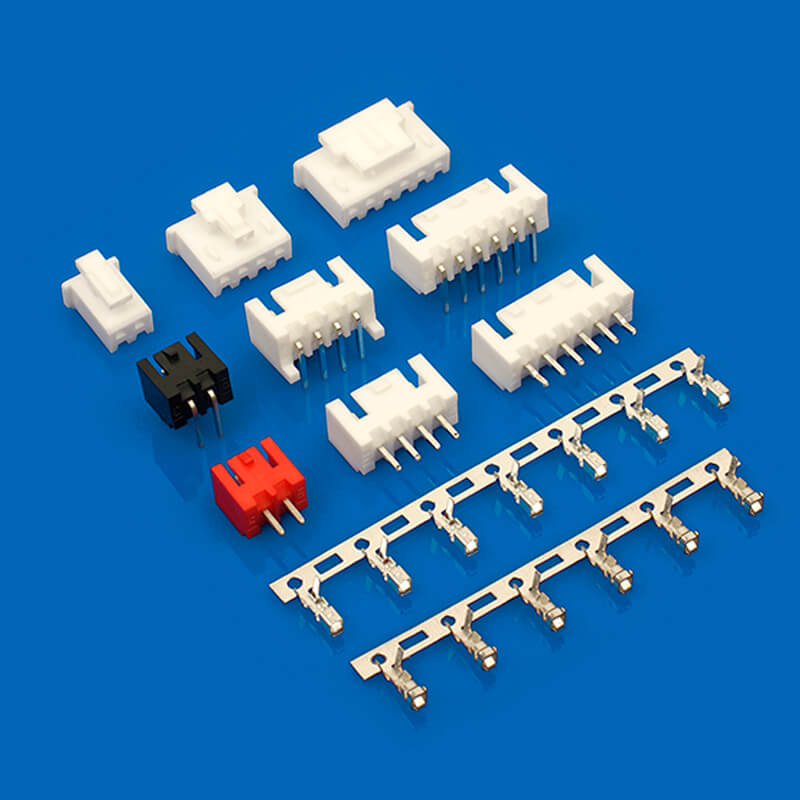
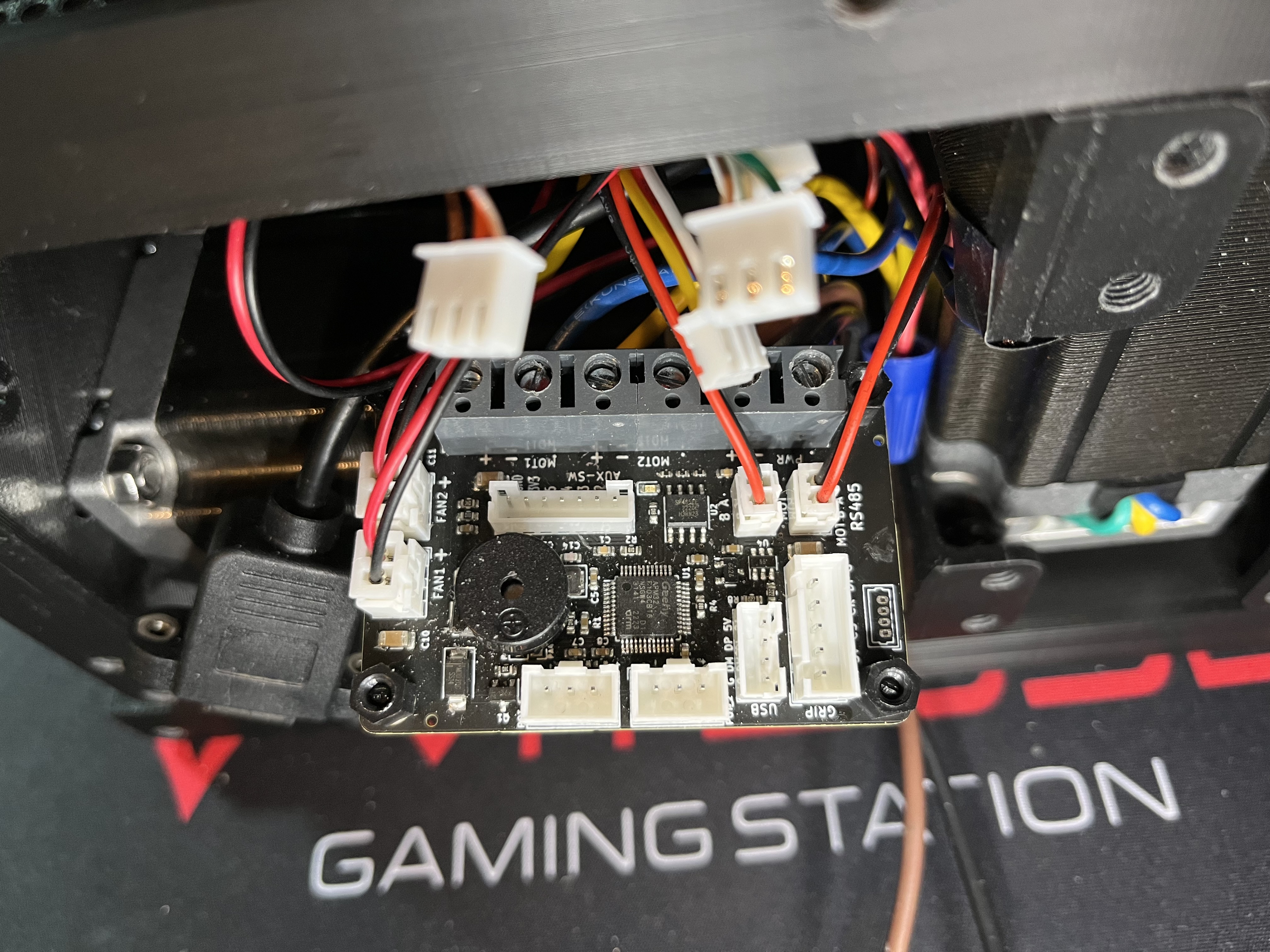
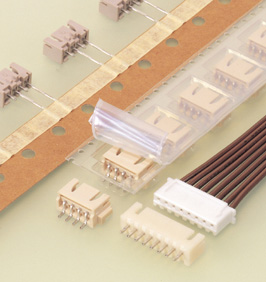
@walmis I was trying to make cable connections to your USB controller and found the onboard 2.5mm pitch headers didn't mate perfectly with my JST XH connectors. The pitch seems to be the same 2.5mm but the locking mechanisms are different. I did some research on the web and found this type of connectors with the same pitch called XHB that looks similar to what you have installed on the USB controller but not sure. Can you please confirm so I can procure the right type? JST XH: https://www.jst.com/products/crimp-style-connectors-wire-to-board-type/xh-connector/ XHB: https://www.lhecn.com/a2502/
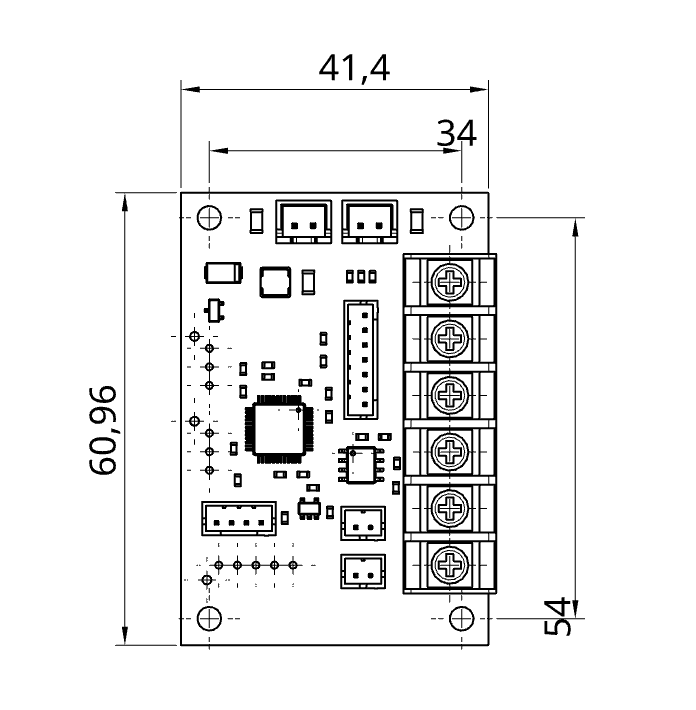
I have put the top level schematic in #showcase pinned. The motor controllers work at 12-24V, 30A max motor current. Let me know what kind of specs are you interested in.
@walmis Hi, I finally had a chance to put it all together with the motor/USB controller kit you sent me. As I was test flying the F-14B and P-51D modules with this newly assembled FFB stick in DCS, I noticed I would lose the stick control in the middle of flying and DCS would even stop respond to the ESC key. Sometimes I could unplug and re-plug the USB cable to the stick to get DCS to come back and respond to key strokes but at that time the stick would go limp and would not talk to DCS anymore. I also noticed, throughout this occurrence, VPforce FFB Configuration did not complain and the telemetry data were consistently getting updated. Have you experienced anything like this before? I tried the released and open-beta DCS and they both exhibited the same symptom. Restarting the computer with a fresh Windows 10 loaded up did not seem to help. Please help!
No, I connected directly to one of the computer's USB ports. Also, another piece of info, as long as I uncheck Misc-> Force Feedback in DCS Options menu, I seem to be able to go on forever without stick control dropping out but the stick stays limp due to DCS overwrite.
FFB appears to have something to do with the drop-out. The grounding issue sounds very plausible. I'll reduce the string and periodic effects to see if anything changes.
Thanks but I cannot take the credit. Credit should go to you, Propeler3D, and Washout! I just hacked my way through borrowing everyone's wisdom along...
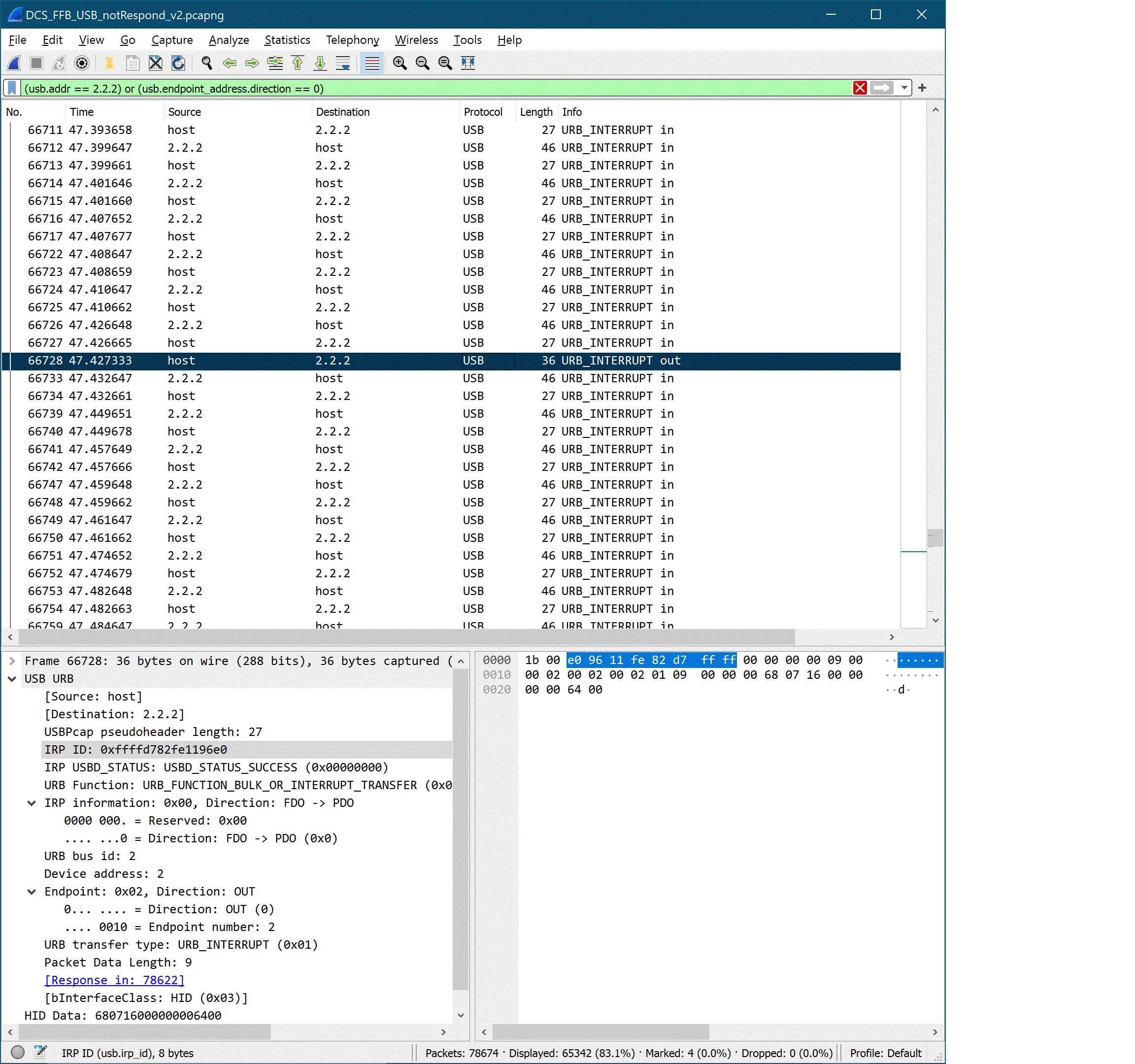
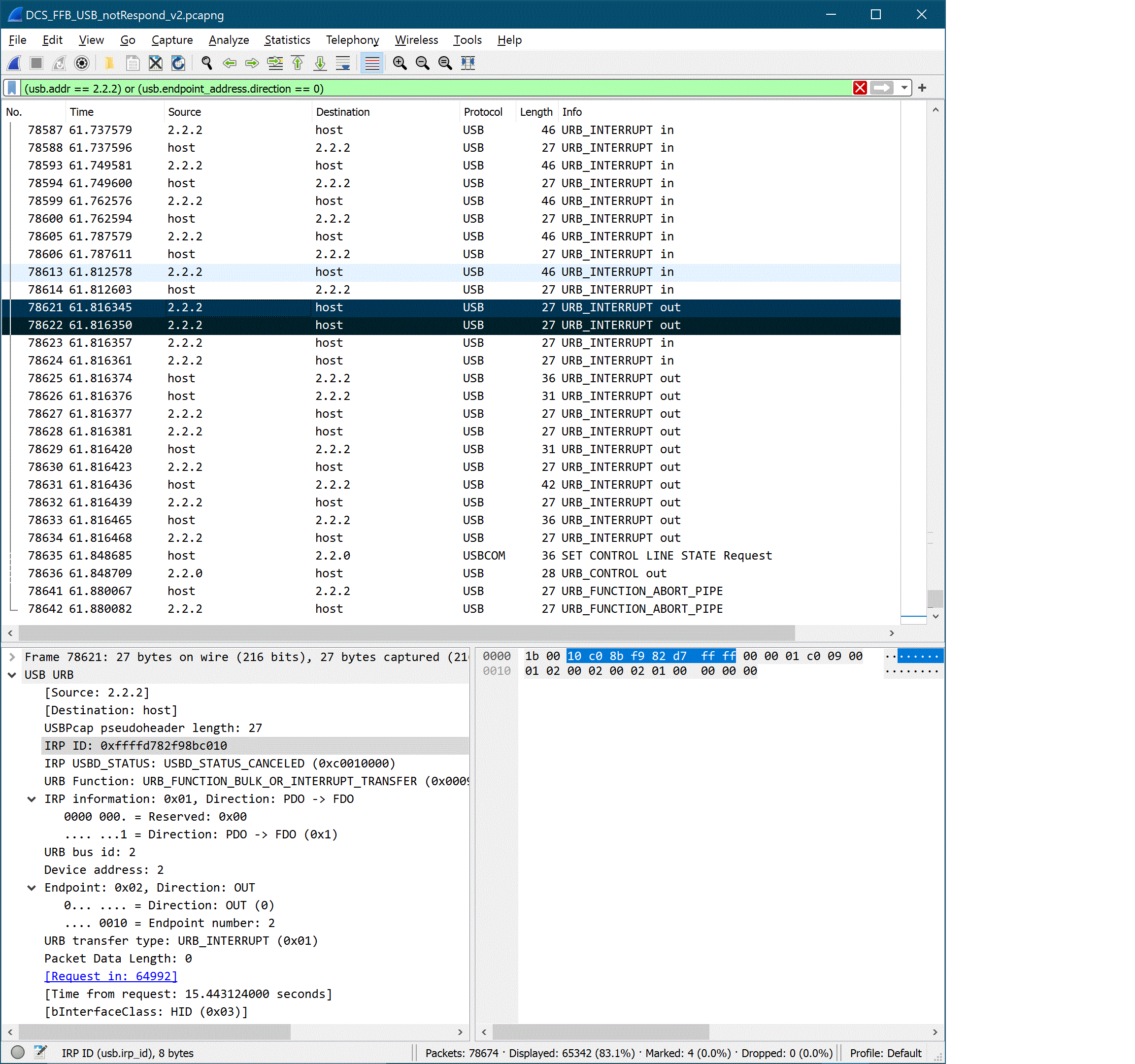
@walmis Hi, I'm still trying to debug the DCS freeze issue even though that I have improved all of the ground and power supply connections. The USB controller is now directly connected to a 24V lab power supply and the freeze issue still persists. I use a program called Wireshark to capture the USB traffic in order to understand the underline activities that cause DCS to freeze. I notice on the captured data that at some point the URB interrupt from the host (i.e. DCS) is not acknowledged by the USB controller. Maybe either something times out or prolonged waiting on the ACK causes DCS to hang. Funny enough, unplugging the USB cable to the USB controller after freezing forces the corresponding ACK's to be finally sent so these ACK's have been in the buffer all along and just didn't get sent timely. Have you seen anything like this before? Please refer to the screenshots and captured data for detail. The relevant data packets are:
USB Host to Stick URB_INTERRUPT 64992 46.373221 IRP ID:0xffffd782f98bc010 66728 47.427333 IRP ID:0xffffd782fe1196e0 USB Stick to Host URB_INTERRUPT 78621 61.816345 IRP ID:0xffffd782f98bc010 78622 61.816350 IRP ID:0xffffd782fe1196e0
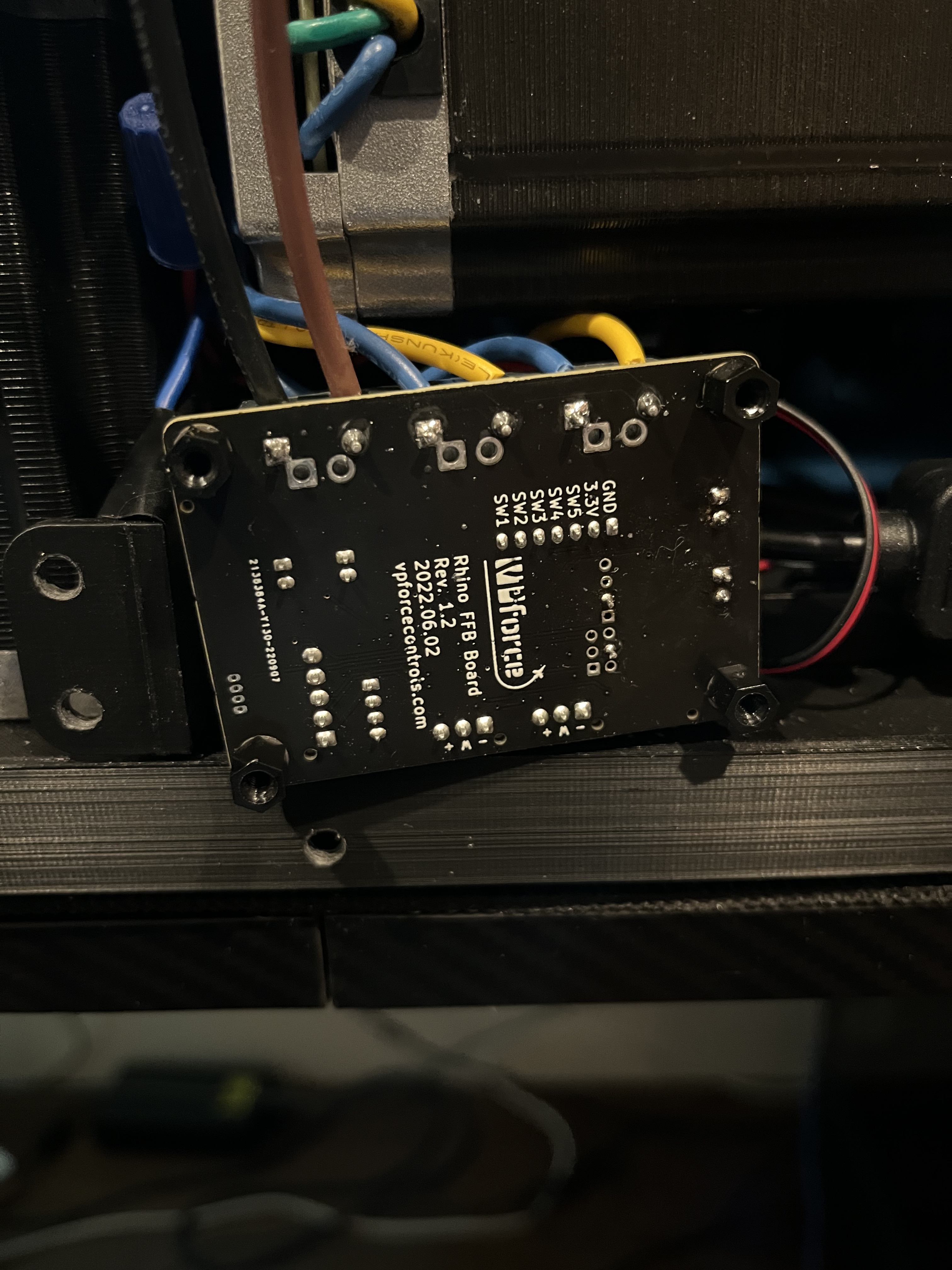
Ah Sh!t these USB issues are hard to debug. And yours is the first such case to my knowledge. Did you try running it through a usb hub? Also could you check the FFB board revision number for me?
I'm sorry to ruin your day. I'm like a magnet that seems to attract outliers. Anyway, I did try using a USB hub earlier as you suggested and observed pretty much the same freeze symptom. The revision of my Rhino FFB board is Rev. 1.2, dated 2022.06.02.
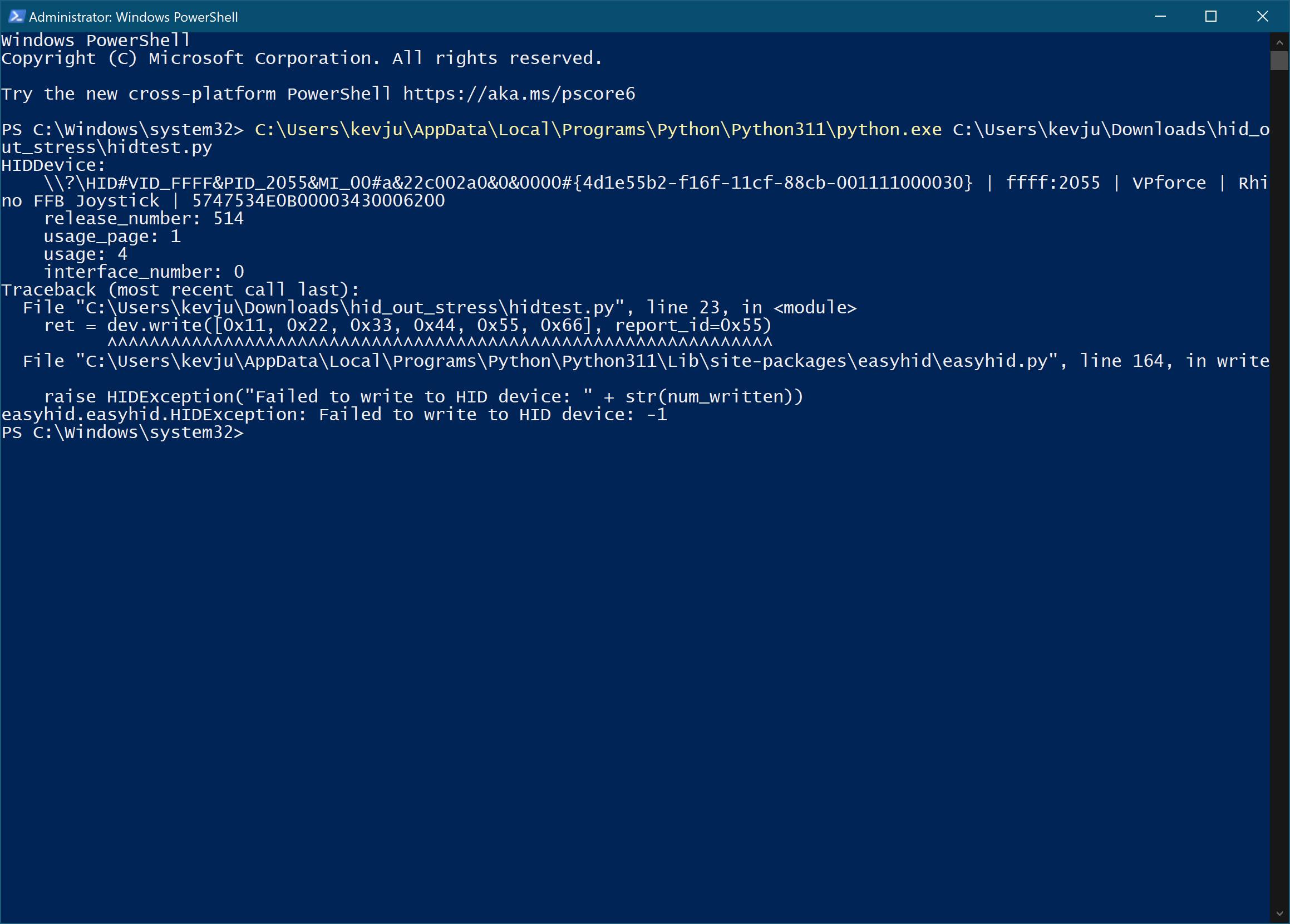
My motherboard provides USB 2.0, USB 3.2 Gen 1, and USB 3.2 Gen 2. So far, I only tried on multiple USB 3.2 Gen 1 ports and saw the issue. For some reason, I couldn't get your stress test program started. I kept getting this write error.
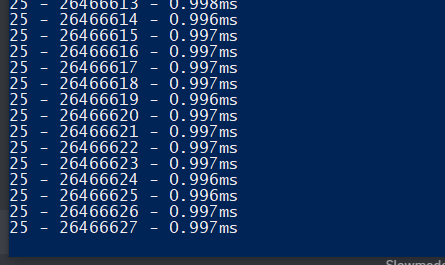
@walmis I got to play with your USB stress test program a bit more. I found out it could go for a long long time when the stick (i.e. motors) was not under any load. As soon as I moved the stick around, the USB error started to occur. Interestingly enough, the Wireshark capture shows the ACK from the endpoint was eventually sent but after 1 second instead of the typical 1 ms. The error check shows 'hid_write/WaitForSingleObject: (0x000003E5) Overlapped I/O operation is in progress.'. Apparently, time-out happens after the long wait, hence, the error. What do you think may cause this kind of delay in ACK from the endpoint?