Thank you for your response! My motherboard is AMD based Asus Tuf Gaming X570 Pro WiFi. I finally had a chance to do the same test on my Intel based laptop and could not reproduce the issue. I updated BIOS and AMD's chipset driver for Windows 10 to the latest and turned off all USB power/standby/sleep/selective suspend settings as you suggested. I still see the same issue. Unfortunately, my laptop is not powerful enough for gaming so I'm pretty much stuck. Where did you hear about this USB thing with AMD motherboards? Is it something that people complained a lot in the past?
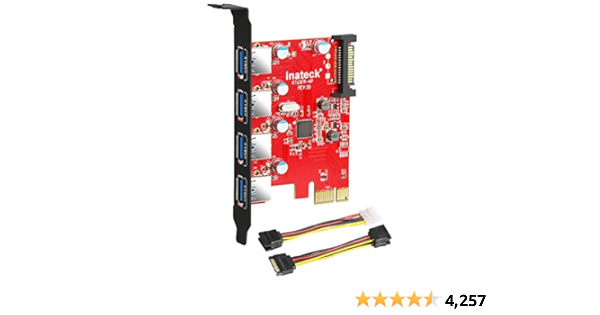
try out all the ports on the back of the motherboard, there are cpu ports and chipset ports. the faster ones like usb3.0 and usb c are generally the cpu ports, also the newer the port like if ts usb 3 gen 2 or somethingits more likelyto have better signal integrity then just a usb 3 or a usb 2. for some people this happens only cpu ports or mother board ports only and for others it happens on both
also try plug in all other usbs in the usb hub and plug in the rhino one alone in the best usb port on the back of your motherboard like usb c or the turquoise ports, those should be the best
try adding a faraday cage or some kind shielding around the rhino logic board so it doesnt get affected by the magnetic currents from all the other components
Wow, that's a lot to digest. I did update AMD's chipset driver to the latest and saw no improvement. I'll try one thing at a time as you suggested. I think it's pretty clear now that it has something to do with signal integrity.
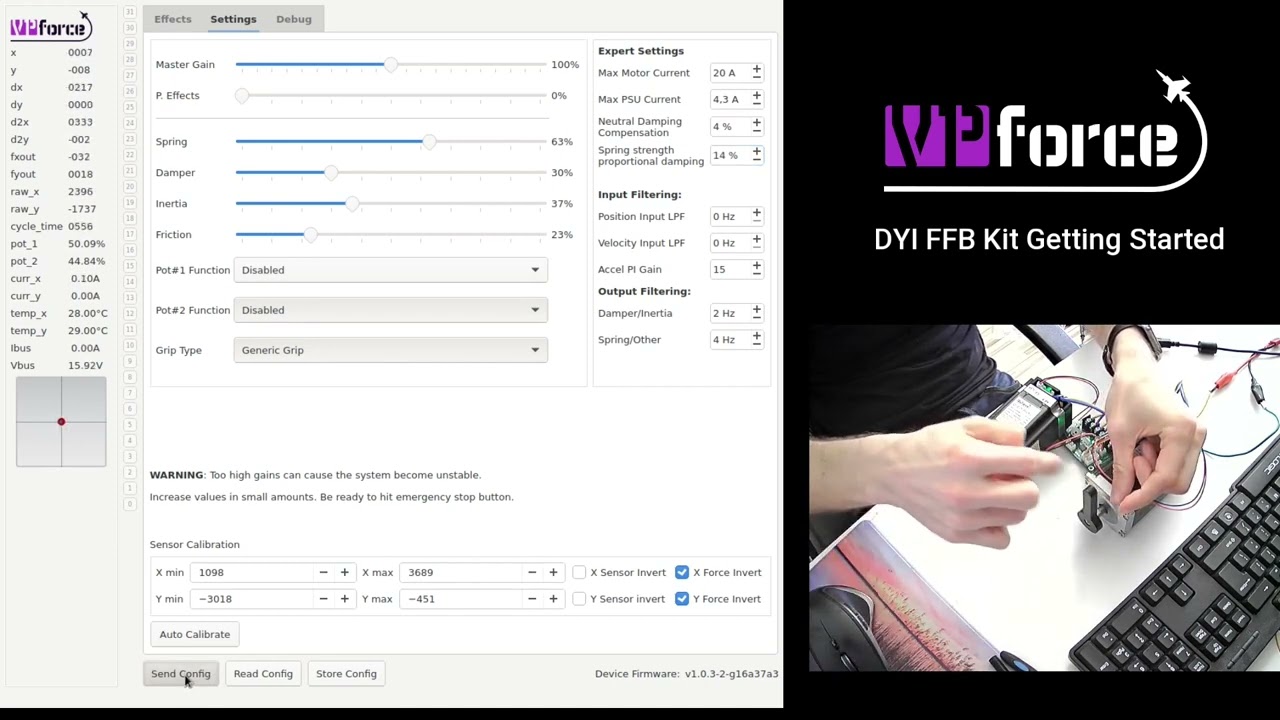
Hey sorry if I'm missing something obvious, but is there any documentation/tutorials of any kind to show me how to go about initial set up of the Rhino base?
This is a first introduction of the Rhino FFB system that will be available soon for purchase as a DYI kit. This system will enable enthusiasts to build a plug-an-play FFB joysticks with custom mechanics. Contact me for details if interested.