Hello everyone. I am Dr. Furkan Gözükara. PhD Computer Engineer. SECourses is a dedicated YouTube channel for the following topics : Tech, AI, News, Science, Robotics, Singularity, ComfyUI, SwarmUI, ML, Artificial Intelligence, Humanoid Robots, Wan 2.2, FLUX, Krea, Qwen Image, VLMs, Stable Diffusion
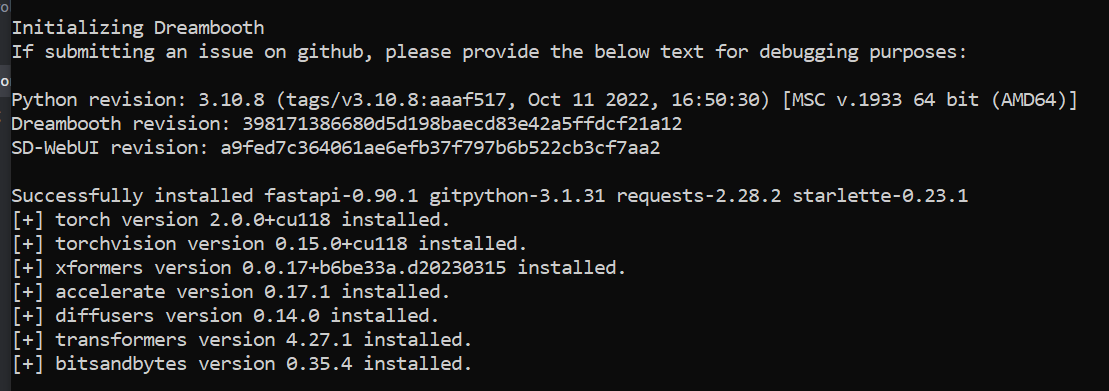
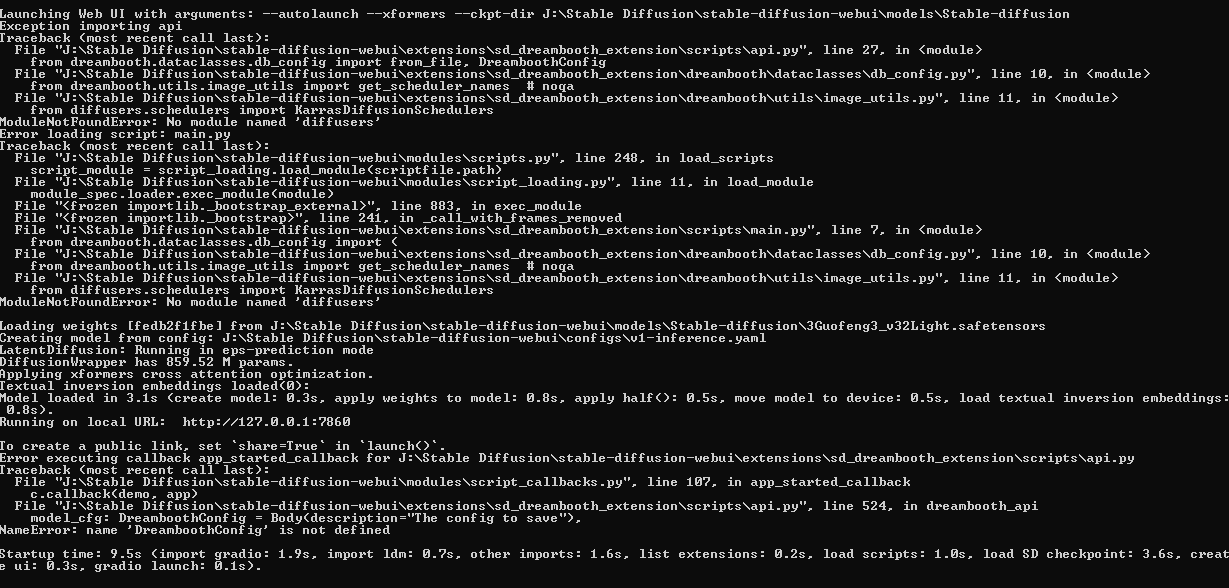
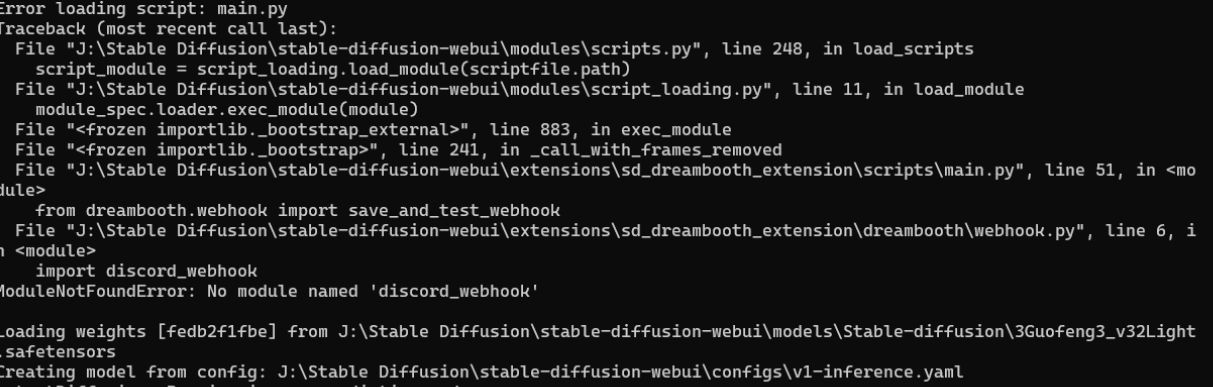
I seem to get loads of incompatible errors when installing torch 2. I have deleted the venv folder and set my requirements almost identical to yours (Some I don’t need) but still get these errors:
ERROR: pip's dependency resolver does not currently take into account all the packages that are installed. This behaviour is the source of the following dependency conflicts. xformers 0.017.dev476 requires torch==1.13.1, but you have torch 2.0.0+cu118 which is incompatible. open-clip-torch 2.7.0 requires protobuf==3.20.0, but you have protobuf 3.19.6 which is incompatible. clean-fid 0.1.29 requires requests 2.25.1, but you have requests 2.28.2 which is incompatible.
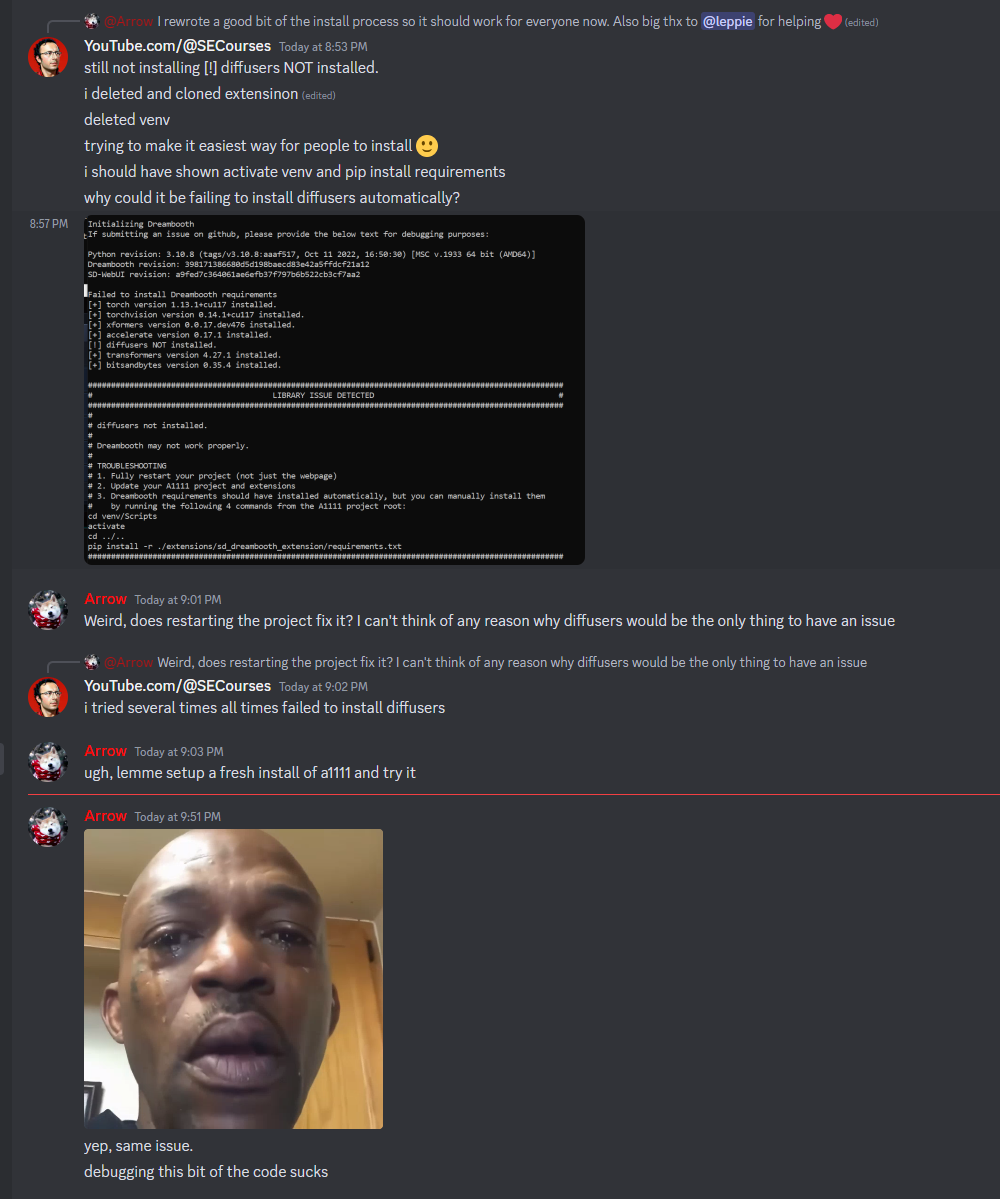
I would start again. Delete venv and Dreambooth extension folder. Use git clone to download Dreambooth extension fresh. Don’t bother doing it through the gui
I suggest you to do fresh installation of web ui. just install web ui as usual start it. then clone dreambooth and install dependencies manually like in gif. currently developer is working for a solution